

WikiFix for Confluence
WikiFix · Productivity · Business
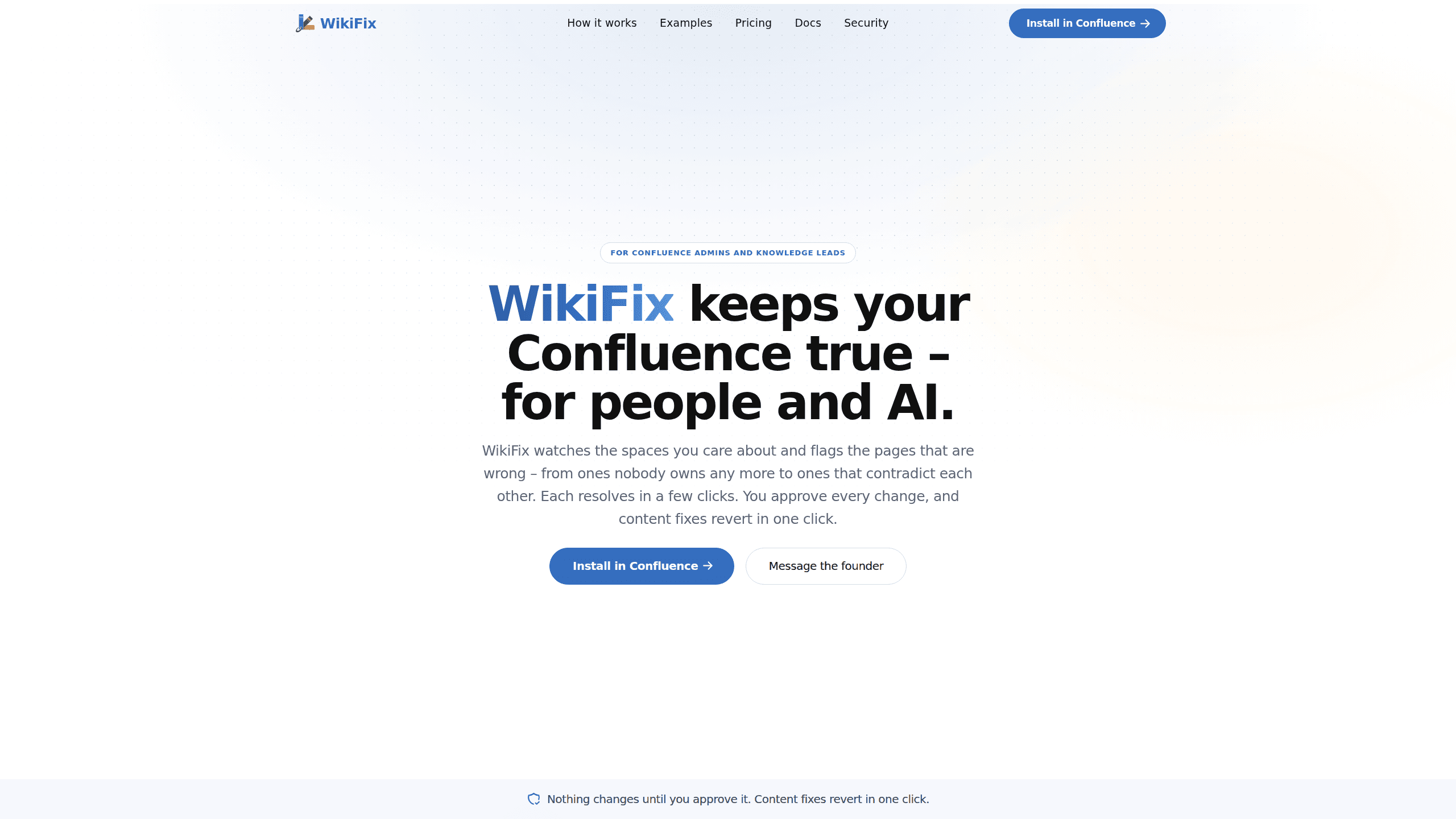
WikiFix for Confluence reads every page in your Confluence knowledge base and Notion workspace, finds the ones that contradict each other or lost their owner, and drafts fixes for you to approve.
About WikiFix for Confluence
What Is WikiFix for Confluence
WikiFix for Confluence is an app for Confluence Cloud that checks whether the pages in your wiki still agree with each other. It reads the content, groups pages that cover the same subject, and reports the ones that say different things. Then it writes the corrected text and waits for a person to approve it.
Most wiki maintenance tools tell you a page hasn't been edited in 14 months. That's a date, not a problem. A page edited yesterday can still be wrong, and a page untouched for two years can be perfectly accurate. WikiFix looks for disagreements instead: two pages describing the same refund policy with different numbers, one setup step written two ways, a duplicate page nobody merged, or a page whose owner left the company in 2024 and nobody noticed.
The scope has limits worth knowing before you install it. It runs on Confluence Cloud through Atlassian's Forge platform, so Data Center and Server installs are out. Notion works as a second source, and one scan can compare a Confluence page against a Notion page. Checking pages against a GitHub repo is on the roadmap but not shipped. The tool also judges content, not formatting, so broken macros and ugly tables aren't its job.
Getting Started
- Install WikiFix for Confluence from the Atlassian Marketplace, or sign up at app.wikifix.ai and create a team. Both routes start with $50 of scan credits.
- Open WikiFix Admin and connect your sources. An admin adds Notion workspaces and any additional Confluence sites, and shares only the pages the scan may read.
- Pick the spaces or pages you want checked and start a scan. It runs in the background and findings appear as they're found.
- Work through the findings. Each card quotes what every page says. Choose the version you trust and click Apply, or hand the decision to the page owner.
- Check the result. The edit lands as a normal page version by the person who approved it, and one click puts the page back the way it was.
Product Information
A quick look at WikiFix for Confluence's pricing, supported platforms, and performance.
Best for
The users, tasks, and scenarios where this tool fits best.
Users
- Documentation leads at companies with 50 to 500 staff
- Support and IT teams whose Confluence pages feed customer tickets
- Confluence admins running a mixed Confluence and Notion setup
Tasks
- A quarterly knowledge base audit
- Cleaning up after a reorg or layoffs
- Preparing for an AI assistant
Scenarios
- Two spaces describe the same API endpoint with different rate limits
- An engineer opens a page she owns and sees three open findings under it
- A migration deadline forces a cleanup
Key features
Contradiction Detection Across Spaces and Platforms
Most checks look inside a single space. WikiFix compares pages in the same space, pages in different spaces, and Confluence pages against Notion pages. What you get is the conflict a search box would serve to a reader as if both versions were true. On a wiki that feeds an AI assistant, that conflict is the thing turning into a bad answer.
Evidence Quoted on Every Finding
Each card shows the sentence from every page involved, quoted as written. You can settle most findings without opening a tab, which is the difference between a cleanup that happens and a report that gets filed. When the card isn't enough, it's specific enough to forward to whoever owns the topic.
Apply and Revert in One Click
WikiFix writes the replacement text before you decide, so approving is a review rather than an editing job. Pick the correct version and it rewrites every page that disagreed, recorded as an edit by your account inside Confluence's native page history. Revert restores the page exactly as it was. The one action that doesn't undo is owner reassignment, and the card says so before you click.
Rescans Only What Changed
After the first pass, a scan re-checks new and edited pages and reports what they broke. Unchanged pages cost nothing, which is why pricing is quoted per page checked rather than per seat. You review when there's something to review, not on a fixed calendar.
Owner Routing Instead of a Report Nobody Opens
Ask owner posts a regular Confluence comment that lays out what each page says and mentions the person responsible, so the decision lands in their notifications. Pages whose owner has left the company are collected separately for reassignment. That keeps a knowledge base audit from stalling on topics with no obvious owner.
Fixing From Inside the Page
Experts who already read a Confluence page see its open findings there and answer the ones they know. No dashboard to open, no handoff to a documentation team, and the fix propagates to every page that disagreed, including the Notion copies. The people with the answers usually never visit an audit tool, so bringing the findings to them is the only version that scales.
Pros and cons
Pros
- It targets disagreement rather than age, so you stop re-reading spaces that were fine all along.
- Findings arrive with the fix already written, and reverting a bad call takes one click.
- Cross-source scanning covers the Confluence and Notion split that many teams actually live with.
- Read-only until approval, edits attributed to the approving user, and content never used to train AI models.
- Unchanged pages are free, which keeps a large wiki from turning into a per-seat line item.
Cons
- Confluence Cloud only. Data Center and Server customers can't install it at all.
- No free plan. The $50 credit covers a pilot, then you're paying through Paddle or an Atlassian subscription.
- The check that would flag docs contradicted by a GitHub repo is still listed as coming soon.
- EU residency mode costs more credits per scan, and the default path sends one classifier step to the US.
Frequently asked questions
It's a Confluence Cloud app that reads your pages, finds the ones that contradict each other or have lost their owner, and drafts the correction. You approve each fix before anything changes, and the edit appears in page history as your own.
Related content
Explore related tools, skills, and articles for WikiFix for Confluence.
WikiFix for Confluence Alternatives

Base Code
Base44 (Wix) · Coding · ProductivityBase Code is a shared cloud development environment from Base44. Teammates describe changes to an existing GitHub codebase in chat, preview them live and send them back as pull requests.

Knocket
Knocket (Tencent RTC team) · Productivity · Business · ChatbotKnocket is a free live chat and contact page tool that lets visitors message you from your website, app, or a shareable link, with every reply handled from Telegram or one inbox.

FloorGen
Vinit Kumar (FloorGen) · Productivity · China AIFloorGen is a browser-based floor plan maker that turns a sentence or a sketch into an editable 2D plan and a 3D walkthrough. Export to PDF, DXF or video, and draw without an account.