

Willow
Willow · Productivity
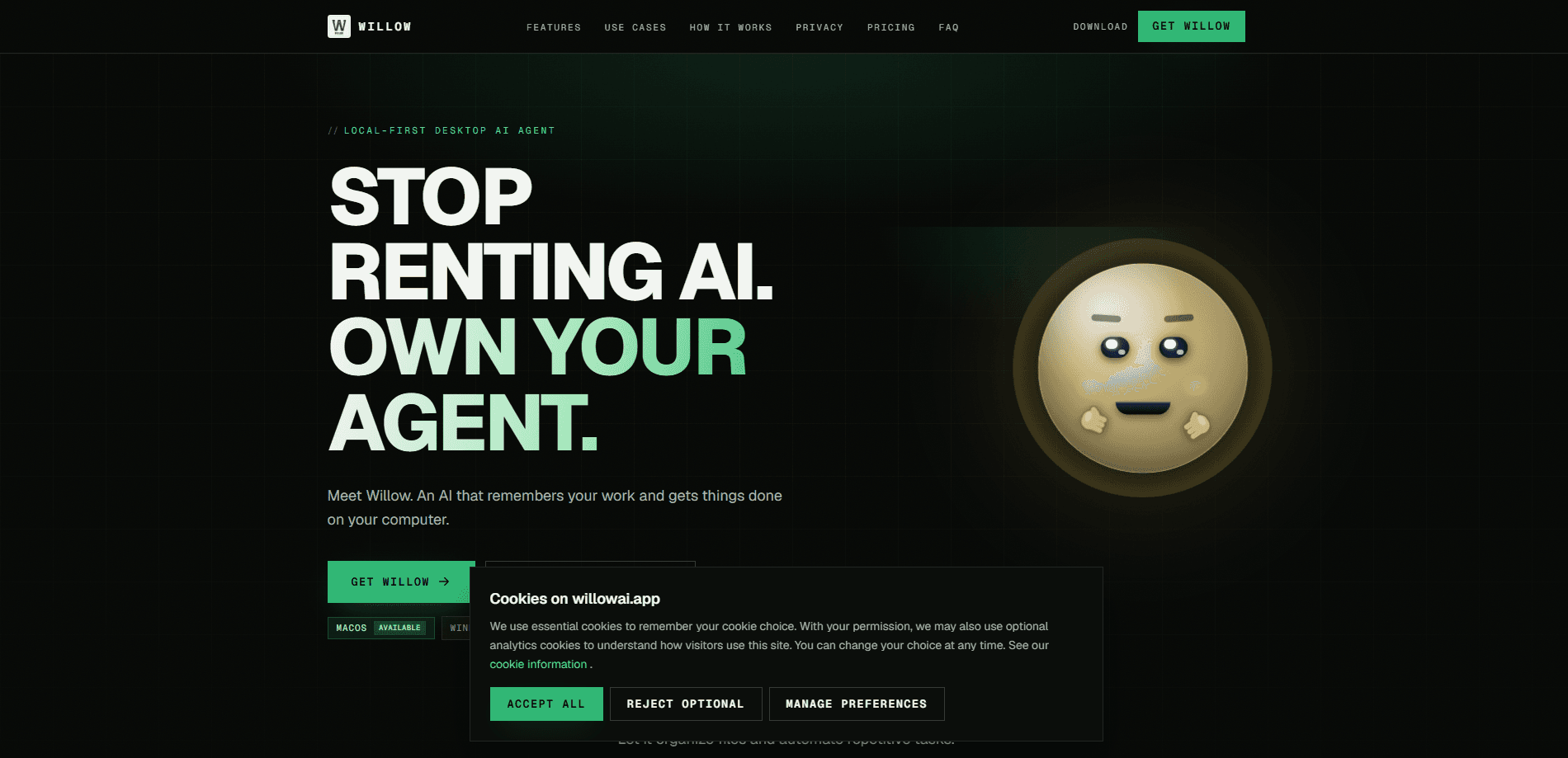
Willow is a local-first desktop AI agent that runs on your own machine and gets real work done instead of just chatting. It drives your browser and desktop, executes code safely in a sandbox, and keeps a memory of your projects in an Obsidian-compatible vault so it improves the longer you use it. So what makes it different? You bring your own cloud or local models, so your data stays on your device and you skip the subscription.
About Willow
What Is Willow
Willow is a desktop AI agent built for people who want an assistant that actually operates their computer. Instead of describing what you should do, it clicks, types, scrolls, and fills forms, then finishes multi-step jobs end to end. The agent loop, memory, and knowledge all run locally, so your files and messages don't leave the machine unless you send them to a model provider yourself.
The pitch is simple. Stop renting an AI you don't control. Willow plugs into the models you already pay for, including Anthropic, OpenAI, and Google Gemini, or runs fully offline through Ollama. That means you pay providers directly with no markup rather than paying a middle layer for access.
The main catch is platform support. Willow is available on macOS today, while Windows and Linux are listed as "coming soon," so anyone on those systems has to wait. It also expects you to understand basic model setup, since bringing your own models means bringing your own keys.
Getting Started
- Download Willow from the official site and install the macOS app.
- Grant the permissions it needs, such as accessibility and screen access, so it can control your apps.
- Connect a model provider like Anthropic, OpenAI, or Gemini, or point it at a local model through Ollama.
- Ask Willow a task in plain language, for example organizing your Downloads folder by project.
- Review its work as it runs, and adjust the safety settings if you want it to act without asking first.
Setup takes minutes, but the payoff grows over weeks as Willow learns the shape of your work and the tools you rely on every single day.
Product Information
A quick look at Willow's pricing, supported platforms, and performance.
Best for
The users, tasks, and scenarios where this tool fits best.
Users
- Founders and operators
- Developers and builders
- Researchers and students
- Consultants and freelancers
Tasks
- Browser and desktop automation
- File organization
- Meeting capture and summaries
- Scheduled background work
Scenarios
- Cleaning up a messy Downloads folder without renaming hundreds of files by hand.
- Drafting replies to inbox threads while you focus on bigger decisions.
- Checking dependencies for breaking changes and pulling the upgrade notes into your notes vault.
Key features
Local-First Architecture
The agent loop, memory, and knowledge index all run on your machine. Your files and messages stay on the device unless you hand them to the model provider you chose. For anyone handling sensitive documents, that's the whole reason to pick Willow over a cloud agent. No uploads. No cloud copy of your work.
Bring Your Own Models
Willow connects to Anthropic, OpenAI, Google Gemini, Mistral, Groq, and LiteLLM, and it can run fully offline through Ollama. You switch between cloud and local models per task, and you pay providers directly with no markup. No single vendor lock-in, and no bundled token fees.
Desktop and Browser Control
Willow drives your browser and desktop rather than sitting in a chat window. It clicks, types, scrolls, fills forms, and runs sandboxed code to finish jobs end to end. If a task needs several steps across different apps, it works through them instead of stopping at step one. Most chat tools quit after the first reply.
On-Device Memory and Obsidian Vault
It keeps a local vector memory plus an Obsidian-compatible Markdown vault, so it remembers what you worked on and builds up usable notes over time. Ask it what you did yesterday and it can tell you. The vault is plain Markdown, which means your notes stay readable and portable.
Background and Scheduled Work
Proactive discovery watches your mail, calendar, and vault, while scheduled workflows run agent tasks on your clock. Meetings, voice, and screen context keep it aware of what you're doing. The result is an assistant that does prep work before you ask. It runs while you do something else.
Skills and MCP Support
Willow supports skills and the Model Context Protocol, so you can extend what it can reach beyond its built-in tools. That opens the door to custom workflows and third-party integrations without waiting on the core team.
Cross-App Task Execution
Because it operates at the desktop level, Willow moves between apps that don't normally talk to each other, reading from one tool and writing the result into another without you copying anything by hand. A single instruction can span a browser, a spreadsheet, and a notes vault in the same run. It's the difference between an assistant that summarizes and one that ships the change.
Pros and cons
Pros
- Runs locally, so your data and memory stay on your own machine.
- Works with the models you already pay for, with no subscription markup.
- Handles real multi-step automation across browser and desktop apps, which means it can finish a job that spans several tools without you babysitting every click.
- Memory and vault get more useful the longer you use it, because the agent keeps learning the way you organize projects and the tools you return to.
Cons
- macOS only right now, with Windows and Linux still listed as coming soon, so anyone on those platforms has to wait until the team ships support.
- Needs basic setup knowledge, since you supply your own model keys.
- Some features depend on broad system permissions like screen and mail access.
- Background discovery can feel intrusive if you don't tune what it watches.
Frequently asked questions
Willow is a desktop AI agent that automates everyday computer work, from organizing files and filling web forms to capturing meetings and drafting replies. It's built for people who want tasks handled, not just explained. That's the core idea.
Related content
Explore related tools, skills, and articles for Willow.
Willow Alternatives

Base Code
Base44 (Wix) · Coding · ProductivityBase Code is a shared cloud development environment from Base44. Teammates describe changes to an existing GitHub codebase in chat, preview them live and send them back as pull requests.

Knocket
Knocket (Tencent RTC team) · Productivity · Business · ChatbotKnocket is a free live chat and contact page tool that lets visitors message you from your website, app, or a shareable link, with every reply handled from Telegram or one inbox.

FloorGen
Vinit Kumar (FloorGen) · Productivity · China AIFloorGen is a browser-based floor plan maker that turns a sentence or a sketch into an editable 2D plan and a 3D walkthrough. Export to PDF, DXF or video, and draw without an account.