

WingAI: Your AI Wingman
Ignition Dating LLC · AI Assistant
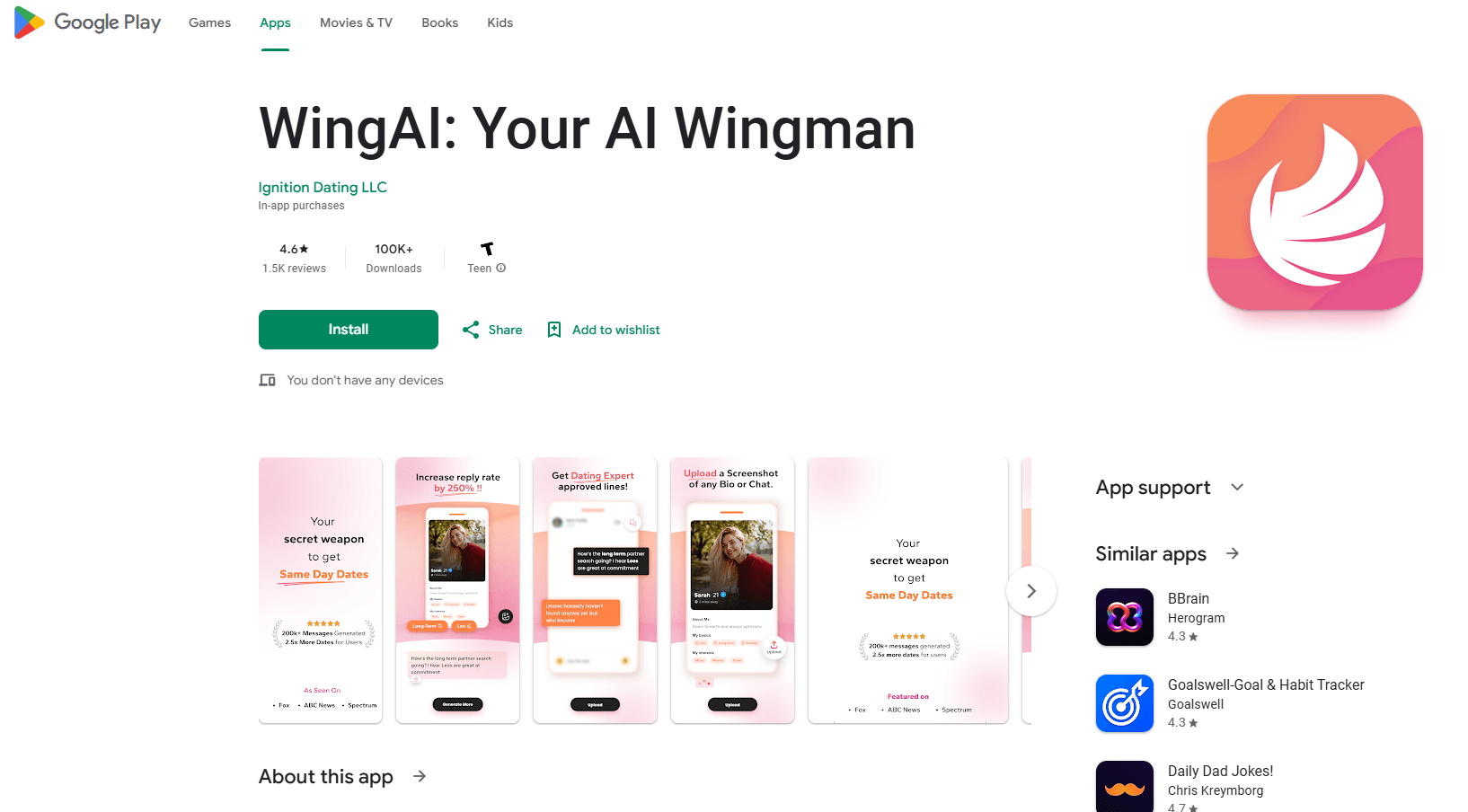
WingAI: Your AI Wingman is an AI dating assistant for Android that turns chat screenshots into clever, flirty replies across Tinder, Hinge, Bumble, and more.
About WingAI: Your AI Wingman
What Is WingAI: Your AI Wingman
WingAI is an Android app built by Ignition Dating LLC for people who freeze up when it's time to send the first message. You screenshot a match's bio or an active chat, the app reads both the text and the photo, and it hands you a reply you can send as-is or tweak. That covers the awkward stretch where most conversations die.
The pitch is simple: your words, just sharper. The developer says its generated openers pull more than twice the response rate of typical lines, based on tests it ran on 91,600 messages that compared generic pickups against everything WingAI wrote. Take that number as the company's own claim, not an independent result.
The catch is the paywall. After a short tryout, WingAI pushes you into a subscription, and a fair number of Play Store reviews complain about that. Is there a free version? Not really. There's no free tier once the trial ends, so budget for it before you commit.
Getting Started
- Install WingAI: Your AI Wingman from Google Play and create an account.
- Pick a plan during onboarding; eligible new users get a short trial first.
- Screenshot a match's bio or a live chat, keeping some text in the frame.
- Upload the screenshot and let the app write a reply.
- Tap Generate More for extra lines, then copy the one you like into your dating app.
Product Information
A quick look at WingAI: Your AI Wingman's pricing, supported platforms, and performance.
Best for
The users, tasks, and scenarios where this tool fits best.
Users
- Busy professionals who match often but stall on opening lines
- People new to dating apps who want a starting point
- Non-native English speakers chatting on US-based apps
Tasks
- Writing a first message from a bio
- Reviving a chat that went quiet
- Rewriting a message that felt flat
Scenarios
- Swiping at night on Tinder or Hinge
- Messaging someone whose profile photo carries the joke
- Keeping several conversations alive at once
Key features
Screenshot-Based Reply Generation
The core loop is a screenshot. Capture the chat or bio, upload it, and WingAI writes a reply within moments. It works as a dating app reply tool for any chat app that shows text and images, so you're not locked into one platform.
Image and Text Recognition
WingAI reads the words in a screenshot and also picks up on what's happening in the photo. That matters when a profile is mostly pictures with a throwaway caption. Point it at the image, and it'll find something to say. That's the AI rizz the developer keeps talking about.
Multiple Message Options
A single reply is rarely the one. Tap Generate More and the app stacks up alternatives, so you can compare tone and pick the line that fits. It works like a flirty message generator that keeps producing until one clicks. Useful when the first suggestion feels too generic.
Bio and Opening Line Suggestions
Beyond live chats, the app analyzes a match's bio and suggests a dating app opener before you even start talking. This is aimed at the blank-page problem. You've matched, and you've got nothing to say. WingAI fills the gap.
Conversation Tuning
Once a chat is moving, WingAI keeps pace by reading the back-and-forth and crafting responses that match the vibe. The developer describes it as an AI that reads the chat rather than firing one-line pickups, and while that's mostly marketing, the screenshot-plus-context approach does give it more to work with than a blank prompt box would.
Plans for Different Needs
Pricing runs from a weekly Pro option up to an annual Ultimate tier that bundles a profile review and a coaching call, with a Premium annual plan sitting in the middle. Higher tiers add priority support and dating-expert action plans on top of the core generator. Most casual users will do fine on the cheapest tier.
Pros and cons
Pros
- Turns a screenshot into a usable reply in seconds, no typing from scratch.
- Works across Tinder, Hinge, Bumble, and other apps since it only needs an image.
- Reads photos as well as text, so image-heavy profiles aren't dead ends.
- Generate More gives several options per prompt, so you're not stuck with one line.
Cons
- No free tier; after the trial you're pushed into a subscription, which many reviews call out.
- Weekly pricing adds up fast if you use it regularly.
- Suggested replies can miss context or assume things about you, as some reviewers report.
- It's Android only, so iPhone users are out of luck.
Frequently asked questions
It reads screenshots of dating app chats or profiles and writes reply suggestions you can send or edit. You upload the image, and the app generates lines in seconds.
Related content
Explore related tools, skills, and articles for WingAI: Your AI Wingman.
WingAI: Your AI Wingman Alternatives
Agibot
Agibot · Productivity · AI Assistant · ChatbotAgibot is a personal AI agent for Mac that keeps running after you close the window, runs routines on a schedule, and works from Telegram or Slack with your own API keys.

Foley
Hanamori Labs, LLC · Voice & Language · Productivity · AI AssistantFoley is a voice to-do list that turns a spoken sentence into a filed task, complete with project, date and time, then helps you plan the day around what is already there.

Ghost Core
Ghost · Productivity · AI AssistantGhost Core is a $3,499 screenless personal AI computer that runs local AI models on its own hardware, builds context from your apps and devices, and acts without waiting for a prompt.