

Winkit - AI Video Enhancer
Meitu, Inc. · Image · Video
Winkit is Meitu's browser based AI video enhancer and photo editor that upscales low quality clips to 4K, removes unwanted objects, and retouches faces in a few clicks.
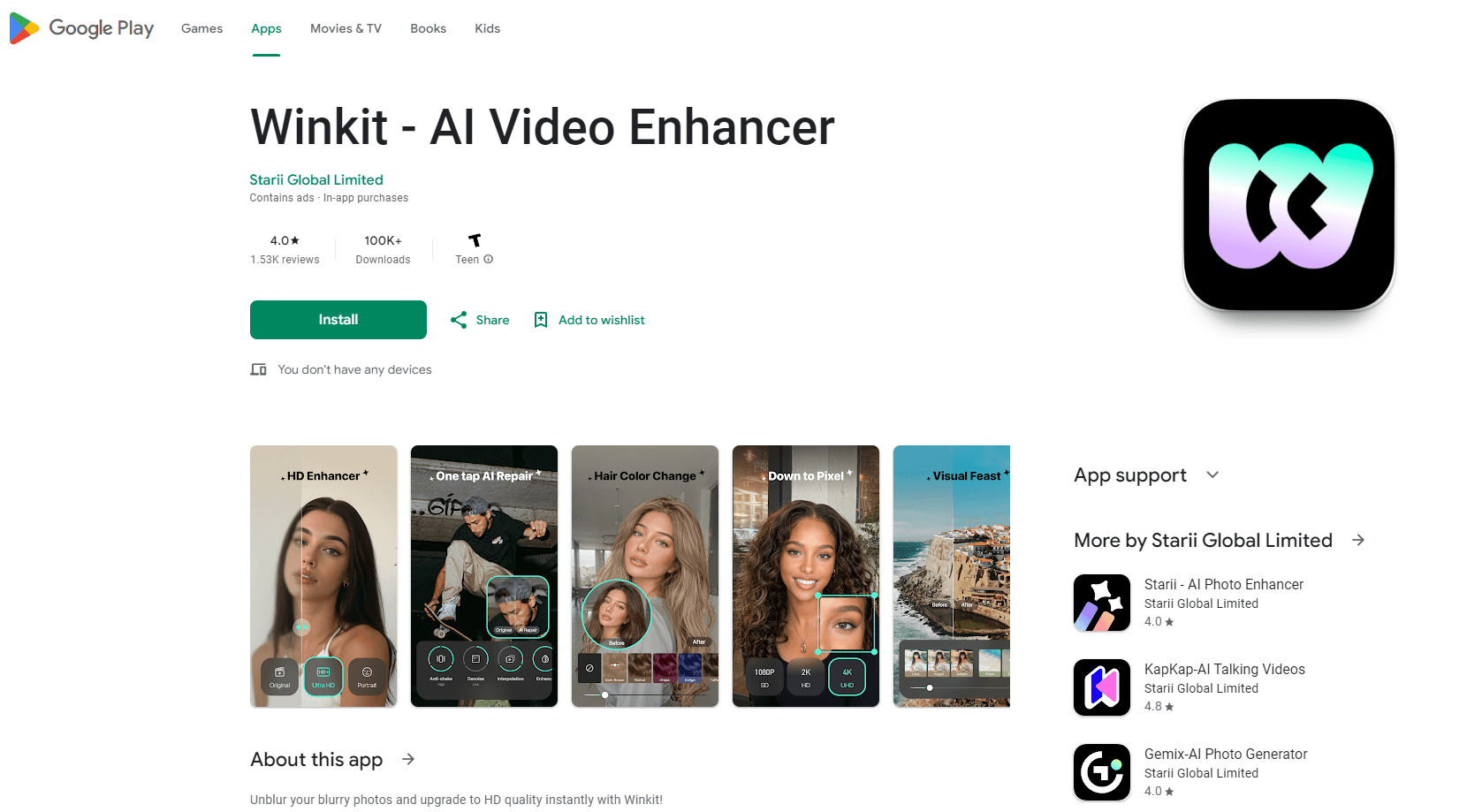
About Winkit - AI Video Enhancer
What Is Winkit
Winkit is the web edition of Wink, the cleanup app Meitu built for people who shoot on phones. You upload a clip or a photo, pick a repair model, and the service rebuilds detail the original camera never captured. No timeline, no keyframes, no plugins.
The pitch is narrow and practical. Old family tapes, night market footage, shaky concert clips, and compressed downloads all fail the same way: the pixels are gone. Winkit guesses the missing pixels from what's left. It also handles the retouching work creators normally pay an editor for, including skin smoothing, teeth whitening, and body shaping.
Two limits matter before you spend anything. Processing runs in the cloud, so a long 4K file takes time and needs a steady connection. The models also lean on common subjects like faces, game captures, and anime, which means unusual footage can come back looking waxy.
Getting Started
- Open winkit.com and sign in with an email address or a social account.
- Upload a video or a photo, then drop it into the workspace.
- Pick a scene model such as Portrait, Game, or Anime, and set the repair strength.
- Preview the frame, switch models if the result looks off, then export at your target resolution.
Product Information
A quick look at Winkit - AI Video Enhancer's pricing, supported platforms, and performance.
Best for
The users, tasks, and scenarios where this tool fits best.
Users
- Phone first creators
- Families digitizing old tapes
- Social media editors
Tasks
- Repairing blurry or noisy clips
- 4K upscaling for old footage
- Removing a stray object
- Face retouching in talking head videos
Scenarios
- Prepping a travel vlog shot after dark
- Reviving a concert recording
- Cleaning product footage for a store page
Key features
AI Video Upscaling to 4K
The video upscaler takes 480p and 720p sources and rebuilds them at up to 4K. It reconstructs texture rather than stretching pixels, so faces and fabric keep a believable edge. You control how aggressive the pass is, which matters when the source is already soft.
Scene Specific Repair Models
Winkit ships separate models for portraits, games, anime, night shots, and old photo restoration. Picking the right one changes the result more than any slider. A game capture run through the portrait model looks worse than the untouched file, so the choice is not cosmetic.
AI Object Remover
The AI object remover erases an unwanted element and fills the gap with surrounding texture. It works on photos and on video frames, which is rare at this price level. Fast camera moves still break the illusion, so locked off shots give the cleanest result.
Face and Body Retouching
Video retouching covers skin smoothing, wrinkle and eye bag softening, teeth whitening, hair color previews, and body shaping. Edits apply to the whole clip or to a single segment. The tool detects separate faces in a group shot, so a group video doesn't get one uniform filter across everyone.
AI Video Creation Styles
A style transfer pass turns ordinary footage into anime, clay, or 3D looks in a few minutes. Output is aimed at short form feeds rather than film work. It's the fastest way to test whether a visual hook lands before you shoot more.
Batch Processing and Online Workflow
You can queue several videos and photos in one session and export them together. Everything runs in the browser as an online video editor, so a Chromebook handles the same job as a laptop. No install, no GPU, no driver updates.
Pros and cons
Pros
- Runs in a browser, so it works on machines that can't install a desktop editor.
- Dedicated scene models beat a single generic upscaler on anime, game footage, and night clips.
- Object removal and face retouching sit in the same workspace as the upscale pass.
- Strength controls keep results from looking over sharpened on already decent footage.
- Batch export saves real time on a folder of short clips.
Cons
- Cloud processing means long 4K files wait in a queue, and a dropped connection kills the job.
- Free credits run out fast, so a serious project pushes you into a paid plan early.
- Heavy repair on damaged or very low resolution footage produces waxy skin and smeared backgrounds.
- No API, which rules it out for teams that need to plug enhancement into their own pipeline.
Frequently asked questions
Winkit repairs and enlarges video and photos with AI. It upscales resolution, cuts noise, removes objects, and retouches faces, all from a browser tab.
Related content
Explore related tools, skills, and articles for Winkit - AI Video Enhancer.
Winkit - AI Video Enhancer Alternatives

Google EmbeddingGemma 2
Google DeepMind · Writing · Image · CodingGoogle EmbeddingGemma 2 is a 740M-parameter open model that turns text, code, images, audio, and video frames into vectors in one 768-dimension space, running on phones and laptops.

Tractionwave
TractionWave · Image · MarketingTractionWave is an AI attention heatmap tool for static ads. Upload a PNG or JPG and it returns predicted attention, ranked hotspots, and fixes before you spend budget.

Imejis.io
Imejis.io · Image · MarketingImejis.io is an AI design studio for agents and marketing teams. Describe an image in plain words, and it writes the copy, builds the layout, reflows it to every size, then exports a finished file.