
Wonder AI Art Generator
Codeway (DEEP FLOW SOFTWARE SERVICES - FZCO) · Image
Wonder AI Art Generator turns short prompts into finished artwork in seconds, with 40+ art styles, Flux and Stable Diffusion XL models, and free web, iOS and Android apps.
About Wonder AI Art Generator
What Is Wonder AI Art Generator
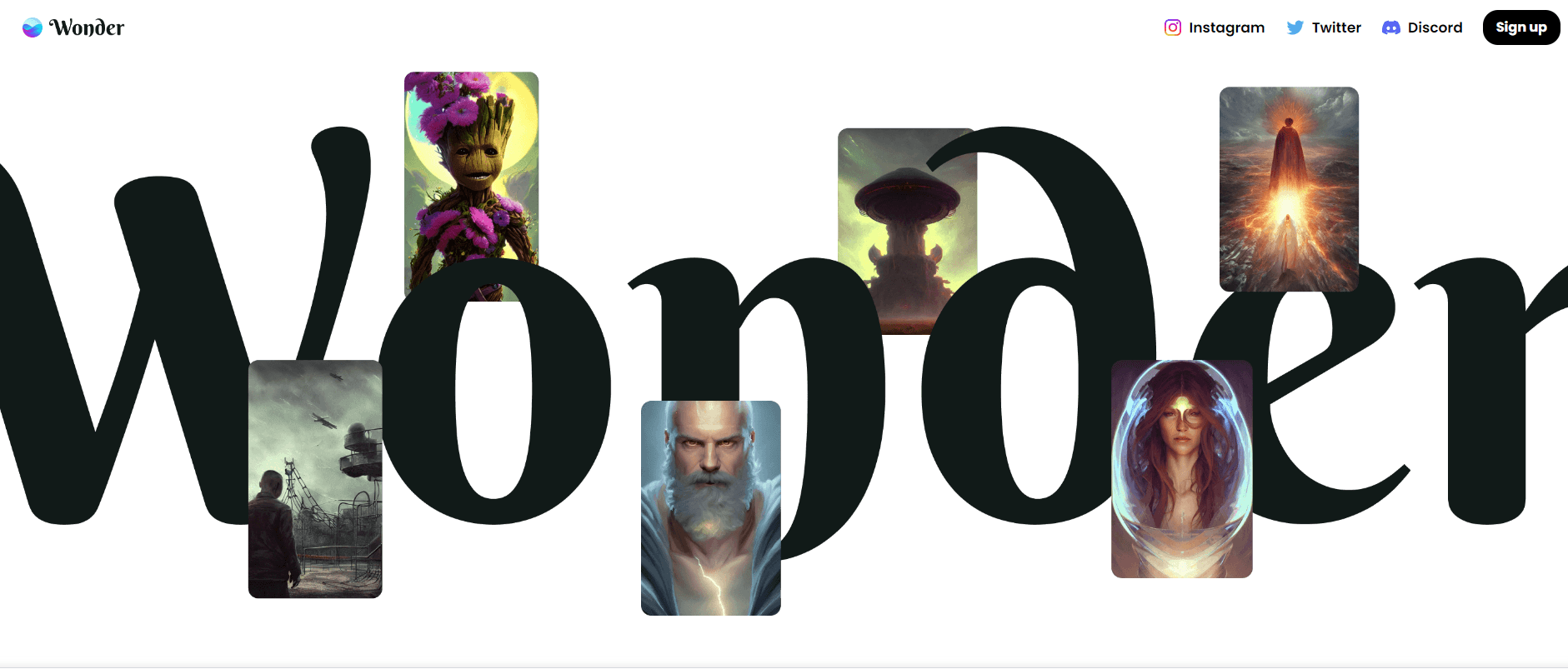
Wonder AI Art Generator is a consumer image tool from Codeway, the studio behind several mainstream AI apps. You type a sentence, pick a look, and get a finished picture back in a few seconds. The company says more than 36 million people have used it since the app arrived in 2022.
The text to image app runs as a phone app on iOS and Android and as a browser tool on wonderai.app. Prompts can be plain descriptions, song lyrics, or odd word pairs like "haunted cornfield." The generator leans on Flux and Stable Diffusion XL, so output quality sits close to what you get from dedicated AI art services, without a desktop install or a GPU.
The catch is control. Wonder is built for speed, not for retouching. There are no layers, masks, or seed locks in the consumer flow, and fine detail on hands or text still breaks down on harder prompts. Heavy users also run into credit limits and end up on a subscription.
Getting Started
- Open wonderai.app or install the Wonder app for iOS or Android, then sign up with an email address.
- Write a prompt, or borrow one of the suggested ideas if you'd rather start from a template.
- Pick one of the art styles, or skip styling and let the model work from the prompt alone.
- Hit create, wait a few seconds, then save the image to your device or share it to the community feed.
Product Information
A quick look at Wonder AI Art Generator's pricing, supported platforms, and performance.
Best for
The users, tasks, and scenarios where this tool fits best.
Users
- Casual creators who post art to social feeds
- People testing tattoo ideas
- Small business owners sketching a brand
Tasks
- Turning a lyric, poem, or inside joke into a poster
- Drafting tattoo concepts
- Roughing out logo directions
- Making wallpapers and lock screens
Scenarios
- A commute with only a phone in hand
- A content calendar with no photo shoot budget
- Early mood boarding for a personal project
Key features
Text to Image Generation on Flux and Stable Diffusion XL
Wonder builds images from text with two model families, Flux and Stable Diffusion XL. Flux handles prompt wording and text rendering better, while SDXL brings a painterly look that suits fantasy and portrait work. You pick the model and the style, then the ai image generator returns a set of variations from the same prompt.
More Than 40 Art Styles
The style list covers anime, cubism, baroque painting, synthwave landscapes, steampunk, and a few dozen others. Styles act as a shortcut for art direction: instead of describing lighting and brushwork, you tap a preset and the model applies it. Keeping the style off is also an option when you want the raw prompt to drive the result.
Style and Concept Blending
Prompts can combine subjects, moods, and visual references in one line, which is how most people get past generic output. A prompt like "a flaming ocean under a baroque sky" pushes the ai art generator into territory a single style preset can't reach. Blending is done in text, so the skill you build is prompt writing, not menu navigation.
AI Tattoo Designer
The ai tattoo generator is aimed at people who want a design reference without booking a consultation first. It returns line art and shaded concepts across styles, and you can rerun the same prompt until the composition works. Expect to hand the result to a tattoo artist for cleanup, since skin placement and line weight still need a human pass.
AI Logo Maker
The ai logo maker generates mark-style concepts from a brand description. It's a fast way to see whether a name reads better as a wordmark, an icon, or a badge. Output is raster art, so a final logo still needs vector redrawing before print or signage.
Apps for Web, iOS and Android With a Community Feed
The same account works on the web app and the mobile apps, so a prompt started on a laptop can be finished on a phone. A built-in feed shows public creations from other users, which doubles as a style reference when you're stuck. Downloads go straight to your camera roll or desktop.
Pros and cons
Pros
- Fast turnaround: most prompts return a usable image in seconds, which keeps ideation moving.
- Wide style range: 40+ presets cover anime, painting, and retro-futurist looks without prompt engineering.
- Low entry cost: the free tier and a $0.99 floor on in-app purchases let you test the tool before committing.
- Phone-first design: the iOS and Android apps handle the full flow, so you don't need a desktop.
- Two model families: Flux and SDXL give you a realistic option and a stylized option on the same prompt.
Cons
- Credit limits bite on long sessions, and the premium tiers run up to $39.99 for a lifetime unlock.
- No layer, mask, or seed control, so fixing one detail usually means rerolling the whole image.
- Small text and hands still fail on complex prompts, which rules out detailed posters and infographics.
- No documented public API, so teams that want automated generation have to look elsewhere.
Frequently asked questions
It turns written prompts into images: wallpapers, character art, tattoo references, logo sketches, and social posts. Most people use it as a fast sketchpad for visual ideas rather than a production design tool.
Related content
Explore related tools, skills, and articles for Wonder AI Art Generator.
Wonder AI Art Generator Alternatives

Google EmbeddingGemma 2
Google DeepMind · Writing · Image · CodingGoogle EmbeddingGemma 2 is a 740M-parameter open model that turns text, code, images, audio, and video frames into vectors in one 768-dimension space, running on phones and laptops.

Tractionwave
TractionWave · Image · MarketingTractionWave is an AI attention heatmap tool for static ads. Upload a PNG or JPG and it returns predicted attention, ranked hotspots, and fixes before you spend budget.

Imejis.io
Imejis.io · Image · MarketingImejis.io is an AI design studio for agents and marketing teams. Describe an image in plain words, and it writes the copy, builds the layout, reflows it to every size, then exports a finished file.