
Wondershare Com
Wondershare · Image · Video
Wondershare Com is the home base for a broad family of AI-assisted creative and productivity software, covering video editing, PDF work, diagramming, mind mapping, and data recovery. Rather than one single app, it links products like Filmora, PDFelement, EdrawMax, and Recoverit under a shared account and store. It suits creators, students, and small teams who want capable tools without stitching together five different vendors. One creative software suite, many apps.
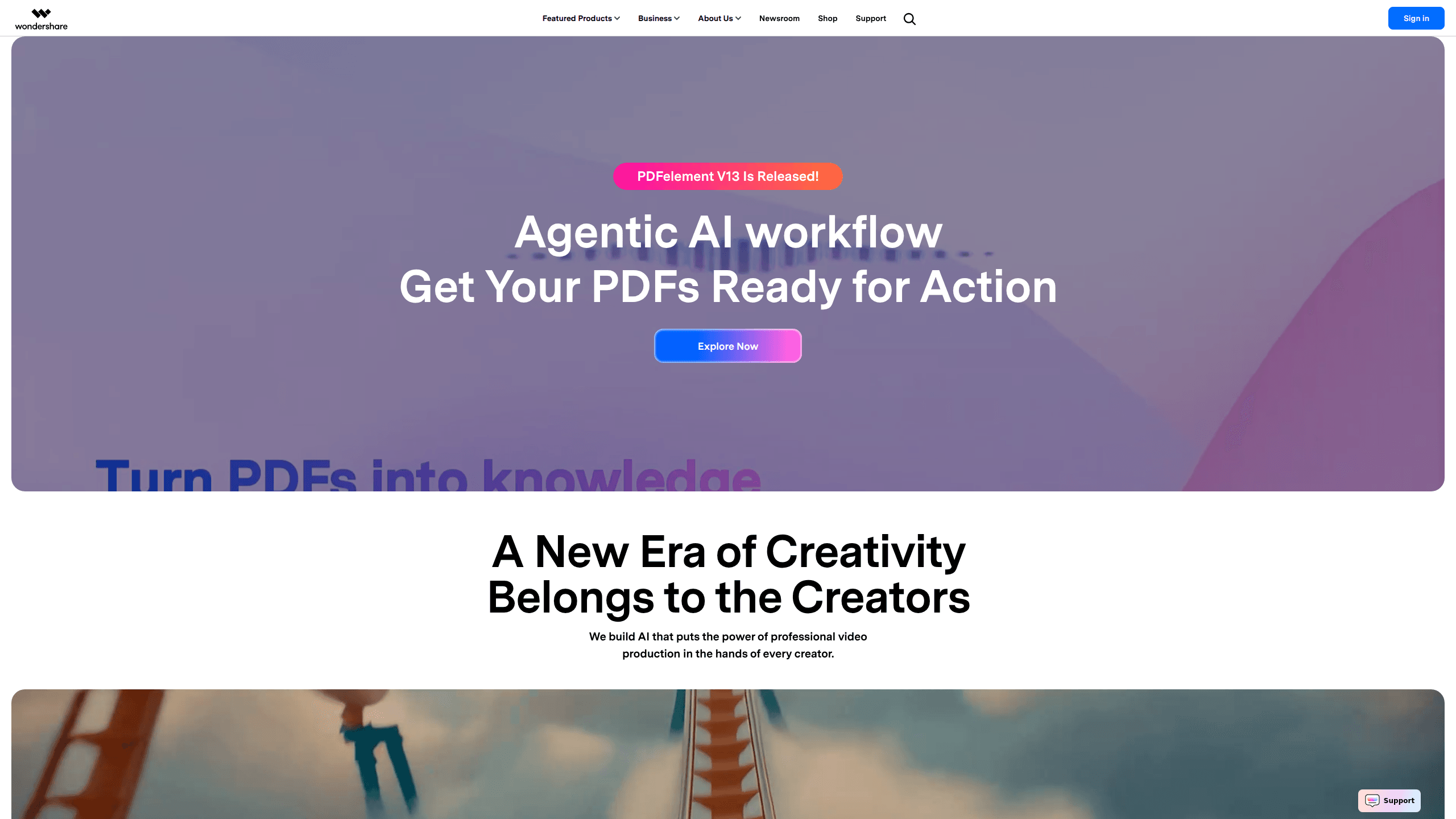
About Wondershare Com
What Is Wondershare Com
Wondershare Com is the umbrella site for Wondershare, a software company that has been building consumer and business tools since 2003, and the platform bundles video, document, diagram, and data products into one place where most of them now lean on AI for tasks that used to take hours of manual work.
The core appeal is breadth. You can edit a video with Filmora, tidy a PDF with PDFelement, sketch a flowchart in EdrawMax, and recover a corrupted file with Recoverit, all under one login. For a freelancer or a small team, that cuts down on subscriptions and scattered files.
Why does that matter? Because switching between five unrelated apps wastes time, scatters your files, and piles up separate monthly bills you have to track.
The main limitation is that it's a collection, not a single product. Nothing is truly unified under one interface. Licenses are sold separately per tool. Wondershare pricing differs by app and region, so if you just need one function, a focused single-purpose app may cost less.
Getting Started
- Create or sign in to a Wondershare ID on the official site, which syncs purchases across products.
- Pick the specific tool you need, such as Filmora for video or PDFelement for documents, and download the desktop, mobile, or web version.
- Install the app and activate your license, or stay on the free tier where one exists.
- Open a file or start a project and use the AI features for editing, conversion, or generation.
- Export, save, or share your finished work, then manage everything from your Wondershare account dashboard.
Product Information
A quick look at Wondershare Com's pricing, supported platforms, and performance.
Best for
The users, tasks, and scenarios where this tool fits best.
Users
- Solo content creators
- Students and teachers
- Small business teams
Tasks
- Editing and polishing video
- Cleaning up PDFs
- Making diagrams and mind maps
- Recovering lost files
Scenarios
- Producing weekly social content
- Preparing school or work documents
- Rescuing data after a crash
Key features
Cross-product AI tools
Wondershare's apps share a growing set of AI features, from text-to-video and prompt-based editing in Filmora to AI summaries and chat with documents in PDFelement. The draw is consistency, since once you learn the AI panel in one product, the others feel familiar and you spend less time relearning controls every time you switch tools.
Video editing with Filmora
Filmora handles the everyday editing tasks most creators face. That covers trimming, transitions, motion tracking, and AI-assisted background removal. This AI video editor runs on Windows and macOS, with a mobile app for quick cuts. Start on a phone, finish on a desktop.
PDF and document workflows
PDFelement covers the full document cycle: creating, editing, converting, compressing, annotating, and e-signing. As an AI PDF editor, it also summarizes long files and pulls answers out of them. That saves real time on contracts and research papers.
Diagramming and mind mapping
EdrawMax builds flowcharts, org charts, and network diagrams from templates or text prompts. EdrawMind focuses on mind maps. Treat the AI diagram maker as a way to turn scattered ideas into structured visuals. Both sync across desktop, web, and mobile.
Data recovery and repair
Recoverit scans drives, memory cards, and phones for deleted or damaged files, and Repairit fixes corrupted videos and photos. These are the practical tools for the moment something goes wrong, not the glamorous ones, but they earn their keep.
Cross-device access
Most Wondershare products run on Windows, macOS, iOS, Android, or the web. Your Wondershare ID ties purchases together. One login manages licenses, downloads, and cloud documents. No pile of separate accounts.
Pros and cons
Pros
- Wide product range covers video, PDF, diagram, and recovery needs under one vendor.
- AI features now appear across most tools, not just the video editor.
- Free tiers or trials let you test a specific app before paying.
- Cross-platform support means the same license family works on desktop, mobile, and web.
Cons
- Licenses are sold per product, so a full setup can add up fast.
- The apps aren't unified into one interface, which means learning each tool separately.
- Some AI features vary by plan and region, so what you see in a demo isn't always in the base tier.
Frequently asked questions
It's the central site for Wondershare's software family. That covers video editing, PDF work, diagramming, mind mapping, and data recovery. You use it to buy, download, and manage those tools under one account.
Related content
Explore related tools, skills, and articles for Wondershare Com.
Wondershare Com Alternatives

Google EmbeddingGemma 2
Google DeepMind · Writing · Image · CodingGoogle EmbeddingGemma 2 is a 740M-parameter open model that turns text, code, images, audio, and video frames into vectors in one 768-dimension space, running on phones and laptops.

Tractionwave
TractionWave · Image · MarketingTractionWave is an AI attention heatmap tool for static ads. Upload a PNG or JPG and it returns predicted attention, ranked hotspots, and fixes before you spend budget.

Imejis.io
Imejis.io · Image · MarketingImejis.io is an AI design studio for agents and marketing teams. Describe an image in plain words, and it writes the copy, builds the layout, reflows it to every size, then exports a finished file.