

WordPress – Website Builder
WordPress · Image · Coding
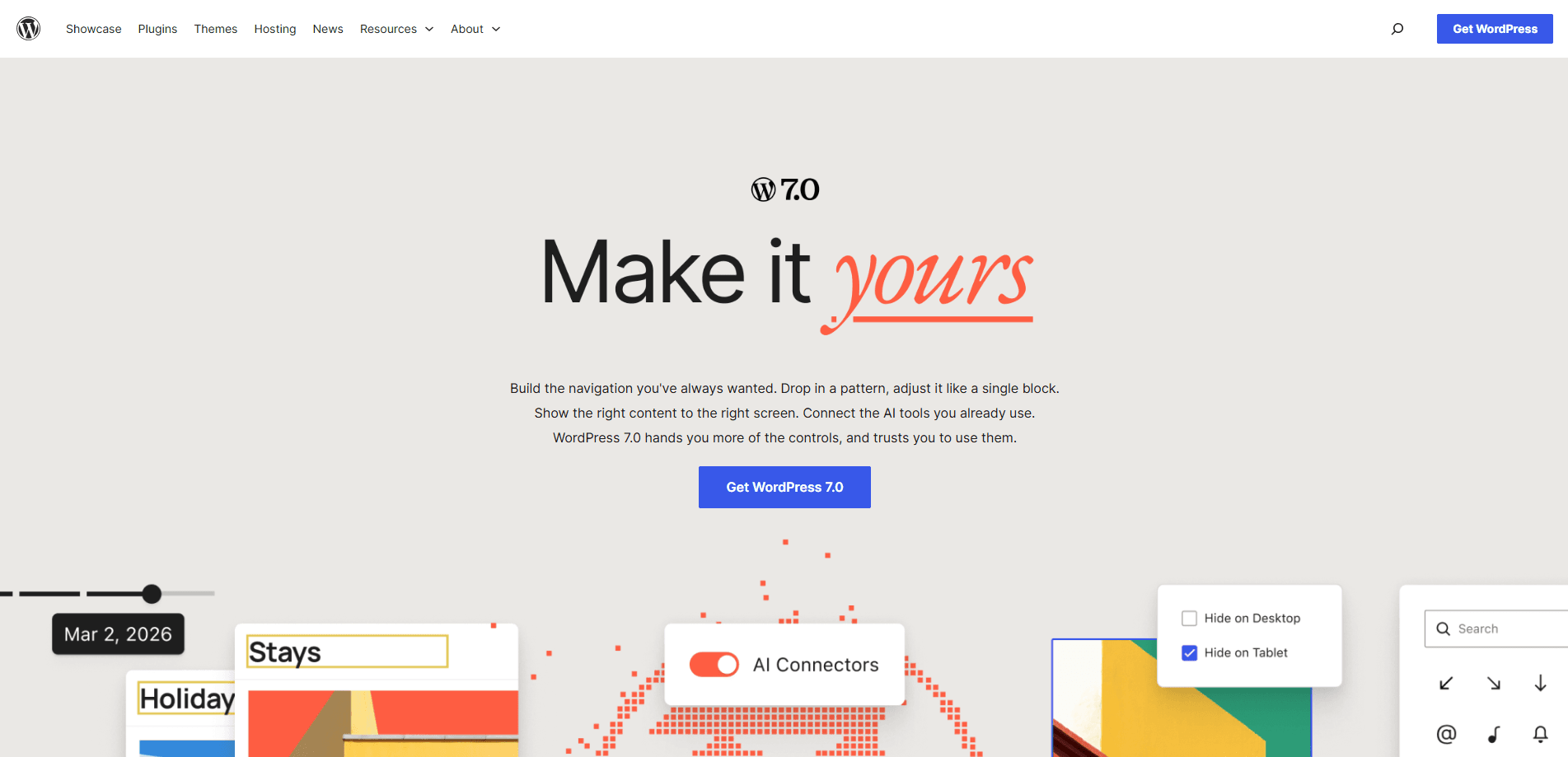
WordPress – Website Builder is the free, open-source publishing platform that powers more than 43% of sites on the web. Version 7.0, nicknamed "Armstrong," folds AI directly into the core: an AI Client talks to generative models, a central Connectors hub manages those links, and the block editor gains pattern editing, visual revisions, and responsive controls. You can run it on your own hosting or use WordPress.com, and there's a companion app for Android and iOS.
About WordPress – Website Builder
What Is WordPress
WordPress is an open source CMS, and it's the tool millions of people use to build and publish websites without hand-coding every page. It started in 2003 as a fork of b2/cafelog, and the project has grown into the publishing tool behind a huge share of the web. The software runs on PHP and MariaDB and ships under the GPLv2 license, so you can install it, change it, and pass it on.
The platform covers both ends of the skill range. A blogger can pick a theme and publish in an afternoon. A developer can build custom blocks, wire up the REST API, or extend the Abilities API. That range is the point. What can you make with it? Almost anything you can describe.
The catch is that self-hosted WordPress needs someone to keep it running. You handle hosting, backups, updates, and security. WordPress.com removes that burden. Free hosting there still limits plugins and customization, so pick accordingly.
Getting Started
- Choose a home for your site: install the software on your own host, or sign up on WordPress.com and skip the server work.
- Run the installer and set an admin account with a strong password, then log in to reach the dashboard.
- Pick a theme and head to the Site Editor to shape your header, footer, and templates with blocks.
- Open the Connectors screen, add an AI provider, and enter its API key so the AI Client can generate titles, images, or alt text.
- Write your first post in the block editor, then hit Publish.
Product Information
A quick look at WordPress – Website Builder's pricing, supported platforms, and performance.
Best for
The users, tasks, and scenarios where this tool fits best.
Users
- Bloggers and writers
- Small business owners
- Developers and agencies
Tasks
- Launching a content site
- Managing a multi-author publication
- Building a client-facing site on a budget
Scenarios
- A freelance writer who wants a home for their portfolio and doesn't want to learn to code
- A small shop adding a blog next to its catalog
- A developer prototyping an AI-assisted editorial workflow
Key features
AI Client in Core
WordPress 7.0 ships an AI Client that lets the platform talk to generative models directly. Combined with the Abilities API, it opens up workflow automation and creation tools inside your site. Install the new AI plugin and you can generate and edit images, draft titles or excerpts, and get suggested alt text. According to WordPress, connections are managed from one place rather than scattered across plugins.
Connectors Hub
The Connectors screen is a central dashboard for external AI services. It arrives with three presets, and you can add your own. Authenticate once and the AI abilities become available across your site. That's the whole point. Before 7.0, every AI plugin handled its own keys and settings. Now there's one place to add, remove, or update a connection.
Visual Revisions
The editor's revision history goes visual. A slider lets you compare two versions side by side, and a document inspector shows a summary of changes with color cues and their location on the page. If you've ever stared at a wall of diff text trying to spot what moved, this is a real improvement. It's long overdue.
Pattern Editing as Single Blocks
Patterns now behave like one block on the canvas. You can drop a pattern in, move it around, and edit it without the pieces falling apart. It cuts down on the fiddly resetting that used to come with rearranging grouped content. Small change. Big time saver.
Navigation Overlay Builder
You build the mobile navigation overlay with blocks and style patterns instead of a fixed layout. That means custom layouts, your own content, and a close button you control. It's the kind of control that used to require custom code or a dedicated plugin.
Responsive Editing
You can decide whether a given block shows or hides on desktop or mobile, straight from the editor. No custom CSS, no workarounds. For anyone who's fought a sidebar that refused to disappear on phones, this removes a common headache. Finally.
New Blocks and Design Controls
Version 7.0 adds heading, icon, and breadcrumbs blocks, a lightbox for gallery blocks, and links that can point to changing URLs. Typography and layout controls get finer too: text indentation, text columns, width and height control, size presets, and aspect-ratio settings for wide and full-width images.
Pros and cons
Pros
- Free and open source under GPLv2, so there are no license fees and you can modify anything.
- Runs on your own hosting, which means you own your content and data outright.
- The block editor plus patterns and templates covers most site-building needs without code.
- The AI Client and Connectors hub put AI abilities in one managed place.
- A large plugin and theme library means almost any feature already exists.
- Migration is straightforward because you control the files and database.
Cons
- Self-hosting means you're responsible for updates, backups, and security, and a neglected site is a vulnerable one.
- The dashboard and site editor carry a learning curve if you've never used a CMS; the block model takes a session or two to click.
- Free WordPress.com hosting restricts plugins and customization, so serious projects end up paying.
- AI features depend on third-party providers and their own API costs, which sit outside WordPress itself.
Frequently asked questions
Yes. The software is free and open source under the GPLv2 license. You'll still pay for a domain and hosting if you self-host, or for a plan if you use WordPress.com.
Related content
Explore related tools, skills, and articles for WordPress – Website Builder.
WordPress – Website Builder Alternatives

X Ray Interpreter
X-ray Interpreter · ImageX Ray Interpreter is a web-based AI radiology tool that turns X-rays, CT scans, MRI, ultrasound, and PET images into plain-language reports. You upload a scan, get a preliminary X-ray interpretation in moments, then ask follow-up questions if something needs explaining. It works as a second opinion and a learning aid, not as a medical diagnosis.

Aieasypic
AIEasyPic · ImageAIEasyPic is an AI image generator that turns plain text prompts into finished artwork in seconds. You can also train custom models on your own photos, swap faces in existing images, and create short video clips from text, all from a browser. It suits casual creators who want quick visuals and hobbyists who want to build a personal model without touching any code.

Chargen
Chargen · ImageChargen is an AI character generator and worldbuilding toolkit built for Dungeons & Dragons and other tabletop RPGs. It turns a one-line idea into a painted character portrait, spins up NPCs, monsters, maps and encounters from the same session, and keeps every creature's details close at hand. The tabletop RPG art side runs on a credit system called Gold, while the text generators stay free for everyone.