

WP Pro Converter
Utsubo · Image · Coding
WP Pro Converter is an AI website to WordPress converter. It rebuilds a static or HTML site as editable WordPress pages, lets you preview the result free, then sells the build for $49.
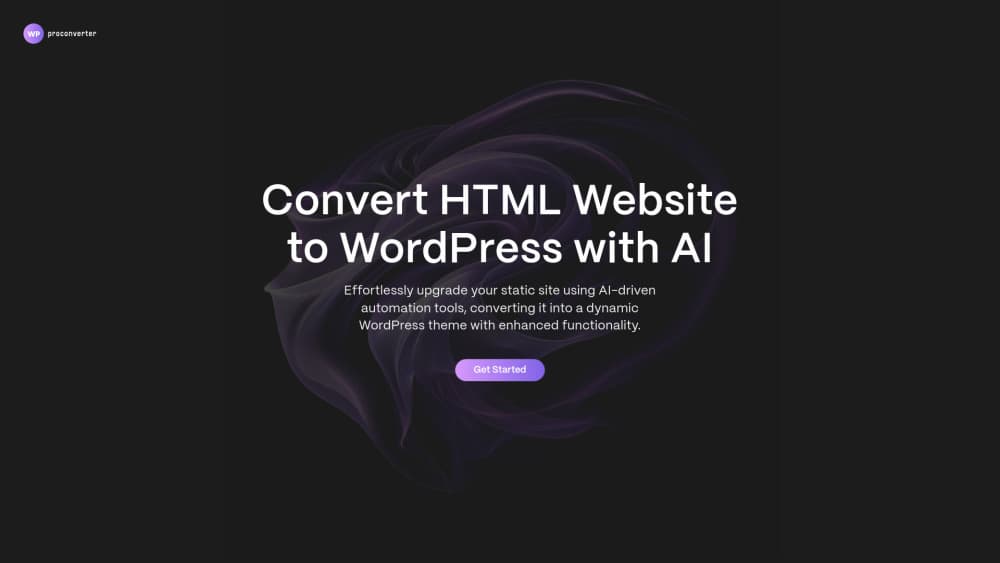
About WP Pro Converter
What Is WP Pro Converter
WP Pro Converter takes a site that already exists and turns it into WordPress. You paste a public URL or upload a project ZIP, the service reads the pages and the design, and it produces a WordPress build where every heading, image, and button can be edited on the page. Nothing gets redrawn. The fonts, spacing, and layout you already have are carried over.
The tool comes from Utsubo, a web studio that kept rebuilding client sites in WordPress by hand. That origin explains the shape of the product. It's a conversion service, not a site builder, so it assumes you have a design worth keeping and just need it running on WordPress.
Two routes are on offer. Express is the self-serve one: $49 as a one-time payment, up to 50 pages, instant cloning, and the free preview. Done-for-you starts at $299 and puts a WordPress developer on the job, with a custom theme, structured content types, and a page-by-page check before handoff.
The limits are worth knowing before you start. Conversion works from a design that exists, so a redesign is a separate project. Sites built on React, Angular, or Vue often need code adjustments once they land in WordPress. And after delivery the build is yours to run, which means hosting, updates, and any plugin conflicts are your call.
Getting Started
- Go to wpproconverter.com and paste the URL of the site you want to move, or upload a ZIP of the project files.
- Wait for the automated analysis. It counts pages, detects the stack, and estimates how complex the conversion will be.
- Open the preview and click through the converted WordPress site. Every page is visible and nothing is charged at this stage.
- Pay once, then download the one-click installer plugin from the dashboard.
- Upload the plugin through WordPress admin and activate it. The pages, menus, and media land in your install, ready to edit with the in-page editor.
Product Information
A quick look at WP Pro Converter's pricing, supported platforms, and performance.
Best for
The users, tasks, and scenarios where this tool fits best.
Users
- Agencies that deliver WordPress sites
- Small business owners who like their current site
- Marketing teams that publish often
Tasks
- Moving a static HTML site into WordPress
- Leaving a hosted site builder
- Rebuilding a brochure site for a client
- Taking a site into several languages
Scenarios
- A freelancer quoting a fixed-fee migration
- An in-house team that wants control without a page builder
- Testing the output before a paid project
Key features
Conversion from a URL or Project ZIP
Paste a live URL and the service crawls the public pages, or upload a ZIP if the site isn't online yet. Analysis runs first: page count, technology stack, and complexity get detected before anything is converted, which is how the quote and the scope stay predictable. The same intake handles static HTML sites, sites on hosted builders, and JavaScript front ends.
Pixel-Perfect Design Preservation
Fonts, colors, spacing, and layout are carried into WordPress rather than approximated with a theme. The output is a design that matches the original at desktop, tablet, and mobile widths, which matters when a site has custom sections that no stock theme can reproduce. Text, images, and buttons become editable fields, so the design survives future edits.
Free Preview Before Payment
The converted site is browsable in full before any money changes hands. You can open each page, check the layout, and confirm the result looks right. No credit card is required for the preview, so the decision to buy comes after you've seen the build rather than before.
In-Page WordPress Editor Plugin
Every conversion ships with an editor plugin that lets you change headings, text, images, and buttons directly on the live page. There's no page builder to learn and no template files to touch. For teams that only need to keep content current, this covers most day-to-day work without a developer.
One-Click Installer Plugin
The finished conversion is packaged as a WordPress plugin. You upload it through the admin panel, activate it, and the pages go live in seconds. Because the whole build travels as a single file, moving it between staging and production is straightforward, and no FTP access is needed.
Done-for-You Expert Rebuild
The $299 tier replaces automation with a developer. Your site is rebuilt as a custom WordPress theme with the blocks and content types your team actually edits, then checked page by page against the original. Agencies can white-label the work, and the quote is confirmed after a scope review, so the price reflects the real page count and integrations.
Pros and cons
Pros
- The free preview covers the entire converted site, so you see the quality of the deliverable before paying anything.
- Express costs $49 as a one-time payment for up to 50 pages, which is far below a typical hand rebuild.
- Output arrives as plugins, an installer plus an in-page editor, so the site runs on standard WordPress with no builder dependency.
- You get access to the generated code, which means a developer can extend or restyle the build later.
Cons
- The service works from a design that already exists, so a new look means hiring a designer separately.
- Sites built on React, Angular, or Vue can need manual code adjustments after conversion, which adds work you may not have budgeted.
- Third-party plugins sometimes need customization to run against converted markup, so test anything critical before launch.
- Express is self-serve, so fixes after delivery are yours to make. Human review sits in the $299 tier.
Frequently asked questions
It converts an existing website into a working WordPress site. You supply a URL or a project ZIP, the service rebuilds each page as editable WordPress content, and you install the result with a plugin. The design stays, the content becomes manageable in the WordPress admin.
Related content
Explore related tools, skills, and articles for WP Pro Converter.
WP Pro Converter Alternatives

Google EmbeddingGemma 2
Google DeepMind · Writing · Image · CodingGoogle EmbeddingGemma 2 is a 740M-parameter open model that turns text, code, images, audio, and video frames into vectors in one 768-dimension space, running on phones and laptops.

Tractionwave
TractionWave · Image · MarketingTractionWave is an AI attention heatmap tool for static ads. Upload a PNG or JPG and it returns predicted attention, ranked hotspots, and fixes before you spend budget.

Imejis.io
Imejis.io · Image · MarketingImejis.io is an AI design studio for agents and marketing teams. Describe an image in plain words, and it writes the copy, builds the layout, reflows it to every size, then exports a finished file.