

WorkBuddy
Tencent · Productivity
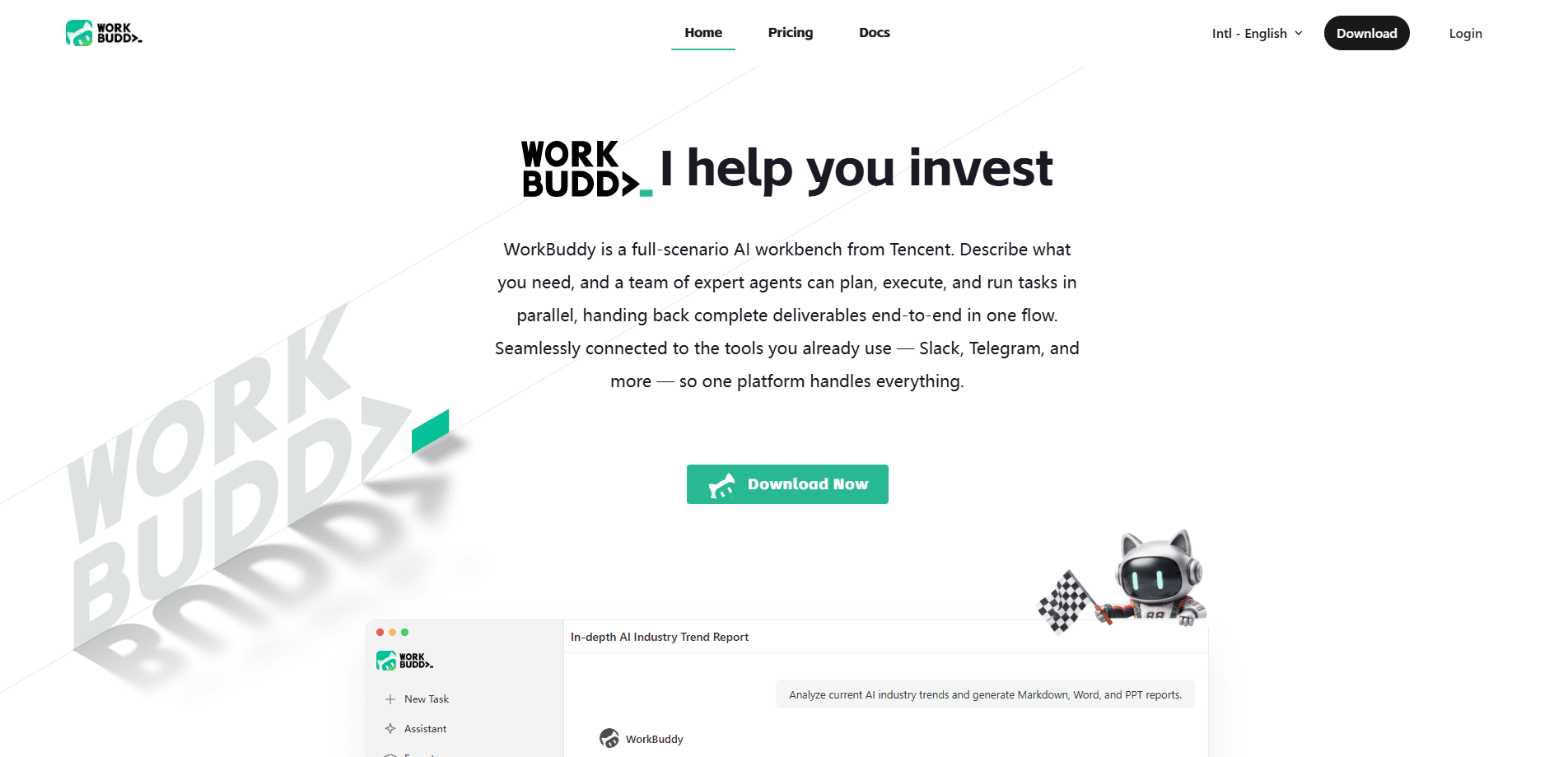
WorkBuddy is Tencent's AI-native desktop agent that turns a plain-language request into finished work on your own computer. Instead of answering with advice, it opens your files, runs code, edits spreadsheets, and drops the final report or slide deck back on your desktop. It's built for office workers who want an AI assistant that does the task, not one that explains how. That's the whole pitch.
About WorkBuddy
What Is WorkBuddy
WorkBuddy is a desktop agent workbench from Tencent, released in early 2026 and developed by the same team behind the company's CodeBuddy coding assistant. It sits on your PC, and once you grant folder access, it can read local documents, process files in bulk, generate spreadsheets and presentations, and run scripts on your behalf. The core idea is simple: you describe an outcome, and the agent plans the steps and executes them.
It differs from chat tools like ChatGPT in a practical way. Those tools hand you instructions or code, and you still do the clicking. WorkBuddy closes that loop. The deliverable is a file you can open and check, not a wall of text. That focus on delivery over conversation is what most users notice first.
The limits matter too. WorkBuddy only touches folders you explicitly authorize, which keeps it safer than tools that grab system-wide permissions, but it also means you have to set up a workspace before it can help. Credits run out fast on big jobs. And the product leans heavily on Tencent's own suite of services, so it fits teams already using those tools better than outsiders.
Getting Started
- Download the desktop client from the official site and install it on Windows or macOS.
- Sign in with a Tencent Cloud account or a WeChat QR scan, then claim your new-user credit pack.
- Grant access to a specific folder or workspace so the agent can read and write files there.
- Type a request in plain language, such as summarizing a spreadsheet or drafting a weekly report.
- Pick a mode, review the plan if needed, then let it run and collect the finished file.
Product Information
A quick look at WorkBuddy's pricing, supported platforms, and performance.
Best for
The users, tasks, and scenarios where this tool fits best.
Users
- Office workers buried in repetitive document and spreadsheet work
- Analysts and operations staff who compile recurring monthly reports
- Teams already inside Tencent's product family
Tasks
- Monthly reconciliation and reporting
- Batch file operations
- Meeting notes and drafts
Scenarios
- Reconciling messy sales data across mismatched date formats and refunds
- Preparing a recurring weekly digest at a fixed time
- Building a first-pass slide deck from a document
Key features
Local File and Folder Operations
WorkBuddy works directly on your machine, reading and writing files inside folders you authorize. It can batch-rename, convert formats, and merge spreadsheets without you writing a single script. This is the feature that separates it from advice-only chatbots. The output lands on your disk, not in a chat window.
Multi-Agent Parallel Execution
A single request can spin up several agents working at once, each handling a slice of the job. For a complex analysis, one agent might clean data while another builds a chart, cutting waiting time on tasks that would otherwise run in sequence. According to Tencent, the parallel design is meant to mirror how a small team divides work.
Three Working Modes
The client splits tasks into Craft, Plan, and Ask modes. Craft jumps straight into execution. Plan lays out the steps for your approval first, and Ask handles questions without touching any files. New users often burn credits by defaulting to the heaviest mode, so matching the mode to the task saves real money.
Skill and Expert Library
Beyond built-in abilities, WorkBuddy accepts extra skills that extend what it can do, from industry-specific analysis to custom workflows that your own team builds and shares. Tencent's enterprise tier lets organizations publish their own skills and experts, so a finance team can standardize its own review process.
Remote Control from Chat Apps
Through what Tencent calls Claw remote control, you can send instructions from WeChat, QQ, WeCom, Feishu, or DingTalk and have your desktop execute them while you're away. The finished file comes back to the chat, which is handy when a task needs your machine but not your attention.
Enterprise Governance
The enterprise edition adds usage management, role-based access, operation audits, and data isolation across tenants. For regulated industries, prompt-injection protection and content filtering run by default. Tencent lists banks, brokerages, and insurers among its reference customers. That tells you where this tier is aimed.
Pros and cons
Pros
- Delivers finished files instead of suggestions, so the output is immediately usable.
- Handles multi-step jobs like data cleaning plus chart building in one request.
- Works offline from your own files, which suits people with sensitive local documents.
- Remote control from messaging apps fits fragmented workdays well.
- No coding background needed. You just describe what you want.
Cons
- Credits vanish quickly on heavy tasks, so the cost can climb if you default to the most powerful mode.
- Folder-level permissions mean setup takes a few minutes before the first task, and nothing runs outside those boundaries.
- Ties into Tencent services most naturally, so teams on other stacks get less of the integration benefit.
- Complex jobs still need human verification, and some independent tests have flagged accuracy gaps on messy data.
Frequently asked questions
It's a desktop AI agent from Tencent that runs tasks on your computer. Rather than answering questions in chat, it reads your files, makes changes, and produces deliverables such as reports, spreadsheets, and slides.
Related content
Explore related tools, skills, and articles for WorkBuddy.
WorkBuddy Alternatives

Base Code
Base44 (Wix) · Coding · ProductivityBase Code is a shared cloud development environment from Base44. Teammates describe changes to an existing GitHub codebase in chat, preview them live and send them back as pull requests.

Knocket
Knocket (Tencent RTC team) · Productivity · Business · ChatbotKnocket is a free live chat and contact page tool that lets visitors message you from your website, app, or a shareable link, with every reply handled from Telegram or one inbox.

FloorGen
Vinit Kumar (FloorGen) · Productivity · China AIFloorGen is a browser-based floor plan maker that turns a sentence or a sketch into an editable 2D plan and a 3D walkthrough. Export to PDF, DXF or video, and draw without an account.