

Xavier AI
Xavier AI · Productivity · Business
Xavier AI is an AI strategy consultant that turns a prompt or an uploaded document into a sourced, presentation-ready strategy deck in about 30 seconds, with plans from free to $79 per month.
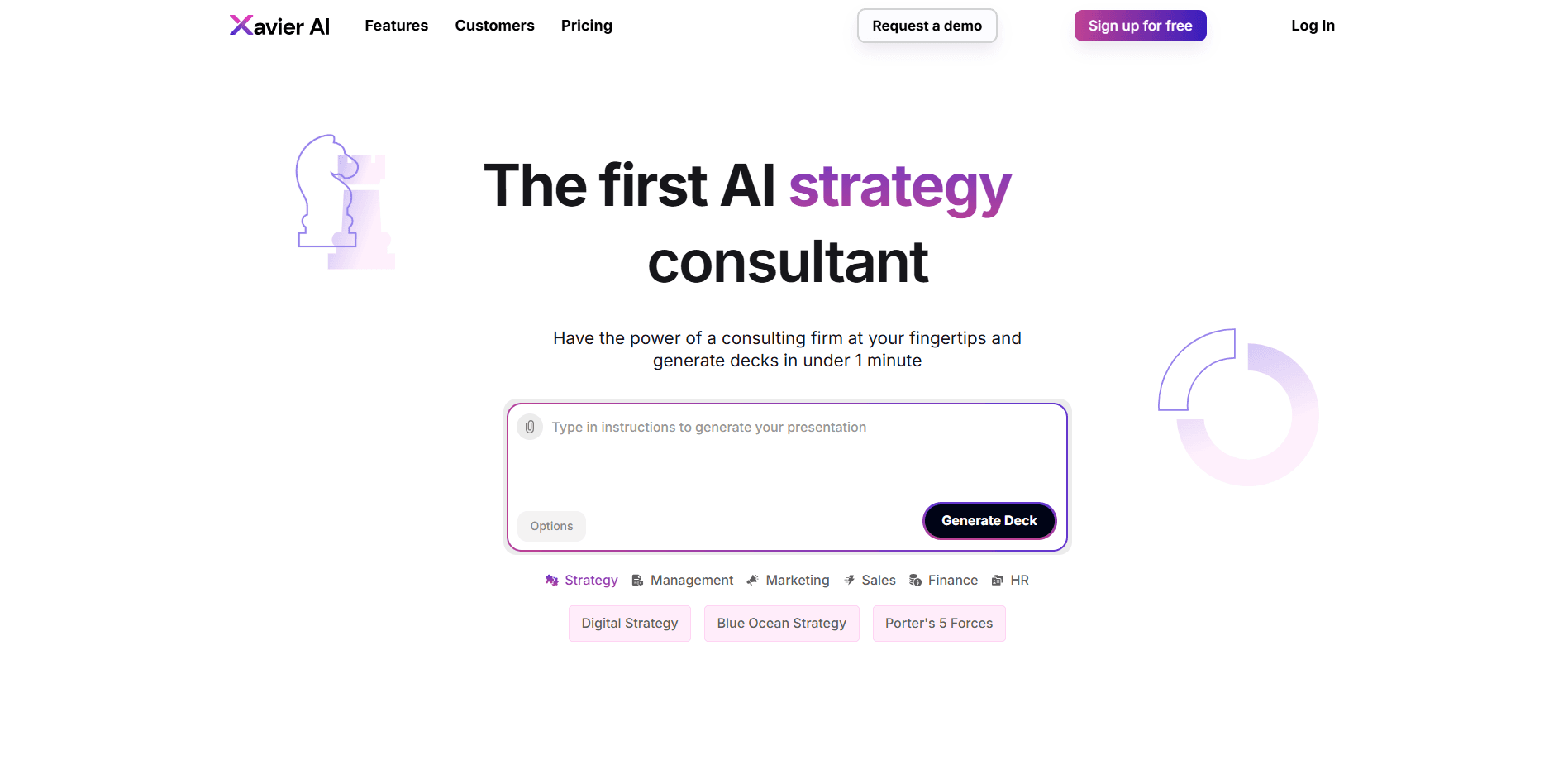
About Xavier AI
What Is Xavier AI
Xavier AI bills itself as the first AI strategy consultant. You describe a business problem or upload a document, and this AI consulting assistant returns a finished strategy deck with slides, charts, and cited sources instead of a chat answer you still have to format by hand. As a strategy deck generator, it's built for strategy, management, and marketing teams that need a polished deck fast.
The company launched the product out of stealth on April 15, 2025, and says early users include a global bank with 50,000 employees. The pitch is simple: consulting-grade thinking at software prices, without waiting weeks for an engagement.
The main limitation is scope. Xavier AI is a deck and insight tool, not a full consulting partner, and it won't do the reading and judgment a human strategist adds. It won't run interviews, build a financial model from scratch, or sit in your board meeting, so treat its output as a strong starting draft rather than the finished deliverable.
Getting Started
- Sign up at xavier.ai with Google or an email address. The free plan needs no payment details.
- Describe the problem you want to solve, or upload a docx, xls, pdf, or pptx file as the story line.
- Pick a framework if you want one, such as Porter's 5 Forces, Blue Ocean Strategy, or a market analysis.
- Generate the deck, then review the slides and the sources behind each claim.
- Export to PowerPoint or apply your company template before you share it.
Product Information
A quick look at Xavier AI's pricing, supported platforms, and performance.
Best for
The users, tasks, and scenarios where this tool fits best.
Users
- Strategy and management teams
- Marketing leads
- Consultants and freelancers
- Founders and small teams
Tasks
- Building a strategy deck
- Turning a report into slides
- Framing a market entry
- Drafting a marketing or sales plan
Scenarios
- A deck due tomorrow morning
- A pitch to a client or investor
- Onboarding a new client
- A last-minute internal review
Key features
Decks in Under a Minute
The core promise is speed. Type a prompt or drop in a document and this AI presentation generator returns a full strategy deck with a logical storyline, not a wall of text. The company claims a finished draft in about 30 seconds, which is where it saves the most time for anyone who dreads an empty slide. People who search for a way to generate decks with AI find this is the part they notice first.
One-Click Provenance
Every claim can be traced back to a real source. Xavier AI says it grounds its answers on identifiable data rather than model guesswork, and each slide carries a provenance link you can click to check where a number came from. That matters when you have to defend a figure in a meeting.
Dynamic Multi-Method Generation Engine
Xavier AI runs on what it calls a Dynamic Multi-Method Generation (DMG) engine. It mixes large language models with deterministic algorithms and vetted industrial data, a setup the company says cuts down on hallucinations. For you, that means fewer invented facts to catch before you present.
Built-In Strategy Frameworks
The tool ships with named frameworks so you don't start from a blank prompt. Options include Porter's 5 Forces, Blue Ocean Strategy, a mission and vision template, competition analysis, risk strategy, and marketing plans like the 4Ps. Picking one gives the deck a familiar structure your audience already reads fluently.
Document and File Uploads
You can upload supporting materials in docx, xls, pdf, or pptx format, or hand over a full document to be reshaped into a new deck. That turns existing research, data files, or a rough storyline into slides without retyping anything.
PowerPoint Export and Company Templates
Finished decks export to PowerPoint, so you can keep editing in a tool your team already uses. On the paid plans you can apply a custom company template, including fact-based charts that carry their own sources, so the output looks like it came from your firm.
Pros and cons
Pros
- Turns a prompt or document into a full strategy deck in about half a minute
- One-click provenance lets you verify the sources behind each slide
- Ships with ready-made strategy frameworks like Porter's 5 Forces and Blue Ocean
- Exports to PowerPoint and supports custom company templates
- Free plan covers 50 slides a month, enough to test it properly
Cons
- It speeds up drafting but doesn't replace a consultant's judgment, so weak inputs still produce weak decks
- Pro Data and custom templates sit on the higher tiers, which raises the real cost once you scale up
- No public API, so you can't wire deck generation into your own internal workflow
- Slide limits are monthly and meter out fast if you build decks every day
Frequently asked questions
It generates strategy and business presentations. You give it a problem statement or a document, and it returns a sourced deck covering things like competition, positioning, and next steps.
Related content
Explore related tools, skills, and articles for Xavier AI.
Xavier AI Alternatives

Base Code
Base44 (Wix) · Coding · ProductivityBase Code is a shared cloud development environment from Base44. Teammates describe changes to an existing GitHub codebase in chat, preview them live and send them back as pull requests.

Knocket
Knocket (Tencent RTC team) · Productivity · Business · ChatbotKnocket is a free live chat and contact page tool that lets visitors message you from your website, app, or a shareable link, with every reply handled from Telegram or one inbox.

FloorGen
Vinit Kumar (FloorGen) · Productivity · China AIFloorGen is a browser-based floor plan maker that turns a sentence or a sketch into an editable 2D plan and a 3D walkthrough. Export to PDF, DXF or video, and draw without an account.