

xpressioncamera
EmbodyMe, Inc. · Image
xpression camera by EmbodyMe is a virtual camera app that puts your face onto any photo, painting, or AI avatar in real time, so Zoom, Twitch, and YouTube see the character instead of you.
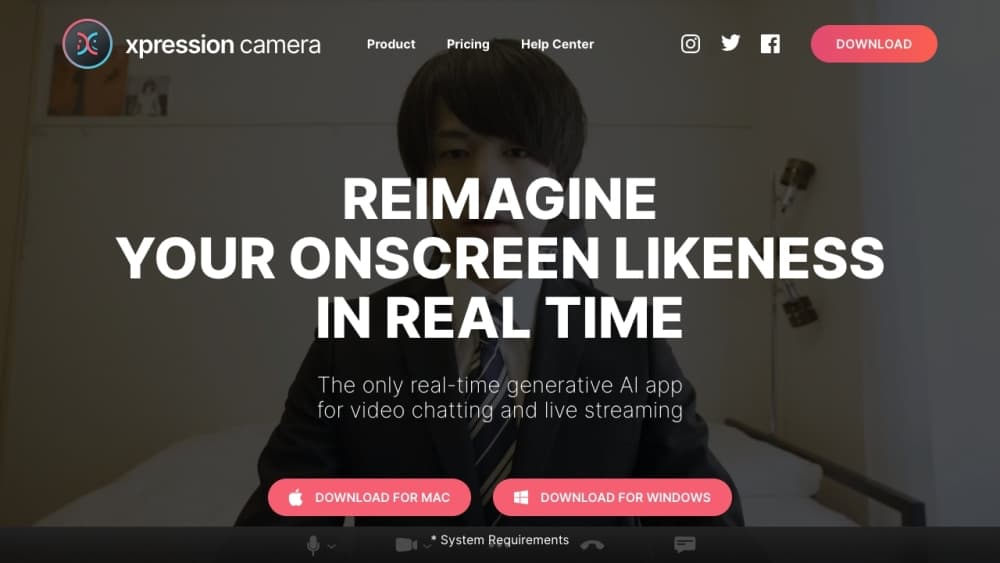
About xpressioncamera
What Is xpression camera
xpression camera is a desktop app from Tokyo studio EmbodyMe that registers itself as a webcam. When you pick it in Zoom, Twitch, Teams, or Google Meet, those apps see whatever face you loaded, animated by your own expressions and head movement. There's no upload, no render queue, and no waiting.
The idea solves a specific annoyance. You want to be on camera without being on camera. Maybe you're streaming as a game character, running a faceless channel, or just tired of how you look at 8 a.m. Drop in one still image with a face, and the app tracks your mouth, brow, and head turns onto it.
Two constraints frame the fit. Your machine needs enough GPU muscle, and EmbodyMe lists a dedicated graphics card as recommended. Then there's the obvious ethical line: mapping someone else's face onto yours is easy here, so consent and platform rules become your problem, not the app's.
Getting Started
- Download the app for Windows or macOS from xpressioncamera.com. macOS needs 12.3 or later, Windows needs the 10 Anniversary Update or newer.
- On macOS, allow the camera system extension in System Settings. Sequoia puts it under Login Items & Extensions, Sonoma under Privacy & Security.
- Open Zoom, Twitch, or your streaming app first, then set xpression camera as the webcam in its video settings.
- Launch xpression camera, sign in, and choose a face image, AI avatar, or a clip with a face in it.
- Talk or move your head. The model mirrors your motion, and you can record a clip or switch on Voice2Face to animate the image with audio alone.
Product Information
A quick look at xpressioncamera's pricing, supported platforms, and performance.
Best for
The users, tasks, and scenarios where this tool fits best.
Users
- VTubers and faceless streamers
- Shy video callers
- Content creators making memes
Tasks
- Streaming as a game character on Twitch
- Running a private Zoom meeting
- Recording reaction videos
Scenarios
- A daily stand-up you'd rather not attend on camera
- A faceless YouTube channel
- Teaching or presenting without showing your face
Key features
Real-Time Face Mapping
This is the core of the product. A neural model does the face tracking on your webcam feed, reading landmarks and head pose, then redraws the target image so it matches. EmbodyMe says the conversion happens with no processing delay, which matters in a live call where half a second of lag makes conversation awkward. It works on photos, paintings, cartoons, plush toys, sculptures, and frames pulled from movie clips. For anyone who wants real-time face swap without a 3D avatar pipeline, that one-image entry point is the main selling point.
Voice2Face
Voice2Face animates an image from your microphone instead of your camera. You can walk away, pace the room, read a script off screen, and the face on stream keeps moving along with your speech. EmbodyMe also ships one-click animation presets for laughs, surprise, and similar expressions, which fill in moments when your voice alone reads flat.
AI Avatar and Image Search
The AI Avatar feature turns a selfie into stylized characters, including CG, cinematic anime, and 90s hip hop looks, and you can push further with prompts for hair, outfits, and backgrounds. A built-in image search pulls reference faces straight from the web, and your camera roll works as a source too. Pro unlocks local image import, which keeps files you care about off any server.
High-Resolution Mode
Premium adds a high-resolution output option. In practice this decides whether the face holds up on a large stream or a recorded video, since standard webcam resolutions soften after the model redraws the frame. If you're building a channel rather than testing the idea, it's the upgrade that shows up most on screen.
Text and Audio to Video
Recent desktop builds generate a video from a text script, an audio file, or a source video with fewer clicks than a manual recording session. Pro includes one per month, Premium makes it unlimited. It's aimed at creators who script videos and would rather not sit through a live take every time. As a webcam replacement for scripted output, it covers a job a physical camera can't do.
Recordings and Cloud Effects
The recorder captures video and microphone audio in one pass, so you end up with a shareable file rather than a raw screen capture. AI Effects and AI Chat, both introduced in later releases, round out the toolkit for still images and simple image edits. These are the features whose usage limits differ most between Pro and Premium.
Pros and cons
Pros
- Setup takes minutes. Pick the virtual cam in Zoom or OBS, choose an image, and you're live.
- One photo is enough. No 3D model, rig, or mocap suit, which puts it within reach of casual streamers.
- Voice2Face genuinely frees you from the screen. You can present or read a script without staring into a lens.
- The free tier covers default faces, backgrounds, and animations, so you can test the effect before paying.
- A Lifetime purchase option exists on each paid tier, which suits people who hate another subscription.
Cons
- The desktop app needs a physical webcam. On Mac mini or Mac Studio you have to connect one, and the macOS extension setup catches people out on first install.
- EmbodyMe recommends a dedicated GPU, so older laptops will stutter or drop frames during calls.
- The Pro plan's monthly quotas on AI video, AI Effects, and AI Chat run out fast if you post daily, and Premium costs $49 a month.
- Commercial use requires Premium. Business meetings count as commercial under the company's own definition, so free and Pro users can't legally use it for work.
Frequently asked questions
xpression camera is a virtual camera app that swaps your face for a character in real time. You set it as the webcam in Zoom, Twitch, or YouTube, and the image you picked moves with your expressions. People use it for faceless streaming, private calls, and meme videos.
Related content
Explore related tools, skills, and articles for xpressioncamera.
xpressioncamera Alternatives

Google EmbeddingGemma 2
Google DeepMind · Writing · Image · CodingGoogle EmbeddingGemma 2 is a 740M-parameter open model that turns text, code, images, audio, and video frames into vectors in one 768-dimension space, running on phones and laptops.

Tractionwave
TractionWave · Image · MarketingTractionWave is an AI attention heatmap tool for static ads. Upload a PNG or JPG and it returns predicted attention, ranked hotspots, and fixes before you spend budget.

Imejis.io
Imejis.io · Image · MarketingImejis.io is an AI design studio for agents and marketing teams. Describe an image in plain words, and it writes the copy, builds the layout, reflows it to every size, then exports a finished file.