

Yasmine Works
Yasmine · Productivity
Yasmine Works is an AI coworker that lives inside Slack and does real work instead of handing you advice. It answers email, tracks finances, runs operations, and ships code by connecting to 2,000+ tools through MCP and per-channel controls. Built on the Claude Agent SDK, it runs in a tenant-scoped AWS environment with encrypted state and approval-gated actions.
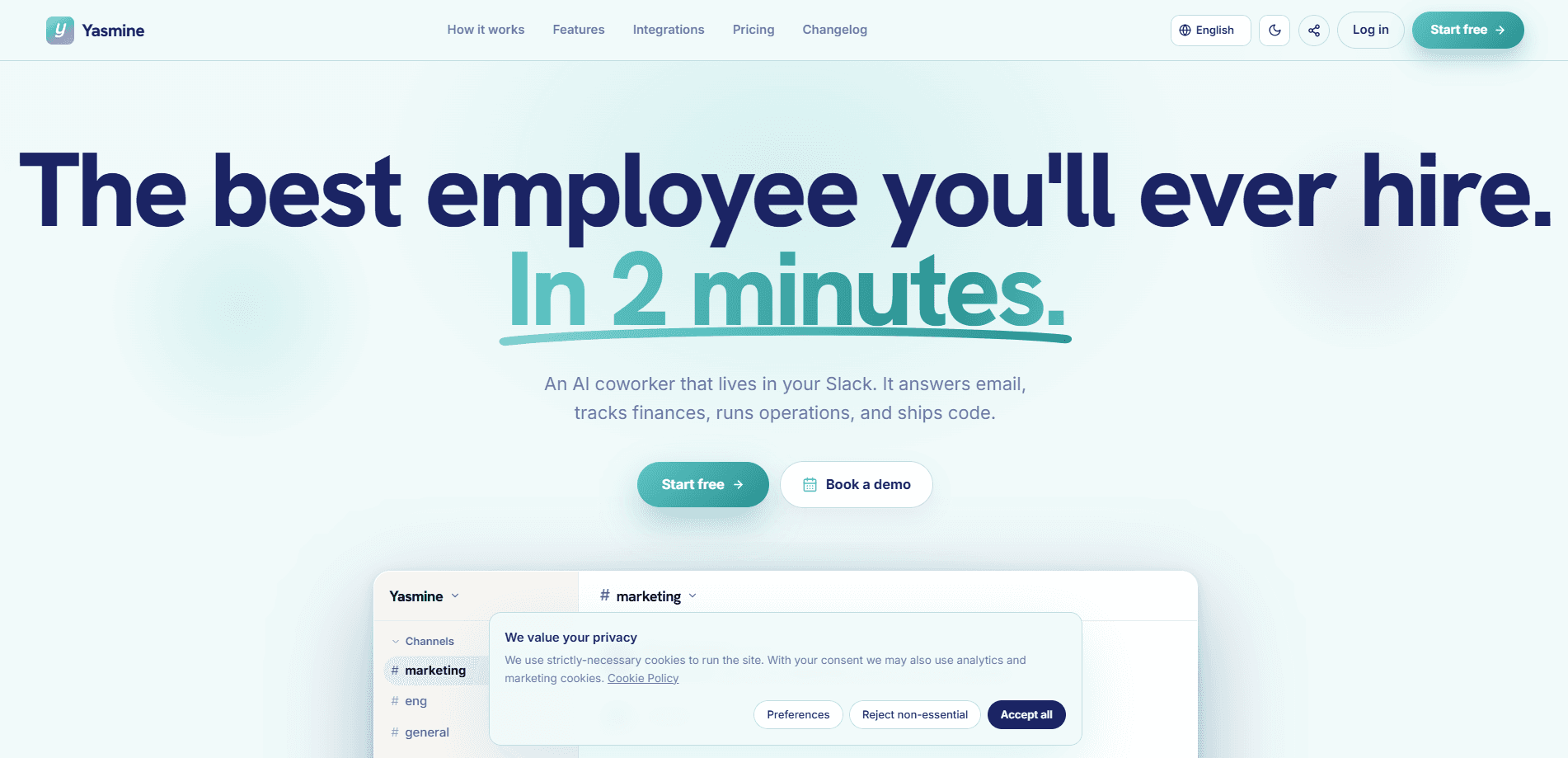
About Yasmine Works
What Is Yasmine Works
Yasmine Works is a Slack-native AI coworker for teams that want task completion, not another chatbot that lists what you should do. You install it from the Slack app directory, and it shows up in your workspace like any new teammate you can talk to in a thread. Each Slack channel gets its own session with persistent memory, tools, and integrations, so the coworker working in #finance keeps separate context from the one in #engineering.
The appeal is scope. Yasmine connects to Gmail, Google Drive, GitHub, Stripe, HubSpot, Notion, Linear, and roughly 2,000 other apps, and each connection lets it act, not just read. It answers an inbox, opens a pull request, updates CRM records, or files an issue from inside the same Slack thread where you asked. That's the whole point.
The limits matter too. Yasmine runs on your own models and connections, and it doesn't train its own models; selected providers process requests under the route you pick. It's billed in EUR by workspace with a credit system for execution, so heavy use costs more than the base plan. Sensitive actions get a safeguard: tool policies control whether it acts freely or waits for your approval.
Getting Started
- Install Yasmine from the Slack app directory, then invite it to the channel where you want it to work.
- Link the tools you already use, such as Gmail, Google Drive, or GitHub, so it can act on your behalf.
- Set a tool policy per channel: Allow lets it run, Ask pauses for your confirmation in Slack, and Block denies outright.
- Give it a first task in plain language, like drafting replies to this week's inbox, and talk to it in the thread like a coworker.
- Review the output, adjust the policy or connection, and keep going without commands or training videos.
Product Information
A quick look at Yasmine Works's pricing, supported platforms, and performance.
Best for
The users, tasks, and scenarios where this tool fits best.
Users
- Small teams in marketing, finance, and ops that want work finished rather than queued up
- Startup founders who need an inbox, CRM, and codebase handled across one thread without hiring
- Developers who want a Slack coworker that can clone repos and open pull requests on their behalf
Tasks
- Answering and drafting email
- Tracking finances
- Shipping code
- Customer support
Scenarios
- Daily standups where a scheduled digest posts results straight into a channel
- Early project setup, when you need CRM records and docs created before the team is staffed
- Ops triage, letting Yasmine file and route issues while you keep the final call on anything risky
Key features
Slack-Native Coworker, Not a Chatbot
Yasmine installs from the Slack app directory and appears in your workspace like a new teammate, so there's no separate dashboard to learn or IT ticket to file. You talk to it in a thread the way you'd message a colleague. As a Slack AI agent, its pitch is blunt: other tools tell you what to do, and this one gives the finished work back. No commands. No training videos.
Per-Channel Sessions With Memory
Every Slack channel runs its own model session with persistent memory, tools, and integrations, and it resumes across restarts. Context stays clean. The finance conversation stays out of the engineering thread. Auto channel discovery means inviting the bot is enough, since it shows up in the dashboard ready to set up without you hunting for channel IDs.
2,000+ Integrations via MCP
Yasmine wires stdio or HTTP MCP servers per channel, covering email, calendar, docs, GitHub, databases, analytics, and ticketing. Free integrations are unlimited on every plan, while premium apps that use managed OAuth are an add-on. These AI agent integrations are action surfaces, not read-only feeds, so the coworker can send, write, and update instead of just summarizing.
Approval-Gated Tool Policies
Tool calls follow a per-tool and per-channel policy: Allow executes, Ask pauses for a human to confirm in Slack, and Block denies. Unattended Ask requests default to denied, so nothing slips through when no one is watching. This is the feature that decides how much trust you hand over. It's enforced in code rather than left to a prompt.
Tenant-Scoped Security on AWS
Each workspace gets tenant-scoped runtime identity, encrypted state, and credentials, with TLS 1.2+ in transit and AES-256 at rest. Free and Starter plans use separate containers on shared AWS hosts, while the Dev plan gets dedicated Fargate compute. Disconnecting an integration or pausing a user blocks new access right away. A request already in flight may finish.
Usage and Cost Controls
Per-user and per-channel usage tracking, a terse output mode, and scale-to-zero keep idle workspaces from burning budget. Credits cover execution compute and paid models at 1,000 credits per dollar, and purchased credits never expire. The bill scales with use. The base plan is a floor rather than a fixed total.
Scheduled Tasks and Digests
Yasmine can run on a schedule instead of only when you ping it. Daily reports, digests, and recurring checks post straight to a channel, which suits standups and monitoring. Want a morning summary in #ops without asking for it? That's what this covers. Scheduled tasks are included on Pro and Dev, free for the first three months on Starter, and cost €9.99/month per workspace otherwise. Similarly, the Dev plan adds a dedicated environment with 4 vCPU and 8 GB built to run code.
Pros and cons
Pros
- Does real work in Slack, like sending email, opening pull requests, and updating CRM records, rather than returning advice
- Per-channel memory keeps separate workflows from bleeding into each other
- Allow, Ask, and Block policies give you a clear dial on how much autonomy to grant
- Free tier with 7,000 trial credits lets a team test it before paying
Cons
- Billed in EUR by workspace with a credit system, so heavy execution costs more than the headline price
- Runs only inside Slack, so teams on other chat platforms are out of luck
- SOC 2 Type II is still on the roadmap rather than certified, which may matter for stricter security reviews
Frequently asked questions
Yasmine Works is an AI coworker for Slack that completes work across your connected tools. It answers email, tracks finances, runs operations, and ships code, handing finished results back in the thread where you asked.
Related content
Explore related tools, skills, and articles for Yasmine Works.
Yasmine Works Alternatives

Base Code
Base44 (Wix) · Coding · ProductivityBase Code is a shared cloud development environment from Base44. Teammates describe changes to an existing GitHub codebase in chat, preview them live and send them back as pull requests.

Knocket
Knocket (Tencent RTC team) · Productivity · Business · ChatbotKnocket is a free live chat and contact page tool that lets visitors message you from your website, app, or a shareable link, with every reply handled from Telegram or one inbox.

FloorGen
Vinit Kumar (FloorGen) · Productivity · China AIFloorGen is a browser-based floor plan maker that turns a sentence or a sketch into an editable 2D plan and a 3D walkthrough. Export to PDF, DXF or video, and draw without an account.