

Yoggi - AI Chat for Kids
Yoggi · Leaning · Chatbot
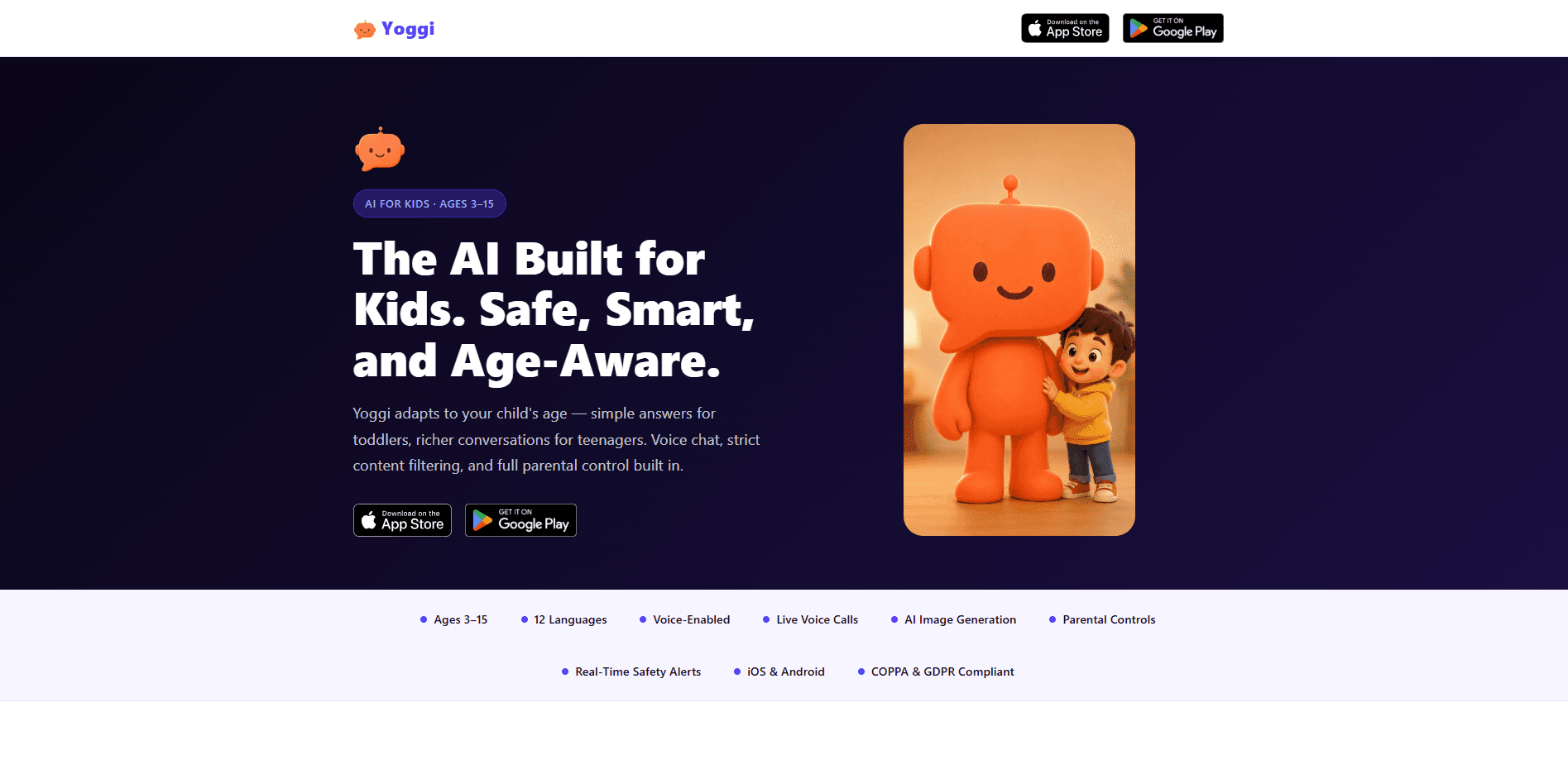
Yoggi - AI Chat for Kids is a kid-safe AI chatbot that changes how it talks depending on your child's age. Built for children ages 3 to 15, it answers in short, simple sentences for little ones and holds deeper conversations for teens. It works as a parental control AI app too. Voice chat, AI image generation, and a PIN-protected parents' corner round out the package, and every chat stays readable to you. Instead of cold refusals, it redirects awkward questions gently and pings you by email the moment something needs attention.
About Yoggi - AI Chat for Kids
What Is Yoggi - AI Chat for Kids
Yoggi is an AI chat app made only for children, not a grown-up chatbot with a filter bolted on. The developers built it around a simple idea: ChatGPT and Gemini were designed for adults, so a parent either watches every message or trusts the tool blindly. Yoggi takes a different route. It adjusts its vocabulary, sentence length, and depth to your child's age band, and it tells you when a conversation actually matters instead of logging every word for you to audit.
The main problem it solves is the gap between "safe enough to hand over" and "useful enough that a kid wants to use it." Kids get a companion. It answers homework questions, spins up stories, and generates images from a prompt. Parents get a parents' corner locked behind a PIN, a full chat history, and real-time email alerts for sensitive moments. Families set up a parent account first, which keeps the child side under your control.
The catch is coverage and trust. Yoggi is a young product with a small user base. It isn't a replacement for teaching your kid how to use AI well. It's one guardrail, not a whole solution. It also lives on iOS and Android, so desktop users are out of luck for now.
Getting Started
- Download Yoggi from the App Store or Google Play and create a parent account.
- Set your child's age band so the app adjusts its answers from the start.
- Create a PIN for the parents' corner, then hand the device to your child.
- Flag any sensitive family topics, like grief or a separation, so Yoggi handles them with extra care.
- Open the chat screen with your child, try a first question together, and review the daily insights from there.
Product Information
A quick look at Yoggi - AI Chat for Kids's pricing, supported platforms, and performance.
Best for
The users, tasks, and scenarios where this tool fits best.
Users
- Parents of kids ages 3 to 15
- Families with early readers or pre-readers
- Curious teens
Tasks
- Homework help
- Creative play
- Everyday questions
Scenarios
- A rainy afternoon when a child wants something to do that isn't another video feed.
- A parent who wants a second pair of eyes on what a child is asking an AI, without reading every message.
- A first taste of age-appropriate AI for a family that isn't ready to hand a kid a general-purpose chatbot.
Key features
Age-Aware Answers
The same Yoggi behaves differently for a 4-year-old and a 14-year-old. For ages 3 to 5, it caps replies at roughly three sentences and uses only simple words, with no reading or typing required. Ages 6 to 10 get homework help, fun facts, and creative stories. Ages 11 to 15 move into deeper conversations and study assistance. A child never sees a wall of text built for an adult. A teen never gets talked down to.
Voice Chat and Live Voice Calls
Yoggi is voice-first, which matters for kids who can't type yet. A preschooler can just talk and hear the answer back, and the app also supports live voice calls. That makes it feel more like a conversation than a keyboard exercise, and it lets a child who is still learning to read use the tool on their own. It's a small thing on paper and a big one in practice.
Gentle Handling of Tricky Questions
Most filters do one thing: block and move on. Yoggi redirects awkward or grown-up questions lightly, often with a joke, and avoids the cold refusal that makes a kid feel scolded. The company calls this babysitter-style handling. The difference is real. If a question genuinely needs a parent's attention, the app routes it there instead of dropping it silently.
Real-Time Safety Alerts for Parents
Parents get an email alert the moment a conversation needs a closer look, rather than a monthly report they'll never read. There's also a daily AI insight and an optional weekly recap by email. Why does the timing matter so much? A flag that arrives days late is a history lesson, not a nudge you can act on. This is the part that separates Yoggi from a plain filter: you hear about the moment that matters, not a transcript of every joke your kid told.
AI Image Generation
Kids can turn a prompt into a picture, which is one of the more engaging things an AI can do for a child. A story about a dragon becomes a dragon on screen. It keeps the creative loop short. Describe, generate, react, describe again. For younger users, this is often the hook that gets them exploring instead of staring at a chat box.
Honest About Being an AI
Yoggi never claims to have feelings or a special bond with your child, and it tells kids plainly that it's a tool. It nudges them to bring real emotions to real people. That stance is unusual in a category where companion apps lean into attachment. For parents who worry about a kid forming a one-sided relationship with a chatbot, this is the feature that matters most.
Pros and cons
Pros
- Adjusts vocabulary and depth by age band, so one app fits a 4-year-old and a 14-year-old.
- Voice-first design lets pre-readers use it without typing.
- Parents get real-time email alerts plus a PIN-locked parents' corner and full chat history.
- Handles awkward questions with humor instead of cold refusals.
- States plainly that it's an AI and pushes kids toward real relationships.
Cons
- No desktop or web version. It's strictly an iOS and Android app.
- Younger product. A track record is still building.
- Parent setup is required before a child can use it, which adds a step for families who want to try it fast.
Frequently asked questions
It's an AI chatbot built only for children ages 3 to 15. It adapts its answers to your child's age, adds voice chat and AI image generation, and keeps parents informed through alerts and a protected parents' corner.
Related content
Explore related tools, skills, and articles for Yoggi - AI Chat for Kids.
Yoggi - AI Chat for Kids Alternatives

HireKey
HireKey · Voice & Language · Productivity · LeaningHireKey is an AI job search copilot built by a former tech recruiter. It checks role fit, tailors resumes, runs interview practice and tracks every application.

Lune
Retrograde Labs · Productivity · LeaningLune is a research search engine for scientific AI agents. It runs as an MCP server that lets Claude, ChatGPT and Cursor search peer-reviewed computer science papers and cite them.
Coddy
Coddy · Coding · LeaningCoddy is a gamified platform to learn to code through short interactive lessons in 20+ languages, with a browser editor, an AI tutor and free certificates.