

YouArt
Formative Intelligence Inc. · Image · Other
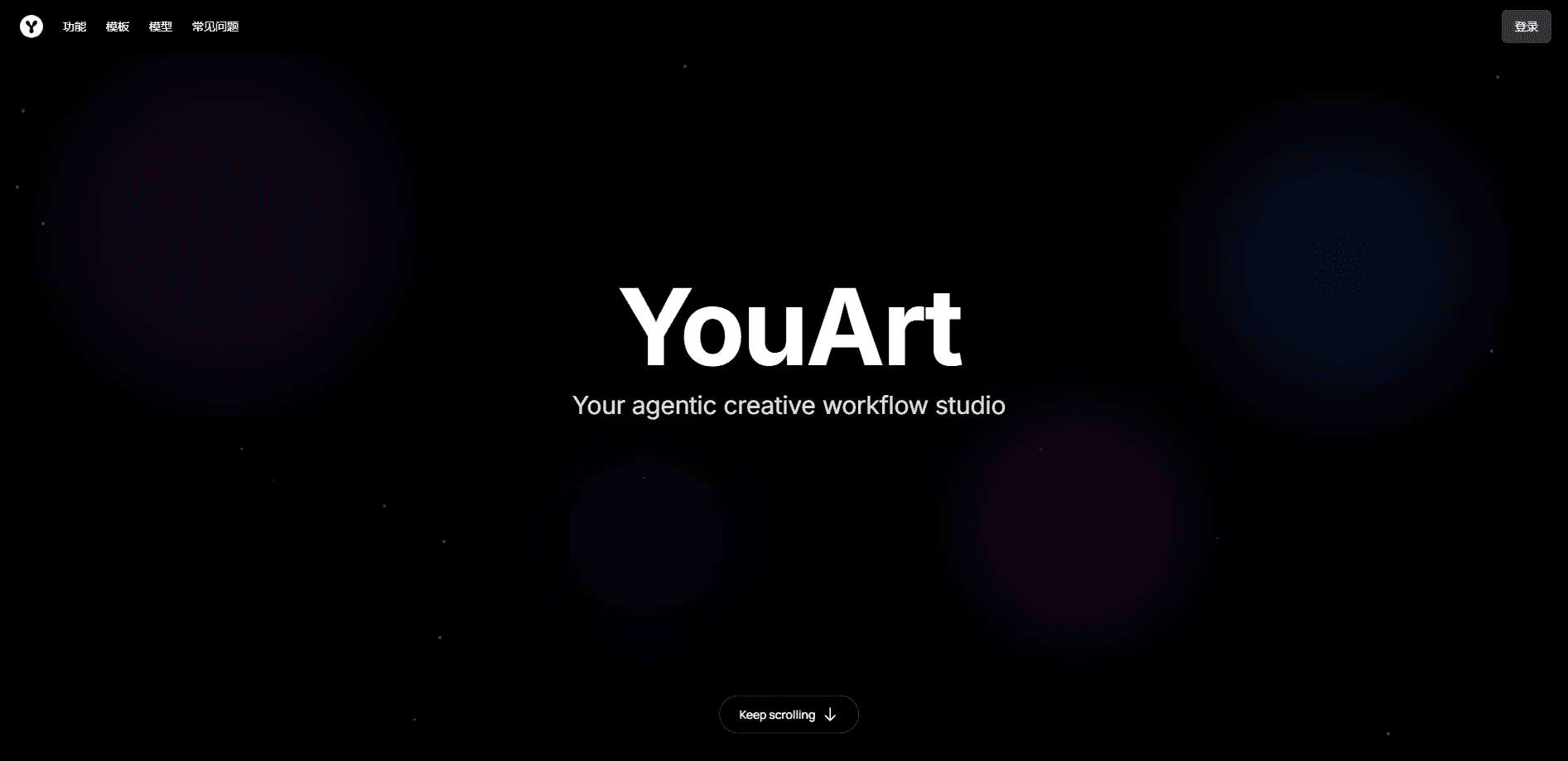
YouArt is an AI image and video generator that lets you move from a written idea to finished visuals without touching a timeline or a multi-step editing suite. It runs as a web-based creative studio where an AI agent handles the busywork: drafting prompts, picking models, and chaining steps into repeatable workflows. You get access to several big-name generation models under one membership, plus tools for short videos, product clips, and UGC-style ads. Who is it for? Creators and small teams who want speed more than a deep manual editing tool.
About YouArt
What Is YouArt
YouArt is an AI creative studio built by Formative Intelligence Inc. It targets one specific frustration: turning an idea into an image or a video usually means bouncing between a prompt tool, a model site, and a separate editor. YouArt folds those steps into one canvas and puts an agent on top, so you describe what you want in ordinary language and the system proposes a path to build it.
The core draw is model variety. Instead of subscribing to one generator, you get a pool that includes video models like Seedance 2.5 and image models like GPT Image 2.5, plus audio from ElevenLabs. A workflow builder lets you save a sequence once, then rerun it for the next product, the next ad, or the next episode of a series.
The limits matter too. YouArt is a browser product with no desktop or mobile app, and it's credit-based, so heavy video work can burn through a plan quickly. If you rarely post video or already own a tool you like, the value is thinner.
Getting Started
- Create a free account on the YouArt site and open the workflow canvas.
- Type a description of the image or video you want, or pick a template that matches your goal, such as a product clip.
- Let the creative agent suggest a model and a sequence of steps, then adjust the prompt or swap models.
- Generate, review the result, and rerun the workflow with new inputs when you need more variations.
- Download the output; upgrade to a paid plan when the free credits run out.
Product Information
A quick look at YouArt's pricing, supported platforms, and performance.
Best for
The users, tasks, and scenarios where this tool fits best.
Users
- Solo creators who publish short videos and want one subscription instead of three separate tools.
- E-commerce sellers who need product and ad clips but have no editing background.
- Small marketing teams that want to share canvases, workflows, and assets in one place (Team plan, up to 10 members).
Tasks
- Turning a product photo into a UGC-style ad video without hiring talent or a studio.
- Building a repeatable workflow for feature launch videos so each release follows the same steps.
- Generating still images for social posts when you need a batch fast.
Scenarios
- A new product drops and you need ad clips the same week, not after a video editor's schedule opens up.
- An indie storyteller tests an original concept by generating a short teaser before pitching it.
- A creator wants the same visual style across a series, so they reuse one saved workflow.
Key features
AI Video Workflow Builder
The workflow canvas is the heart of YouArt. You lay out the steps once, connect model calls and edits, then rerun the whole chain with new inputs. That's the difference between generating one clip and producing a series on a schedule. Saved workflows also make results consistent across a team, since everyone runs the same process. It scales.
Multi-Model Access in One Membership
YouArt pools several generation models under one login, spanning video, image, and audio. Video options include Seedance 2.5 and 2.0, while image work can call on GPT Image 2.5 and Nano Banana 2, with ElevenLabs v3 handling voice. You pick per project. The result: no locking yourself to one model's best and worst traits.
Creative Agent
The agent turns a rough idea into a workable plan. Describe the outcome you want and it proposes a model, a prompt, and a sequence of steps you can accept or edit. It's the onboarding layer for people who don't want to learn prompt engineering. It's also a shortcut for those who do. The agent isn't magic. It's a starting point.
UGC Ad and Product Video Generators
These are purpose-built templates rather than blank canvases. The UGC generator turns a single photo into an ad-style clip, and the product video generator builds shorts for listings and campaigns. Realistic face uploads are supported, which is what makes the UGC output read as a person rather than a render. That's the whole trick.
Logo Animation and Launch Video Tools
Two narrower tools cover common requests. The logo animation maker turns a static mark into a moving intro, handy for channel branding. The feature launch video generator structures announcements so each product update gets a consistent, on-brand clip.
E-commerce Workflows
For online sellers, YouArt ships workflows tuned to store content: product shots, ad clips, and campaign assets. The point is to cut the gap between listing a product and having promo material ready for it. List it. Promote it. Same day.
MCP Server for Agents
YouArt offers an MCP server, which lets outside AI agents call its image and video models directly. If you build with tools like Claude or other MCP-aware assistants, you can wire YouArt in as the media backend instead of switching apps by hand.
Credit-Based Plans with Team Sharing
Every plan works on credits, and higher tiers add more of them along with larger monthly image and video allowances. The Team plan layers on shared canvases, role-based management, spending caps, and per-member usage tracking. That's aimed at studios that need to see where the budget goes.
Pros and cons
Pros
- Several strong image, video, and audio models sit behind one subscription, so you compare outputs without juggling accounts.
- The workflow builder makes repeat content realistic; you save a process once and rerun it every time.
- Purpose-built generators for UGC ads, product videos, and logo animation skip the blank-canvas problem.
- An MCP server lets external AI agents drive the models, which few consumer generators offer.
- Team plan includes shared assets, spending caps, and per-member usage tracking.
Cons
- Credit-based pricing means heavy video output can drain a plan fast, and estimating cost up front takes trial and error.
- Web only; there's no desktop or mobile app, so offline or on-the-go editing isn't an option.
- The breadth of models and workflows has a learning curve, and newcomers may need the tutorial section before they're productive.
Frequently asked questions
YouArt is an AI creative studio for producing images and videos from written prompts. It's most useful for short-form video, product clips, UGC-style ads, and any content you want to generate on a repeatable schedule.
Related content
Explore related tools, skills, and articles for YouArt.
YouArt Alternatives

X Ray Interpreter
X-ray Interpreter · ImageX Ray Interpreter is a web-based AI radiology tool that turns X-rays, CT scans, MRI, ultrasound, and PET images into plain-language reports. You upload a scan, get a preliminary X-ray interpretation in moments, then ask follow-up questions if something needs explaining. It works as a second opinion and a learning aid, not as a medical diagnosis.

Aieasypic
AIEasyPic · ImageAIEasyPic is an AI image generator that turns plain text prompts into finished artwork in seconds. You can also train custom models on your own photos, swap faces in existing images, and create short video clips from text, all from a browser. It suits casual creators who want quick visuals and hobbyists who want to build a personal model without touching any code.

Chargen
Chargen · ImageChargen is an AI character generator and worldbuilding toolkit built for Dungeons & Dragons and other tabletop RPGs. It turns a one-line idea into a painted character portrait, spins up NPCs, monsters, maps and encounters from the same session, and keeps every creature's details close at hand. The tabletop RPG art side runs on a credit system called Gold, while the text generators stay free for everyone.