

Zaro
Zaro · Coding
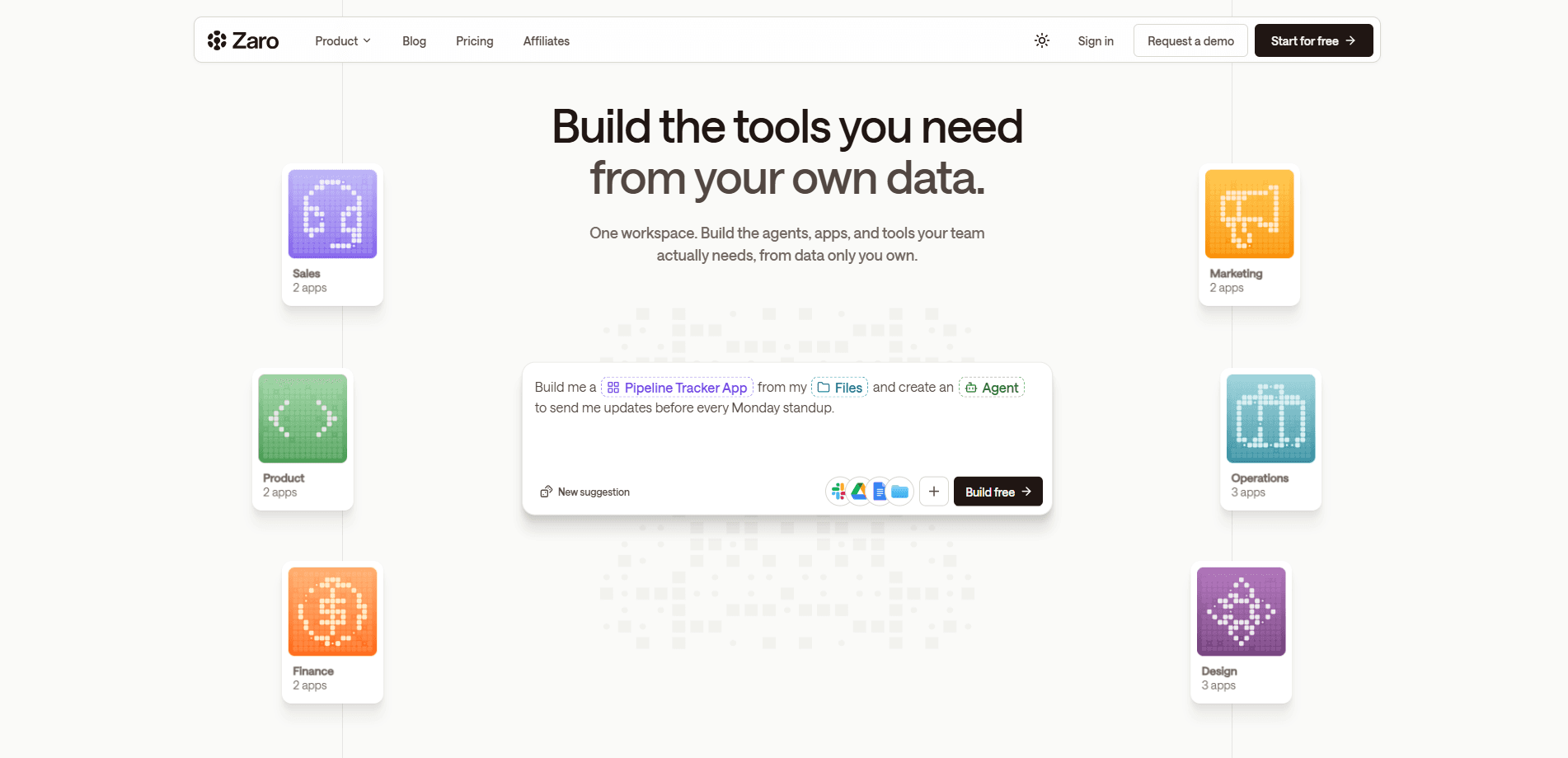
Zaro is an AI workspace that keeps your company's context as live, versioned files and hands that context to context-aware AI agents. Instead of a knowledge graph built once and left to go stale, or a chat assistant with no shared memory, Zaro lets the work itself write back to the files, so every answer can name the source it came from. Teams use it to connect internal data through 120+ connectors and a model-agnostic routing layer, then keep governance, permissions, and audit trails in one place.
About Zaro
What Is Zaro
Zaro is a unified, company-owned AI workspace built around one idea: a business runs on context that never made it into a database. Records, playbooks, customer tiers, and the unwritten rules behind them mostly live in documents and people's heads. Most teams call that a company knowledge base, and most tools treat it as an afterthought. Data warehouses solved the numbers. Chat assistants gave everyone an AI and the company no shared memory. Zaro takes a different route.
Your context lives as plain files (Markdown, YAML) that the work itself reads and writes to. Version history comes free, updates land instantly, and every answer names the file it came from. That means you can open any file behind an answer and see which version was read and who last changed it. A compliance team that can't check an answer won't sign off on it, and Zaro is built for exactly that check. If you've been hunting for a knowledge graph alternative, this is the pitch.
The limits are worth stating up front. Zaro is a business product aimed at teams with internal systems to connect, so individuals won't get much from it. It also leans on your existing tools rather than replacing them, so you still need working connectors for the systems you care about.
Getting Started
- Talk to the Zaro team to set up a company workspace, since it's a business-first product rather than a self-serve signup.
- Connect your internal systems through native connectors, the API, or a scoped browser for tools that have no API.
- Set path-level permissions for context and connection-level permissions for external tools, so people and automated work inherit the same gate.
- Let your agents and workflows read and write the shared files, then open any file behind an answer to confirm its version and last editor.
- Review the audit trail to trace reads, writes, and tool calls back to the user, workflow, and outcome that produced them.
Product Information
A quick look at Zaro's pricing, supported platforms, and performance.
Best for
The users, tasks, and scenarios where this tool fits best.
Users
- Operations teams
- Sales and revenue teams
- Compliance and security leads
Tasks
- Keeping company context current
- Governing external tool actions
- Auditing AI-driven work
Scenarios
- Onboarding an AI assistant onto internal systems
- Answering operational questions on the spot
- Rolling context back after a bad change
Key features
Live Files Instead of a Stale Index
An index is a copy, and every copy carries a date. Zaro reads the file itself, so an answer is only as old as the last thing that wrote to it. That distinction sounds small. It isn't. A question like "is the Q3 follow-up standard still two days?" gets answered from the file as it stands now, not from Tuesday's snapshot.
The Work Writes Back
Most context tools consume context and never produce it. Zaro runs the other way. Work produces context as well as consuming it, so each run leaves a finding behind and each output becomes the next run's input. Correct something once and the rule changes, not just that one answer. Nothing gets consumed.
Version History and Attribution
Nothing is overwritten. You can read any file as it stood on any past date and put it back in one step. Open any file behind an answer and you'll see the version that was read and who last changed it, which is what makes a claim checkable instead of trust-based.
Path-Level Permissions
A folder is the unit of access. You set read, write, or deny per path, and that gate is inherited by people and automated work alike. Nothing exceeds the permissions of whoever set it up. So an agent can never see more than the person who configured it.
Model-Agnostic Routing and MCP
Zaro connects to the systems you already run and doesn't force a single model vendor on you. Routing across models, plus support for the open MCP agent protocol, keeps your context portable when your needs change. The pitch is avoiding lock-in. Portability is the thing that makes it real.
120+ Connectors Plus Three Other Ways In
Native connectors cover the systems most companies run, read with permissions intact, from Microsoft 365 and SharePoint to the data warehouse stack. For tools you built yourself there's an API and an open agent protocol, and for systems with no API at all Zaro offers a scoped browser. That last piece matters. The tools with no API are usually the ones hiding the context you need.
Governance Beyond the Chat Window
Most security tools only see fragments. Zaro watches the whole path: what the AI reads, which tools it calls, what it writes back, and who approved the action. Teams get live visibility into usage and blocked actions, and an audit trail that's built into the workflow instead of reconstructed after the fact.
Pros and cons
Pros
- Context stays current because the work writes back to the files, so there's no nightly rebuild and no stale index in the middle.
- Every answer names its source file, and you can check the version and last editor behind it.
- Path-level permissions apply the same gate to people and agents, which keeps automated work inside its boundaries.
- Model-agnostic routing and MCP support keep your company context portable if you change vendors.
- 120+ connectors plus an API, an open agent protocol, and a scoped browser cover both modern and legacy systems.
Cons
- There's no free plan and no public price list, so small teams or individuals can't try it without talking to sales first.
- It's built for companies with internal systems to connect, so solo users and very small teams won't get much value.
- It never replaces your existing tools, so you still depend on a working connector for each system you want in the loop.
- Some governance features bundle into a business pitch, which makes it harder to judge exactly what ships on day one.
Frequently asked questions
Zaro keeps your company's context as live, versioned files and connects that context to AI agents. Instead of a knowledge graph that's accurate only on the day it shipped, it reads the file itself, so answers reflect the most recent work. Every answer names the file it came from.
Related content
Explore related tools, skills, and articles for Zaro.
Zaro Alternatives
Forefront
Forefront · CodingForefront is a web platform for building with open-source AI. It lets you fine-tune leading open-source language models on your own data, evaluate how they perform, and run them through an API or export them to host yourself. Developers who want the convenience of a closed-source platform but insist on owning their models and data are the target audience here.

Startkit
StartKit.AI · CodingStartkit is a boilerplate for building AI SaaS and AI wrapper products. Think of it as an AI startup boilerplate with the boring parts already wired up: authentication, Stripe and Lemon Squeezy payments, usage limits, transactional email, and an AI API starter that talks to OpenAI, Anthropic, Groq, or Llama. You clone the repo, set your price, and start on the part of your product that people actually pay for. It's Next.js under React and Tailwind, so most of the boilerplate code already feels familiar.
Testim
Tricentis · CodingTestim is an AI-powered test automation platform for building and running end-to-end tests across web, mobile, and Salesforce applications. It leans on machine learning to keep tests stable when an interface changes, so teams spend less time fixing broken selectors. Not bad for an automated testing tool you can start using today. You create tests by recording actions in a browser, then optionally add JavaScript when you need more control. It's a solid pick for busy QA teams.