

Zoho Projects
Zoho Corporation · Productivity
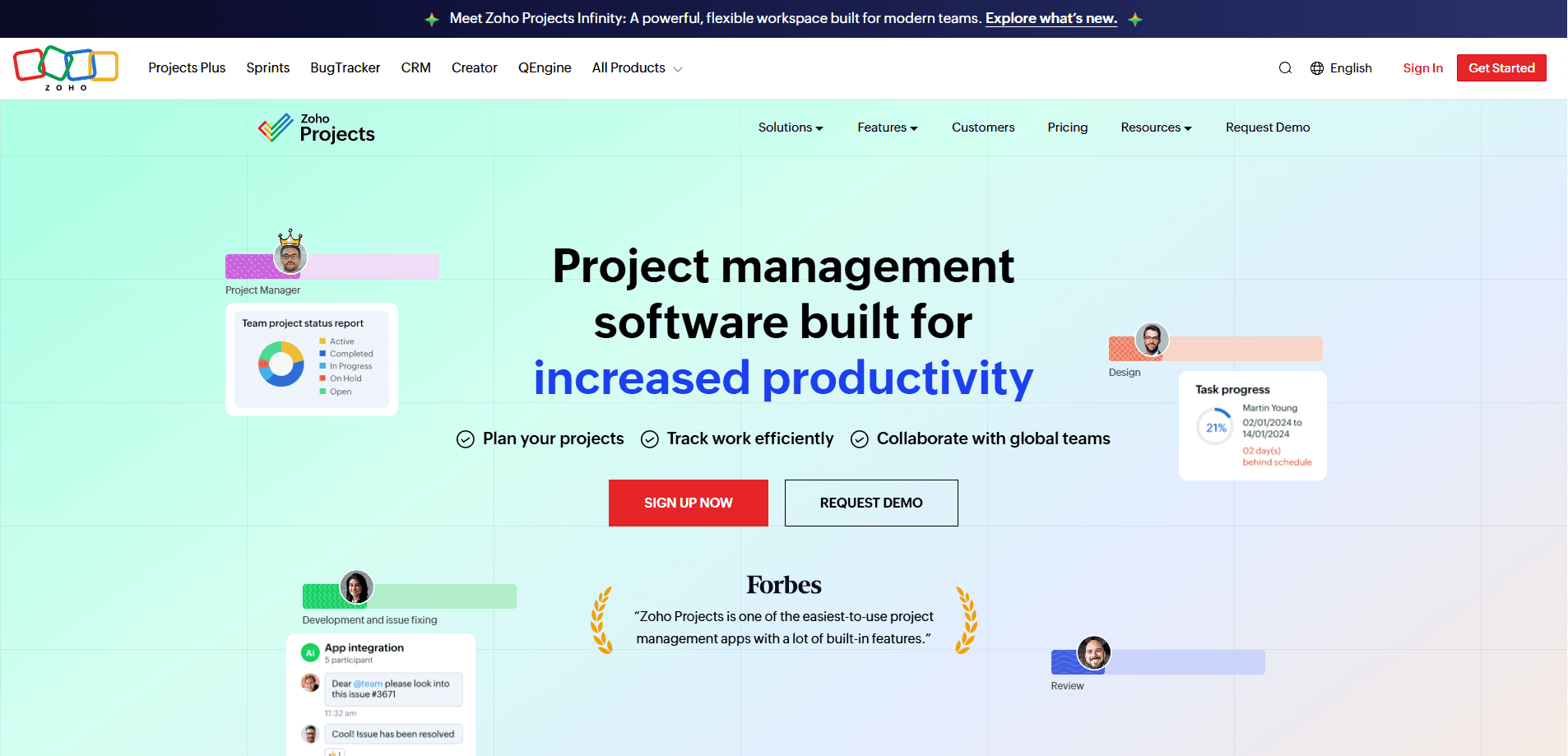
Zoho Projects is a cloud-based project management software that helps teams plan work, track progress, and stay in sync from one shared workspace. It pairs Gantt charts and task dependencies with timesheets, workflow automation, and reporting, so a small crew or a large department can run projects without dragging spreadsheets around. Think of it as a project planning app that also handles the boring admin. There's a free plan for up to five users, and paid tiers add custom modules, blueprints, and advanced reporting.
About Zoho Projects
What Is Zoho Projects
Zoho Projects is a web-based project management and team collaboration tool built by Zoho Corporation. Teams use it to break work into tasks, assign them, watch dependencies, and see whether a schedule is on track. It's aimed at managers and contributors who want planning, time tracking, and reporting in one place rather than juggling three separate apps. One workspace, one source of truth. No more copy-pasting a status update into email.
The core of the tool is the task list and its companion Gantt chart. You build a project plan, set finish-to-start or more advanced dependencies, and the chart flags whenever actual progress drifts from the plan. Timesheets sit alongside, so billing hours flow into Zoho Invoice if you need that link. Everything connects.
The biggest limits are on the free tier. You get three projects, five users, and 5 GB of storage, which is fine for a small team testing the waters but tight for a growing department. That ceiling arrives sooner than you'd think. Advanced items like portfolios, baselines, sandbox, and SSO live on higher plans, so budget accordingly. If your team already leans on single sign-on for every other tool it uses, plan for the Enterprise tier from day one rather than discovering the gap after rollout.
Getting Started
- Create a Zoho account and sign in to Zoho Projects from the web portal or the iOS and Android apps.
- Create a project and pick a template, or start blank, then add tasks and subtasks.
- Assign owners, set durations, and link dependent tasks on the Gantt chart.
- Add automation rules or blueprints to move work forward without manual reminders.
- Log time in the timesheet module as work happens, then review reports and dashboards for status.
Product Information
A quick look at Zoho Projects's pricing, supported platforms, and performance.
Best for
The users, tasks, and scenarios where this tool fits best.
Users
- Small teams on a budget
- Project managers in mid-size companies
- Agencies that bill by the hour
Tasks
- Building a project plan with dependencies
- Tracking billable and non-billable hours
- Automating routine handoffs
Scenarios
- Running a product launch across design, dev, and marketing
- Managing client work at an agency
- Coordinating a remote team
Key features
Gantt Charts and Dependencies
The Gantt chart is where Zoho Projects earns its keep. You lay out tasks on a timeline, set finish-to-start or all four dependency types, and the chart shows the critical path. Good Gantt chart software should flag drift early, and this one does. When real progress falls behind the plan, the deviation shows up visually. You spot a slipping deadline before it becomes a fire. That's the whole point.
Task Management and Subtasks
Tasks break into subtasks, each with owners, durations, priorities, and custom fields. You can switch between list, kanban, and calendar views, and task reminders plus recurring tasks handle work that repeats every week. Three views, same data. For teams coming from spreadsheets, the move is a small adjustment rather than the full rebuild you'd face with a tool that forces its own rigid structure on top of the way you already work.
Time Tracking and Timesheets
The timesheet module logs billable and non-billable hours, either by hand or with a timer running. Higher plans add multiuser and multiproject timesheets plus layered approvals, which helps agencies where a manager signs off on several people's hours before invoices go out the door. If you already use Zoho Invoice, hours logged here turn into invoices automatically. What a relief at month end. Less admin, fewer mistakes.
Workflow Automation
Automations run on a drag-and-drop canvas, so you can see a workflow before you deploy it. Route a task to the next person, change a status, or send a notification when a condition is met. Simple enough. The free plan caps this at 50 executions a month, while paid tiers allow from 5,000 up to 500,000.
Zia AI Assistant
Zia, Zoho's AI layer, handles summaries, translation, and task or subtask creation from natural language. Zia Insights digs through your reports and charts to surface takeaways you might miss. Does it replace your judgment? No. It's the kind of help that saves a click here and there rather than replacing your planning judgment. Useful, not magic.
Reporting and Dashboards
Reports cover workload, task and issue status, and project-specific or cross-project views depending on your plan. Unlimited custom dashboards arrive on the Enterprise tier, and a Power BI integration lets you pull data outward for anyone who'd rather analyze it alongside numbers from sales, support, and finance in a single BI workspace. Portfolio dashboards give managers a rollup of everything in flight.
Integrations and Custom Modules
Zoho Projects connects to Google apps, Office 365, Slack, Microsoft Teams, Zapier, GitHub, and others through a marketplace with 50-plus integrations. You can also embed external URLs as web tabs so a third-party tool lives inside the product. On paid plans, custom modules and global custom modules let you model industry-specific data, which matters for construction firms tracking equipment, agencies tracking creative deliverables, or any team whose work doesn't fit a generic task template.
Pros and cons
Pros
- Free tier is genuinely usable for small teams, covering five users and three projects without a time limit.
- Gantt charts with dependency types and critical path support handle serious scheduling, not just basic to-dos.
- Tight fit with the wider Zoho suite means timesheets, CRM, and invoicing talk to each other.
- Mobile apps for iOS and Android keep approvals and task updates moving away from a desk. Handy on the go.
- Workflow automation uses a visual canvas, so non-developers can build and deploy rules.
Cons
- The free plan's three-project and 5 GB limits get cramped fast once a team grows, forcing an upgrade sooner than some expect.
- Key governance features like SSO, baselines, and sandbox sit on the Enterprise tier, so larger firms pay more to meet IT requirements.
- The interface packs a lot in, and new users can find the settings sprawl slow to learn compared with lighter task apps.
Frequently asked questions
It's project management software for planning, tracking, and collaborating on work. Teams use it to organize tasks, build Gantt charts, log time, and report on progress from one workspace. Nothing more complicated than that.
Related content
Explore related tools, skills, and articles for Zoho Projects.
Zoho Projects Alternatives

Base Code
Base44 (Wix) · Coding · ProductivityBase Code is a shared cloud development environment from Base44. Teammates describe changes to an existing GitHub codebase in chat, preview them live and send them back as pull requests.

Knocket
Knocket (Tencent RTC team) · Productivity · Business · ChatbotKnocket is a free live chat and contact page tool that lets visitors message you from your website, app, or a shareable link, with every reply handled from Telegram or one inbox.

FloorGen
Vinit Kumar (FloorGen) · Productivity · China AIFloorGen is a browser-based floor plan maker that turns a sentence or a sketch into an editable 2D plan and a 3D walkthrough. Export to PDF, DXF or video, and draw without an account.