
Zoho WorkDrive
Zoho Corporation · Productivity
Zoho WorkDrive is cloud storage for teams, combining shared Team Folders, Zoho Office Suite integration, Zia AI file management, and granular access controls in one workspace.
About Zoho WorkDrive
What Is Zoho WorkDrive
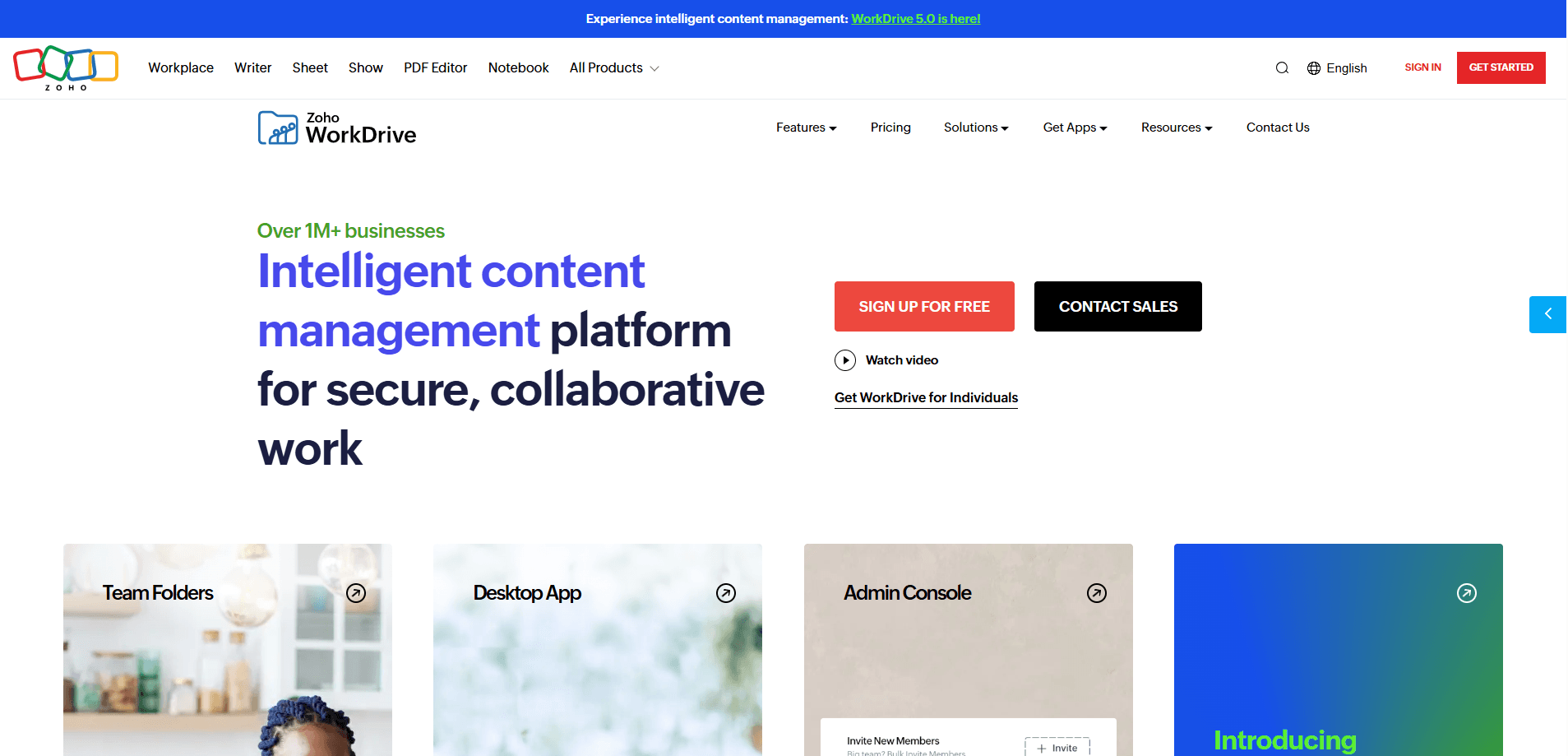
Zoho WorkDrive is a content collaboration platform built for teams rather than solo users. It pools file storage across a group, wraps that storage in role-based Team Folders, and hands everyone the same set of editing and sharing tools. The pitch is simple: stop mailing document copies around and keep one working version of everything. Team file collaboration here means permissions, comments, and version history live next to the files.
The product sits inside the wider Zoho stack, so files open in Writer, Sheet, and Show without leaving the browser. Zia, Zoho's built-in AI assistant, indexes content for natural-language search and can transcribe audio and video, while administrators get device management, audit trails, and data loss prevention on the higher plans.
The clearest limit is that WorkDrive assumes a team. Every paid plan starts at three users, and the cheapest tier caps single-file uploads at 10 GB. Anyone wanting a personal drive with a large free quota should look elsewhere, because the individual free plan tops out at 5 GB.
Getting Started
- Sign up at zoho.com/workdrive and pick the individual, Starter, Team, or Business plan. Paid plans all carry a 15-day trial with no credit card required.
- Set up your Team and create Team Folders for the projects or departments that need shared space.
- Invite members by email and assign roles. Permissions can be tuned down to a single subfolder.
- Upload files or create new ones in Writer, Sheet, and Show, then share links or invite external users as needed.
Product Information
A quick look at Zoho WorkDrive's pricing, supported platforms, and performance.
Best for
The users, tasks, and scenarios where this tool fits best.
Users
- Small businesses and growing teams
- Media, design, and engineering groups
- Compliance-focused organizations
Tasks
- Collaborating on documents
- Automating routine file work
- Searching across a large library
Scenarios
- Running a distributed team
- Sharing securely with clients
- Consolidating scattered storage
Key features
Shared Team Folders With Granular Permissions
Team Folders give a whole group a single home for its files, and roles decide who can view, edit, or manage them. Sharing can be scoped down to an individual subfolder, so a contractor sees one folder instead of the entire drive. Every Team Folder keeps its own Trash tab, which makes recovering an accidentally deleted item straightforward.
Built-In Zoho Office Suite
Writer, Sheet, and Show run inside WorkDrive, so teams draft documents, build spreadsheets, and assemble presentations without exporting anything. Co-editing happens in real time, comments attach to specific passages, and a check-in and check-out option locks a file while someone is reworking it.
Zia AI and Content Search
Zia indexes files so you can find a document by describing what it contains rather than remembering its name. The AI layer also transcribes audio and video, which turns meeting recordings and voice notes into searchable text. On the Business plan, a beta feature lets members ask questions inside a file and get answers drawn from its content.
Workflow Automation
Default workflows handle common processes out of the box, and the Business plan unlocks custom workflows built from scratch. Teams can wire up content-specific automations that move, share, or file documents on their own, and custom functions and connections extend those flows into outside apps.
Security, DLP, and Audit Logs
WorkDrive ships enterprise-grade security across paid plans, with Business adding data loss prevention policies and classification labels that restrict copying, printing, and external sharing. An admin audit trail keeps an exportable log of user and administrative actions, which is the kind of evidence compliance reviews tend to ask for.
Desktop, Mobile, and Sync Apps
Native apps for Windows, macOS, Linux, Android, and iOS keep files available offline and synced when a connection returns. WorkDrive Snap records your screen, video, and audio from inside the app, and anyone can back up team files locally for work in low-connectivity settings.
External Sharing and Client Users
Share links let people outside your organization view or download a file without signing up, and paid plans support up to 500 unique external users. Client users get their own limited access inside the team, and those seats come as a separate add-on license.
Developer API and Integrations
An extensive REST API covers admin tasks such as managing teams and Team Folders alongside non-admin tasks like uploading, downloading, and searching. OpenAPI specifications and webhooks make it practical to push WorkDrive events into external apps and connect the platform to third-party tools.
Pros and cons
Pros
- Pooled team storage starts at 1 TB and grows with every license past the tenth user, so adding seats usually solves capacity pressure.
- The Zoho Office Suite is included, which means no separate licence for document, spreadsheet, and presentation editing.
- Business-tier DLP, classification labels, and audit trails give regulated teams concrete controls rather than vague promises.
- External sharing works for non-Zoho users, and external people who only need a link do not consume a paid license.
- A documented REST API and webhooks make WorkDrive a reasonable hub for custom integrations.
Cons
- Every paid plan enforces a three-user minimum, so a solo professional pays for seats they cannot use.
- The Starter plan caps single-file uploads at 10 GB, which blocks large video or design files until you upgrade.
- The individual free plan only offers 5 GB, well below what most personal cloud drives hand out.
- Zia features on lower tiers are basic, and the genuinely useful options push you toward the Business plan.
Frequently asked questions
It's a cloud platform where teams store, organize, and work on files together. Instead of emailing document copies, everyone opens the same version, edits it in the bundled Zoho Office Suite, and shares links with people inside or outside the company.
Related content
Explore related tools, skills, and articles for Zoho WorkDrive.
Zoho WorkDrive Alternatives

Base Code
Base44 (Wix) · Coding · ProductivityBase Code is a shared cloud development environment from Base44. Teammates describe changes to an existing GitHub codebase in chat, preview them live and send them back as pull requests.

Knocket
Knocket (Tencent RTC team) · Productivity · Business · ChatbotKnocket is a free live chat and contact page tool that lets visitors message you from your website, app, or a shareable link, with every reply handled from Telegram or one inbox.

FloorGen
Vinit Kumar (FloorGen) · Productivity · China AIFloorGen is a browser-based floor plan maker that turns a sentence or a sketch into an editable 2D plan and a 3D walkthrough. Export to PDF, DXF or video, and draw without an account.