

Zoom Workplace for Intune
Zoom Communications, Inc. · Productivity
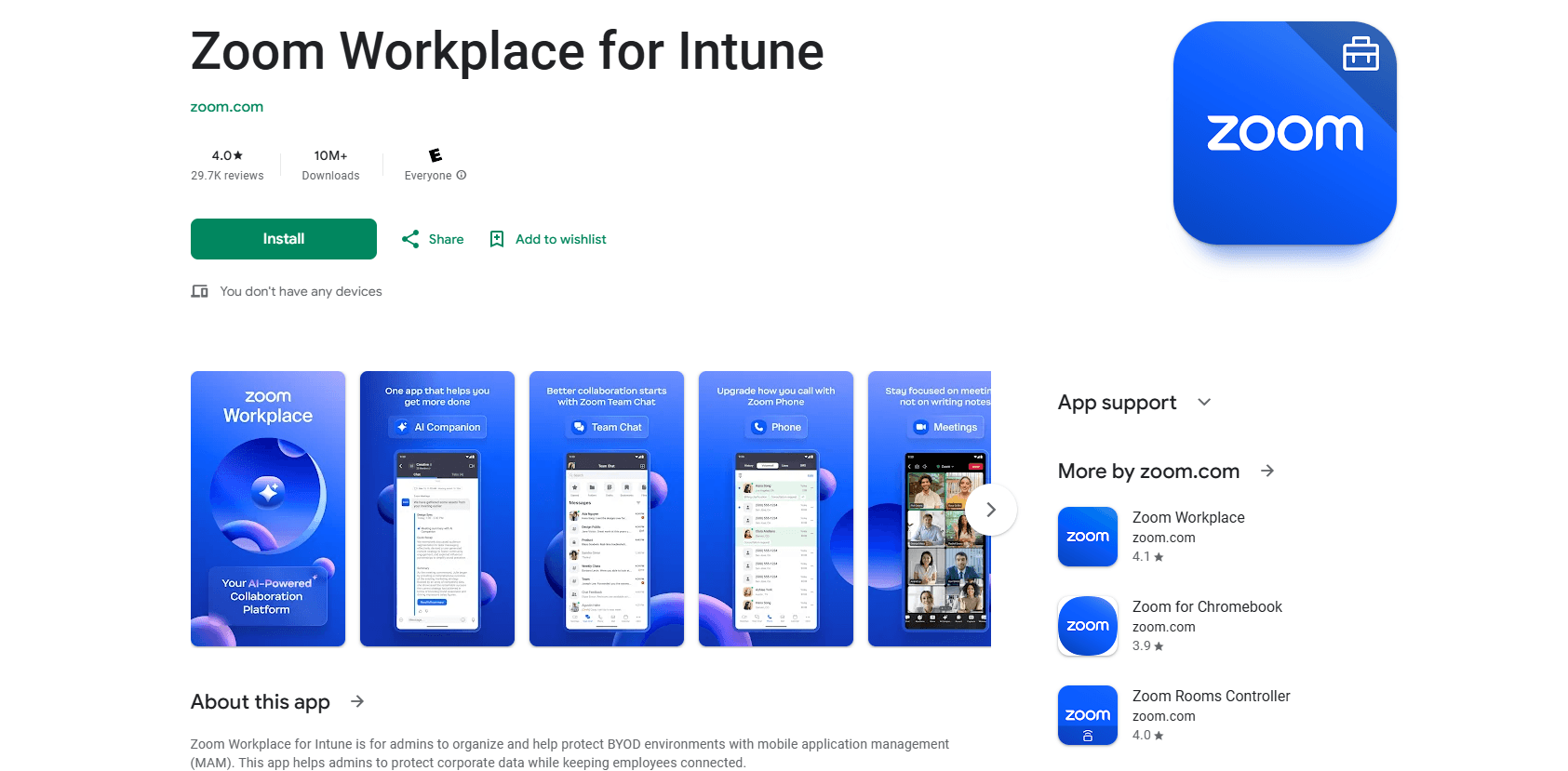
Zoom Workplace for Intune is a managed build of Zoom's collaboration app that lets IT apply Microsoft Intune app protection and configuration policies to meetings, chat, and calls on personal phones.
About Zoom Workplace for Intune
What Is Zoom Workplace for Intune
Zoom Workplace for Intune is the same Zoom app your colleagues open every morning, rebuilt with Microsoft's Intune SDK and published as a separate listing on the App Store and Google Play. Meetings, team chat, phone, whiteboard, notes, and AI Companion all behave the way they do in the consumer build. The difference sits behind the sign-in screen, where the app accepts policies pushed from a company's Intune tenant.
The reason to pick this build is BYOD. A company can protect work data on a phone it doesn't own without enrolling the whole device. Intune can stop copy and paste into personal apps, block cloud backups of work files, require a PIN before the app opens, and remove only the Zoom data when a handset goes missing. The employee keeps their photos, their messages, and their own apps.
The catch is that nothing works without a Microsoft-managed environment and a work account. Sign-in fails if the tenant hasn't been configured, and admins often switch off Google, Facebook, and email logins so only SSO gets through. Anyone who wants Zoom for a family call should install the regular app instead.
Getting Started
- An Intune admin adds Zoom Workplace for Intune from Managed Google Play on Android or the App Store on iOS, inside the Microsoft Intune admin center.
- Assign the app to a pilot group first. Zoom's own field guide recommends a small test group so nobody gets access before policies are in place.
- Optionally build an app protection policy. In the public app picker the managed Zoom app is listed as "Zoom for Intune", which is the name to search for.
- Optionally add an app configuration policy to preset SSO, disable social logins, and lock down the sign-in method before staff ever open the app.
- Employees install the app, sign in with their work account, and set the PIN or biometric prompt their policy requires.
Product Information
A quick look at Zoom Workplace for Intune's pricing, supported platforms, and performance.
Best for
The users, tasks, and scenarios where this tool fits best.
Users
- IT administrators running Intune for a mid-size or large company
- Employees on personal phones in a BYOD program
- Security and compliance teams in health care, finance, or legal work
Tasks
- Rolling out Zoom to staff who refuse device enrollment
- Keeping meeting chat and shared files inside approved apps
- Recovering from a lost or stolen phone
Scenarios
- A hybrid team where half the staff carry company phones and half use their own handsets.
- A contractor who needs Zoom for three months
- A regulated rollout where SSO is mandatory and personal Zoom accounts are blocked by policy.
Key features
Intune SDK inside the app
Zoom built this listing with the Intune SDK compiled in, so the app reads policies from your tenant at launch. That's the mechanical difference from the consumer download. There's no separate connector to configure and no per-app tunnel to maintain, which is why a rollout can be finished in an afternoon.
App protection policy support
Intune MAM covers what the app does with company data once a user is signed in. The mobile application management layer blocks sending org data to unmanaged apps, stops cut and paste across the boundary, refuses copies to local storage, and keeps work files out of personal cloud backups. Encryption and an app PIN are enforced the same way, and access can be rechecked after a set idle period.
App configuration policy with preset sign-in
Admins can ship settings before first launch instead of asking staff to poke around. Typical keys force SSO, disable Google and Facebook login, block self sign-up, and point the app at a specific SSO URL. iOS takes XML, Android takes JSON or the configuration designer, and boolean values have to be written as 0 or 1.
Selective wipe that spares personal data
When a phone is lost, an admin issues a selective wipe from the Intune console. The Zoom app and the company data cached inside it disappear. Photos, texts, and personal apps stay where they are. For a contractor leaving the company, that's the cleanest exit available short of a full device wipe.
The full Zoom Workplace stack
This isn't a stripped-down client. Users get meetings, team chat, phone, whiteboard, calendar, mail, notes, and AI Companion, with the same meeting controls and screen sharing as the standard build. The managed container wraps the whole product rather than a single feature, so nobody has to switch apps to join a call.
Runs beside the consumer app
A person can keep personal Zoom and the managed build on the same phone. The two install separately, sign in separately, and hold separate data. That matters for anyone who uses Zoom for a weekend class and for work in the same week.
Pros and cons
Pros
- The interface matches the consumer app, so staff need almost no training.
- Policy controls cover the data risks that matter on mobile: copy and paste, saving files, backups, PIN, and offline access.
- Selective wipe clears company data from a lost phone without erasing personal photos or messages.
- One build works for both MAM-only and fully managed device deployments, which keeps two programs from drifting apart.
Cons
- Nothing runs without an Intune license and a configured tenant, so a small business pays for Zoom and Microsoft licensing at once.
- The app appears as "Zoom for Intune" in policy pickers, a naming mismatch that confuses admins building their first policy.
- The managed listing updates on Zoom's release cycle, and new client features can reach the consumer app before this one.
Frequently asked questions
The app itself costs nothing to download. What you pay for is the Zoom plan behind it plus the Microsoft licensing that provides Intune. Zoom's Basic tier is free, so a company can test the managed app on a small group before buying seats.
Related content
Explore related tools, skills, and articles for Zoom Workplace for Intune.
Zoom Workplace for Intune Alternatives

Base Code
Base44 (Wix) · Coding · ProductivityBase Code is a shared cloud development environment from Base44. Teammates describe changes to an existing GitHub codebase in chat, preview them live and send them back as pull requests.

Knocket
Knocket (Tencent RTC team) · Productivity · Business · ChatbotKnocket is a free live chat and contact page tool that lets visitors message you from your website, app, or a shareable link, with every reply handled from Telegram or one inbox.

FloorGen
Vinit Kumar (FloorGen) · Productivity · China AIFloorGen is a browser-based floor plan maker that turns a sentence or a sketch into an editable 2D plan and a 3D walkthrough. Export to PDF, DXF or video, and draw without an account.