

Ztalk.ai
Ztalk.ai · Productivity
Ztalk.ai is a real-time voice translation app and AI meeting translator. It reroutes your mic through AI, so you speak one language and teammates hear another in Zoom, Meet, or Teams.
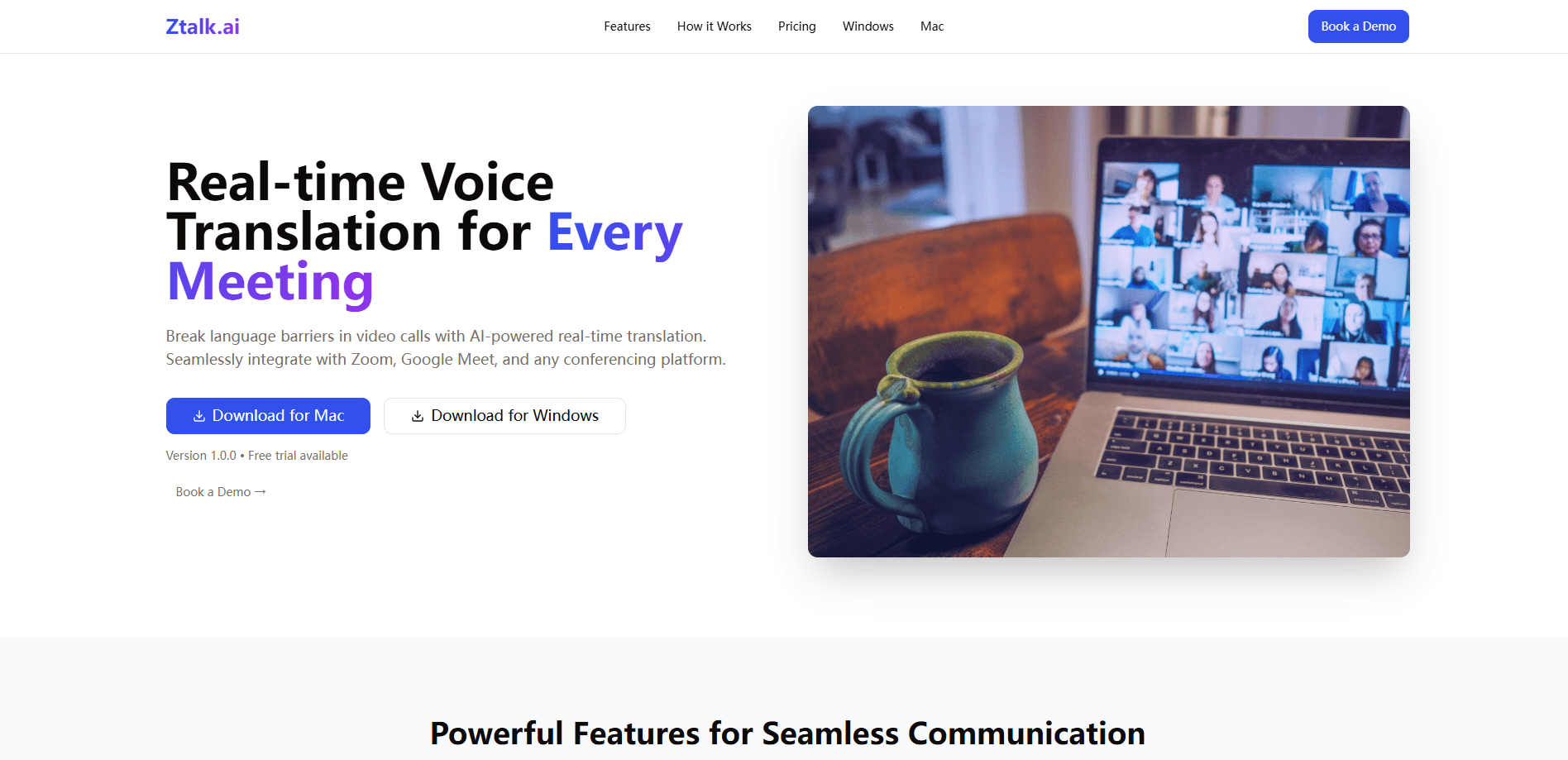
About Ztalk.ai
What Is Ztalk.ai
Ztalk.ai is a desktop voice translator built for people who sit through meetings in languages they don't speak. Instead of pasting text into a translation box, you run the app on your computer, point it at your microphone, and talk normally. The software listens, translates your words, and plays the result back into the call in a synthetic voice that matches your chosen output language.
The problem it targets is simple: video calls are now the default way international teams work, and language still gets in the way. Ztalk.ai keeps the same call flow you already use. You just add a virtual microphone and speaker between your headset and your meeting app, and the translation rides along underneath.
The limits are worth knowing up front. Ztalk.ai runs on Windows and macOS only, so there's no phone app or browser version. It also depends on a virtual audio driver, which means a few extra setup steps before your first translated call. Everything routes through cloud translation models, so a stable internet connection matters.
Getting Started
- Download the Ztalk.ai installer for Windows or macOS from the official site.
- Install the bundled virtual audio driver. On Mac it ships with the app, while Windows needs VB-Cable.
- Open Ztalk.ai, pick your input microphone, then set the virtual device as both your virtual mic and virtual speaker.
- Choose the language you speak and the language you want the other person to hear.
- Open Zoom, Google Meet, or Teams, set the Ztalk virtual mic as your microphone, then click Start in Ztalk.ai to translate live.
Product Information
A quick look at Ztalk.ai's pricing, supported platforms, and performance.
Best for
The users, tasks, and scenarios where this tool fits best.
Users
- Remote workers on international teams
- Freelancers and sales staff pitching overseas clients
- Support agents handling multilingual tickets
Tasks
- Running cross-border video meetings
- Reading captions in your own language
- Interviewing candidates abroad
Scenarios
- A weekly standup where half the team speaks Portuguese and you speak English
- A first sales call with a prospect in Japan
- A remote support shift handling Spanish and French callers back to back
Key features
Real-Time Voice Translation
Ztalk.ai converts your speech to another language while you talk, aiming for under 100 milliseconds of delay according to the company. As a voice to voice translator and live translation software, it plays spoken audio rather than a wall of text. It supports more than 30 languages.
Works With Any Meeting Platform
The app doesn't plug into a specific conferencing tool, and it doubles as a Google Meet translator and Zoom translation layer. It sits at the audio layer, so any platform that lets you pick a microphone works, including Google Meet and Microsoft Teams. That means no per-app integrations to install or maintain.
Background Noise Cancellation and Voice Isolation
Ztalk.ai strips out ambient sound and isolates the speaker before translating. On a busy street or in a shared office, that separation keeps the translation fed with clean audio. The Pro tier adds more aggressive noise handling than the free Basic plan.
Native-Language Captions
Alongside the translated audio, Ztalk.ai can show captions in your own language, which keeps a video call translation readable at a glance. Captions help when a translation is close but not exact, and they give you a written record to scan mid-meeting. The feature sits behind the paid plans.
Custom AI Prompts and Audio Mixing
Paid users can steer translation with custom AI prompts, which is handy for jargon, product names, or industry terms a general model tends to mangle. Audio mixing controls let you balance the original voice against the translated track so nothing gets drowned out.
Enterprise-Grade Security
Ztalk.ai says all voice data is encrypted in transit and at rest, and that it doesn't store conversation data. The company claims SOC 2 compliance plus GDPR and HIPAA alignment, and offers custom deployment for organizations that need tighter control.
Pros and cons
Pros
- Translates voice to voice in real time, so meetings keep their natural pace
- Works with Zoom, Google Meet, Teams, and other tools without special integrations
- Free tier gives 40 minutes a month to test before you commit
- Open-source desktop code on GitHub, which suits teams that want to inspect or self-host
- Noise cancellation and voice isolation keep translations clean in loud rooms
Cons
- Desktop only, with no mobile or browser version, so phone-first users are left out
- Requires installing a virtual audio driver, which adds setup friction before the first call
- The Pro plan costs $499 a month, a steep jump from free for small teams
- Translation depends on cloud models, so a weak connection can break the flow
Frequently asked questions
Ztalk.ai translates across more than 30 languages, according to the company. The free Basic plan limits you to 2 languages, while the Pro plan unlocks the full set. You pick your spoken language and the output language before starting a session.
Related content
Explore related tools, skills, and articles for Ztalk.ai.
Ztalk.ai Alternatives

Udon
Udon · Coding · ProductivityUdon turns an Apple Silicon Mac into a home server you run from a browser, with container controls, file shares, and an optional AI sysadmin.

offstage
offstage cloud · Coding · Productivityoffstage gives AI coding agents and CI jobs a real Mac: a fresh macOS account on Apple silicon, driven over an API and billed by the second.

BotBus
Chengdu Tuyang Tusen Technology Co., Ltd. · Coding · ProductivityBotBus lets you control AI coding agents from your phone and watch: approve commands, start tasks and read results while the code stays on your desktop.