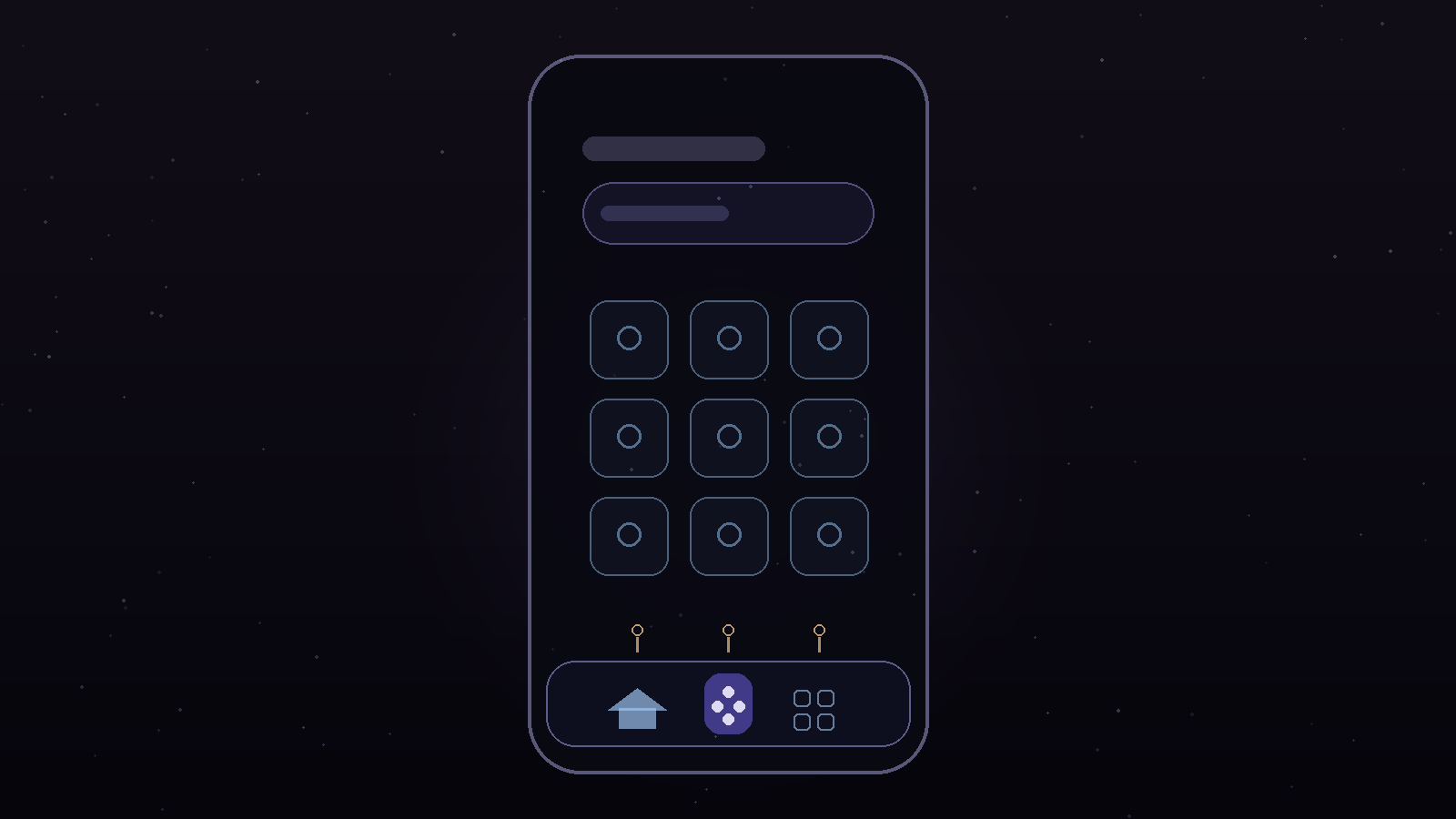
The ChatGPT app now has three things along the bottom of the screen, and the middle one is an agent rather than a chat. That placement tells you more about OpenAI's plans than any feature list.
Three tabs on the new ChatGPT mobile bar
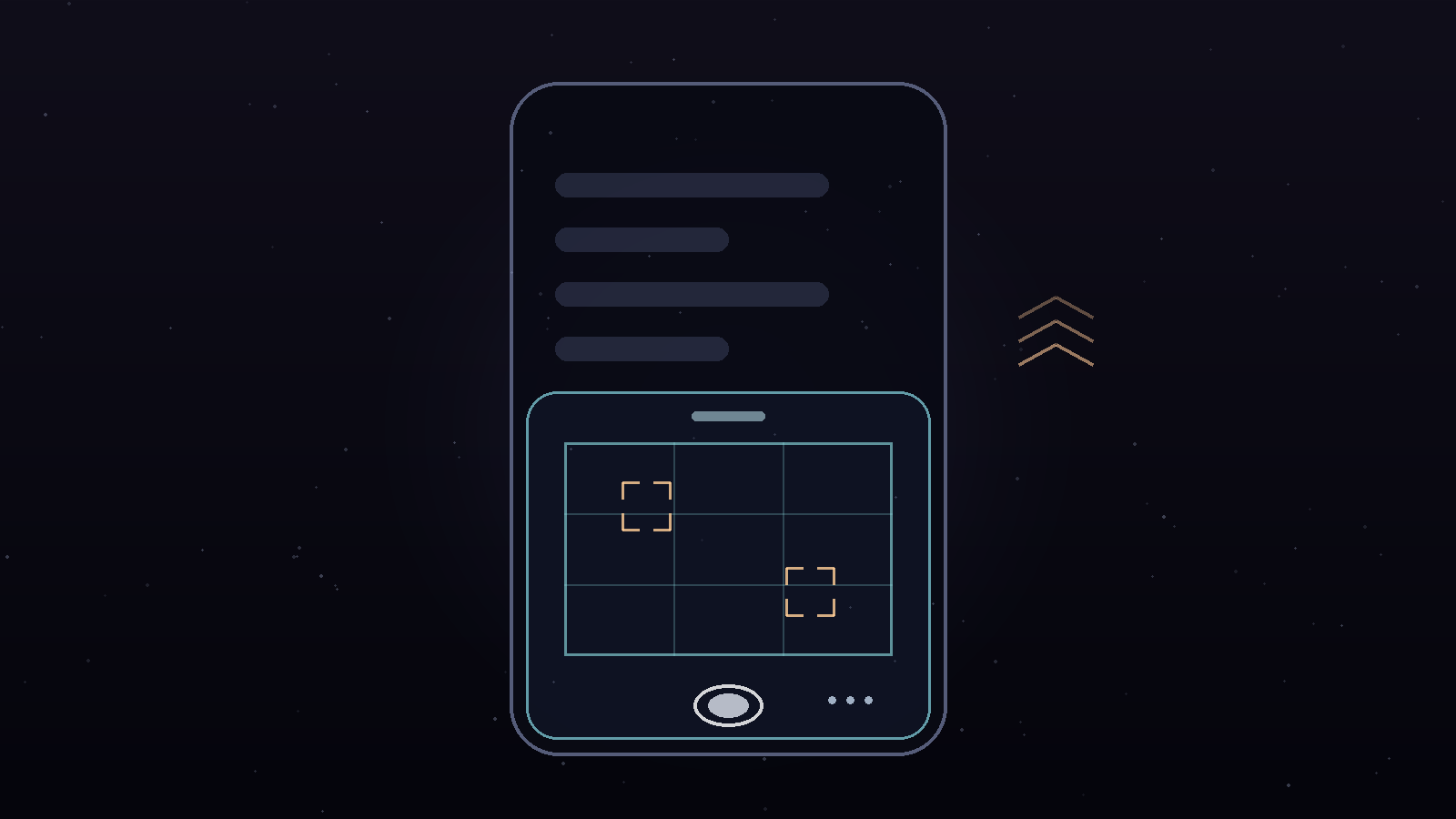
Open the app after the update and the floor has moved. There are three zones now: Home, Dots, and a grid of tools.
Home is barely a screen. It holds a greeting and an "Ask anything" field, which is the part everyone already knows. The chatgpt dots tab sits in the middle, and it opens a page for your Dot, the agent that keeps working when you close the app. The third zone is a grid, and it collects Codex, Images, Plugins, Space, Finance, Sites, Health, Projects and Scheduled.
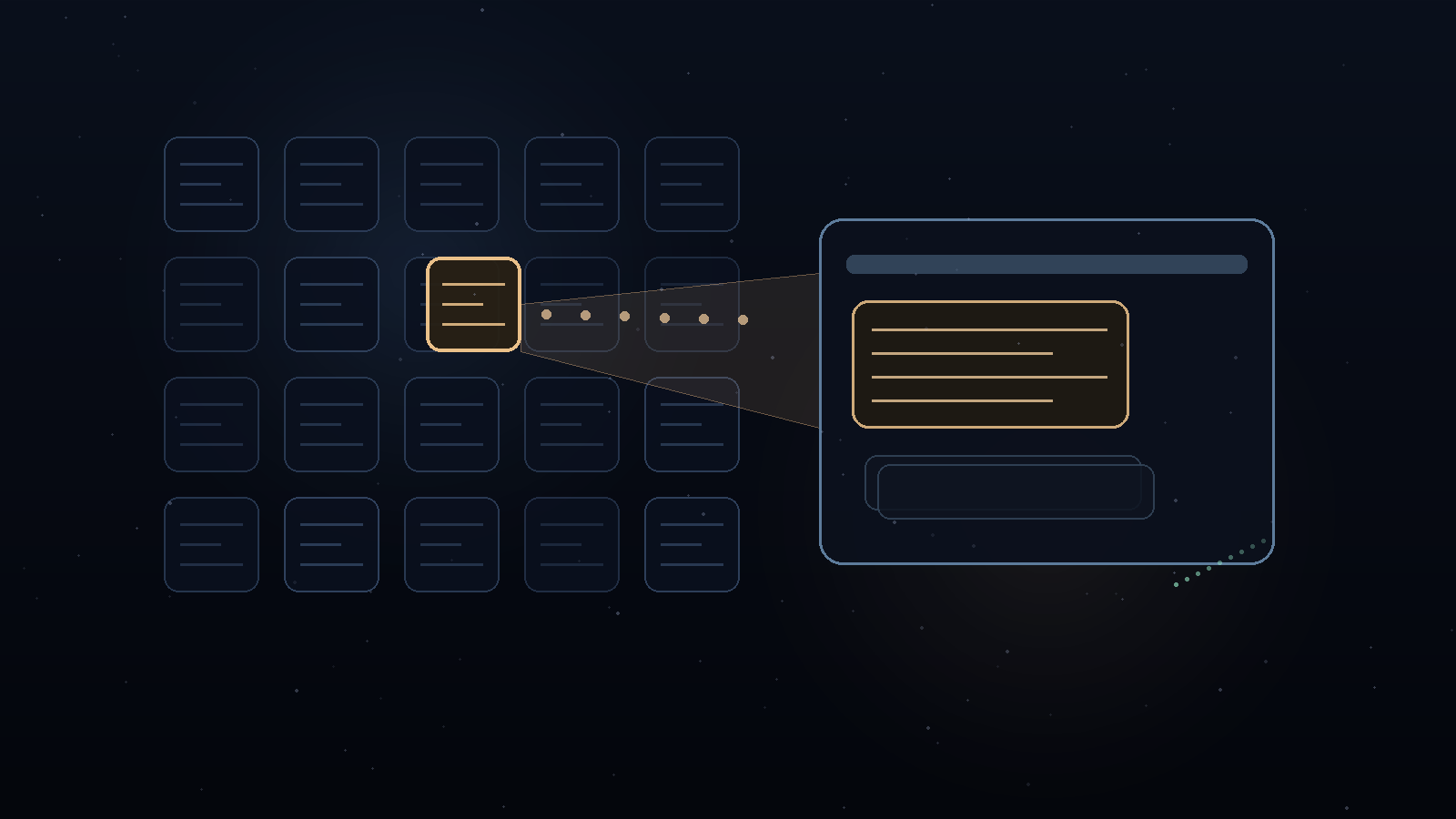
That grid is the giveaway. Nine entry points, all reachable from one thumb tap instead of a buried menu.
Pinning a tool in the ChatGPT app redesign
A grid of nine is still a grid of nine, so the chatgpt app redesign adds a way to flatten it. Long-press any tool in the grid and a menu opens. From there you can drag it into a new order, or pin it to the bottom bar so it sits beside Home and Dots.
Pin two or three and the app starts to look like a launcher for the things you actually do, with the rest of the list tucked one tap behind a grid button that keeps its nine entries in a fixed order until you drag them. Pin none and you get the default arrangement, which is fine if you mostly type.
The pinning is the part that will decide whether this layout ages well. Every assistant app has tried a tool drawer, and most of those drawers turned into a junk drawer within a month.
So what happens when the grid reaches twenty tools? That question isn't answered anywhere in the redesign, and the pin option is the only thing standing between order and clutter.
Why the ChatGPT Dots tab is missing on your phone
Rollout, mostly. OpenAI began pushing the design on 20 November, and the order is narrow. It goes to accounts that already have a Dot or can create one, which means Pro subscribers first, plus a small group of Plus users. Everyone has to be 18 or over.
Geography matters too. The chatgpt android build with the new bar isn't going to the European Economic Area, the UK, Switzerland or Korea at this stage. If you're in Dublin or Seoul, the old layout is the correct one for your account.
Not a bug.
Android Authority reported the rollout on 21 November and traced the preview to Thibault Sottiaux, who runs Codex and ChatGPT at OpenAI. That's a public tease rather than a store changelog, which is why the arrival order has been patchy.
The Settings toggle for the new ChatGPT design
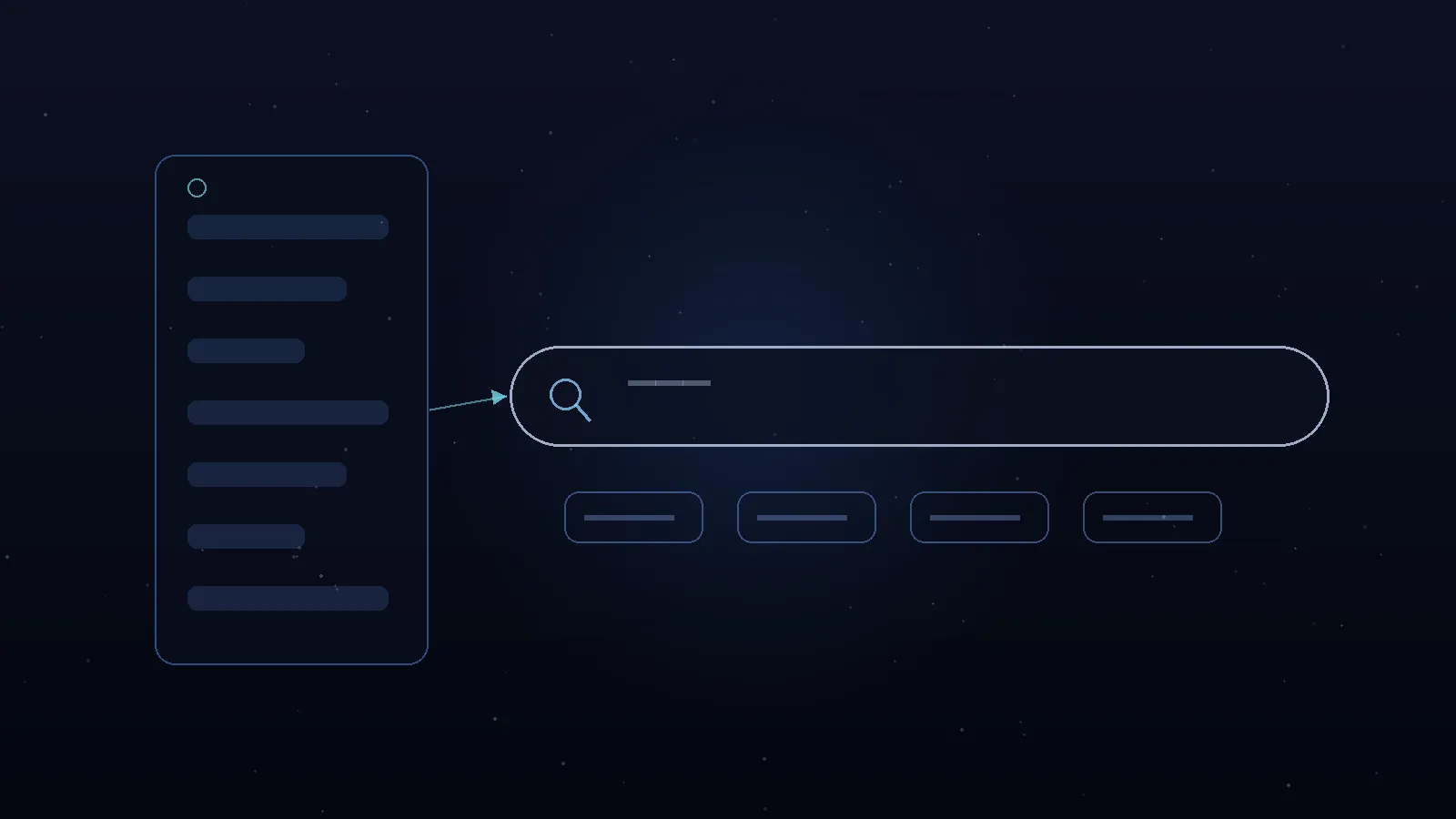
There's an escape hatch, and it's worth knowing before you go hunting through menus. A setting called New ChatGPT Design switches the interface on or off, and it's enabled by default for accounts that qualify.
So if you have the new bar and hate it, you can go back. If you don't have it and want it, the toggle won't summon it. That asymmetry catches people out, and it's the reason reinstalling the app rarely helps.
Dots was an agent before it was a chatgpt new tab
The chatgpt new tab didn't come from nowhere. Dots arrived at OpenAI's DevDay in September 2026, pitched as a background agent with its own cloud computer rather than a chat window that waits for you.
This week OpenAI widened the test. Dots moved from Pro alone to ChatGPT Business Standard, and some Plus testers got access as well. On 19 November the company also said ChatGPT Health now works on Android through Health Connect, plus the desktop app, Sites and Dots.
Put the two together and the tab makes sense. A background agent needs a front door, and a chat list is the wrong door. It's also why the chatgpt dots tab isn't a section inside your history. The history is what got demoted.
What the ChatGPT android update says about the chat box
For two years the prompt field was the product. Everything else hung off it. This is the first time the primary navigation of the mobile app admits that the box is no longer the main event.
Chatgpt android users will feel that in a small way every time they open the app. You now land on a greeting instead of your last conversation, which is a different assumption about why you came.
An openai app update would normally be a changelog line about performance. This one is a statement about what the app is for. The store listing for ChatGPT, past 1B downloads, carried an update dated 22 November, so the build is out even where the layout isn't.
How to get the new ChatGPT design
Update the app first, then check Settings for the toggle. If it's absent, your account hasn't been included yet, and waiting is the only real option.
Before you reinstall anything, confirm you have Dots access at all. No Dot, no tab, no matter how many times you clear the cache. That single check saves a lot of pointless troubleshooting.
Expect the rollout to widen through December, with the four excluded markets last and possibly later than that. OpenAI hasn't published a timeline, and the region list suggests regulatory review is part of the delay rather than capacity.
Take the tabs at face value. The app now treats the agent as the destination and the chat as one of the rooms, and the navigation bar is where that decision stopped being a rumour.