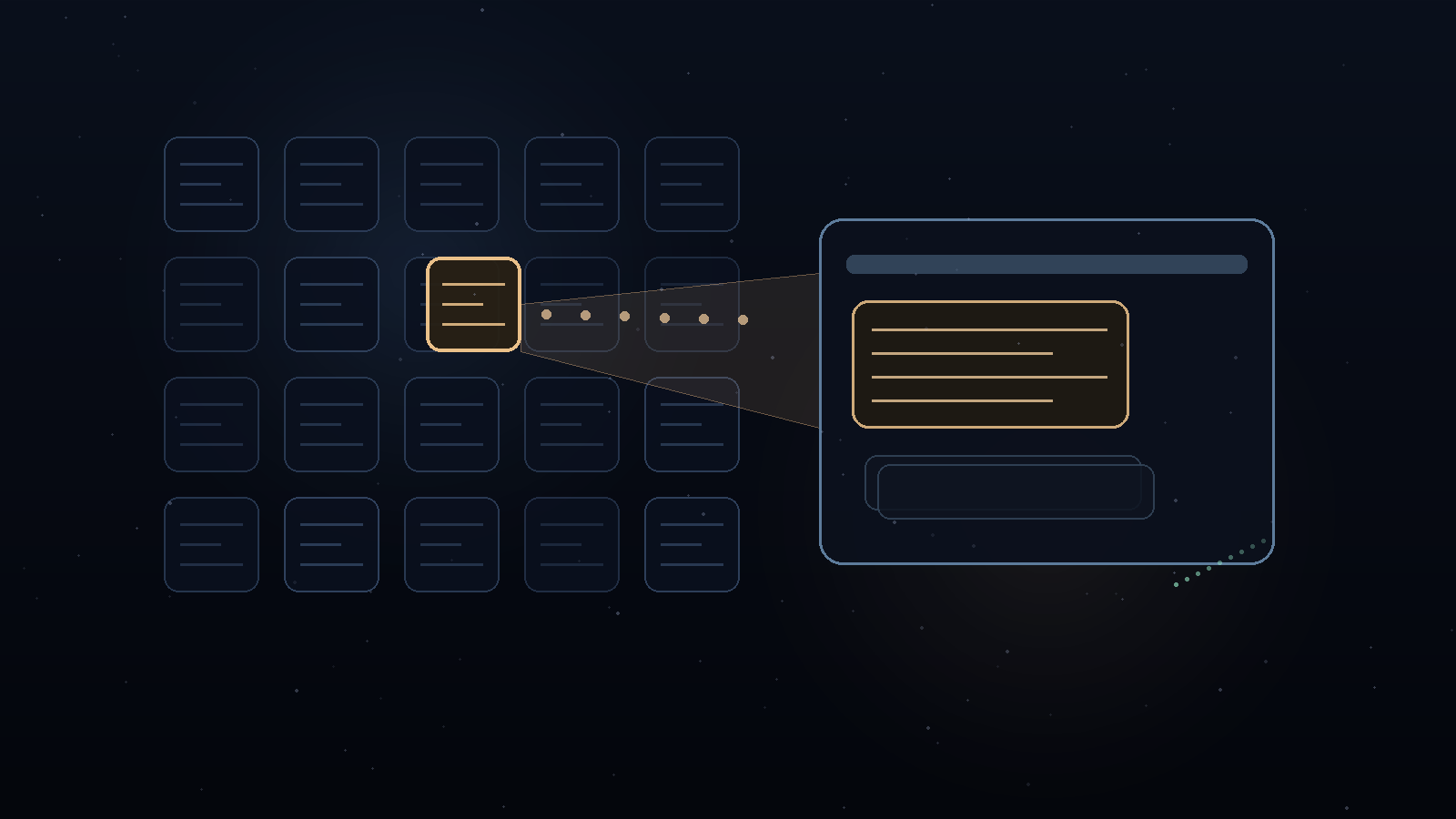
Every tool you connect to an agent travels with the request, schema and all. Google's new flag keeps the long tail out of the prompt until the model asks for it by name.
The token bill behind a large gemini api tools library
Start with the arithmetic that every agent builder runs into around month two. Add fifty tools to an agent and each request now carries fifty parameter schemas, thousands of input tokens of description and JSON that the user never typed and the model reads every single time. The bill grows with the library rather than with the conversation.
It also degrades the answer. A longer candidate list makes tool choice harder, which shows up as a plausible but wrong function call. Google's own framing of the problem puts latency and accuracy in the same sentence as token count, and that matches what builders report.
Gemini's answer, published on 19 November by product manager Lucia Loher and DeepMind research scientist Nora Kassner, is a way to stop shipping the whole library on every turn.
How tool_search and defer_loading change a Gemini request
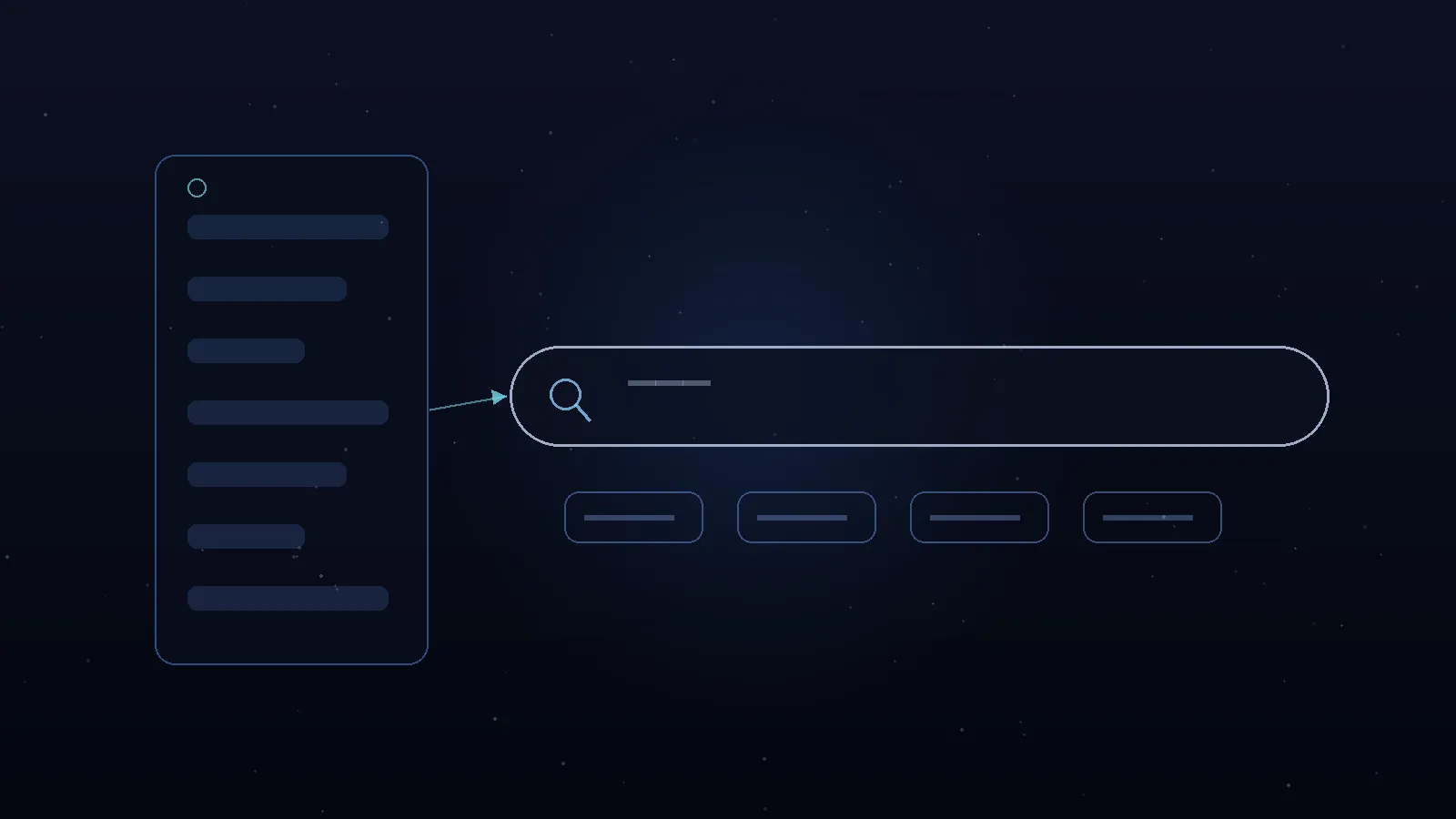
The change to your code is two pieces. You add a tool_search tool to the request, and you set defer_loading to true on the tools you want held back.
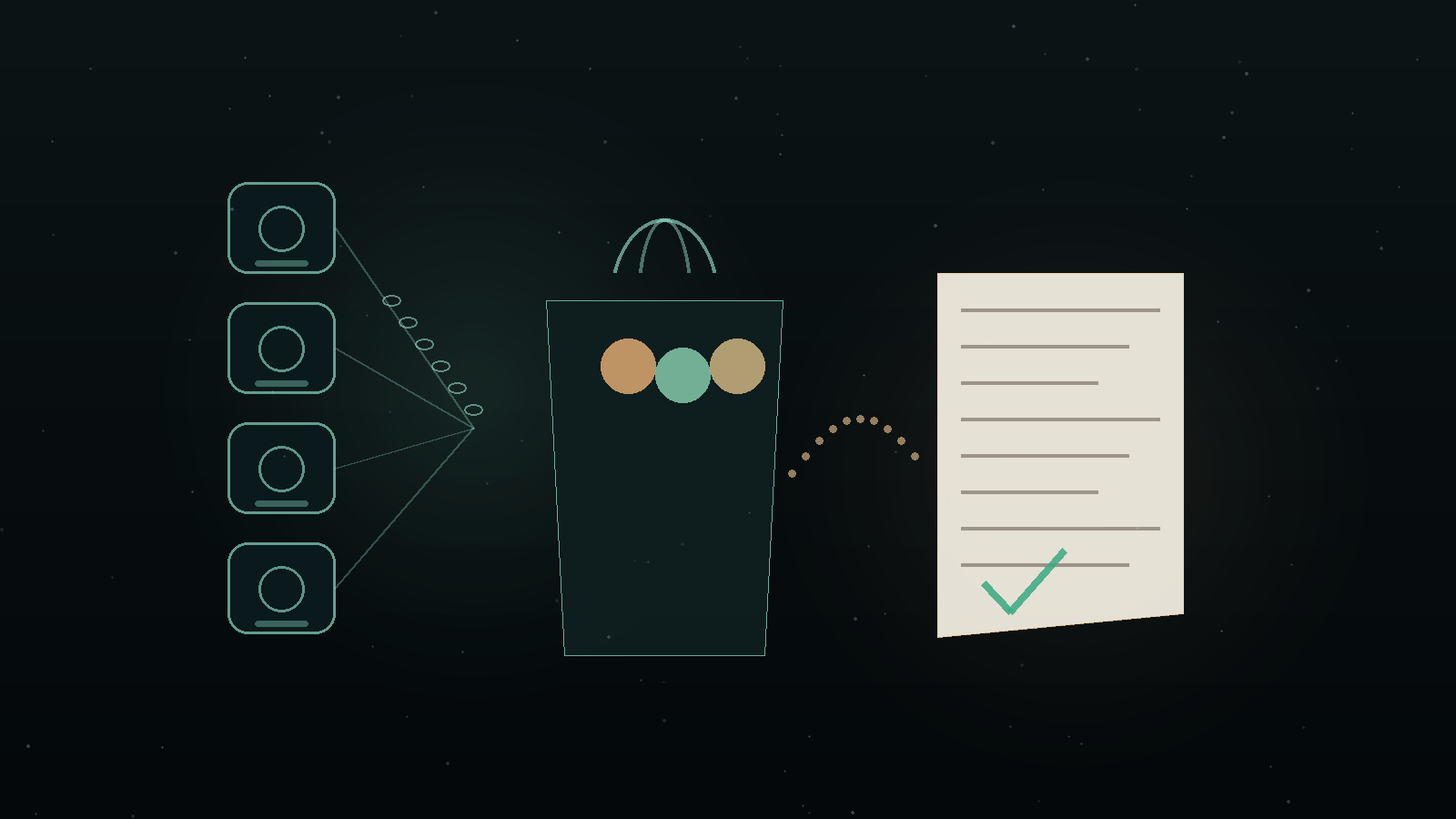
That combination does something narrower than it sounds. The model still sees the name and description of every deferred tool, so it knows what exists and when one is relevant. What it doesn't see is the parameter schema, the part that eats tokens. When the model decides it needs a tool, it asks for it by name, the API loads the full schema, and the function call happens inside the same request.
Read that last clause twice, because it's where earlier workarounds fell over. Deferring the schema doesn't cost you an extra user-visible round trip. The agent still answers in one pass.
Two ways to run gemini tool retrieval
The server-side path is the default, and it's the one most teams will use. The client-side path exists for teams with their own registry.
| Server-side retrieval | Client-side retrieval | | Search runs on Google's machines | Your app runs the lookup | | No index to build or host | Your own embedding index or permission filter | | Add tool_search plus the flag | Declare tool_search with execution set to client | | No extra round trip | One extra round trip per search |
The trade is convenience against control. A team in Berlin that filters tools by customer tier, or one that bills tokens back to a client in New York, often wants the second column because the filter has to run before anything reaches the model. Everyone else can leave it alone.
Debugging tool choice with gemini tool retrieval
Retrieval that hides schemas could easily hide mistakes too, so the response exposes the machinery. Interaction steps now include tool_search_call, tool_search_result and function_call as separate entries.
That's more useful than it first appears. A wrong tool call splits into two very different failures. Either the model asked for the wrong name, which is a prompt problem, or it asked for the right name and the description led it astray, which is a writing problem. Without the step breakdown, both look like the same bug.
Prefix caching and the interactions api
Deferred schemas land later in the conversation rather than at the start, which keeps the prompt prefix stable from turn to turn. That matters because prefix caching only pays off when the beginning of the request stays identical, and a schema block that shifts position every turn would break it.
There's also nothing to operate. The search runs on Google's side, so there's no index to build, no vector store to keep warm, and no new service in your stack. The interactions api picks all of this up through the request body.
Remote MCP servers and gemini agent tools
The same flag reaches further than your own function list. Set defer_loading on an mcp_server tool and every tool that server exposes is deferred together, which is the practical case for anyone wiring a third-party server with forty endpoints into gemini agent tools.
Two modes exist for a reason, and the client one can also surface a tool mid-conversation that wasn't in the original list. That's the closest thing here to on-demand tool discovery, and it costs a round trip.
What Tool Retrieval costs, and what it doesn't
No separate charge.
Input and output tokens are billed at standard rates, turning on tool_search adds a small fixed block of input tokens, and each schema the model actually loads is billed as input for the rest of the conversation.
So where does the saving actually come from? That last detail decides it. You win only when the schemas you never load outweigh the ones you do, so a library of five tools will cost slightly more, and a library of eighty with three common ones will cost a lot less.
A concrete shape helps. Google's own example asks gemini-4-hydrogen to refund 40 dollars on order A-1042 with issue_refund deferred, so the schema for a refund tool stays out of context until the model commits to refunding something.
How to measure gemini tool retrieval on your own traffic
Nobody can hand you a savings figure, and Google published none. The saving depends on your library, your prompts and how often the agent reaches for the same three tools.
So measure it. Run a week of real traffic with the flag off, then a week with it on, and compare input tokens per request, p95 latency and the rate of wrong tool names. If the third number moves at all, look at the descriptions before you blame the search.
The features that matter here are unglamorous: fewer tokens, a shorter candidate list and a step log that tells you why the model picked what it picked. For teams paying for their own inference, that's the whole argument. Start with one crowded agent, defer the tail, and keep the tools you call every minute loaded.