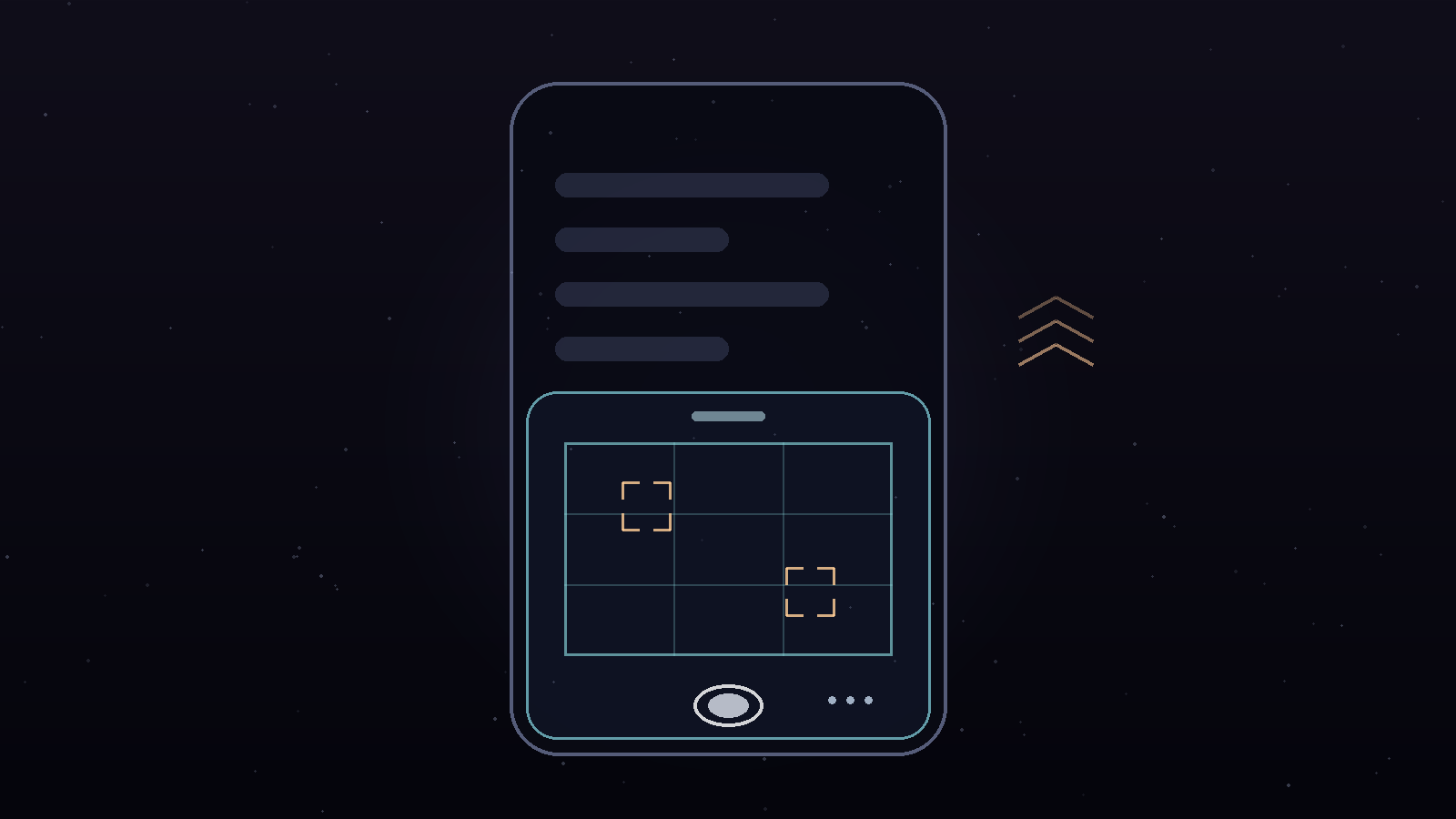
The camera in the Gemini app used to fill the whole screen and hide your conversation. On Android it now slides up as a sheet, which turns a photo into one step of a chat instead of a mode you enter and leave.
The Gemini camera opens as a sheet
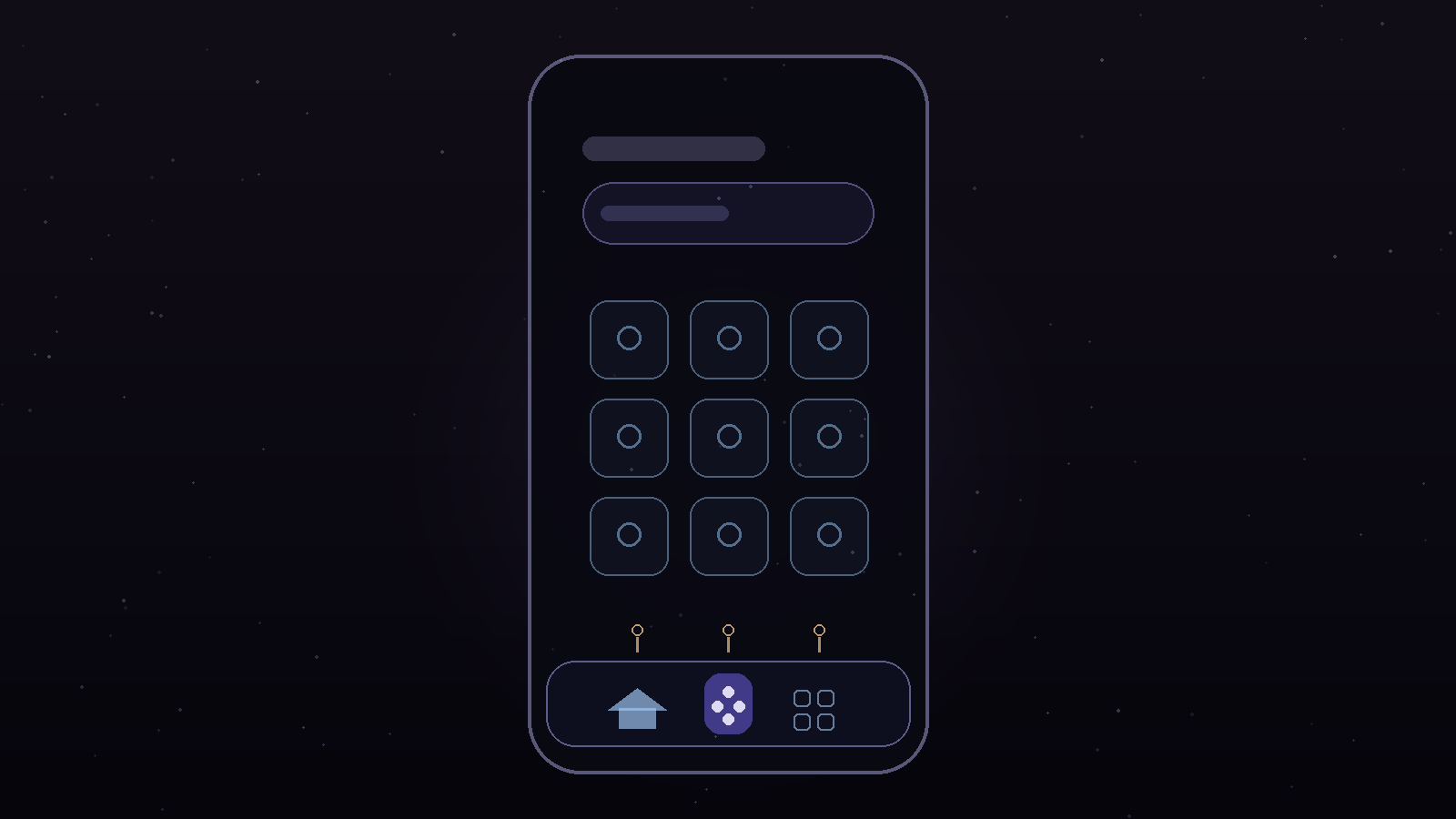
Open a chat, tap the plus sign in the prompt box, then pick camera. The google gemini camera no longer takes over the display. It rises from the bottom as a panel, and the thread you were reading stays visible above it. Drag the top edge and it grows to cover most of the screen.
What it replaces was a fullscreen viewfinder with nothing of the conversation left on it, the layout 9to5Google called generic when it reported the change on 21 November. You went into the camera, then you came back out.
That small shift changes the shape of a question. Say you're standing in a kitchen holding a receipt, and you want to know whether a charge is right. With the sheet, the prompt field stays behind the photo, so the picture becomes one turn in a thread that already has context. Before, the camera was a place you visited.
Controls inside the Gemini viewfinder
Most of the rework sits inside the sheet rather than around it. The gemini viewfinder now runs nearly edge to edge, and it extends behind the system navigation bar instead of stopping above it, which buys real preview height on phones that rely on gesture navigation rather than a three-button bar.
That covers most Android handsets sold in the past two years.
Flash and the front camera switch no longer sit on the main row. They hide inside a three-dot overflow button to the right of the capture button, and that menu animates open instead of snapping into place. On the other side of the capture button there's a back arrow. Swiping down on the sheet also dismisses it, which is the gesture most people will reach for without being told.
Two ways out, one tap to change lenses. The capture button keeps the middle.
Small change.
Why the Gemini app redesign keeps your prompt on screen
Why does a thinner top edge matter more than it should? Because a bottom sheet never fully replaces what's underneath it, and Google built this gemini app redesign on exactly that property. At half height it leaves the last few messages in view, so you can reread what you already asked before you shoot another frame, which is a smaller ask than remembering a question you typed forty seconds ago.
Camera queries are mostly follow-ups. You photograph a plant, get a name, then ask whether it wants direct sun. Under the old model, each step began with a fresh fullscreen view and a lost thread. Under the sheet, the second question is just typing, and the third one still has the image in context.
The text field stays one tap away as well, so a blurry photo doesn't force a reshoot. You can type the correction instead.
The Gemini android update lands at 17.76
Timing decides whether you see any of this yet. The design shipped first in the Gemini app for iOS, and it has now rolled out widely on Android in both beta and stable builds from version 17.76. Google's Play listing for the app, which has passed 1B downloads, carried an update dated 19 November.
One wrinkle. The camera you reach from the Gemini overlay, the floating pill that sits above other apps, still opens the old fullscreen interface. Two camera experiences now coexist on the same handset. If your overlay camera looks unchanged, that's expected rather than broken.
9to5Google's advice for anyone still missing the new sheet is to force stop the Google app. On a Pixel in the UK or a Galaxy in India, that's the first thing to try before blaming your build. Force stopping clears the cached layout, and the sheet tends to appear on the next launch.
Where the GIF feature fits, and where it doesn't
Google switched on GIF creation in the Gemini app the day before, on 20 November. It runs on Gemini Omni 1.2 Flash, and you reach it from the Format menu or by asking for "Create a GIF". That's a content feature with its own controls. It has nothing to do with this layout change, and some coverage has blurred the two because they landed within 24 hours of each other.
How to check the Gemini camera on your phone
Here's the test. Open any chat, tap plus, then camera. A sheet that slides up with your messages still visible above it means you have the new build. A screen that goes fully dark around the viewfinder means you don't.
Then try the overlay. Swipe up from a corner, open Gemini over another app, and tap the camera there. A fullscreen viewfinder in that path is normal.
One more check, for the flash. Hit the three dots, confirm the flash options open, then flip to the front camera. A menu that snaps rather than animates suggests an older build than you think you have.
None of this changes what the camera can see. It changes how fast you can ask about it, and on a phone that's most of the job. The sheet should reach the rest of the Android install base in stages, as these things usually go. Google hasn't said when the overlay path follows, so check both spots.