

Agent Monitor
Top Online · Coding · AI Detection
Agent Monitor is a real-time analytics platform for AI crawler monitoring, tracking the AI agents, bots, and automated traffic that hits your website. It shows which AI crawlers visit your pages, how often ChatGPT and similar assistants cite your content, and how much of your traffic is human at all. If you run a site and your analytics only count people, this tool fills in the half you can't see. Most teams have no idea it exists.
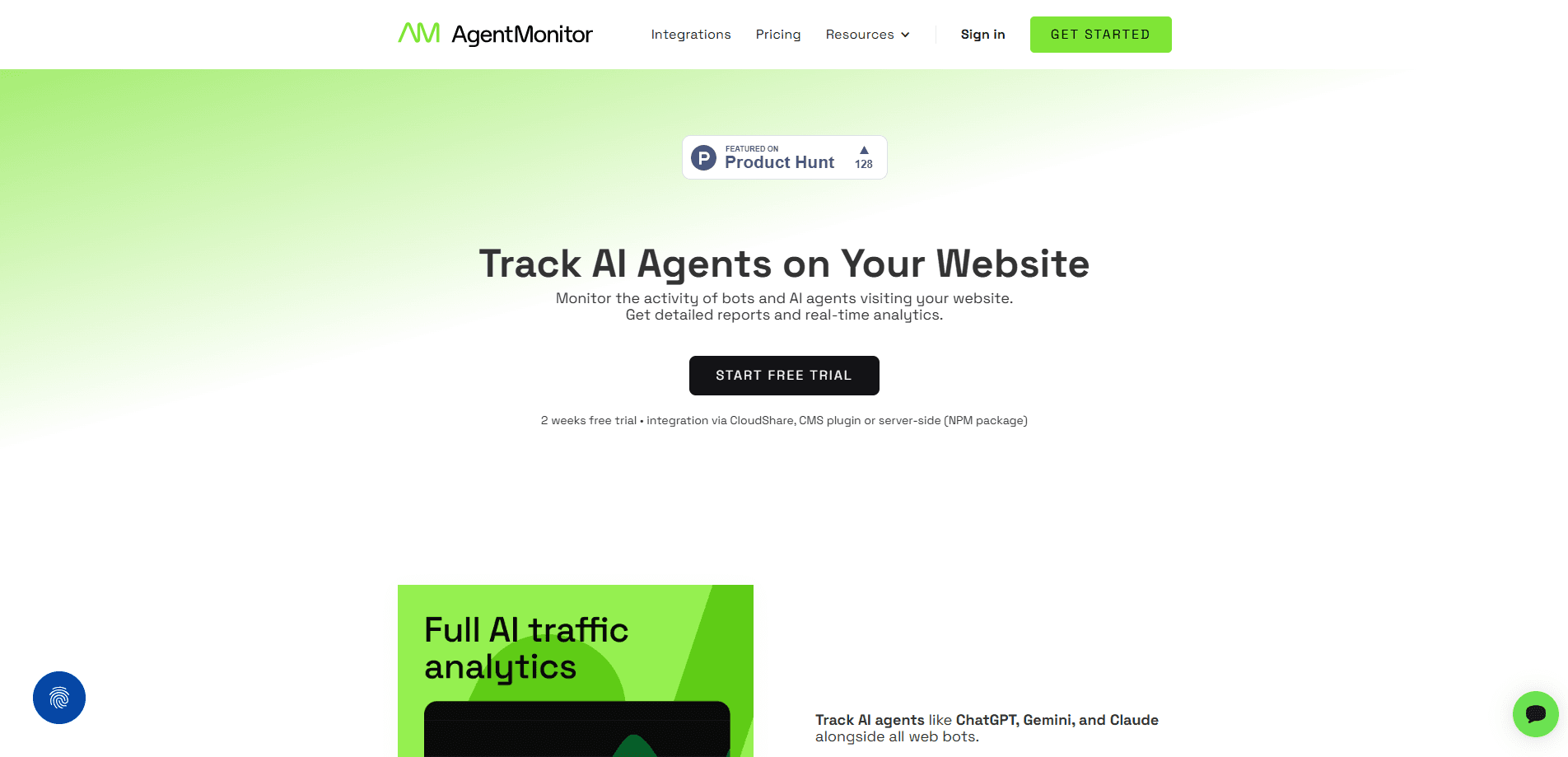
About Agent Monitor
What Is Agent Monitor
Agent Monitor is a server-side analytics tool built for AI traffic, not people. It plugs into your site and records visits from AI agents, bots, and assistants that tools like GA4 deliberately filter out.
The pitch rests on a simple claim: over 60% of the traffic on a typical site isn't human, and almost none of it shows up in standard reports. Agent Monitor classifies those visits, so you can see whether ChatGPT and other assistants are reading your pages or ignoring them entirely.
The main limit is scope. Agent Monitor only counts the traffic it's wired up to see, and it collects nothing until you install an integration. It's a monitoring layer for AI visibility, not a replacement for your full analytics stack.
Getting Started
- Create a free account at app.agentmonitor.io.
- Pick an integration: a WordPress or PrestaShop plugin, an NPM package for Node.js, or a manual Cloudflare Worker setup.
- Generate an access token and enter it in your plugin or config.
- Open the dashboard and let data build for a few days before drawing conclusions.
- Use URL Inspector on a specific page to check whether AI bots have visited it, how recently, and whether real users followed them there.
Product Information
A quick look at Agent Monitor's pricing, supported platforms, and performance.
Best for
The users, tasks, and scenarios where this tool fits best.
Users
- Website owners and marketing teams
- SEO and content teams
- E-commerce stores running multiple sites
Tasks
- Auditing AI visibility per page
- Finding your most cited pages
- Separating human, AI bot, and non-AI bot traffic
Scenarios
- Diagnosing an unexplained traffic drop
- Planning a content push
- Reporting to clients
Key features
Real-Time AI Bot Tracking
Agent Monitor records visits from AI crawlers and non-AI bots as they happen, then classifies them by type. You see which bots hit your site and how they move through it, rather than a single lumped "bot" number. Because the data lands in real time, you can watch a crawl unfold instead of waiting for yesterday's report to confirm that something visited a page you published last week.
AI Citations
This view shows how ChatGPT treats your site: how often it fetches your pages when answering questions, which pages it recommends, and which ones its autonomous agents visit on their own. Your most cited pages become a signal for what to publish more of, because they tell you which topics the model already trusts enough to put in front of users who never typed your brand name into a search box. That's worth studying.
URL Inspector
URL Inspector checks a single page and tells you whether AI bots visited it, how recently, and how often. It also shows how many real users arrived after an AI assistant pointed them there. That's a clean way to test whether one page pulls AI referrals.
Traffic Breakdown
The dashboard splits traffic into human, AI bot, and non-AI bot categories. One published figure from the company, based on over 110 million recorded visits, puts human traffic at 33.7%, AI bots at 25.5%, and other bots at 40.8%. That last number tends to surprise people.
Lightweight Integrations
Setup leans on plug-and-play options: WordPress and PrestaShop plugins, an NPM package for Node.js sites, and a manual Cloudflare Worker route. The company says integration takes minutes and detailed steps live inside the app. Not bad for a niche tool.
Privacy-First Collection
Agent Monitor only collects data after you explicitly enable an integration. According to the company, it doesn't intercept page content, user input, form data, cookies, or application logs. It records just enough to detect and classify visits.
Pros and cons
Pros
- Fills a real gap. Standard analytics tools filter out bots, so AI crawler activity is invisible by default.
- Per-page inspection through URL Inspector makes it easy to test one URL instead of guessing site-wide.
- Free plan allows up to 100k events per month, enough to measure your AI traffic volume before paying.
- Integrations cover common stacks (WordPress, PrestaShop, Node.js, Cloudflare) without heavy engineering work.
- Pricing scales with monthly events, so cost tracks actual traffic.
Cons
- Data collection requires an integration, so it's not a passive drop-in like a browser snippet. No setup means no data.
- It's a specialist tool. For general site analytics you still need something like GA4 alongside it.
- Pricing is based on registered events rather than visitors, so a bot-heavy site can hit plan limits faster than expected.
Frequently asked questions
It tracks visits, requests, and interactions from AI agents, bots, and assistants that reach your site through an integration you enable. It classifies them as AI bots, non-AI bots, or humans, and shows how AI assistants like ChatGPT cite and fetch your pages. That's the short version.
Related content
Explore related tools, skills, and articles for Agent Monitor.
Agent Monitor Alternatives
Forefront
Forefront · CodingForefront is a web platform for building with open-source AI. It lets you fine-tune leading open-source language models on your own data, evaluate how they perform, and run them through an API or export them to host yourself. Developers who want the convenience of a closed-source platform but insist on owning their models and data are the target audience here.

Startkit
StartKit.AI · CodingStartkit is a boilerplate for building AI SaaS and AI wrapper products. Think of it as an AI startup boilerplate with the boring parts already wired up: authentication, Stripe and Lemon Squeezy payments, usage limits, transactional email, and an AI API starter that talks to OpenAI, Anthropic, Groq, or Llama. You clone the repo, set your price, and start on the part of your product that people actually pay for. It's Next.js under React and Tailwind, so most of the boilerplate code already feels familiar.
Testim
Tricentis · CodingTestim is an AI-powered test automation platform for building and running end-to-end tests across web, mobile, and Salesforce applications. It leans on machine learning to keep tests stable when an interface changes, so teams spend less time fixing broken selectors. Not bad for an automated testing tool you can start using today. You create tests by recording actions in a browser, then optionally add JavaScript when you need more control. It's a solid pick for busy QA teams.