

AI Catch: AI Video Generator
Palette Cartoon Photo Editor APP · Video · China AI
AI Catch: AI Video Generator is an Android app that turns photos, text prompts, and ready-made templates into short AI videos you can post right away. It bundles a photo to video engine, a text to video studio, anime filters, and photo restoration into one download. You don't need editing experience. Pick a template, drop in a photo, and the app handles the rest.
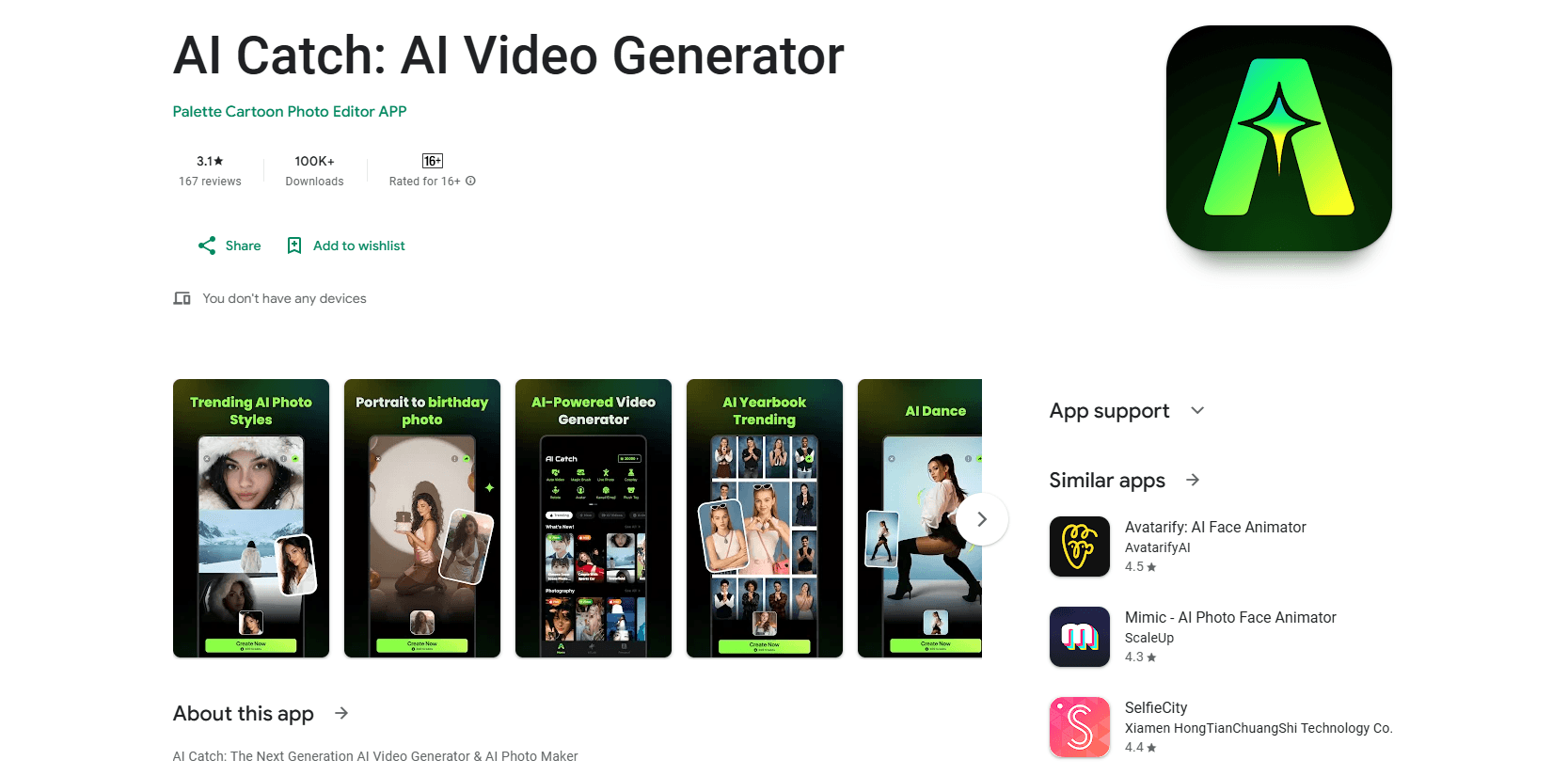
About AI Catch: AI Video Generator
What Is AI Catch
AI Catch is a mobile video and photo creation app built around AI generation rather than manual timeline editing, which is the single most important thing to understand before you download it. The pitch is simple. Instead of cutting clips and keyframing effects, you choose a template or write a short prompt, and the app produces a finished clip. It leans on Seedance 2.5 and ChatGPT Image 2 for its generation, according to the developer.
The main problem it solves is speed. Making a dance video or an anime makeover the old way means software, tutorials, and an afternoon you'll never get back. AI Catch compresses that whole process into a few taps, which is exactly why it fits short-form platforms like TikTok, Reels, and Shorts.
The biggest limit is control. You're working inside templates and preset effects, so fine-grained editing is light. If you want frame-accurate cuts or layered audio, this isn't that tool at all. Paid credits also run out faster than most people expect, and heavy use means topping up sooner rather than later.
Getting Started
- Install AI Catch from Google Play and open it.
- Pick a path: Auto Video, a ready-made template, or your own idea with a text prompt.
- Upload a photo or short video, or type a description of what you want.
- Choose the length, format, and style for your clip.
- Generate, review the result, then export and share.
Product Information
A quick look at AI Catch: AI Video Generator's pricing, supported platforms, and performance.
Best for
The users, tasks, and scenarios where this tool fits best.
Users
- Casual creators
- Parents and pet owners
- Anime and cartoon fans
Tasks
- Turning a selfie into a dance video
- Restoring an old family photo
- Generating b-roll from a text idea
Scenarios
- Keeping up with a trending audio or meme
- Making a birthday or anniversary clip
- Filling a posting schedule
Key features
Auto Video From a Single Photo
Upload one photo, pick a length, and let the app generate a complete video with a tap. It's the fastest path in the app and works on portraits, pets, and landscapes. The trade-off is that you're choosing from preset motion rather than directing it.
AI Dance Videos
This feature takes a still photo and makes the subject move through trending dance routines and effects. It's built for the viral-clip crowd, so the moves track what's actually circulating on social feeds right now rather than a fixed set of canned animations. Faces work best when the photo is clear, well lit, and facing the camera directly instead of turned away or shot from an angle.
Text to Video and Photo to Video
Two ways to start from scratch. Photo to video animates a still image with realistic motion, while text to video turns a written description into an original generated clip. Photo to video is the more predictable of the two, because your source image anchors the output. Text prompts, on the other hand, need a fair amount of specificity before they land anywhere close to the picture you had in your head.
Anime and Cartoon Filters
One-tap filters cover anime styles (cute, classic, cyber, dreamy, comic) and cartoon portraits suited to profile pictures. The anime looks are polished enough to hold up as avatars. Cartoon output has a consistent illustrated feel rather than a photoreal blend.
Photo Restore and Enhancer
The restore tool repairs old, faded, blurry, or damaged photos, and the enhancer lifts clarity, detail, and color. It doubles as an AI selfie generator when you want a polished portrait without a studio setup, since the same enhancement pass cleans up skin tone, lighting, and background noise. It's useful for rescuing a scan before animating it, but the results depend heavily on how much detail still survives in the original file you started from.
Format and Resolution Control
Clips export in vertical, square, or wide-screen formats, and you can set the length for posts or stories. Output goes out at 1080p or higher, which means you won't have to resize anything before uploading to platforms like TikTok or Instagram. But if you expected a full editing suite with custom aspect ratios beyond the three presets, you'll want to look elsewhere.
1000+ Template Library
The app ships with over 1000 ready-made templates, refreshed every week with trending sounds, seasonal moments, and whatever format is spiking on social feeds at that moment. The library is the reason repeat use feels fresh rather than repetitive, since there's always something new to try without building an edit from scratch. New templates often require credits to generate.
Pros and cons
Pros
- One photo is enough to produce a finished video, so the barrier to entry is low.
- Video generation, filters, animation, and photo restoration live in one app.
- Output formats and 1080p+ export cover TikTok, Reels, and Shorts without resizing.
- Template library is large and updated weekly, so trends stay current.
Cons
- Generation runs on credits, and the free tier runs out quickly with regular use.
- Editing control is limited to templates and presets, so precise cuts aren't possible.
- Text to video results vary with prompt wording and can miss your intent.
- Android-only, so iPhone users need a different app.
Frequently asked questions
It's an AI video generator and photo editor for Android. You feed it a photo or a text prompt and it produces short videos, anime filters, photo animations, and restored images, all without the timeline-based workflow that traditional editing software forces on you. Everything runs from templates or prompts rather than manual editing.
Related content
Explore related tools, skills, and articles for AI Catch: AI Video Generator.
AI Catch: AI Video Generator Alternatives

Vadu AI
Vadu AI · Image · VideoVadu AI is a web-based AI video generator that turns written prompts or still images into short clips, and it can also generate images on its own. You type what you want, pick a model and style, and the platform renders the result in minutes. A free plan covers light testing, while paid tiers run from $9 to $77.40 per month based on how many credits you burn.

Mykaraoke Video
MyKaraoke Video · VideoMykaraoke Video is an online karaoke video maker and lyric video maker that turns any song into a finished, lyrics-synced video right in your browser. It handles the slow part for you. The AI pulls vocals out of the mix and locks the lyrics to the beat, then lets you customize background, fonts, and colors before exporting in 1080p MP4. If you make lyric videos for social media, party nights, or music promotion, it skips the software installs and manual timing work entirely. Want a karaoke video generator that doesn't eat your whole evening? That's the pitch here.

Finalframe
Finalframe · VideoFinalframe is a set of free, browser-based tools for grabbing exact frames out of a video clip. Its best-known feature, the Final Frame Extractor, lets you extract the last frame of any video so you can use it as the starting image for AI video tools like Luma Dream Machine, Runway, or Kling. Want to keep a clip going? That last frame is your starting point. The tool runs locally in your browser, needs no sign-up, and costs nothing. A separate paid AI video-generation app from the same team is currently offline while it's rebuilt.