

Mykaraoke Video
MyKaraoke Video · Video
Mykaraoke Video is an online karaoke video maker and lyric video maker that turns any song into a finished, lyrics-synced video right in your browser. It handles the slow part for you. The AI pulls vocals out of the mix and locks the lyrics to the beat, then lets you customize background, fonts, and colors before exporting in 1080p MP4. If you make lyric videos for social media, party nights, or music promotion, it skips the software installs and manual timing work entirely. Want a karaoke video generator that doesn't eat your whole evening? That's the pitch here.
About Mykaraoke Video
What Is Mykaraoke Video
Mykaraoke Video is a web-based platform for creating karaoke and lyric videos without installing any software. You upload a song, paste or auto-transcribe the lyrics, and the tool's AI syncs everything to the vocals automatically. The whole job runs in the cloud, so a laptop or even a mid-range machine can handle it.
The main problem it solves is timing. Syncing lyrics to a song by hand is tedious and error-prone, and traditional karaoke formats like CD+G look dated. This tool does the sync for you and exports modern, high-resolution MP4 files that work on YouTube, TikTok, and Instagram.
The biggest limitation is the credit system. Rendering and export features run on credits, so heavy users end up subscribing or buying more. There's no free desktop app, either. You need a browser and an internet connection to do anything.
Getting Started
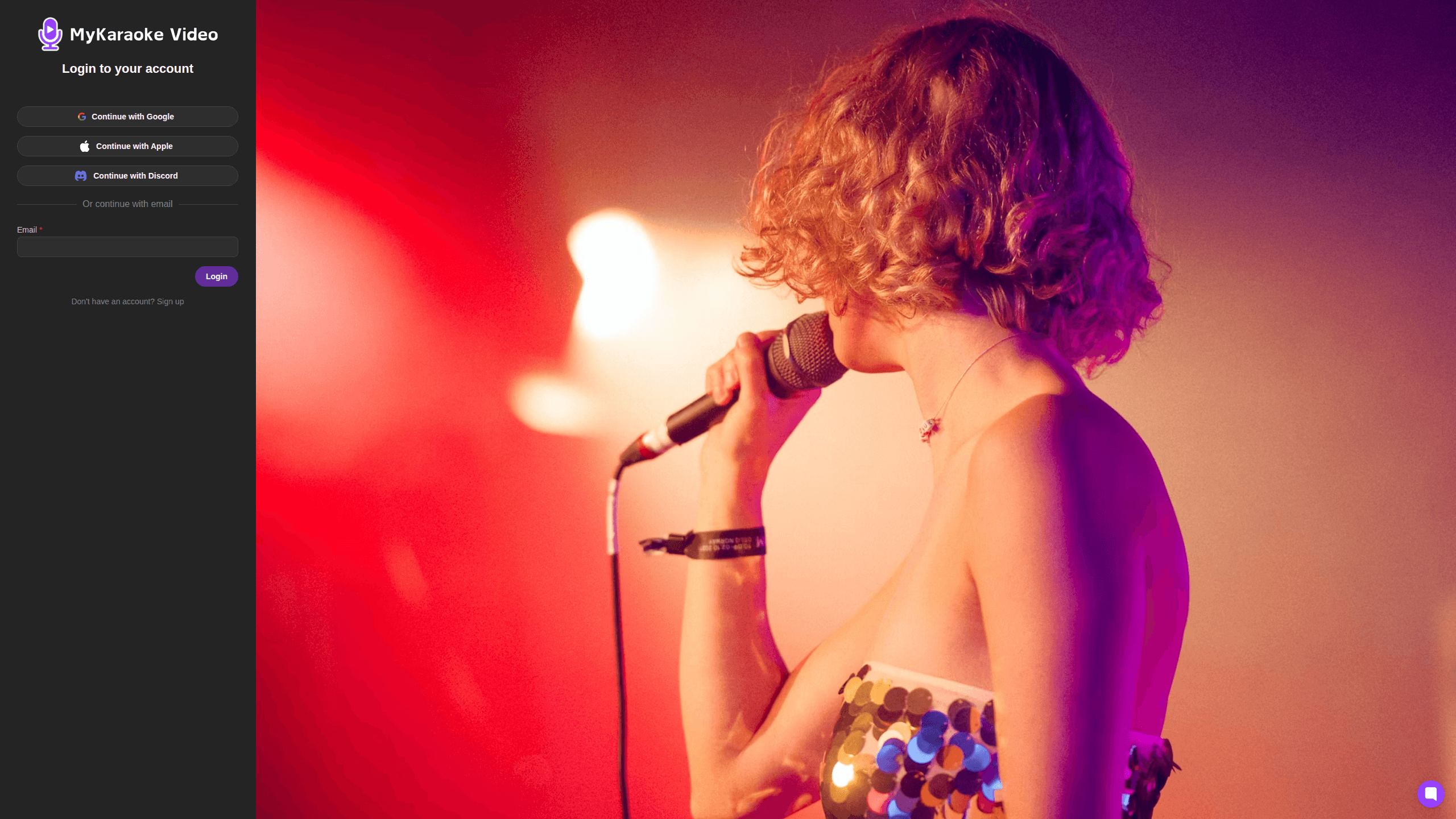
- Sign up at app.mykaraoke.video with an email address. No credit card is required, and you start with 30 free credits.
- Upload your song file or paste a direct link, then choose either the 1-Click Karaoke Maker or the 1-Click Lyric Video Maker.
- Add the lyrics by pasting them or letting the AI transcribe them from the audio. The tool syncs them to the vocals automatically.
- Customize the look with backgrounds, fonts, colors, visualizers, and countdowns, then preview changes in real time.
- Export your video in 1080p MP4, choosing a free queue export or a faster instant export.
Product Information
A quick look at Mykaraoke Video's pricing, supported platforms, and performance.
Best for
The users, tasks, and scenarios where this tool fits best.
Users
- Musicians and indie artists
- Content creators and social media managers
- Karaoke hosts and party organizers
- Music teachers and vocal coaches
Tasks
- Turning a song into a karaoke video
- Making a lyric video for a single release
- Creating duet videos
- Exporting MP3+G or transparent-background files
Scenarios
- Promoting a new single on social media
- Running a karaoke night at home
- Building a YouTube channel around music
- Prepping practice material for a choir or class
Key features
1-Click Karaoke Maker
Drop in a song file and lyrics, and the tool strips the vocals and syncs the words for you. The company says the full job finishes in under two minutes, which means you spend your time on styling rather than timing. It's the fastest way to go. The tool takes a raw MP3 and hands back a video you can sing along with, and it usually does the whole job before your coffee gets cold.
Automatic Lyrics Transcription and Sync
If you don't have the lyrics written out, the AI transcribes them straight from the audio. Either way, they lock onto the vocals automatically, so there's no manual dragging of text onto a timeline. That matters most for songs with dense, fast vocals where hand-syncing would eat an hour.
1-Click Lyric Video Maker
This mode builds word-level scrolling lyric videos over your music video. Lines scroll to the beat instead of sitting as static captions, which is what viewers expect from a modern lyric video. It's aimed at musicians and creators who want a polished result without editing skills.
Full Customization
Upload your own images and videos or pick from royalty-free stock libraries. You can add music visualizers, countdowns, and text overlays, and adjust colors, positions, and animations for each. The trade-off is choice: you get real control over how the finished video looks, but it helps to know roughly what style you want before you start fiddling with settings. Real control. Pick a vibe first, then adjust.
Duet Mode
Duet Mode syncs two voices in the same video and lets you style each one in a different color or font. It's a small feature that opens up a lot of content for karaoke channels and cover artists, since duets are a reliable format for engagement.
Powerful Sync Editor
When the automatic sync isn't quite right, the built-in sync editor lets you nudge individual lines. Auto-sync gets you close the vast majority of the time, but the editor is there for the stubborn spots, like instrumental breaks or overlapping vocals where a line lands a beat early and needs a nudge to sit right.
1080p MP4 Export and Export Options
Videos render in 1080p MP4 on the company's servers, so your device stays free while it works. Subscribers get unlimited queue-based exports for free, or you can spend credits on an instant export that finishes in under a minute. Subscribers can also export MP3+G and transparent-background files for karaoke software and overlays.
Pros and cons
Pros
- The full workflow runs in a browser, so there's nothing to install and it works on most devices.
- AI handles vocal separation and lyrics sync, cutting the biggest time sink in making karaoke videos.
- A free plan with 30 credits lets you test the whole flow before paying anything.
- Exports are 1080p MP4, and rendering happens on the company's servers rather than your machine.
- Customization covers backgrounds, fonts, colors, visualizers, and duet styling in one tool.
Cons
- Everything runs on credits, so a long list of videos means a subscription or repeated credit purchases.
- You can't create anything offline. Without a browser and a connection, there's no way to work.
- The automatic AI sync occasionally needs manual fixes for songs with unusual timing or overlapping vocals.
- Instant exports and some subscriber formats cost extra, which adds up if you need speed regularly.
Frequently asked questions
It's used to create karaoke and lyric videos from songs you already have. You upload the audio, add or auto-generate the lyrics, and the tool syncs them and exports a finished video.
Related content
Explore related tools, skills, and articles for Mykaraoke Video.
Mykaraoke Video Alternatives

Vadu AI
Vadu AI · Image · VideoVadu AI is a web-based AI video generator that turns written prompts or still images into short clips, and it can also generate images on its own. You type what you want, pick a model and style, and the platform renders the result in minutes. A free plan covers light testing, while paid tiers run from $9 to $77.40 per month based on how many credits you burn.

Finalframe
Finalframe · VideoFinalframe is a set of free, browser-based tools for grabbing exact frames out of a video clip. Its best-known feature, the Final Frame Extractor, lets you extract the last frame of any video so you can use it as the starting image for AI video tools like Luma Dream Machine, Runway, or Kling. Want to keep a clip going? That last frame is your starting point. The tool runs locally in your browser, needs no sign-up, and costs nothing. A separate paid AI video-generation app from the same team is currently offline while it's rebuilt.
Musicful
Musicful AI · Voice & Language · VideoMusicful is an AI music generator and AI music video maker that turns text to music in minutes. Give it a text prompt, a set of lyrics, or a hummed melody and it returns a finished track with vocals and instruments. It also doubles as an AI song generator, produces music videos from the songs you create, and offers an AI cover tool plus a developer API. The platform runs in a web browser and through an Android app, so you can start a song on desktop and pick it up on your phone.