

AI Cleaner by Lilucat
Lilucat · Productivity
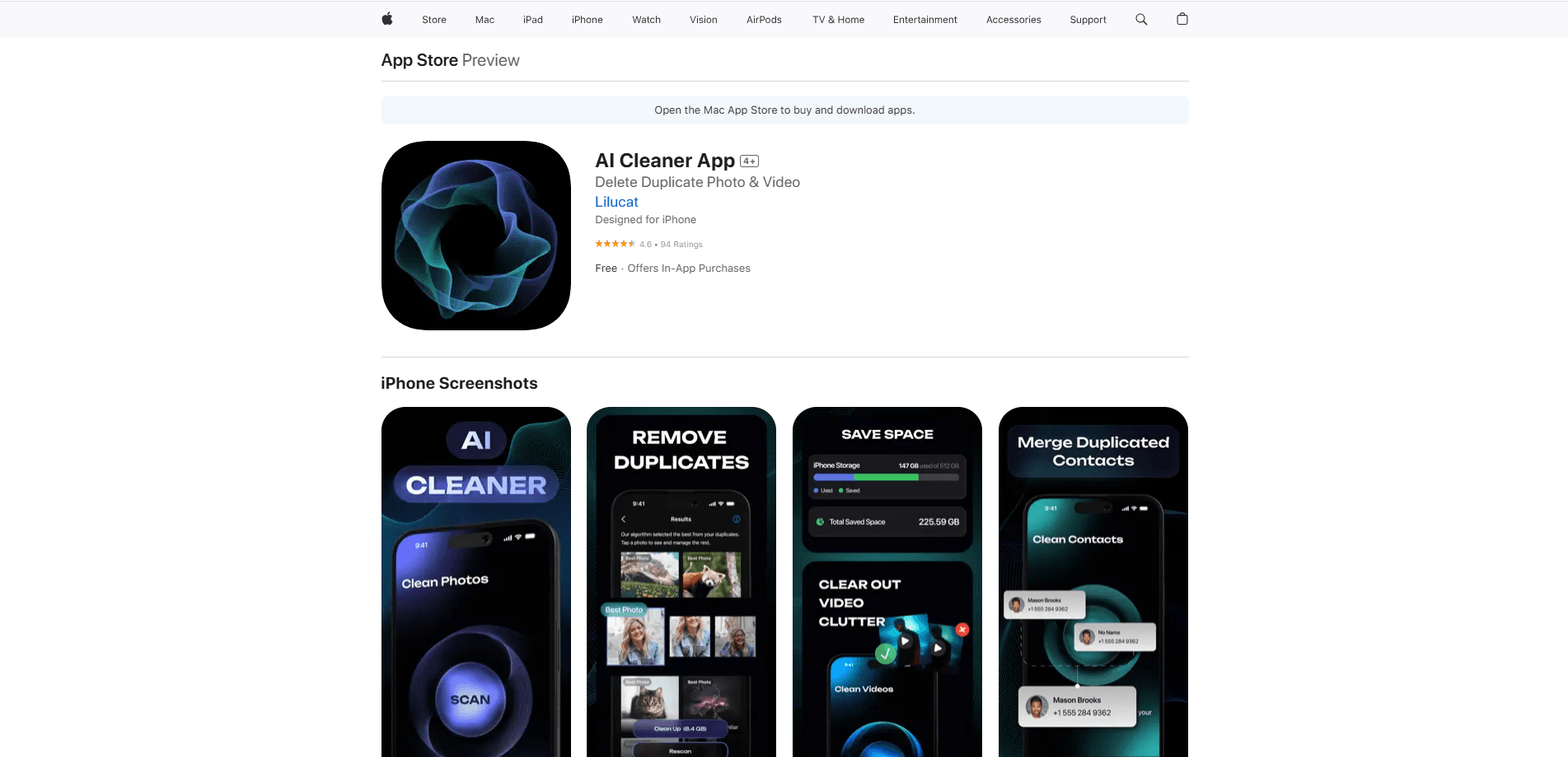
AI Cleaner by Lilucat is a storage optimization app that helps iPhone users clear out the clutter eating their free space. It scans your device, flags duplicate shots, blurry photos, screenshots, and unnecessary videos or files, then lets you review and delete them in a few taps. Everything runs on your device. Your photos never leave your phone.
About AI Cleaner by Lilucat
What Is AI Cleaner by Lilucat
AI Cleaner by Lilucat is an AI-powered cleaner built for people whose camera rolls and file storage have quietly filled up. Instead of scrolling through thousands of images by hand, you let the app do the sorting. It looks at your photos, videos, and files, groups the ones that are duplicates or near-copies, spots shots that came out blurry or dark, and lines up the screenshots and leftovers you probably don't need anymore.
The app comes from Lilucat, a small software studio that also builds Storage Cleaner. So who is it for? Mostly people drowning in photos. The company's whole pitch is privacy: its policy states that it doesn't collect or have access to the personal data you save in the app. Your media stays on your device, and the app only records minimal usage analytics, subscription checks, and crash logs to keep the product running. That design matters if you've been put off by cleaner apps that want broad access to your library.
It's a utility, not a social app. You open it when storage runs low, run a scan, and clear what you don't want. No feed. No clutter. There's no account requirement beyond the App Store subscription system, and no need to upload anything to a server.
Getting Started
- Download AI Cleaner by Lilucat from the App Store and open it.
- Grant photo and file access when the app asks, so it can read your library.
- Start a scan and let it run across your photos, videos, and files.
- Review the grouped results and confirm which items you want removed.
- Delete the selected clutter and check how much space you got back.
Product Information
A quick look at AI Cleaner by Lilucat's pricing, supported platforms, and performance.
Best for
The users, tasks, and scenarios where this tool fits best.
Users
- iPhone owners who keep running out of storage
- People with thousands of photos and no time to sort them
- Users who care about keeping their media on device
- Anyone tired of blurry, duplicate, and screenshot clutter piling up
Tasks
- Finding and removing duplicate or near-duplicate photos
- Clearing blurry, dark, and low-quality shots
- Trimming screenshots, old downloads, and unwanted videos
- Reclaiming free space without deleting the photos you actually want
Scenarios
- Storage warnings right before a trip or a big backup
- Camera rolls that have grown messy over years of use
- Sharing a phone with family and needing a fast tidy-up
- Prepping space for new apps, games, or system updates
Key features
AI Duplicate Detection
The core of AI Cleaner by Lilucat is how it groups your media. Rather than matching files by name, it looks at the images themselves and clusters the ones that are the same or nearly the same. That means burst shots, re-saved copies, and lightly edited versions all get pulled together. You keep the best one and clear the rest without double-checking every file.
Blurry and Low-Quality Photo Cleanup
Not every bad photo is a duplicate. Some are just out of focus, too dark, or shot at a bad angle. The app flags these so you can decide what's worth keeping. For anyone who takes a dozen attempts at every group photo, this is the fastest way to cut the dead weight. No manual hunting required.
Screenshot and Junk File Sweep
Screenshots and leftover files add up quietly. AI Cleaner by Lilucat surfaces the screenshots you've stopped using, along with older videos and files that are taking up room for no reason. You review the list before anything goes, so you stay in control of what gets deleted.
On-Device Privacy
This is the feature that sets the app apart in a crowded category. Scanning happens on your phone, not on a remote server. According to Lilucat's privacy policy, the company doesn't collect or have access to the personal data you store in the app, and it says it can't lose or misuse information it never holds. Your photos and files aren't uploaded anywhere. Nothing is. That's the whole point.
Simple Review and Delete Flow
Cleaning apps live or die by how little friction they add. Here you get scan results grouped by type, a clear look at what's suggested, and a delete step you confirm yourself. No forced auto-delete. No hidden cleanup happening behind your back. It stays predictable.
Pros and cons
Pros
- Scans and cleans on device, so private media stays private
- Groups duplicates and similar shots automatically, saving hours of manual sorting
- Handles photos, videos, and files in one place
- You review and confirm deletions rather than trusting blind automation
- Lightweight utility with no feed or clutter to wade through
Cons
- It's iOS only, so Android users can't use it
- The full experience sits behind a subscription
- AI grouping isn't perfect, so you should still glance at suggestions before deleting
- No public API, so it can't be wired into other tools
Frequently asked questions
It scans your iPhone's photos, videos, and files, then groups the ones that are duplicates or similar and flags items like blurry shots, screenshots, and unused files. You review the groups and delete what you don't want, freeing up storage in a few taps.
Related content
Explore related tools, skills, and articles for AI Cleaner by Lilucat.
AI Cleaner by Lilucat Alternatives

Swms
Swms AI · Writing · Productivity · BusinessSwms is an AI safety compliance tool that turns a plain description of a job into ready-to-use safety documents. Describe your project, trade, and known hazards, and it writes a safe work method statement, job hazard analysis, safe work procedure, RAMS, or safety data sheet in seconds. It also ships with Oscar, a chat assistant that answers workplace safety questions in any language. Teams in construction, mining, transport, and warehousing use it to cut the paperwork that usually eats into a workday.

Wordly AI Translation
Wordly · Voice & Language · ProductivityWordly AI Translation is a real-time AI translation and captioning platform built for meetings, conferences, and events. It delivers live translation, captions, transcripts, and summaries in more than 60 languages, and attendees join by scanning a QR code or opening a link instead of using dedicated headsets. The platform works with Zoom, Microsoft Teams, Google Meet, and Webex, and it's designed for organizations that want multilingual access without hiring human interpreters for every session. Simple as that.

Rows
Rows (Superhuman) · Productivity · BusinessRows is an AI spreadsheet and data analysis tool that imports live data from more than 50 sources, then lets you work with it using plain language instead of SQL queries or nested formulas. You can pull numbers out of PDFs, connect ad platforms, databases, and bank accounts, and ask the AI to build reports, merge datasets, or set up models that recalculate themselves. It runs in the browser, works like a spreadsheet, and now sits under the Superhuman umbrella.