

AI Dev Tools Rank
TCode Studio · Coding · Other
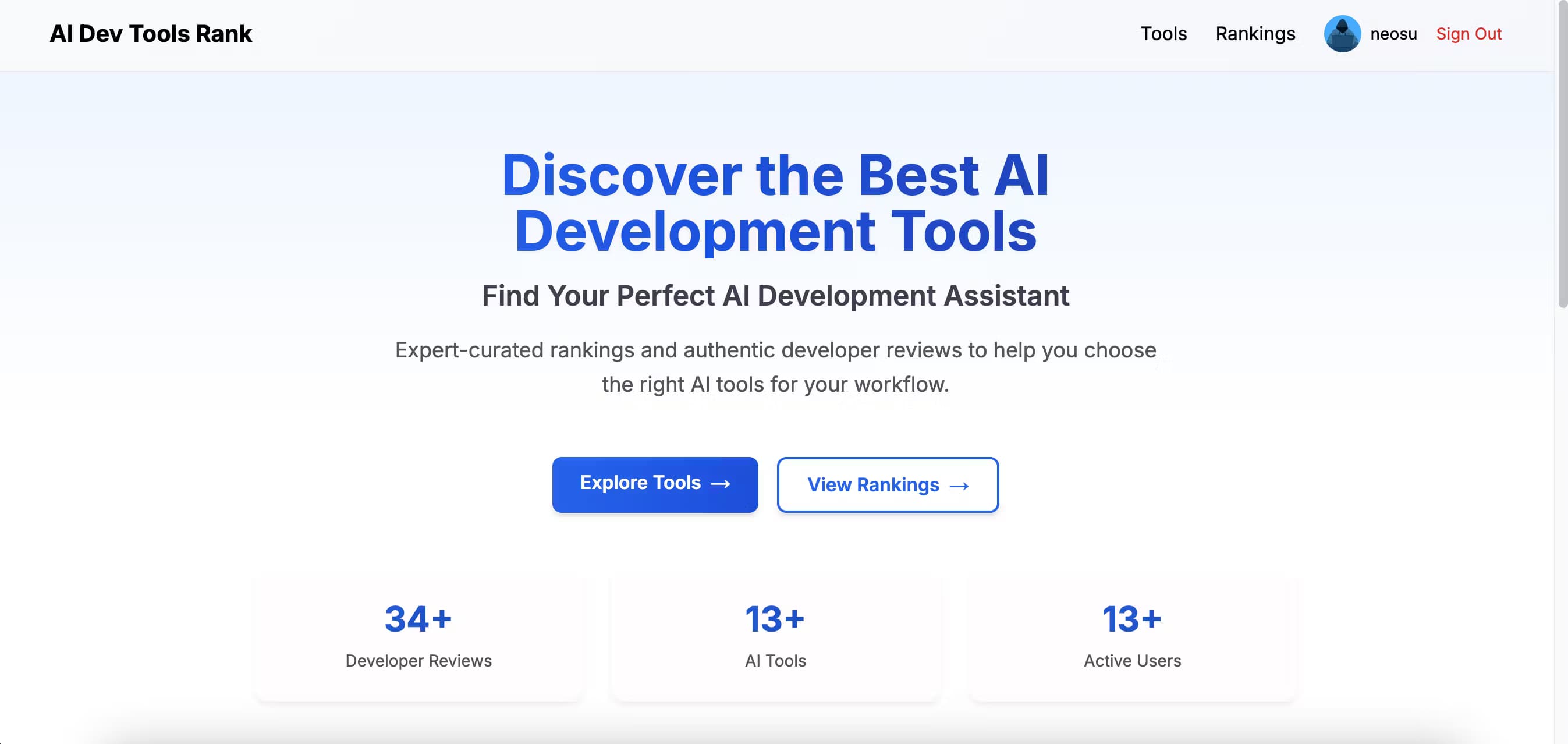
AI Dev Tools Rank is a review platform for AI coding assistants. Developers rate tools like Cursor and Copilot across seven scored dimensions, and the site publishes the results.
About AI Dev Tools Rank
What Is AI Dev Tools Rank
AI Dev Tools Rank is a community review platform where developers score AI coding assistants and share what it's like to work with them. The site collects real feedback from programmers worldwide, then turns that feedback into scores and rankings. Tools such as Cursor, GitHub Copilot, Qwen Code, Qoder, and Trae all sit in the same directory, so you can compare an IDE plugin against a standalone coding agent without opening ten browser tabs.
The goal is transparency. Instead of a single star rating, every tool gets scored on seven dimensions: instruction following, code completion quality, latency, reliability, privacy and security, value for money, and ease of use. Each dimension feeds into a weighted total, so a tool that's fast but unreliable doesn't outrank one that's slower and dependable. You see where a product is strong and where it struggles, rather than one number that hides the tradeoffs.
The platform started in 2024 and runs on feedback from its community. You browse as a guest, or sign in with GitHub to rate tools and leave comments. Anyone can submit a new tool for review, free of charge, and the team checks submissions within one to three working days. The full rankings view opens once the platform crosses a feedback threshold, so the early days are about collecting enough honest reviews to make a ranking trustworthy.
Getting Started
- Open the site and browse the tool index without an account. Each card shows the tool type, its tags, and an average score.
- Click a tool to see its score breakdown, the radar chart across seven dimensions, and user comments.
- Sign in with GitHub if you want to rate a tool, write a review, or bookmark favorites. You can still read everything as a guest.
- Submit a tool that's missing from the directory. Fill in the name and URL, then wait one to three days for review.
Product Information
A quick look at AI Dev Tools Rank's pricing, supported platforms, and performance.
Best for
The users, tasks, and scenarios where this tool fits best.
Users
- Developers picking a coding assistant
- Engineering teams standardizing on one tool
- Cost-conscious solo developers
- Tool builders and maintainers
Tasks
- Comparing AI coding assistants
- Judging reliability and latency
- Checking privacy and security stance
- Discovering new tools
Scenarios
- A developer stuck between two IDEs
- A team lead writing an internal recommendation
- A hobbyist on a budget
- A maker launching a coding assistant
Key features
Seven-Dimension Scorecard
Every review splits a tool into seven scored areas: instruction following, code completion quality, latency, reliability, privacy and security, value for money, and ease of use. Each gets its own number, and the platform weights them into an overall score. That structure keeps a single weak spot, like poor privacy, from being buried under strong marks elsewhere.
Community Reviews From Real Developers
Reviews come from people who actually code with the tools, not from a single editorial desk. You read what went right and what went wrong, then check the reviewer's dimension scores. Because each comment is tied to a rating, you can spot feedback that's detailed and specific rather than a bare thumbs-up.
Radar Chart Comparison
Each tool page renders the seven dimensions as a radar chart, so the shape of a product is visible at a glance. A tool that's strong on completion but weak on cost shows a lopsided chart you can read in seconds. Side-by-side comparison and fuller comparison tables are on the roadmap.
Tool Directory With Types and Tags
The index groups tools by type, which covers IDE plugins, code assistants, full AI coding tools, online services, and a catch-all category. Tags like CLI, Agent, or a model name sit on each card, so you can scan for the ones that fit your stack. Every listing links back to the tool's official site.
Free Community Submissions
Anyone can add a missing tool. You hand over a name and a URL, and the team reviews the entry within one to three working days. Approved tools go live for free, with no listing fee. That keeps the directory growing from the outside in, not just from whatever the editors already knew.
Rankings and Progress Tracking
The platform keeps a running count of collected comments and shows progress toward its goal. The basic rankings open at 1,000 pieces of feedback, with the full view aimed at a higher threshold. Until then, you work from tool-level scores and averages, which is enough to compare two options.
Pros and cons
Pros
- Scores break a tool into seven concrete dimensions, so you see exactly where it wins and where it slips.
- Reviews come from working developers, which gives a better read than a lone editorial verdict.
- The directory covers IDE plugins and standalone agents in one place, cutting down on tab-hopping.
- Submitting a tool is free, and approval takes only a few working days.
- You can browse and read everything as a guest, and GitHub login is only needed to rate or comment.
Cons
- The full rankings view is gated behind a feedback threshold, so early visitors get scores but not a finished leaderboard.
- The tool library is still small, so some obvious names have limited reviews or none at all.
- Coverage depends on community activity, which means popular tools collect feedback faster than niche ones.
- Comparison and expert review features are listed as coming soon, not available today.
Frequently asked questions
AI Dev Tools Rank is a web platform for reviewing and ranking AI coding assistants. Developers score each tool across seven dimensions, and the site turns that feedback into scores, radar charts, and, once enough reviews land, rankings.
Related content
Explore related tools, skills, and articles for AI Dev Tools Rank.
AI Dev Tools Rank Alternatives

GitGlow
GitGlow · Coding · ProductivityGitGlow is a local-first desktop Git client that lets independent developers review their own code and their AI agents' changes in one place before shipping.

Together Link
Together AI · CodingTogether Link is a free, open-source tool from Together AI that points coding agents like Claude Code and Codex at open models, with an auto router and a cost receipt for every session.

HeyPi
Proactive Intelligence Ltd. · Coding · Productivity · BusinessHeyPi is an AI meeting platform where an assistant called Pi listens to the call, remembers context from earlier sessions, works inside your connected apps, and builds pages, decks, and videos live.