
AIHUG.APP
AIHUG.APP · Video
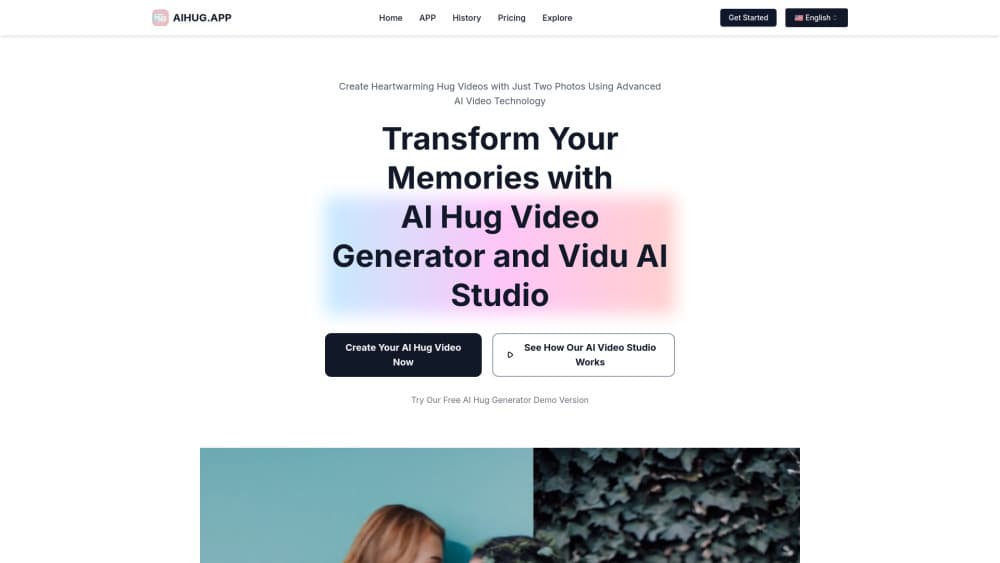
AIHUG.APP is an AI hug video generator that turns two photos into a realistic hugging video clip in minutes.
About AIHUG.APP
What Is AIHUG.APP
AIHUG.APP is a browser-based AI video studio built around one idea: making two people look like they're hugging, using only photos. You upload an image of each person, hit generate, and the tool animates a hug scene between them. No editing timeline, no manual keyframes.
The pitch is emotional rather than technical, and that shapes every decision in the product. People use an AI hugging video to send something to a partner who lives overseas, to bring a late relative into a brand new memory, or just to soften the sting of a long-distance birthday. So who is it for, really? Anyone who wants a moment to look shared when the two people couldn't actually be in the same room.
It's worth being straight about the limits here. The tool runs on a stack of third-party models, including Vidu AI, Luma AI, and Pixverse AI, so the quality you get moves with whatever those outside providers happen to ship that month. Results look convincing but stay AI-generated, and fine details like hands or hair can wobble in ways that break the illusion. Not every pairing of photos produces a clean clip on the first try.
Getting Started
- Open aihug.app in your browser and create an account.
- Pick your mode: upload two photos, or describe a scene for text-to-video generation.
- Adjust the hug style, background, and duration to match the moment.
- Run the generation. Each clip spends credits from your plan.
- Preview the result, then download or share it.
Product Information
A quick look at AIHUG.APP's pricing, supported platforms, and performance.
Best for
The users, tasks, and scenarios where this tool fits best.
Users
- Long-distance couples
- Families spread across countries
- Content creators
Tasks
- Image to video hugging clips
- Text-to-video scenes
- Personalized gifts
Scenarios
- A birthday or anniversary you can't be there for in person.
- A memorial clip that puts a relative into a new setting you never had a photo of.
- A quick promo clip for a small business that can't afford a shoot.
Key features
AI Hug Generation From Two Photos
The core feature takes one image of each person and animates a hug between them, handling the motion, the lighting blend, and the timing so the two separate photos read as a single continuous moment. You pick the style and the background, and the tool does the rest of the work. It's the fastest path from two stills to a clip that reads as real.
Text-to-Video Scene Options
When you don't have the right photos, you can describe a scene and generate it instead. The plans advertise unlimited scene options for text-to-video, so you're not locked into a fixed set of templates. Useful for testing an idea before you hunt down source images.
Multiple Underlying AI Models
The studio draws on Vidu AI, Luma AI, and Pixverse AI rather than a single engine. In practice that means output quality tracks the wider AI video field. When one model gets better, the results here tend to follow.
Customization Controls
You can choose hugging styles, swap backgrounds, add a personal message, and set how long the hug lasts. Small choices, but they're what separate a generic clip from one that fits a specific relationship.
Commercial Use Rights
Paid plans include commercial use, and the Unlimited tier adds a commercial use license. That matters if you post branded content or sell the clips, since the free tier doesn't extend that far.
Private Sharing
The Unlimited plan adds a private sharing option, so a clip can stay within the people you send it to. Good to have when the video is personal.
Pros and cons
Pros
- Runs in the browser, so there's nothing to install before you try it.
- A free trial lets you test one clip before paying.
- Customization covers style, background, message, and duration in one flow.
- Commercial rights on paid plans cover creator and small-business use.
- Plans sit between $10.43 and $41.93/mo, so there's a tier below full unlimited.
Cons
- Quality depends on third-party models, so you don't control the output ceiling.
- Results are AI-generated and can show flaws in hands, hair, or edges.
- Pricing is billed annually, which raises the upfront cost if you only want a month.
- No public API, so it can't be plugged into an existing workflow or app.
Frequently asked questions
It's an AI hug video generator that animates a realistic hug between two people from photos. You upload two images, choose a style, and download the result.
Related content
Explore related tools, skills, and articles for AIHUG.APP.
AIHUG.APP Alternatives

ngram 2.0
ngram · Video · Marketingngram 2.0 is an AI video generator for teams. It turns a prompt, a screen recording, or a product URL into a narrated explainer, product demo, or AI avatar video, and every scene stays editable.

OpenScreen 2
OpenScreen (open-source project) · Video · ProductivityOpenScreen 2 is a free, open-source screen recorder and demo video editor for Windows, macOS, and Linux, with automatic zooms, styled frames, local captions, and agent edits.

Skreno
Skreno · Video · ProductivitySkreno is a browser screen recorder that captures a tab, a window or your whole display, then attaches AI transcripts, summaries and console logs to one share link.