

Skreno
Skreno · Video · Productivity
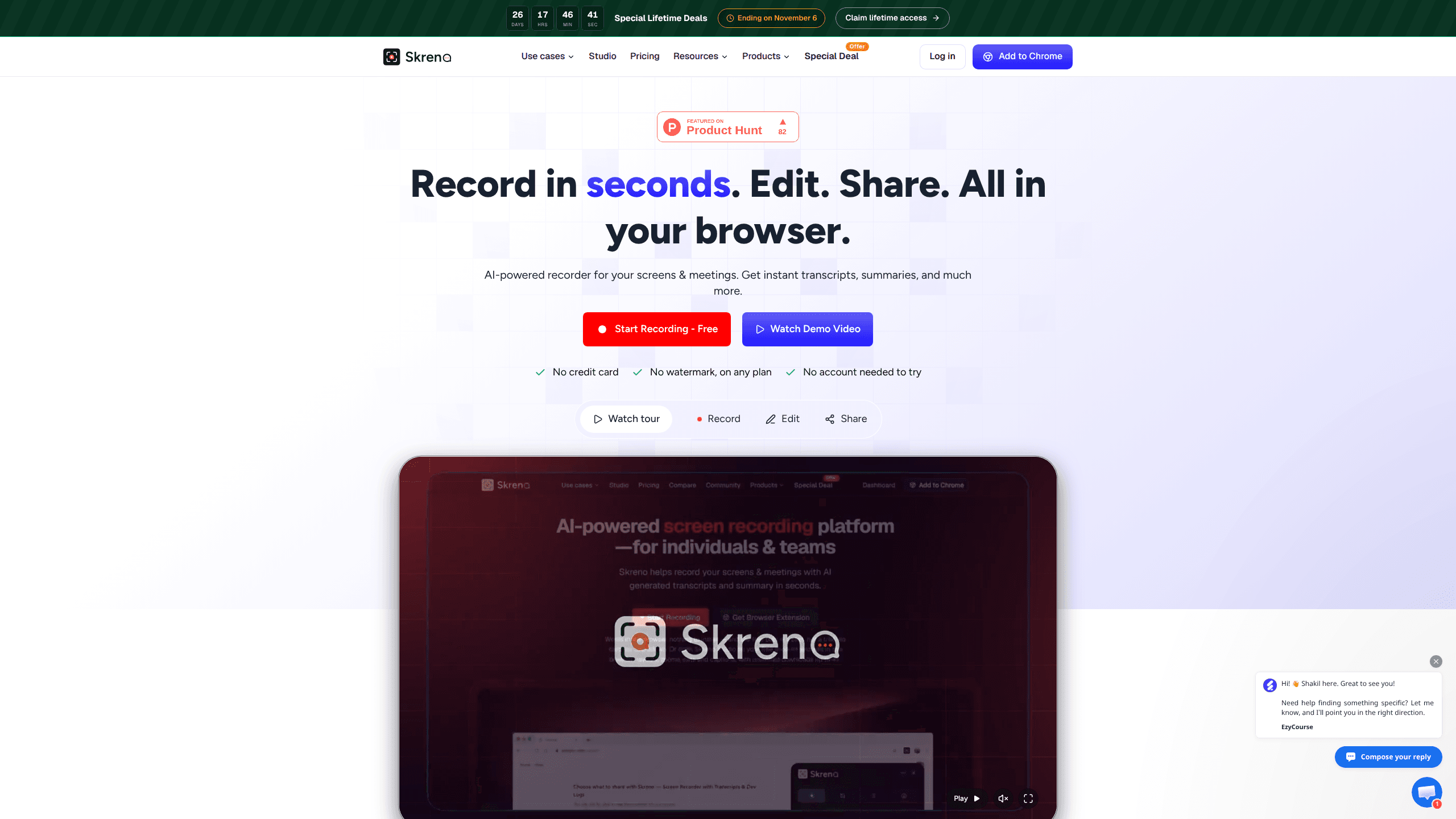
Skreno is a browser screen recorder that captures a tab, a window or your whole display, then attaches AI transcripts, summaries and console logs to one share link.
About Skreno
What Is Skreno
Skreno is a screen recorder for Chrome and Edge that runs inside the browser window. There is no desktop app to install and no account needed for the first take. What you get back is not a raw video file but a page with the footage, a transcript, an AI summary and a comment thread.
The product started as a way to report bugs properly. A developer watching a recording can open the console and network panels next to the video and scrub to the second a request failed. That evidence claim is still the sharpest thing about it, and it explains why the recorder ships with log capture rather than treating it as an add-on.
It also does the ordinary jobs. You can trim a clip, add captions, drop in a webcam bubble and blur a password field before sharing. The editor, called Skreno Studio, opens on every plan, including free.
The limits are worth knowing up front. Studio runs on Chrome and Edge only. Console and network logs require the free extension or the SDK on your own site, because a web page cannot read another page's console. Several of the nicer editing tools sit behind a paid plan.
Getting Started
- Open skreno.ai in Chrome or Edge and press record. No account is required for a first recording, and one is created when you want to keep the link.
- Pick a tab, a window or the full screen, then choose your microphone and camera. Keyboard shortcuts handle the toggles while you work.
- Record the task, drawing on the page if something needs pointing at. Skreno uploads in parts as you go, so the link is ready when you stop.
- Open Studio to trim the take, add captions or a background, then copy the link and send it. Every later edit updates that same link.
Product Information
A quick look at Skreno's pricing, supported platforms, and performance.
Best for
The users, tasks, and scenarios where this tool fits best.
Users
- Support teams that answer the same question every week
- Frontend developers and QA testers
- Product designers and PMs
- Founders and solo marketers
Tasks
- Filing a bug report with console logs
- Writing a step-by-step guide
- Recording a meeting
- Collecting a customer testimonial
Scenarios
- Handing work to a colleague in another timezone
- Onboarding a new hire
- Reviewing a design change frame by frame
Key features
Recording that stays in the browser
Skreno captures a single tab, one window or the whole display without a download. Recording happens locally and uploads in five megabyte parts while you work, which is why the share link is live the moment you stop. The free plan records at 720p for up to 15 minutes, Pro moves to 1080p with no length cap, and Max records at 4K.
Dev logs stamped in video time
With the extension on, Skreno saves console output, uncaught errors, failed requests, response bodies and CSP violations next to the footage. Each entry is stamped against the video with paused stretches subtracted, so the timeline and the frames agree. GraphQL failures that return HTTP 200 are caught as well, which is the kind of error a screenshot never shows.
A full editor that runs on your machine
Skreno Studio is a video editor in browser form, and it renders exports on your own computer, so downloads are unlimited and not capped at 1080p. Screen and camera sit on separate tracks, which means you can change the layout after the fact instead of committing to picture-in-picture while recording. Twenty layouts, gradient or uploaded backgrounds, silence removal and burnt-in captions are all in the editor.
Comments pinned to the exact moment
Every comment keeps the second it refers to and shows as a marker on the scrubber. On a screenshot you can drop a pin on the exact spot instead of describing it. Replies nest three levels deep, reactions work on comments and on the recording, and a reply can itself be a recording that plays inline at the right timestamp.
AI transcripts, summaries and bug triage
Each recording gets a transcript with speaker labels and per-line timestamps. The summary keeps version numbers, error text and ticket IDs rather than paraphrasing them away, which matters when the point of the recording is a specific defect. On paid plans the AI also reads the log and the transcript together, matches a click to the errors that followed and quotes the response body.
Guides, testimonials and meeting notes
Running a task with capture on turns every click into a numbered screenshot with a written instruction, and passwords are never recorded. The same account sends testimonial requests, where the customer records from a phone or laptop camera with no install. Skreno also works as a meeting recorder: paste a Zoom, Meet or Teams link and a notetaker joins the call, then the recording arrives with a transcript and summary like any other take.
Pros and cons
Pros
- The share link carries more than video: transcript, AI summary, console log and network waterfall sit on the same page.
- Studio is free on every plan with unlimited downloads up to 4K, which removes the export paywall common in this category.
- Typed characters are never recorded and auth headers are stripped before upload, so a recording is less likely to leak a password.
- The free plan is a real tier with 30 recordings kept indefinitely, not a trial with a countdown.
Cons
- Studio only runs in Chrome and Edge, so Safari and Firefox users have to switch browsers to edit.
- Console and network capture needs the extension, or the SDK if you want logs from your own site. The browser recorder alone cannot read another page's console.
- Blur zones, find zooms, password-protected links and team libraries are paid features, so a free account sees the recorder but not the full review workflow.
- The library tops out at 30 recordings on free. You delete one to record another.
Frequently asked questions
Yes, and the free plan has no time limit. It holds 30 recordings kept indefinitely, records up to 720p for 15 minutes each, and includes the Studio editor with unlimited downloads. Transcripts, AI summaries and guides have monthly caps of 5, 3 and 5.
Related content
Explore related tools, skills, and articles for Skreno.
Skreno Alternatives

ngram 2.0
ngram · Video · Marketingngram 2.0 is an AI video generator for teams. It turns a prompt, a screen recording, or a product URL into a narrated explainer, product demo, or AI avatar video, and every scene stays editable.

OpenScreen 2
OpenScreen (open-source project) · Video · ProductivityOpenScreen 2 is a free, open-source screen recorder and demo video editor for Windows, macOS, and Linux, with automatic zooms, styled frames, local captions, and agent edits.

Claude Dashboards & Motion
Anthropic · Video · Productivity · BusinessClaude Dashboards & Motion are two Claude features from Anthropic: one turns company data into a live dashboard, the other builds an editable animated explainer as an MP4 file.