

AI Hugging
AI Hugging · Video
AI Hugging is a free online tool that turns static photos into heartwarming AI hugging videos for anyone who wants to animate memories.
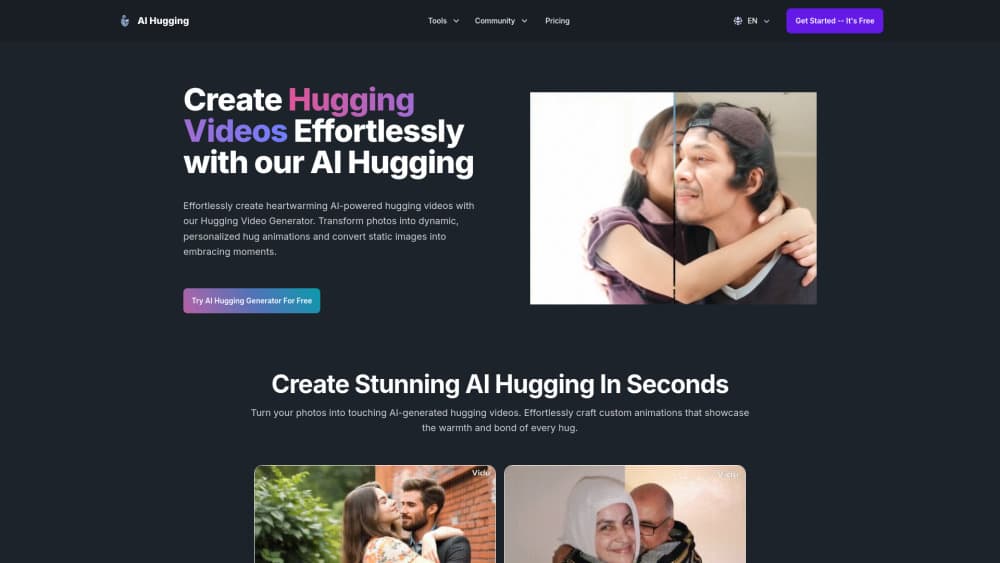
About AI Hugging
What Is AI Hugging
AI Hugging is a web-based tool that animates still photos into short videos of people embracing. You upload images, and the system generates an AI hug animation that blends the two subjects into one believable, emotional moment. Think of it as a free AI video tool for anyone who wants motion without the editing work.
It's built for people without video editing skills, and that's the audience it clearly has in mind, so nothing here assumes you've touched a timeline before. There's no timeline, no keyframes, no learning curve to speak of. You drop in photos, pick a style, and wait for the render to finish. That simplicity is the whole point. What it won't do is give you the granular control a professional editor expects.
The catch is control. Since the tool generates motion automatically, you don't get fine command over how the hug plays out, which is fine for a gift clip and frustrating if you're matching a specific shot. You also can't confirm much about data retention or output resolution from the public site, so what should you treat this as? A quick creative tool rather than a production pipeline.
Free tools come and go, and their terms can shift without much notice, so don't build a workflow that depends on features the site never promised.
Getting Started
- Open the AI Hugging website in any browser. No install needed.
- Upload the photos you want to animate, or describe the scene in a short text prompt.
- Pick the style you want, such as a couple, brother, or father and child hug.
- Wait for the AI to generate the hugging video.
- Download the finished clip and share it.
Product Information
A quick look at AI Hugging's pricing, supported platforms, and performance.
Best for
The users, tasks, and scenarios where this tool fits best.
Users
- People making emotional gifts
- Social media creators
Tasks
- Animating old photos
- Creating couple or family clips
Scenarios
- Anniversaries and birthdays
- Long-distance relationships
Key features
Photo to Hugging Video
Upload a couple of photos and the tool generates a short photo to hugging video of the people embracing. It works with single portraits and pairs, so you can build a clip from images that were never taken together in the first place.
Text to Hugging Video
You can also describe the scene in plain words and let the tool generate the hugging video from that prompt. It's useful when you don't have the right photos on hand and just want a quick concept you can turn into a shareable clip.
Style Presets
The site offers presets for common relationships, like couple, lover, brother, and father. Each one nudges the generated motion toward a different emotional tone, which saves you from guessing at settings you can't actually preview before the render finally finishes.
Watermark-Free Output
Videos come out without a watermark, which matters if you plan to post them publicly or send them to someone who'll notice a logo. You won't have a brand stamped across the middle of a personal moment.
Browser-Based, No Install
Everything runs in the browser, so there's no app to download, no mobile version, and nothing to update whenever the team ships a change behind the scenes. Open the site, make the video, close the tab. That keeps the barrier to entry low, but it also means you're tied to a desktop or laptop session.
Pros and cons
Pros
- Free to use, and the output ships without a watermark.
- Runs entirely in the browser, so there's nothing to install or update.
- Style presets cover the common relationship cases, which saves setup time.
- No editing experience required. If you can upload a photo, you can use it.
Cons
- You can't fine-tune the hug motion, so results depend on what the model decides to do.
- It's web only. If you want to generate on a phone, this isn't the tool for you.
- The site doesn't publish clear details on resolution or how long it stores your photos. If that matters to you, check before uploading anything sensitive.
Frequently asked questions
It turns static photos into a short hugging video of people embracing. People use it to make emotional clips for anniversaries, gifts, or social posts, often by animating photos that were never taken in the same room.
Related content
Explore related tools, skills, and articles for AI Hugging.
AI Hugging Alternatives

ngram 2.0
ngram · Video · Marketingngram 2.0 is an AI video generator for teams. It turns a prompt, a screen recording, or a product URL into a narrated explainer, product demo, or AI avatar video, and every scene stays editable.

OpenScreen 2
OpenScreen (open-source project) · Video · ProductivityOpenScreen 2 is a free, open-source screen recorder and demo video editor for Windows, macOS, and Linux, with automatic zooms, styled frames, local captions, and agent edits.

Skreno
Skreno · Video · ProductivitySkreno is a browser screen recorder that captures a tab, a window or your whole display, then attaches AI transcripts, summaries and console logs to one share link.