
Ai Hugging Generator
Ai Hugging · Video
Ai Hugging Generator is an online AI tool that turns two separate photos into a hugging video for people who want shareable, lifelike clips without editing skills.
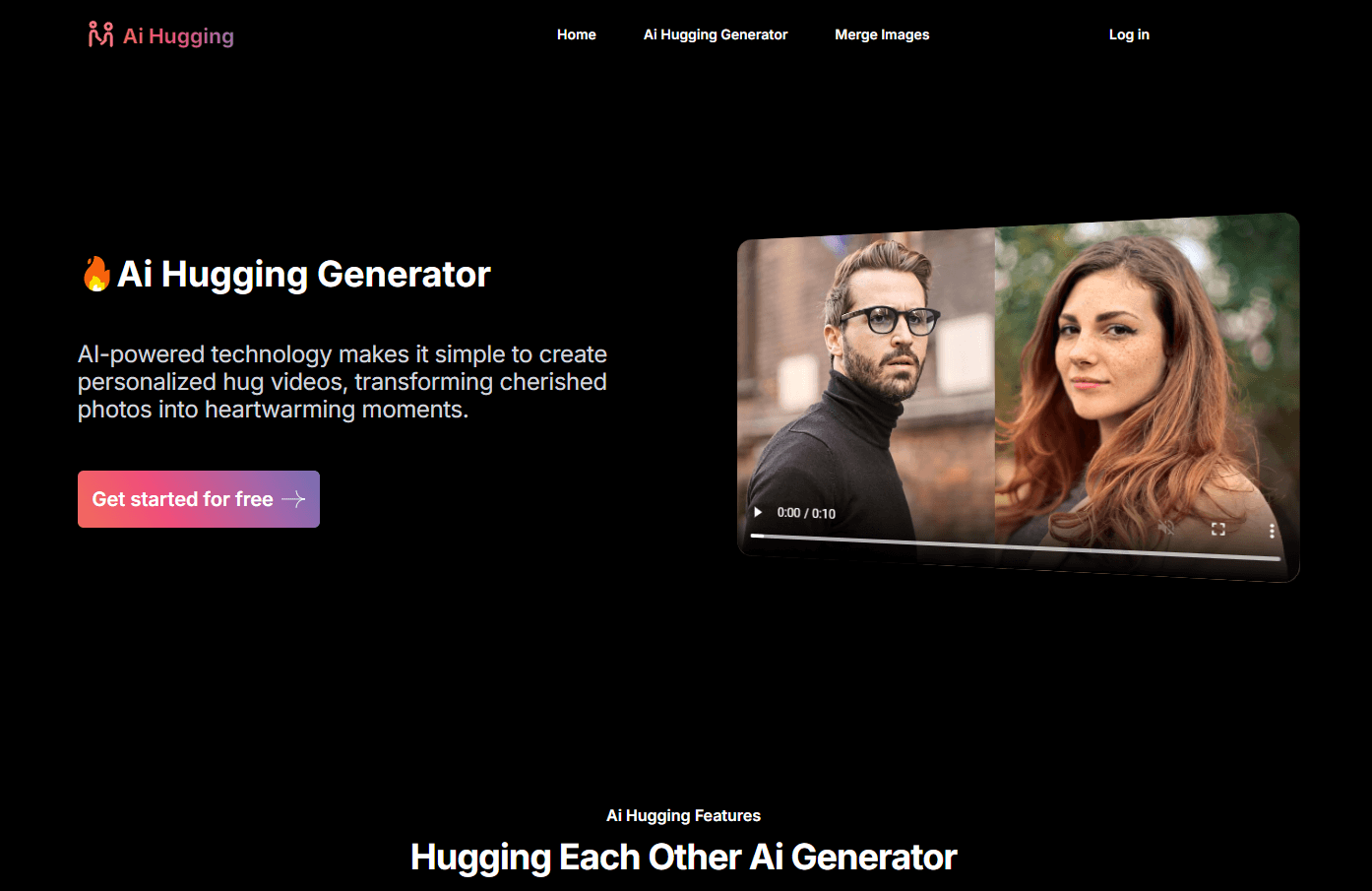
About Ai Hugging Generator
What Is Ai Hugging Generator
Ai Hugging Generator is a web-based AI tool that animates two people from separate photos into a single video of them embracing. You upload each picture, add a short prompt, and the platform generates a moving clip with lifelike expressions and motion. It runs entirely in a browser, so there's nothing to install.
The main appeal is speed. Making a hug video by hand means frame-by-frame animation software and hours of work. Here, you get the same result from two photos and a short prompt.
The limits matter too. Output depends on face clarity in your source images, and blurry or odd-angle shots often produce warped faces because the model has less detail to work with. The platform also works on a credit model rather than a subscription, and credits expire after a set window. Generate in bursts, then leave the tool for months, and that timing catches you.
Getting Started
- Create a free account on the Ai Hugging Generator website.
- Upload two clear photos, one of each person you want to appear in the hug.
- Type a short prompt describing the mood, style, or setting you're after.
- Click generate and wait a few minutes for the hugging video to render.
- Preview the clip, then download it in high quality to share.
Product Information
A quick look at Ai Hugging Generator's pricing, supported platforms, and performance.
Best for
The users, tasks, and scenarios where this tool fits best.
Users
- Couples and long-distance partners
- Social media creators
- Friends and family
Tasks
- Creating an AI hugging video from two portraits
- Making anniversary or greeting content
- Testing an AI hug generator before paying
Scenarios
- Long-distance relationships
- Meme and reaction videos
- Seasonal greetings
Key features
Photo to Hugging Video
Upload two separate pictures and the tool animates them into one clip of the pair embracing. You don't need both people in the same frame to begin with, which is the whole point for people whose photos come from different times or places.
One-Click Generation
Rendering runs off a single generate button after you add a prompt. No timeline. No keyframes. No motion tracking to configure. The barrier for a first-timer stays low.
Prompt-Based Style Control
A short text prompt steers the mood, movement, and atmosphere of the result. You describe the vibe you want, and the model applies it instead of forcing you to pick from preset templates or punch in technical parameters you don't understand.
Beyond Hugs
The same engine handles other custom animations, from romantic gestures to funny clips. You can animate any two people in your photos, so a hug is one option among several. What else can you make it do? Plenty, if you're willing to experiment.
High-Quality, Watermark-Free Download
Paid generations export in high quality with no watermark, ready to post. Watermarked trial output is the usual trade-off before you buy credits.
Browser-Only Workflow
Everything runs online with no install or plugin. Any device with a browser can reach it. Heavy renders still depend on the server side.
Pros and cons
Pros
- Turns two ordinary photos into a hugging video in minutes.
- No editing skills or software needed; browser-based.
- Free trial and per-credit pricing instead of a locked subscription.
- Watermark-free high-quality downloads on paid credits.
Cons
- Results depend heavily on source photo quality; blurry or angled shots can distort faces.
- Credits expire after one to three months, so unused ones are lost.
- It's a narrow tool, built around hug and gesture videos rather than general video editing.
- Worth noting the platform doesn't state whether an API is available for developers.
Frequently asked questions
It's an online AI tool that turns two separate photos into a short video of the people hugging, with animated expressions and movement. You upload photos, add a prompt, and download the clip.
Related content
Explore related tools, skills, and articles for Ai Hugging Generator.
Ai Hugging Generator Alternatives

Vadu AI
Vadu AI · Image · VideoVadu AI is a web-based AI video generator that turns written prompts or still images into short clips, and it can also generate images on its own. You type what you want, pick a model and style, and the platform renders the result in minutes. A free plan covers light testing, while paid tiers run from $9 to $77.40 per month based on how many credits you burn.

Mykaraoke Video
MyKaraoke Video · VideoMykaraoke Video is an online karaoke video maker and lyric video maker that turns any song into a finished, lyrics-synced video right in your browser. It handles the slow part for you. The AI pulls vocals out of the mix and locks the lyrics to the beat, then lets you customize background, fonts, and colors before exporting in 1080p MP4. If you make lyric videos for social media, party nights, or music promotion, it skips the software installs and manual timing work entirely. Want a karaoke video generator that doesn't eat your whole evening? That's the pitch here.

Finalframe
Finalframe · VideoFinalframe is a set of free, browser-based tools for grabbing exact frames out of a video clip. Its best-known feature, the Final Frame Extractor, lets you extract the last frame of any video so you can use it as the starting image for AI video tools like Luma Dream Machine, Runway, or Kling. Want to keep a clip going? That last frame is your starting point. The tool runs locally in your browser, needs no sign-up, and costs nothing. A separate paid AI video-generation app from the same team is currently offline while it's rebuilt.