

AI Image To Video Generator
Ai Image To Video · Video
AI Image To Video Generator is a browser-based tool that turns static photos into short animated videos. You upload an image, add a text prompt, and the AI handles the motion, so you don't need any editing experience. It suits social media creators, marketers, and anyone who wants to animate photos without opening a video editor.
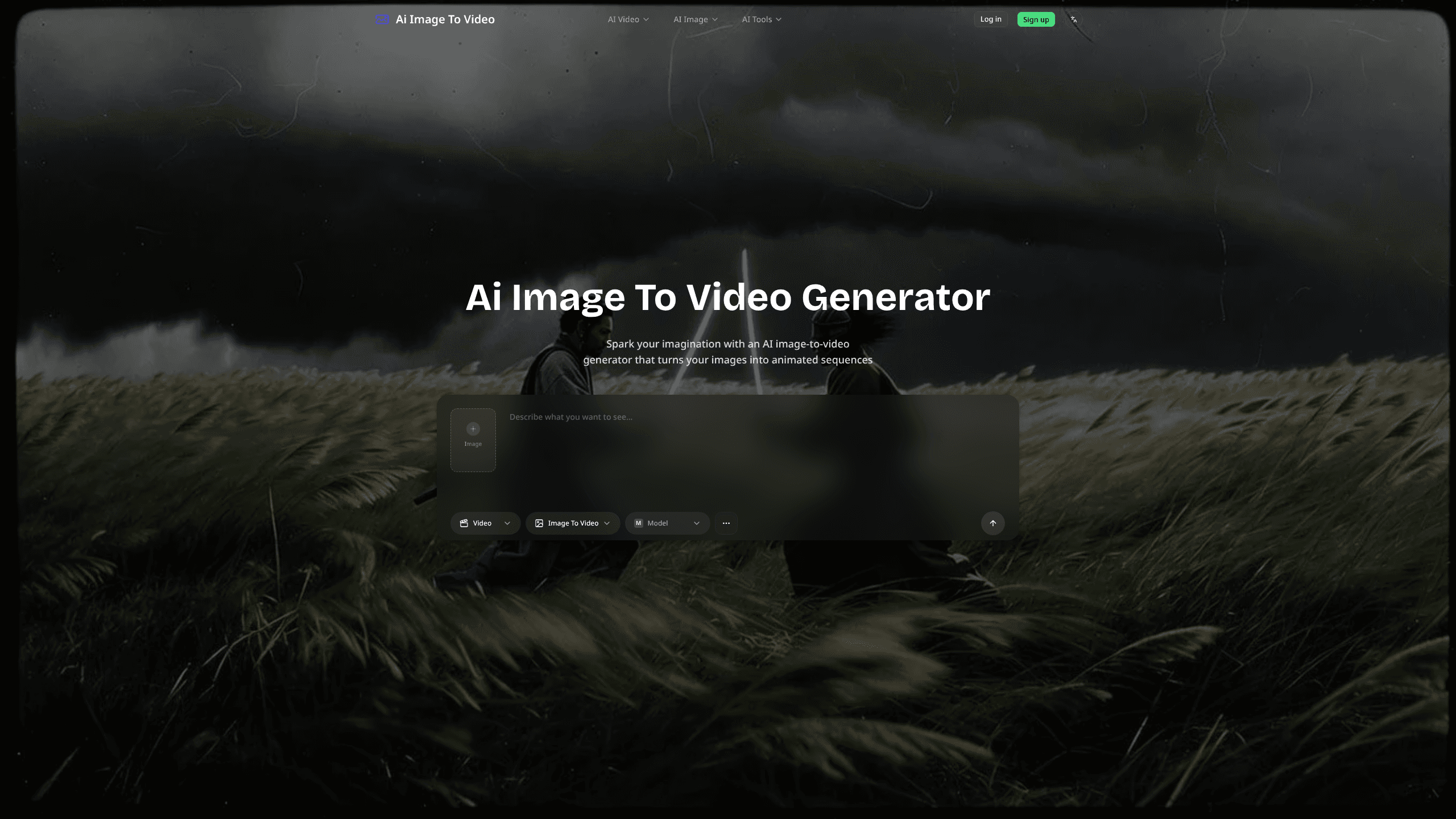
About AI Image To Video Generator
What Is AI Image To Video Generator
AI Image To Video Generator is an online image to video tool from the team behind aiimagetovideo.com. It reads the content of a photo and adds movement to it, like blinking eyes, breathing, shifting expressions, and slow camera pushes, which is the kind of motion that makes a portrait feel alive rather than frozen. The point is simple. A still image holds attention for a second, and a short clip holds it for longer.
The tool sits inside a wider suite of AI image tools. Alongside image to video, the same login gives you text to image, image to image, background removal, upscaling, photo restoration, and a manga translator, which matters a lot if you already work with visuals daily and would rather pay for one account than juggle five separate subscriptions.
There are limits worth knowing about. It's web-only, so there's no Android or iOS app. Access also needs an account, and the free tier runs on shared queue and daily credits, which means paying users get priority. If you need long or highly precise cinematic sequences, this isn't a full video editor.
Getting Started
- Register a free account with an email address on aiimagetovideo.com.
- Open the Image To Video tool from the dashboard.
- Upload the image you want to animate and type a short prompt describing the motion or mood.
- Pick an animation style and set the motion intensity if you want more control.
- Hit generate, then download the finished clip once it renders.
Product Information
A quick look at AI Image To Video Generator's pricing, supported platforms, and performance.
Best for
The users, tasks, and scenarios where this tool fits best.
Users
- Social media creators
- Small business owners
- Casual users
Tasks
- Animating a still photo
- Making short promo clips
- Reviving old family photos
Scenarios
- Filling a social feed
- Quick marketing mockups
- Personal keepsakes
Key features
Image to Video Conversion
This is the core of the tool. Upload a still and the AI analyzes its content, then adds motion that fits what's in the frame. Portraits get facial movement. Scenes get camera drift or environmental motion. You get a short clip you can download, all without touching a timeline.
Preset Animation Styles
You don't have to describe every motion by hand. The tool ships with preset styles such as natural motion, cinematic movement, and rhythmic movement. One click swaps the look, which helps when you want a consistent feel across a batch of clips.
Motion Intensity Control
Some clips need a subtle breathing effect. Others want obvious, punchy movement. The intensity slider spans both ends, and the AI offers a suggested setting based on the image. You keep the final say, which is the difference between a tasteful clip and an uncanny one.
Built-In Text Prompting
Every generation starts from a text prompt. Type what you want to happen and the model follows it. The homepage shows this clearly: a prompt like "A woman is happily dancing" or a cinematic flame close-up steers the output in ways that a settings panel alone never could, so time spent wording the prompt pays off. Good prompts beat fiddling with settings.
Wider AI Image Tool Suite
Image to Video is one tile in a larger set. The same account also covers text to image, image to image editing, an AI image upscaler, a background remover, an image translator, old photo restoration, a manga translator, and a colorizer. That's a lot of everyday image work in one place.
Credit-Based Free Tier
New accounts get 40 credits, plus another 20 for a daily check-in, and five free tool runs per day. That's enough to test the workflow and judge output quality before deciding whether to pay. Paid plans start at $7.99 per month.
Pros and cons
Pros
- Runs in the browser with no install and no video editing skills required
- Free tier with 40 starter credits and 20 daily credits to test it properly
- Multiple preset styles and a motion intensity slider give real control over results
- Bundles a full set of other AI image tools under one login
- Paid plans scale from $7.99 to $25.99 per month, so you can start small
Cons
- Web-only, with no mobile app, so phone-first users are stuck in a browser
- An account is required, and the free tier sits in a shared generation queue
- Free accounts only keep a 15-day history, which is short if you generate often
- There's no public API, so you can't wire it into your own apps or workflow
Frequently asked questions
It turns a static image into a short video. You upload a photo, describe the motion you want, and the AI adds effects like blinking, breathing, or camera movement. The result is a downloadable clip you can post or share.
Related content
Explore related tools, skills, and articles for AI Image To Video Generator.
AI Image To Video Generator Alternatives

Vadu AI
Vadu AI · Image · VideoVadu AI is a web-based AI video generator that turns written prompts or still images into short clips, and it can also generate images on its own. You type what you want, pick a model and style, and the platform renders the result in minutes. A free plan covers light testing, while paid tiers run from $9 to $77.40 per month based on how many credits you burn.

Mykaraoke Video
MyKaraoke Video · VideoMykaraoke Video is an online karaoke video maker and lyric video maker that turns any song into a finished, lyrics-synced video right in your browser. It handles the slow part for you. The AI pulls vocals out of the mix and locks the lyrics to the beat, then lets you customize background, fonts, and colors before exporting in 1080p MP4. If you make lyric videos for social media, party nights, or music promotion, it skips the software installs and manual timing work entirely. Want a karaoke video generator that doesn't eat your whole evening? That's the pitch here.

Finalframe
Finalframe · VideoFinalframe is a set of free, browser-based tools for grabbing exact frames out of a video clip. Its best-known feature, the Final Frame Extractor, lets you extract the last frame of any video so you can use it as the starting image for AI video tools like Luma Dream Machine, Runway, or Kling. Want to keep a clip going? That last frame is your starting point. The tool runs locally in your browser, needs no sign-up, and costs nothing. A separate paid AI video-generation app from the same team is currently offline while it's rebuilt.