
AI Logo Generator
ailogogenerator.net · Image · Marketing
AI Logo Generator is a browser-based logo maker that turns a short text description into finished logo designs, usually within a minute. You type what you want, pick an industry if you like, and the tool generates concepts you can then customize and download. It suits small businesses, solo creators, and anyone who needs a brand mark without hiring a designer. Fast, and pretty cheap compared to a design agency.
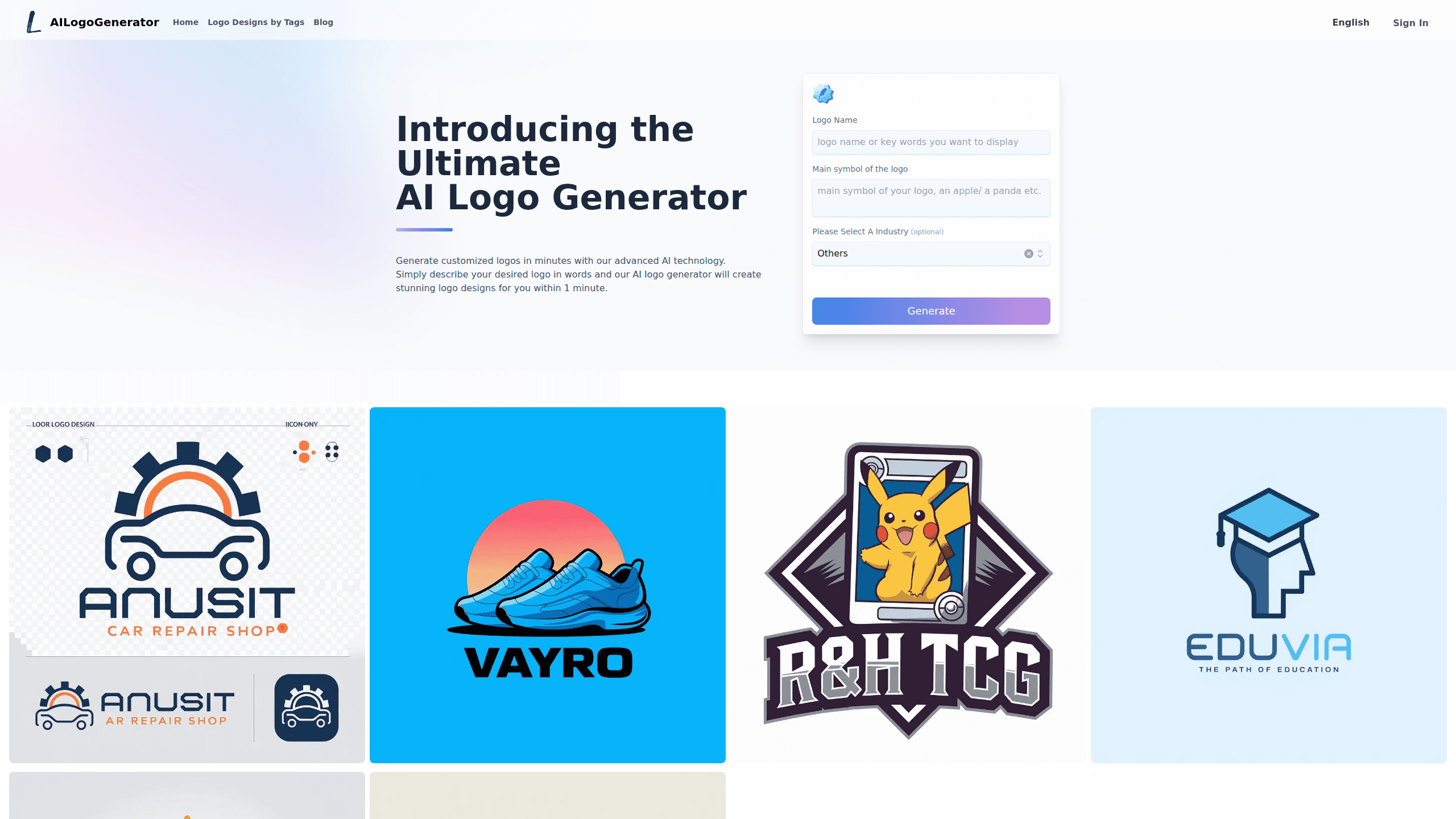
About AI Logo Generator
What Is AI Logo Generator
AI Logo Generator is an online AI logo design tool that builds logo concepts from a written prompt instead of a blank canvas. You describe the logo in words, add a name or a main symbol if you want, and the system generates a set of options in about a minute. The appeal is speed plus range: you can produce hundreds of variations and keep the one that fits. It works for a coffee shop, a tech startup, or a personal brand equally well because the generator is trained on a large library of professional designs that spans every common visual style you'd expect to see in a real branding portfolio.
The main limit is control. You get the design the AI produces, so fine typographic tweaks and pixel-perfect adjustments are harder than in a full vector editor like Illustrator. Want to nudge two letters closer together by a fraction of a point? That's where it falls short. If you need exact control over letterforms and spacing, treat the output as a starting point to refine rather than a finished file. For most everyday branding needs, that tradeoff is fine.
The tool is free to use and runs in the browser, so there's nothing to install. You can download finished logos in high-resolution PNG, JPG, PDF, and vector SVG. Everything happens online in a single web app that loads in seconds, which means you can go from an empty prompt to a saved file without ever leaving the tab. No download. No setup. Nothing to configure.
For a solo founder spinning up a landing page on a Sunday night, the gap between having a name and having something to put in the header is usually the slowest part of the whole launch, and that's exactly the gap this tool closes.
If you want an AI brand logo that looks intentional rather than generic, the prompt matters more than the settings. Describe the mood, the colors, and the business in a sentence or two. Vague prompts get vague logos.
Getting Started
- Open ailogogenerator.net in your browser, no account required to start.
- Enter a logo name and describe the main symbol you want in the text prompt.
- Pick an industry from the optional list to steer the style if you have one.
- Generate the concepts and review the options the tool returns.
- Customize colors, fonts, icons, and layout in the editor, then download in your preferred format.
Product Information
A quick look at AI Logo Generator's pricing, supported platforms, and performance.
Best for
The users, tasks, and scenarios where this tool fits best.
Users
- Small business owners
- Freelancers and solo creators
- Community groups and side projects
Tasks
- Making a first brand logo
- Testing brand directions
- Getting a vector file for print
Scenarios
- Launching a small online store
- Rebranding on a deadline
- Building social media visuals
Key features
Text-to-logo generation
You describe the logo in plain words, and the AI logo maker returns finished concepts, not rough sketches. It reads the prompt, pulls style cues from the name and description, and produces something you can actually use. Ideas that once took a designer a week now come back in about a minute. No brief required.
Instant concept batches
Rather than a single output, the tool generates a batch of options based on your description. That matters because choosing is easier than describing. Scan a spread of variations and pick the one that clicks. A free logo generator that hands you hundreds of ideas at once saves you the awkward loop of iterating one design at a time, and it's the same reason an instant logo generator feels faster than a traditional brand agency. More options, less second-guessing.
Industry-specific styling
There's an optional industry selector covering fields like technology, retail, restaurants, sports, and fashion. Choosing one nudges the generator toward conventions buyers in that space expect, so a bakery prompt leans warm and hand-drawn while a fintech prompt leans clean and geometric without you spelling any of that out. Skip it if you want something more unusual.
Customization editor
After generation, an editor lets you change colors, fonts, icons, and layout. You can adjust the palette to match existing branding, swap a typeface, or rearrange the composition. If you've already got brand colors from a website or a packaging label, matching them here takes only a few clicks and keeps everything on-brand. It's not a full vector suite, but it covers the changes most people actually want. Small tweaks, quick turnaround.
Multi-format export
Finished logos download as PNG, JPG, PDF, and SVG. The vector SVG is the one to keep for print and signage, since it resizes to any dimension without losing sharpness. Not sure which to pick? SVG for anything that gets big, PNG for the web. If you only need something for a website header, PNG and JPG are enough.
Free to use in the browser
Everything runs online with no install and no account required to start. That keeps the barrier low for anyone who just needs a logo quickly. Make an account later. Free access also makes it easy to experiment before spending anything.
Pros and cons
Pros
- Generates usable logo concepts from a simple text description in about a minute.
- Free to use and runs in the browser, so there's no software to install.
- Exports vector SVG alongside PNG, JPG, and PDF, which covers both web and print.
- Industry presets help the AI logo generator match expectations for a given business type.
- The editor covers the common tweaks, so most users can finish a logo without extra tools.
Cons
- Output is driven by the AI, so fine typographic and spacing control is limited.
- Getting an exact match to a specific brand vision can take several prompt attempts.
- No API is documented, so it isn't built for automated or bulk logo generation.
Frequently asked questions
AI Logo Generator is a web tool that creates logo designs from a written description. You enter a name and describe the symbol you want, and it generates concepts you can customize and download.
Related content
Explore related tools, skills, and articles for AI Logo Generator.
AI Logo Generator Alternatives

X Ray Interpreter
X-ray Interpreter · ImageX Ray Interpreter is a web-based AI radiology tool that turns X-rays, CT scans, MRI, ultrasound, and PET images into plain-language reports. You upload a scan, get a preliminary X-ray interpretation in moments, then ask follow-up questions if something needs explaining. It works as a second opinion and a learning aid, not as a medical diagnosis.

Aieasypic
AIEasyPic · ImageAIEasyPic is an AI image generator that turns plain text prompts into finished artwork in seconds. You can also train custom models on your own photos, swap faces in existing images, and create short video clips from text, all from a browser. It suits casual creators who want quick visuals and hobbyists who want to build a personal model without touching any code.

Chargen
Chargen · ImageChargen is an AI character generator and worldbuilding toolkit built for Dungeons & Dragons and other tabletop RPGs. It turns a one-line idea into a painted character portrait, spins up NPCs, monsters, maps and encounters from the same session, and keeps every creature's details close at hand. The tabletop RPG art side runs on a credit system called Gold, while the text generators stay free for everyone.