

AI Video API
AI Video API · Video · Coding
AI Video API is an all-in-one API hub for AI generated video that lets developers turn text prompts into finished video clips without building a model pipeline themselves. It bundles access to a video generation engine behind a single integration, so you add text to video generation to an app in hours instead of months. Pricing starts with a free tier of five videos, then scales by monthly generation quota.
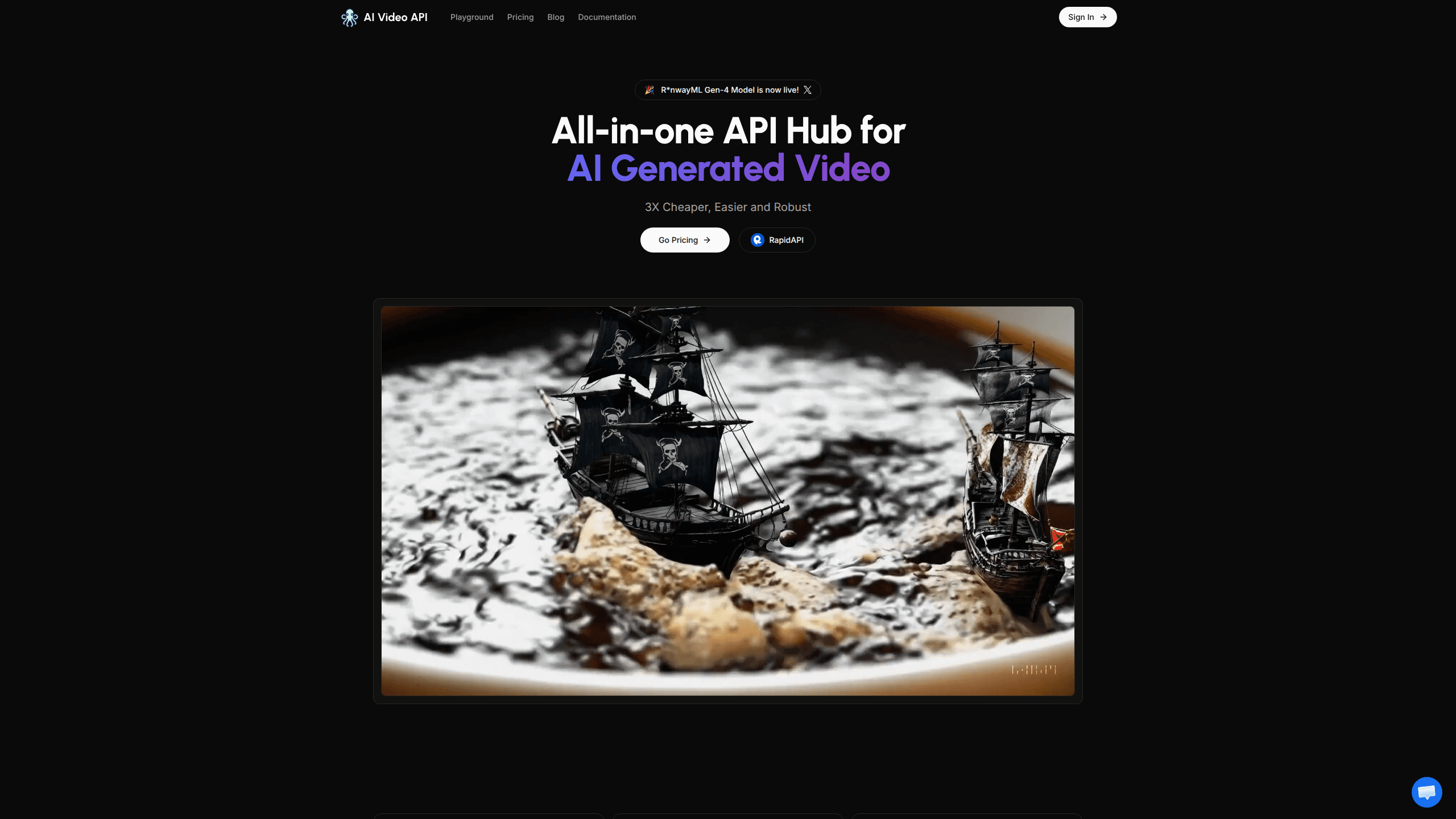
About AI Video API
What Is AI Video API
AI Video API is a hosted service for developers who want text to video generation inside their own products. Instead of training or self-hosting a model, you call one API and get rendered clips back. That keeps the infrastructure work off your team. Think of it as an AI video generator API minus the model management.
The pitch is straightforward. You get access to a video generation engine through a single integration, and you pay by monthly quota rather than by managing GPUs. No servers to babysit. The free Starter tier hands you five AI videos to test with, and the paid tiers raise that ceiling to 250 or 750 videos a month.
The biggest limitation is which engines you can reach. The Starter and Ultra plans run on the Runway engine only. Want Sora or Pika? You're waiting. The multi-model access that includes OpenAI Sora, Stability AI, and Pika Labs is listed as coming soon on the Mega tier. If your workflow depends on a specific model today, check availability before you commit.
Getting Started
- Sign in to the AI Video API dashboard with your Google account.
- Pick a plan. Start on the free tier to run your first five test videos, or move to Ultra or Mega for higher monthly quotas.
- Grab your API key from the account settings and store it in an environment variable on your server.
- Send a generation request with your text prompt, then poll the returned job until the video is ready.
- Pull the finished video URL and render it in your app.
Product Information
A quick look at AI Video API's pricing, supported platforms, and performance.
Best for
The users, tasks, and scenarios where this tool fits best.
Users
- Indie app developers
- Small studios shipping AI features
- Backend engineers prototyping video features
Tasks
- Adding text to video generation to an existing app
- Automating short clips at volume
- Testing which AI video model fits a workflow
Scenarios
- Shipping an MVP that needs a video feature fast
- Running a content tool that turns user prompts into clips
- Building a side project on a budget
Key features
Single API for Video Generation
AI Video API exposes one endpoint that handles a text prompt and returns a finished video, so teams skip the usual work of picking a model, wiring a GPU backend, and handling queueing. That's the whole job. For a small team, it removes the biggest chunk of setup work. You still need your own app to send the request and display the result.
Text to Video Generation
The core capability is text to video generation. You describe a scene and the service renders it into a clip. This is the piece most apps integrate first, since it turns plain text input from a user into shareable video output without extra editing steps.
Tiered Monthly Quotas
Plans are built around monthly video counts rather than raw compute. Ultra covers up to 250 videos a month at $33.25 when billed annually, and Mega covers up to 750 at $83.25. Quotas make budgeting simple. You can estimate cost per video before you scale a feature to real users. If you're comparing AI video API pricing across services, this quota model is easier to forecast than per-second GPU billing.
Multiple Video Engines
The roadmap routes across more than one generation engine. The Mega plan lists Runway, OpenAI Sora, Stability AI, and Pika Labs, which lets you match a model to a style instead of settling for one engine. That access was marked coming soon at the time of writing, so treat it as planned rather than live.
Overage Pricing
When you pass your monthly quota, extra videos bill at a set per-video rate rather than blocking you outright. Ultra charges $0.2 per video over the cap and Mega charges $0.15. A traffic spike won't take your feature offline. It will add to the bill.
Google Sign-In and Dashboard
Accounts run through Google sign-in, and the dashboard holds your plan and API key. There's little to configure beyond that, which suits developers who want to start calling the API on day one.
Pros and cons
Pros
- One integration puts text to video generation in your app without running your own GPU infrastructure.
- Clear monthly quotas make the video generation API cost predictable before you scale.
- Free tier with five videos lets you test the output quality before paying anything.
- Overage rates of $0.15 to $0.2 per video keep a feature running through traffic spikes.
Cons
- Starter and Ultra run on the Runway engine only, so you can't mix models until multi-engine access ships.
- The multi-model access that includes Sora and Pika is listed as coming soon, which means you may wait for the engine you want.
- Public documentation is thin, so expect more trial and error during your first integration than you'd like.
Frequently asked questions
It's a hosted service that adds text to video generation to your own app. You send a text prompt through one API and get a rendered video clip back, which saves you from building and hosting a model pipeline yourself.
Related content
Explore related tools, skills, and articles for AI Video API.
AI Video API Alternatives

Vadu AI
Vadu AI · Image · VideoVadu AI is a web-based AI video generator that turns written prompts or still images into short clips, and it can also generate images on its own. You type what you want, pick a model and style, and the platform renders the result in minutes. A free plan covers light testing, while paid tiers run from $9 to $77.40 per month based on how many credits you burn.

Mykaraoke Video
MyKaraoke Video · VideoMykaraoke Video is an online karaoke video maker and lyric video maker that turns any song into a finished, lyrics-synced video right in your browser. It handles the slow part for you. The AI pulls vocals out of the mix and locks the lyrics to the beat, then lets you customize background, fonts, and colors before exporting in 1080p MP4. If you make lyric videos for social media, party nights, or music promotion, it skips the software installs and manual timing work entirely. Want a karaoke video generator that doesn't eat your whole evening? That's the pitch here.

Finalframe
Finalframe · VideoFinalframe is a set of free, browser-based tools for grabbing exact frames out of a video clip. Its best-known feature, the Final Frame Extractor, lets you extract the last frame of any video so you can use it as the starting image for AI video tools like Luma Dream Machine, Runway, or Kling. Want to keep a clip going? That last frame is your starting point. The tool runs locally in your browser, needs no sign-up, and costs nothing. A separate paid AI video-generation app from the same team is currently offline while it's rebuilt.