

AI Video Editor
AI Video Editor · Video
AI Video Editor is a browser tool for online video editing and AI video generation. It restyles footage and builds clips from text prompts, handling style transfer, object replacement, and camera moves.
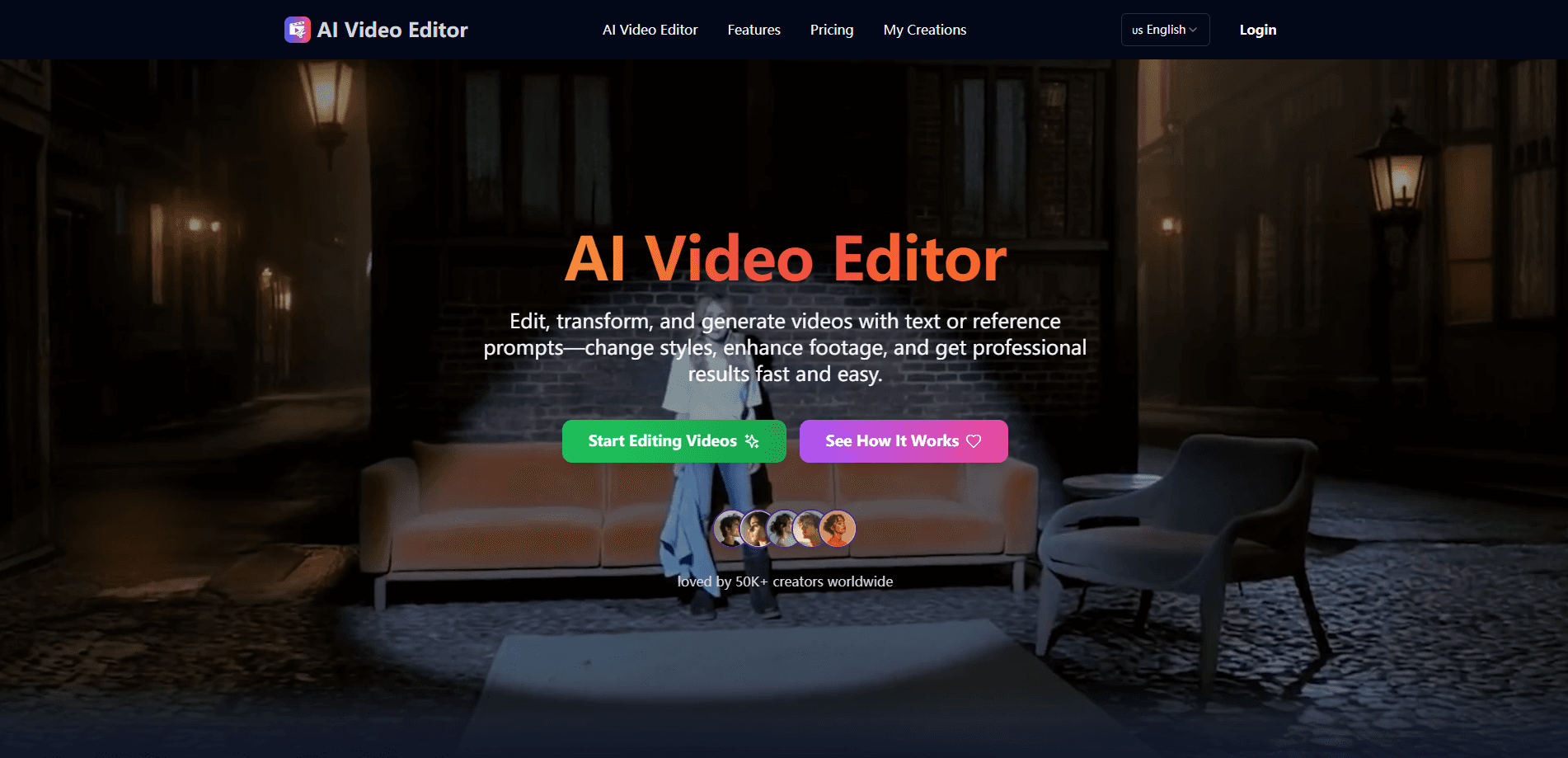
About AI Video Editor
What Is AI Video Editor
AI Video Editor is an online video editing platform that runs entirely in your browser. Instead of cutting clips frame by frame, you describe what you want or upload a reference image, and the tool applies the change for you. It covers style transfer, object and character replacement, camera angle shifts, background edits, lighting fixes, and full text-to-video generation.
The product targets people who need polished video but lack editing skills or a production crew. A small brand can restyle a product clip to match a campaign look, a marketer can swap a background for a seasonal scene, and a solo creator can generate a fresh B-roll shot from a sentence. All processing happens in the cloud, so you don't need a powerful computer.
The trade-offs matter too. The platform runs on a credit system, with each generation costing credits, so heavy users pay more. It also leans on generative AI for its headline features, which means output quality can vary and you should review results before publishing. It is a browser tool, so there's no offline desktop app for editing on a plane or without internet.
Getting Started
- Open the site in any modern browser and sign in, or start with the free trial to test the editing tools.
- Upload a clip from your device or pick an existing video, then choose a generation mode such as text to video, first frame, or multimodal edit.
- Type a prompt (up to 2,000 characters) or attach a reference image, then set the aspect ratio, resolution, and duration.
- Run the edit and preview the result, adjusting the prompt or options if the output misses the mark.
- Export the finished video, or upgrade to a paid plan to remove the watermark and unlock the commercial license.
Product Information
A quick look at AI Video Editor's pricing, supported platforms, and performance.
Best for
The users, tasks, and scenarios where this tool fits best.
Users
- Content creators who publish short-form video regularly and need fresh visuals without shooting new footage each time
- Marketers and small brand teams that want campaign-ready clips styled to a consistent look, working from existing footage
- Solo founders and side-project owners with no editing experience who still want professional-looking promos
Tasks
- Restyling existing footage
- Replacing or removing objects and people
- Generating new B-roll from a prompt
Scenarios
- Refreshing an old product video for a seasonal campaign
- Turning a static ad image into a moving clip
- Producing a rough first cut quickly
Key features
Intelligent Style Transformation
AI Video Editor restyles footage by applying cinematic looks, artistic filters, or branded aesthetics automatically. The AI matches colors, tones, and detail to a target mood, so a whole clip keeps a consistent visual identity. It's the fastest way to make raw footage look intentional without manual color grading.
Object and Character Editing
You can add, remove, or replace people and items in a scene while keeping shadows, motion, and perspective believable. That makes it practical to fix a mistake, update a product shot, or rewrite a story beat without reshooting. For teams used to expensive VFX pipelines, this collapses a multi-step job into a single prompt.
Dynamic Camera Angles
Static shots become cinematic when the tool simulates zooms, tracking moves, and angle shifts. The results aim to look like they were captured by a real crew, which helps when your source footage is flat or poorly framed. It works well for adding energy to talking-head clips and product demos.
Environment and Background Modification
Backgrounds can be replaced or enhanced to fit a creative direction, from turning a plain wall into a city skyline to placing a subject in a fantasy setting. Edges and lighting blend so the edit reads as convincing rather than pasted on. This suits storytelling and branded content that needs a specific setting.
Lighting and Visual Enhancements
The platform adjusts exposure, sharpens detail, and improves motion on footage shot in weak conditions. Poor lighting and shaky camera work stop being blockers, and clips come out clearer and more polished. It helps most when your source material wasn't recorded in ideal settings.
Text-to-Video Generation
Beyond editing, the tool generates entirely new scenes from a written prompt. You describe what you want and get original footage built around your idea, which closes the gap between editing and pure generation. It's useful for filling gaps in a timeline or mocking up a concept before a full shoot.
Multiple AI Models and Generation Modes
AI Video Editor offers several generation modes, including text to video, first frame, first and last, multimodal video edit, and video extend, with access to models like Seedance 2.0. That range lets you pick the right approach for a task instead of forcing every job through one pipeline. It also means output style can shift depending on the model you choose.
Pros and cons
Pros
- Runs in the browser with cloud processing, so it works on modest laptops without local GPU horsepower
- Handles several different edits, from style transfer to object replacement and text-to-video, in a single platform
- Beginner-friendly: you drive most changes with a text or reference prompt rather than a timeline
- Paid plans include a commercial license, no watermark, and no ads
- Aspect ratio, resolution, and duration controls cover social, marketing, and film formats
Cons
- Credit-based pricing means frequent, high-resolution generation adds up, and credits reset each billing cycle rather than roll over
- Output from generative edits isn't guaranteed to match your intent on the first try, so expect to review and re-run prompts
- No desktop app: editing needs an internet connection, which rules out offline work
- API availability isn't documented, so teams wanting programmatic access should confirm support before planning around it
Frequently asked questions
AI Video Editor is an online platform that edits and generates video using AI. It transforms styles, replaces objects, adjusts camera angles, and improves quality from text or reference prompts, without manual timeline editing.
Related content
Explore related tools, skills, and articles for AI Video Editor.
AI Video Editor Alternatives

ngram 2.0
ngram · Video · Marketingngram 2.0 is an AI video generator for teams. It turns a prompt, a screen recording, or a product URL into a narrated explainer, product demo, or AI avatar video, and every scene stays editable.

OpenScreen 2
OpenScreen (open-source project) · Video · ProductivityOpenScreen 2 is a free, open-source screen recorder and demo video editor for Windows, macOS, and Linux, with automatic zooms, styled frames, local captions, and agent edits.

Skreno
Skreno · Video · ProductivitySkreno is a browser screen recorder that captures a tab, a window or your whole display, then attaches AI transcripts, summaries and console logs to one share link.