

AI Video Enhancer & Editor
Music Video Editor with Effects & Slideshow · Video
AI Video Enhancer & Editor (Utool) is an Android app that sharpens soft footage to HD or 4K, restores blurry photos, and adds AI art styles, avatars, and quick trim tools in one place.
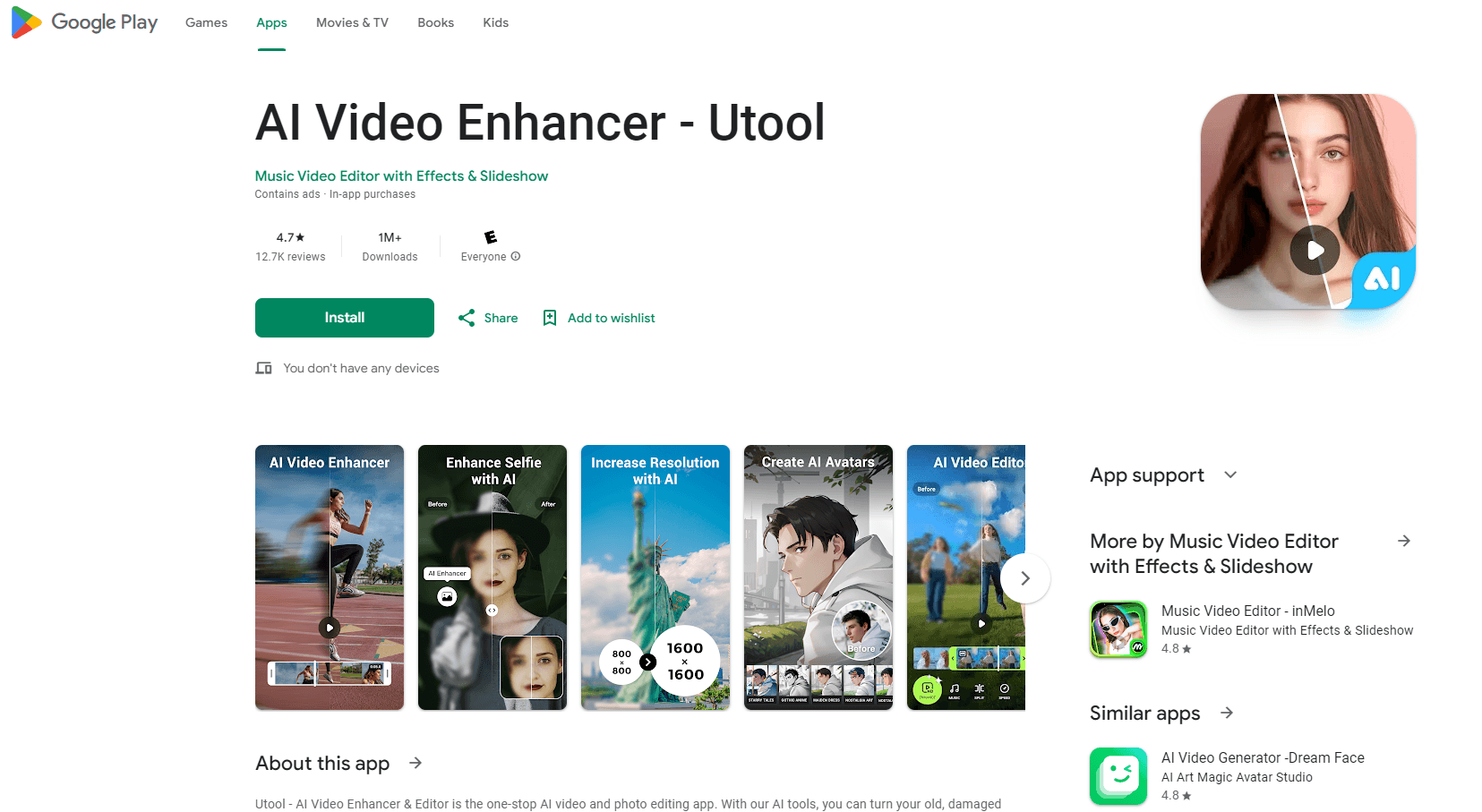
About AI Video Enhancer & Editor
What Is AI Video Enhancer & Editor
AI Video Enhancer & Editor is a mobile editing app from the studio behind a long list of photo and video utilities on Google Play. Its pitch is narrow and easy to grasp: take footage that looks soft, dark, or dated and push it toward something that looks clean on a phone screen. The app runs the enhancement on the device, then hands back a file you can post straight to TikTok, Instagram, or YouTube.
The core promise is one-tap repair. You pick a clip, choose an output quality, and the app handles denoising, sharpening, and color lift without asking you to touch a single slider. That makes it useful for people who shoot on old phones or dig up family recordings, and less useful for anyone who wants frame-level control. There is no timeline with multiple tracks, no curve editor, and no keyframes.
The limits are worth knowing before you pay. Enhancing a long clip takes real time on a phone, and the app processes in chunks. Very dark footage with fast motion is the hardest case, and the developer's own replies on store reviews admit the model struggles there. Output tops out at 4K, and richer tools sit behind in-app purchases.
Getting Started
- Install the app from Google Play and open it. No account is required to reach the editor.
- Tap the AI Video Enhancer entry, then pick a clip from your gallery or shoot a new one.
- Choose the repair preset and the export resolution. HD runs faster, 4K takes longer and uses more battery.
- Preview the result, then save it to your gallery or share it directly to a social app.
Product Information
A quick look at AI Video Enhancer & Editor's pricing, supported platforms, and performance.
Best for
The users, tasks, and scenarios where this tool fits best.
Users
- People with old family footage
- Android users who want one app instead of five
- Social creators on a phone
- Casual photo fixers
Tasks
- Rescuing a blurry phone video
- Cleaning up a scanned or forwarded photo
- Making an avatar or anime portrait
- Cutting a clip to size
Scenarios
- Prepping a batch of clips for a weekend upload
- Reviving a wedding or birthday recording
- Filling a social calendar without a desktop
Key features
AI Video Enhancer
The centerpiece. The app runs denoising, sharpening, and color correction on a selected clip and exports up to 4K. Use it to unblur video that looks soft after compression. It suits footage that is soft rather than destroyed, so a shaky, grainy clip improves in clarity while a heavily compressed file comes back only slightly cleaner.
AI Photo Enhancer
Stills get the same treatment: unblur, upscale, and a smoothing pass aimed at faces. It works best on portraits and old photos with visible detail left. Text and fine patterns tend to smear, which matters if you plan to read anything in the image.
AI Art Filters and Avatar Maker
This is the playful side. You feed in a selfie and pick a style, then the app returns a cartoon, anime, or painted version. The AI avatar maker produces images sized for profile pictures. Styles rotate over time, so results are not identical month to month.
AI Magic Eraser and Image Expand
The editor includes an object remover for photos and an expand tool that generates more background around a cropped frame. Both are single-purpose: they work on stills, not on moving video, so expect to bounce into a photo editor for these.
Pro Video Recorder and Screen Capture
The app records the screen with internal audio or microphone input and no hard time limit. Export runs from 240p up to 1080p at 60fps. Handy for tutorials and recording calls, but it is a separate mode from the enhancement pipeline.
Built-In Trimmer, Crop, and Music
A basic timeline lets you cut, crop to an aspect ratio, and lay a music bed under the clip. Tracks come from a bundled library rather than your own files in most cases. This is the part that makes it a usable android video editor for short posts, not for multi-scene projects.
Pros and cons
Pros
- One-tap enhancement produces a visible jump on soft, low-light phone clips without any manual grading.
- Free tier with no watermark on exports, which is rare among 4K video enhancer app competitors.
- Photo and video repair share the same interface, so there is one learning curve instead of two.
- Screen recorder and trimmer are included, cutting the number of apps a casual creator needs.
Cons
- Processing is slow on long clips and phones with less memory. A five-minute 4K pass can run into double-digit minutes, so plan around it.
- Heavily compressed or very dark footage with fast motion shows artifacts instead of detail. The developer acknowledges this on store reviews.
- Most advanced tools sit behind per-item purchases up to $59.99, and the pricing model is not obvious before you tap.
- No multi-track timeline, keyframes, or manual color controls, so it can't replace a full desktop editor.
Frequently asked questions
Yes. The app installs and runs without payment, and exports carry no watermark. Higher resolutions, some art styles, and the heavier repair modes are gated behind in-app purchases that range from $0.99 to $59.99 per item.
Related content
Explore related tools, skills, and articles for AI Video Enhancer & Editor.
AI Video Enhancer & Editor Alternatives

ngram 2.0
ngram · Video · Marketingngram 2.0 is an AI video generator for teams. It turns a prompt, a screen recording, or a product URL into a narrated explainer, product demo, or AI avatar video, and every scene stays editable.

OpenScreen 2
OpenScreen (open-source project) · Video · ProductivityOpenScreen 2 is a free, open-source screen recorder and demo video editor for Windows, macOS, and Linux, with automatic zooms, styled frames, local captions, and agent edits.

Skreno
Skreno · Video · ProductivitySkreno is a browser screen recorder that captures a tab, a window or your whole display, then attaches AI transcripts, summaries and console logs to one share link.