

AI Video Generator: Collart AI
Collart AI · Video
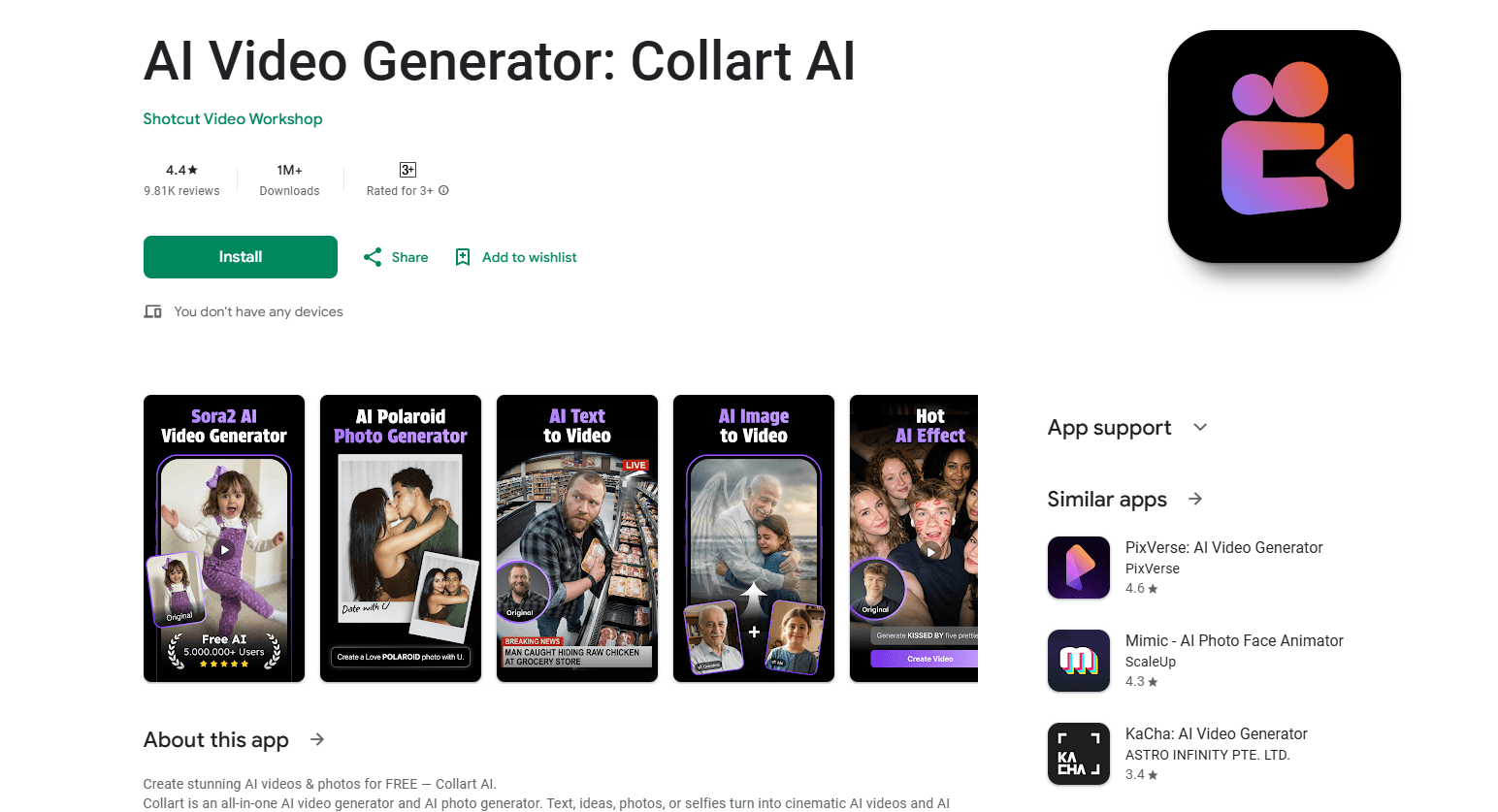
AI Video Generator: Collart AI is an Android app that turns text, photos, and selfies into short cinematic videos and images. It bundles several popular generation models, including Sora and Veo3.1, into a single mobile workflow, so you can describe a scene in a sentence and get a clip back without touching a desktop editor. The app is built for people who post to social feeds and want faster output, not for studios that need frame-level control.
About AI Video Generator: Collart AI
What Is AI Video Generator: Collart AI
AI Video Generator: Collart AI is a mobile tool that makes short AI videos and AI-generated images from plain inputs. You type a prompt, upload a photo, or pick a selfie, then the app runs it through models like Sora and Veo3.1 and hands back a finished clip or image you can save and share.
The appeal is the convenience. Instead of juggling a prompt writer, an image tool, and a separate video editor, you do the whole thing on your phone. That matters if you post several times a week and don't want to babysit a workflow every time.
The catch is control. Mobile generation apps trade precision for speed. Exact camera moves, multi-shot storyboards, and long clips are usually off the table. You get the idea in your head onto the screen fast. You don't get a director's toolkit.
Getting Started
- Install AI Video Generator: Collart AI from Google Play and open it.
- Sign in or continue as a guest if the app allows it, then look over any starter credits or free generations.
- Pick a mode: text to video, image to video, or photo and selfie generation.
- Enter a prompt or upload your picture, then choose a style or model if one is offered.
- Generate the clip, preview it, and save or share the result to your social apps.
Product Information
A quick look at AI Video Generator: Collart AI's pricing, supported platforms, and performance.
Best for
The users, tasks, and scenarios where this tool fits best.
Users
- Casual creators
- Non-editors
- Android phone owners
Tasks
- Text to video drafts
- Photo animation
- Selfie to video
- AI image generation
Scenarios
- Daily social posting
- Testing a concept
- Travel and event recaps
Key features
Text to Video Generation
Type a description and the app builds a short video from it using models like Sora and Veo3.1. Got a rough idea? This is the fastest way to see it move. It's handy when you're brainstorming or want a quick post. Keep prompts concrete. Vague input tends to produce vague output.
Image to Video
Upload a photo and the app animates it into a moving clip. It's the feature to reach for when you already have a strong image and just want motion, whether that's a travel shot, a product photo, or a piece of art. Results depend heavily on the source image. Cleaner, higher-resolution photos tend to animate better.
Selfie and Portrait Video
Turn a selfie into a stylized video, which is the sort of thing that performs well on social feeds. The app leans on the portrait as the anchor, then applies motion and style around it. Don't expect a true likeness in every frame. These tools still wobble on faces.
AI Photo Generation
Beyond video, the app doubles as an AI photo generator, so you can produce stills and clips without switching tools. That's useful when a post needs both a cover image and a short video and you'd rather keep everything in one place.
Multiple Generation Models
Because Sora and Veo3.1 sit inside the same app, you get access to more than one engine without subscribing to each provider separately, which keeps the monthly cost and the number of logins down. Each model has its own strengths, and having them in one place lets you compare output on the same prompt. Model availability can shift, so check what's live in your version.
On-Device Workflow
Everything happens on your phone. There's no desktop step and no file juggling, and that's the whole reason a mobile AI video generator is worth using. The trade-off is that heavy clips depend on a stable connection and enough battery, so a long generation session on the move can drain your phone faster than you'd expect.
Save and Share
Finished clips and images export straight to your device, ready to drop into your social apps. That closes the loop, since the point of a fast generator is getting something postable out the other end with minimal friction.
Pros and cons
Pros
- Covers text to video, image to video, and selfie generation in one Android app, so you don't need several tools for one post.
- Bundles recognized models like Sora and Veo3.1, giving you strong engines without separate subscriptions.
- Mobile-first design means no desktop editing skills and no heavy software to install.
- Free tier to start with, so you can test output quality before spending anything.
- Fast turnaround for short clips, which fits a daily posting habit.
Cons
- Mobile generation limits control, so precise camera moves, multi-shot sequences, and long runtimes aren't realistic.
- Faces and hands still glitch in AI video, which means some selfie clips need retries before they're usable.
- Model and feature availability can change between versions, so what you read about today may not match your build.
Frequently asked questions
It generates short AI videos and images on your Android phone from text prompts, photos, or selfies. You describe what you want or upload a picture, and the app returns a clip or image you can save and share.
Related content
Explore related tools, skills, and articles for AI Video Generator: Collart AI.
AI Video Generator: Collart AI Alternatives

Vadu AI
Vadu AI · Image · VideoVadu AI is a web-based AI video generator that turns written prompts or still images into short clips, and it can also generate images on its own. You type what you want, pick a model and style, and the platform renders the result in minutes. A free plan covers light testing, while paid tiers run from $9 to $77.40 per month based on how many credits you burn.

Mykaraoke Video
MyKaraoke Video · VideoMykaraoke Video is an online karaoke video maker and lyric video maker that turns any song into a finished, lyrics-synced video right in your browser. It handles the slow part for you. The AI pulls vocals out of the mix and locks the lyrics to the beat, then lets you customize background, fonts, and colors before exporting in 1080p MP4. If you make lyric videos for social media, party nights, or music promotion, it skips the software installs and manual timing work entirely. Want a karaoke video generator that doesn't eat your whole evening? That's the pitch here.

Finalframe
Finalframe · VideoFinalframe is a set of free, browser-based tools for grabbing exact frames out of a video clip. Its best-known feature, the Final Frame Extractor, lets you extract the last frame of any video so you can use it as the starting image for AI video tools like Luma Dream Machine, Runway, or Kling. Want to keep a clip going? That last frame is your starting point. The tool runs locally in your browser, needs no sign-up, and costs nothing. A separate paid AI video-generation app from the same team is currently offline while it's rebuilt.