

AI Video Maker - Renderforest
Renderforest · Video
AI Video Maker - Renderforest is a video creation app that turns text, images, or scripts into finished clips using AI models and 1,200+ templates. It suits creators, marketers, and small teams that want pro-looking videos without editing skills.
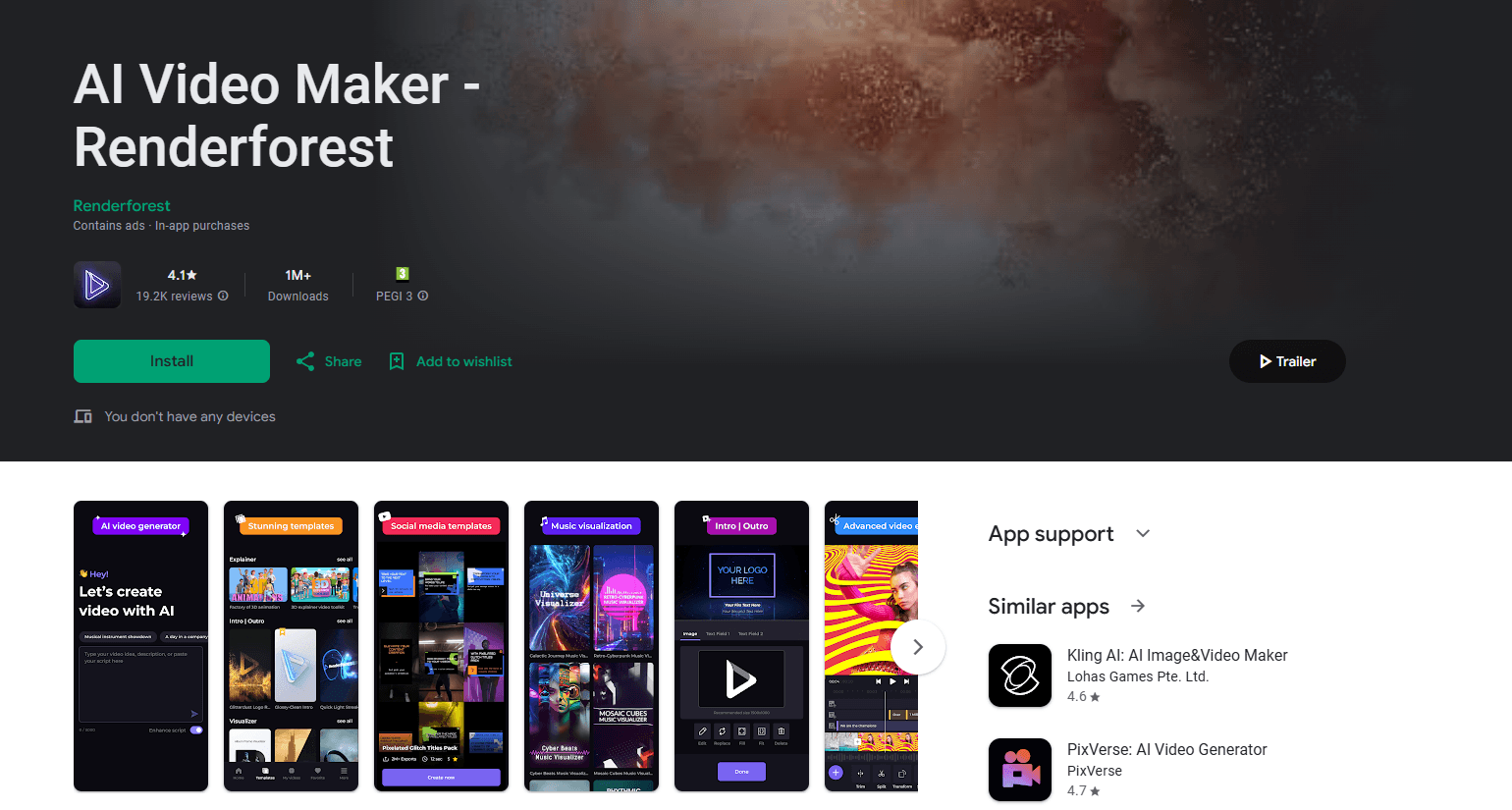
About AI Video Maker - Renderforest
What Is AI Video Maker - Renderforest
AI Video Maker - Renderforest is the mobile app version of Renderforest, an all-in-one AI creative platform that has helped creators build videos, logos, images, and websites since 2013. The company says more than 40 million creators have made over 120 million projects on the platform. The app brings that AI video generator toolkit to your phone, so you can start a video from text, a script, an image, or a ready-made template and finish it on the go.
The core idea is speed without a steep learning curve. Instead of building every scene by hand, you describe what you want or pick a template, and the platform handles the visuals, timing, and voiceover. That matters if you need a promo clip, a social post, or an intro today and don't have a production team behind you.
The main limit is scope. The app is built for quick, template-driven edits rather than frame-level film production, and the most advanced AI models and higher-quality exports sit behind paid plans. Free users get a usable starting point, but they'll run into render caps and watermarks that paid tiers remove.
Getting Started
- Download the AI Video Maker - Renderforest app from the App Store or sign in to the web version at renderforest.com.
- Pick a starting point: type a prompt, upload an image or script, or browse the template library by category.
- Choose a video model, style, and format, then let the platform assemble the visuals, voiceover, and scenes.
- Fine-tune the result in the editor with text, music, and timing controls.
- Export in your chosen resolution and frame rate, then share straight to social channels.
Product Information
A quick look at AI Video Maker - Renderforest's pricing, supported platforms, and performance.
Best for
The users, tasks, and scenarios where this tool fits best.
Users
- Small business owners
- Freelancers and social media creators
- Marketing and HR teams
Tasks
- Making a promo or explainer video
- Turning a written script into a narrated video
- Building an intro or logo animation
Scenarios
- Launching a product on a tight deadline
- Posting regular social content
- Training and onboarding
Key features
Text to Video AI
Type a prompt describing a scene and the platform generates footage with matching visuals, movement, and in the newest models, synchronized audio. It's the fastest way to test an idea before you commit to a full edit, and the built-in Renderforest model handles free HD drafts while premium models like Google Veo 3.1 and Kling 3.0 sit behind paid credits.
Image to Video AI
Upload a still photo or an AI-generated image and turn it into a moving clip. This works well for product shots, event photos, and portraits where you want motion without reshooting, and the AI effects library lets you recreate a preset look with your own images in seconds.
1,200+ Studio-Quality Templates
The platform ships more than 1,200 video templates made by motion designers, grouped into animations, intros and logos, social media videos, promos, typography videos, slideshows, and music visualizations. These templates give beginners a professional starting point while still leaving room to swap colors, fonts, and media.
Full Video Editor
A full video editor lets you add and trim video and audio, adjust exposure, contrast, and brightness, record voiceovers on the spot, and layer on text, images, and stickers. Rendering and export keep the same controls across the web app and the mobile app, so you can start on one and finish on the other.
AI Voiceover and Music
The platform generates voiceovers and adds music tracks to your project, so a script turns into a narrated video without a separate recording session. This is what makes automated exports feel complete rather than like silent slideshows.
Multi-Model Access in One Subscription
Rather than juggling separate AI video models and tools, Renderforest connects several leading video models, including Google Veo 3.1, Kling 3.0, Seedance 2.5, Pixverse V6, and MiniMax H3, inside one workspace. You can pick a model per project based on what it's best at, such as realistic motion or character animation, and refine everything in the same editor.
Pros and cons
Pros
- Turns text, images, or scripts into a shareable video without any prior editing skills.
- 1,200+ designer-made templates cover promos, intros, slideshows, and social clips out of the box.
- Multiple leading AI models sit in one subscription, so you don't have to pay for several tools.
- Voiceover and music generation mean a script becomes a finished, narrated video in one pass.
- Free plan and cross-device editing let you test the workflow before paying.
Cons
- The free tier adds watermarks and render caps, so publish-ready work usually needs a paid plan.
- Advanced AI models and higher-resolution exports cost credits, which can run out on heavy projects.
- The mobile app focuses on quick, template-driven edits, so frame-level film work is better handled elsewhere.
- The product's depth can overwhelm first-time users who just want one simple clip.
Frequently asked questions
It creates videos from text prompts, images, or scripts, plus template-based promos, intros, slideshows, and social clips. You can use it for marketing, training, and personal projects without a production team.
Related content
Explore related tools, skills, and articles for AI Video Maker - Renderforest.
AI Video Maker - Renderforest Alternatives

ngram 2.0
ngram · Video · Marketingngram 2.0 is an AI video generator for teams. It turns a prompt, a screen recording, or a product URL into a narrated explainer, product demo, or AI avatar video, and every scene stays editable.

OpenScreen 2
OpenScreen (open-source project) · Video · ProductivityOpenScreen 2 is a free, open-source screen recorder and demo video editor for Windows, macOS, and Linux, with automatic zooms, styled frames, local captions, and agent edits.

Skreno
Skreno · Video · ProductivitySkreno is a browser screen recorder that captures a tab, a window or your whole display, then attaches AI transcripts, summaries and console logs to one share link.