

AiArtist
AIArtist · Video
AiArtist is a browser-based AI motion graphics generator that turns a script into a kinetic typography video and renders an MP4 in 16:9 or 9:16 within about two minutes.
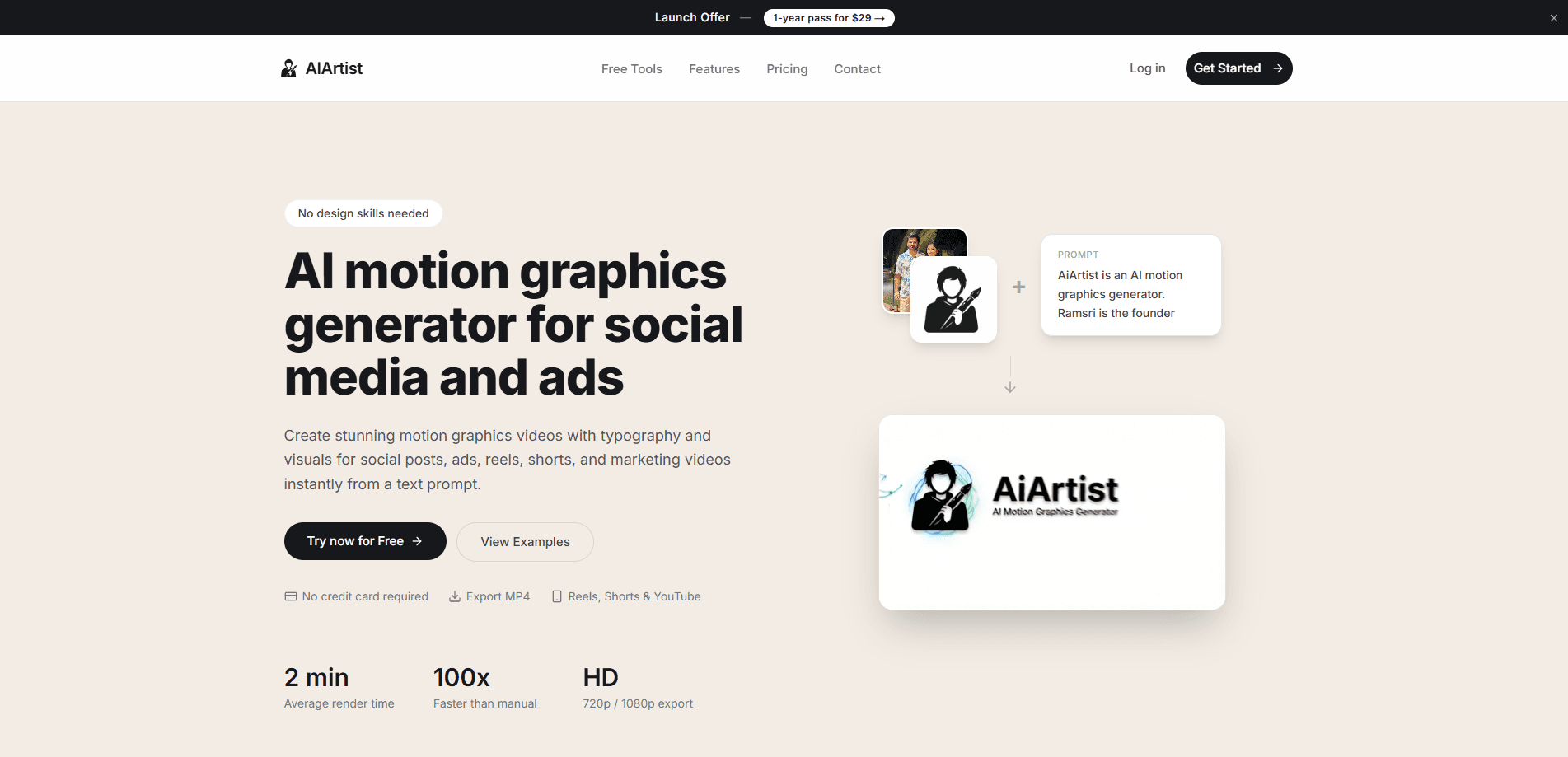
About AiArtist
What Is AiArtist
AiArtist is a web app that converts written text into a motion graphics video. You type a script, choose a frame, and the system builds animated type with matching background visuals before rendering a file you can post. Ramsri Goutham, a solo founder, runs the product.
The tool aims at one job. Video editors expect you to build scenes on a timeline. AiArtist skips that model and treats the prompt as the timeline, which makes it a text to video generator for short, word-led clips. It also covers motion graphics for social media: quotes, product announcements, stat reveals, and ad hooks where the words carry the message.
Three limits matter before you pay. A clip runs up to 8 seconds, so it won't replace a long explainer. Credits refresh every 30 days and anything unused disappears at the reset. Output quality depends on how well you brief the model, which makes prompt writing part of the skill.
Getting Started
- Open aiartist.io and start a project. The free tier needs no credit card.
- Paste your script, then pick 16:9 for YouTube and display ads or 9:16 for Reels, Shorts, and TikTok.
- Choose a theme, then add direction if you want a specific motion, color, or layout.
- Generate the clip. Rendering usually finishes in 2 to 3 minutes.
- Preview the result, download the MP4 in 720p or 1080p, and publish.
Product Information
A quick look at AiArtist's pricing, supported platforms, and performance.
Best for
The users, tasks, and scenarios where this tool fits best.
Users
- Social media managers
- Small business owners running paid ads
- Indie founders and product marketers
- Coaches, teachers, and newsletter writers
Tasks
- Turning a script or caption into an animated clip
- Producing ad variants for A/B tests
- Making quote cards and stat reveals
Scenarios
- Holding a daily or weekly posting schedule
- Product launch week
- Repurposing a podcast or a blog post
Key features
Smart Text Animation
The model reads the script and decides where emphasis falls. Words arrive with pacing that matches the sentence, so a punchy line moves faster than a reflective one. You get kinetic typography without setting a keyframe, and that's the main reason to pick this over a standard editor.
Contextual Visual Generation
Backgrounds, 3D objects, icons, and geometric shapes are generated to match the subject of the text. A finance script gets charts and numbers, a travel line gets a different set of props. Every element sits behind the type so the words stay readable on a phone screen.
HD Export in 16:9 and 9:16
Each render produces an MP4 export at 720p or 1080p. The horizontal frame covers YouTube, presentations, and display ads. The vertical video frame covers Reels, Shorts, TikTok, and Stories. One script can be rendered twice for both placements, which saves a re-edit.
Fast Rendering
Most clips finish in 2 to 3 minutes. The site compares that with one to two workdays for a 10-second kinetic typography piece made by hand. Speed changes the workflow: three directions fit into the time a single draft used to take.
Prompt Gallery
A public gallery lists working prompts, from a personal introduction to a Rome history summary to a logo reveal. Copy one, swap the text, then render. It shortens the learning curve for anyone who doesn't know how to describe motion in words.
One-Time Yearly Pass
The launch offer is $99 for a year with 100 credits a month. A 720p video without audio costs 1 credit, and 1080p with audio costs 4, so the monthly pool covers 25 of the heaviest renders. There's no subscription, and the purchase includes a 7-day refund window.
Pros and cons
Pros
- The prompt-to-video loop is short. One sentence in, one MP4 out, usually inside three minutes.
- Kinetic typography is handled for you, including pacing and emphasis, so no motion design skill is required.
- Two native frames cover horizontal and vertical placements without a re-edit.
- Pricing is a single $99 payment for a year, which is easier to justify than another monthly subscription.
- Commercial use is allowed, and you keep ownership of what you generate.
Cons
- Clips cap at 8 seconds. Anything longer needs another tool or several renders stitched together.
- There's no timeline or keyframe control. You can describe a change in the prompt, but you can't drag an element to an exact spot.
- Credits reset every 30 days and unused ones expire, so light users lose headroom they paid for.
- It runs in a browser only. There's no mobile app or offline mode, which matters when you want to post from a phone.
Frequently asked questions
AiArtist is an AI motion graphics generator that turns text into an animated video. You paste a script, choose an aspect ratio and theme, and the system builds typography and supporting visuals before rendering an MP4. The cycle usually takes about two minutes.
Related content
Explore related tools, skills, and articles for AiArtist.
AiArtist Alternatives

ngram 2.0
ngram · Video · Marketingngram 2.0 is an AI video generator for teams. It turns a prompt, a screen recording, or a product URL into a narrated explainer, product demo, or AI avatar video, and every scene stays editable.

OpenScreen 2
OpenScreen (open-source project) · Video · ProductivityOpenScreen 2 is a free, open-source screen recorder and demo video editor for Windows, macOS, and Linux, with automatic zooms, styled frames, local captions, and agent edits.

Skreno
Skreno · Video · ProductivitySkreno is a browser screen recorder that captures a tab, a window or your whole display, then attaches AI transcripts, summaries and console logs to one share link.