

Aiarty Video Enhancer
Digiarty Software · Video
Aiarty Video Enhancer is desktop AI software for Windows and Mac that upscales, denoises, deblurs and restores footage to 4K, with frame interpolation and audio cleanup.
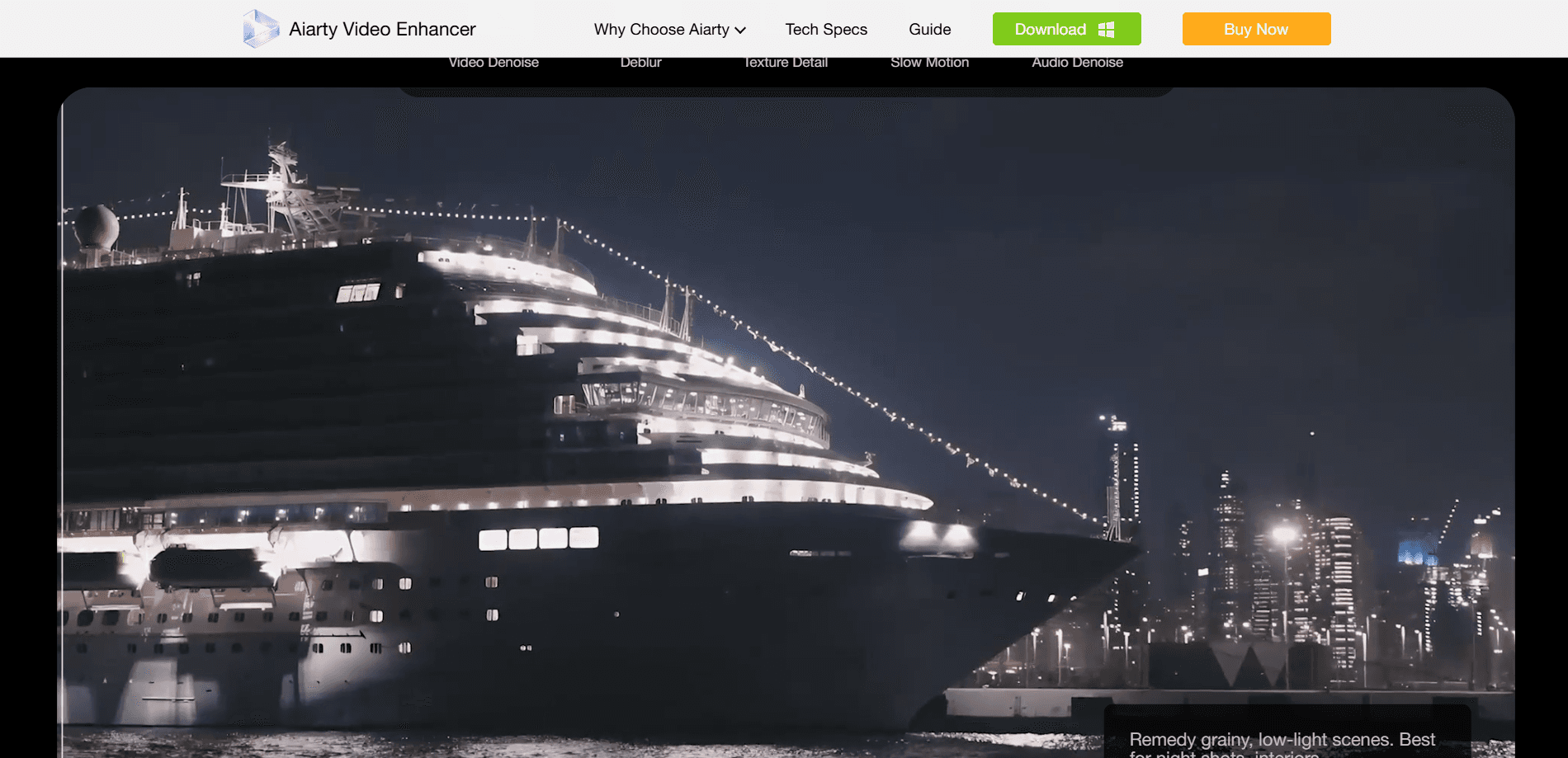
About Aiarty Video Enhancer
What Is Aiarty Video Enhancer
Aiarty Video Enhancer is a desktop application from Digiarty that uses generative AI models to repair and upgrade video. As an AI video upscaler it handles upscaling, denoising, deblurring, frame interpolation and audio noise removal in one place, targeting footage that looks soft, grainy or choppy.
The pitch is simple. Instead of learning a timeline editor, you drop in a clip, pick a model and let the software rebuild the frames on your own machine. Three models cover different situations: moDetail-HQ v3 for texture and skin, Smooth-HQ v3 for faithful restoration, and superVideo vHQ for dark, noisy shots. You can combine upscaling with a slow-motion pass or an audio denoise in the same job.
Two limits matter before you download it. It runs only on Windows and macOS, so there's no web version and no mobile app, and the AI inference is heavy, which means a modern GPU does most of the work. The free tier is a trial rather than a permanent free plan: clips cap at 120 seconds and exports carry a watermark.
Getting Started
- Download the installer for Windows or macOS and run it, then activate the license from Settings if you bought a full copy
- Import one or more video files and select the AI model that matches the footage, moDetail-HQ v3, Smooth-HQ v3 or superVideo vHQ
- Set the upscale target, strength and any extra modules like frame interpolation, audio denoise or color and HDR
- Pick an output folder and export a single clip, or queue a batch and let Turbo mode finish it in the background
Product Information
A quick look at Aiarty Video Enhancer's pricing, supported platforms, and performance.
Best for
The users, tasks, and scenarios where this tool fits best.
Users
- Content creators and editors
- Videographers and hobbyists
- AIGC and AI video makers
- Archivists restoring family footage
Tasks
- Video denoise for low-light clips
- Video deblur and detail recovery
- 4K upscaling
- Frame interpolation
- Audio cleanup
Scenarios
- A workshop clip shot in 480p needs to play on a modern 4K screen
- Footage from an older camera looks grainy in low light
- A sports or action clip stutters on playback
- A batch of client clips is due the next morning
- A private or sensitive recording cannot be uploaded
Key features
Three Tuned AI Models
Aiarty splits its work across three models rather than one catch-all. moDetail-HQ v3 leans on Diffusion plus GAN to add sharpness and texture, and suits hair, skin and outdoor detail. Smooth-HQ v3 aims for faithful restoration with natural deblurring and color realism. superVideo vHQ is the hybrid model built for the hardest cases, the grainy low-light and dark interior clips where other tools give up. Picking the right one is the single biggest lever on output quality.
Turbo Mode and Step Mode
The software gives you a speed-versus-quality dial with two paths. Turbo optimizes the AI inference for speed and works well as a default, while Step mode runs tiled inference that refines quality further and cuts VRAM use, which matters for long or high-resolution jobs. The trade is straightforward. Step is slower, Turbo gets you through a batch faster.
AI Frame Interpolation
The interpolation module generates new frames between existing ones to smooth motion and support slow motion. It targets stuttering footage and can push output to 90fps, 120fps or higher, using flow estimation and motion compensation so the added frames don't smear or distort. It fits fast action, timelapse and animation as much as live footage.
Audio Denoise
Alongside the picture work, the software analyzes audio tracks and removes background noise while lifting vocals. It's built for the everyday cases where a good image is paired with hiss, wind or room noise, such as vlogs, podcasts, lectures and family recordings. It's a one-click pass rather than a full audio editor.
Color and HDR Tools
A color panel covers white balance, exposure, contrast, saturation, highlights and shadows, plus rotate, flip, crop and deinterlace. The SDR-to-HDR feature converts 8-bit footage to 10-bit, with three modes, Neutral, Bright and Graded, and a strength slider to keep the effect from tipping into over-processing. It's a quick grade, not a colorist's toolkit, but it covers the common fixes.
Batch Processing and Offline Privacy
You can queue hundreds of clips in one session, set the model and output folder once, and export the whole list. Everything runs locally on your own hardware, so footage never gets uploaded to a server. That combination, bulk handling without an internet round trip, is the core reason people pick a desktop tool over a browser-based upscaler.
GPU Acceleration
The engine is built to lean on your graphics card, reaching up to 95% GPU utilization. On Windows it supports DirectML and TensorRT, and on Mac it uses Metal and the Neural Engine with native CoreML support. NVIDIA RTX 30, 40 and 50 series are called out as the fastest path, while AMD and Intel cards are supported through DirectML. A newer GPU is the main thing that decides how quick a render feels.
Pros and cons
Pros
- Three specialized AI models let you match the tool to the footage instead of forcing one model onto everything
- Fully offline processing keeps private footage on your own machine, with no uploads and no data leaving your desktop
- Turbo mode and GPU optimization reach high upscale speeds, cutting the wait that slows most AI video tools
- Batch export and one-stop handling of upscaling, interpolation and audio save time on multi-clip jobs
- Lifetime license covers three devices with free updates and includes the Aiarty Image Enhancer as a gift
Cons
- Desktop only, so there's no web or mobile option and you need a compatible GPU for reasonable speed
- The free version caps clips at 120 seconds and watermarks exports, so it's a trial rather than a usable free tier
- Learning which model and strength fits a given clip takes some experimentation before results look right
- No official API is offered, which rules it out for teams that want to automate enhancement inside their own pipeline
Frequently asked questions
Aiarty Video Enhancer is Desktop AI software from Digiarty that upscales, denoises, deblurs and restores video. It combines diffusion and GAN models to rebuild detail, boost resolution up to 4K, smooth motion with frame interpolation and clean up audio, all processed locally on Windows or macOS.
Related content
Explore related tools, skills, and articles for Aiarty Video Enhancer.
Aiarty Video Enhancer Alternatives

ngram 2.0
ngram · Video · Marketingngram 2.0 is an AI video generator for teams. It turns a prompt, a screen recording, or a product URL into a narrated explainer, product demo, or AI avatar video, and every scene stays editable.

OpenScreen 2
OpenScreen (open-source project) · Video · ProductivityOpenScreen 2 is a free, open-source screen recorder and demo video editor for Windows, macOS, and Linux, with automatic zooms, styled frames, local captions, and agent edits.

Skreno
Skreno · Video · ProductivitySkreno is a browser screen recorder that captures a tab, a window or your whole display, then attaches AI transcripts, summaries and console logs to one share link.