

AIClipGen
AIClipGen · Video
AIClipGen is an AI avatar video generator that turns a written idea into a short video with a custom avatar and voiceover. You pay per second, not monthly.
About AIClipGen
What Is AIClipGen
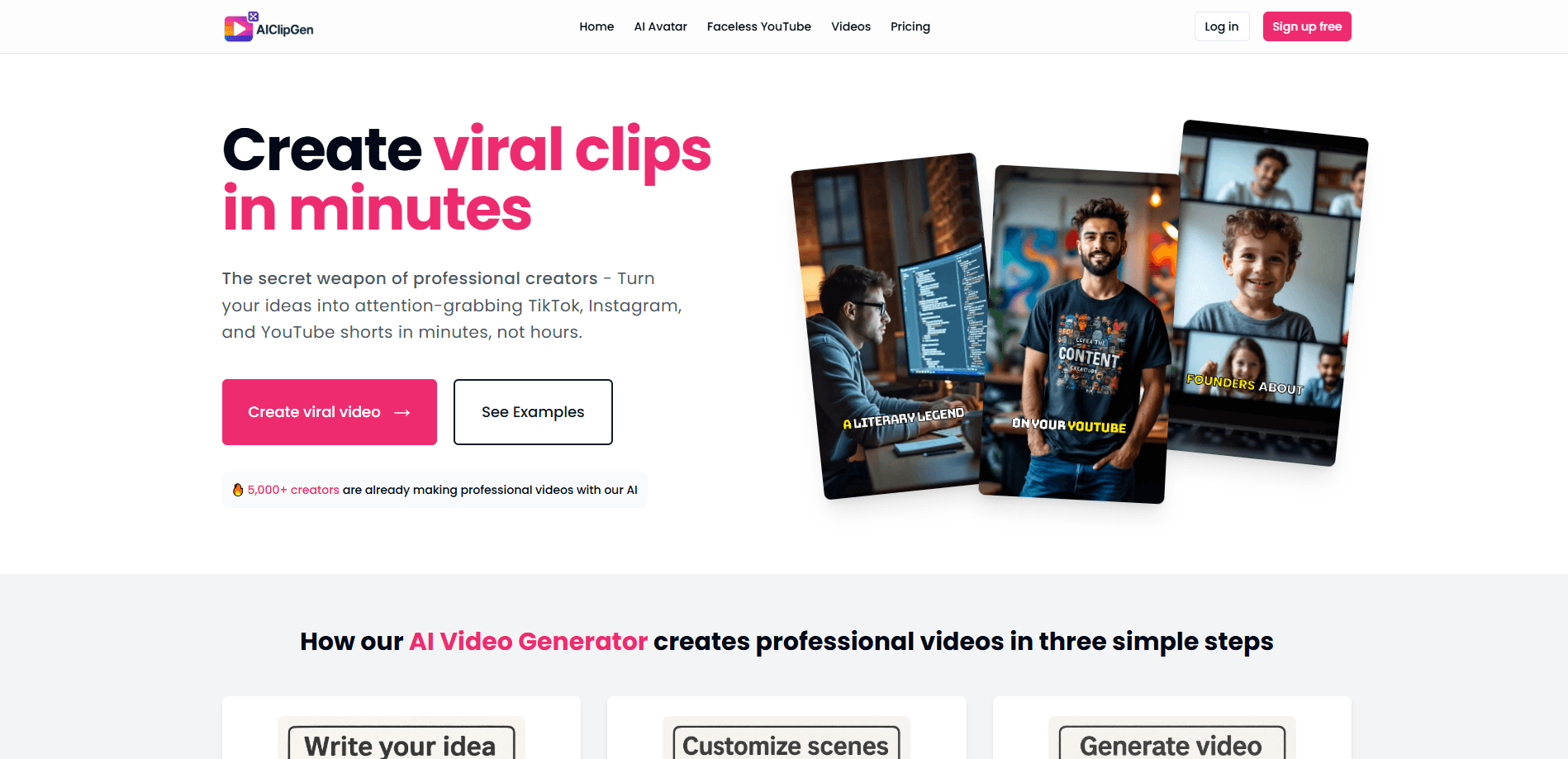
AIClipGen takes a script, a pasted article, or a plain idea and breaks it into scenes. It works as a scene by scene video maker: for each scene you get generated visuals, a spoken voiceover, and a choice of avatar, all arranged automatically. The company says more than 5,000 creators are active on the platform and over 100,000 videos have been made.
The pitch is short-form video without a camera. You don't film yourself, hire a presenter, or edit clips by hand. You write, pick a look, and generate. It's a text to video with avatar tool at heart, and creators use it for TikTok, Instagram Reels, and YouTube Shorts. The same idea can come out in widescreen (16:9), story (9:16), or square (1:1).
The main thing to understand is the pricing model. AIClipGen doesn't sell subscriptions. It sells credits, and you spend them by the second of video, roughly $0.10 to $0.20 per second. A 30-second Reel lands somewhere between $3 and $6. That's flexible for people who post now and then, less predictable if you publish every day. There's no free ongoing plan, only a free trial, and credits don't expire once you've bought them.
Getting Started
- Sign up at the studio site and grab the free trial credits.
- Write your idea, paste a script, or drop in a link to a blog post.
- Let the AI split the content into scenes, then adjust the visuals, voiceover text, and on-screen actions scene by scene.
- Pick an avatar or a faceless style, and choose your format, either 16:9, 9:16, or 1:1.
- Hit generate and download the finished clip, usually within a minute.
Product Information
A quick look at AIClipGen's pricing, supported platforms, and performance.
Best for
The users, tasks, and scenarios where this tool fits best.
Users
- Solo creators and side-hustlers
- Faceless channel owners
- Small brands and marketers
Tasks
- Turning blog posts into video
- Making a short with a talking avatar
- Producing multilingual voiceovers
Scenarios
- Posting to TikTok, Reels, and Shorts from one idea
- Building a faceless YouTube channel
- Testing a hook before you commit
Key features
Idea and script to scenes
You start with text, not a timeline. Paste a script, an article, or a rough sentence and the AI splits it into ordered scenes. Each scene comes with suggested visuals and voiceover text you can then rewrite. It cuts the blank-page problem for people who know what they want to say but not how to lay it out.
Custom AI avatars
You can upload reference images or pick from a built-in style library to build an avatar of a person, a character, or a brand persona. Adjust the look, expressions, and style until it fits. Avatar creation is folded into the per-second price rather than billed as an add-on.
Scene-by-scene editing
Nothing is locked once generated. You swap scene images, rewrite the voice text, and change on-screen actions for each scene on its own. That matters when one weak shot would otherwise cost you a full re-render.
AI voiceover in 25+ languages
The tool works as an AI voiceover generator, so it produces the narration for you, and the site lists more than 25 supported languages. You get a spoken track without recording anything, which is the part that usually keeps people from making video at all.
Multiple formats from one project
Widescreen (16:9), story (9:16), and square (1:1) are all available. You match the output to the platform instead of cropping a finished file by hand. One idea, three shapes.
Faceless video and repurposing
You can run the whole thing without ever appearing on camera, which is the point of the faceless YouTube feature. The same flow converts blog posts and articles into video, so written content gets a second life. That reduces the number of tools a solo creator has to juggle.
Pay-as-you-go credits
There's no subscription to cancel. You buy credits and spend them per second, and they never expire. As a short video generator, the upside is that you can work today, next month, or next year on the same balance. Fast generation, usually about a minute per clip, keeps the loop tight.
Pros and cons
Pros
- No subscription, so light users only pay for what they actually make
- Credits never expire, which removes the pressure to burn a monthly allowance
- Avatar creation sits inside the per-second price instead of a separate fee
- Scene-level edits let you fix one shot without regenerating the whole video
- Output covers 16:9, 9:16, and 1:1 so one project fits several platforms
Cons
- No free ongoing plan, only a limited trial, so testing past the trial costs money
- Per-second billing makes daily high-volume posting hard to budget
- The pricing page lists no fixed price list, so your true cost depends on video length
- There's no public API, so you can't wire it into an automated pipeline
Frequently asked questions
It's pay-as-you-go. You buy credits and spend them at $0.10 to $0.20 per second of finished video. That covers avatars, voiceovers, scene editing, and every format, with no subscription.
Related content
Explore related tools, skills, and articles for AIClipGen.
AIClipGen Alternatives

ngram 2.0
ngram · Video · Marketingngram 2.0 is an AI video generator for teams. It turns a prompt, a screen recording, or a product URL into a narrated explainer, product demo, or AI avatar video, and every scene stays editable.

OpenScreen 2
OpenScreen (open-source project) · Video · ProductivityOpenScreen 2 is a free, open-source screen recorder and demo video editor for Windows, macOS, and Linux, with automatic zooms, styled frames, local captions, and agent edits.

Skreno
Skreno · Video · ProductivitySkreno is a browser screen recorder that captures a tab, a window or your whole display, then attaches AI transcripts, summaries and console logs to one share link.