

AICut
Aicut GmbH · Video
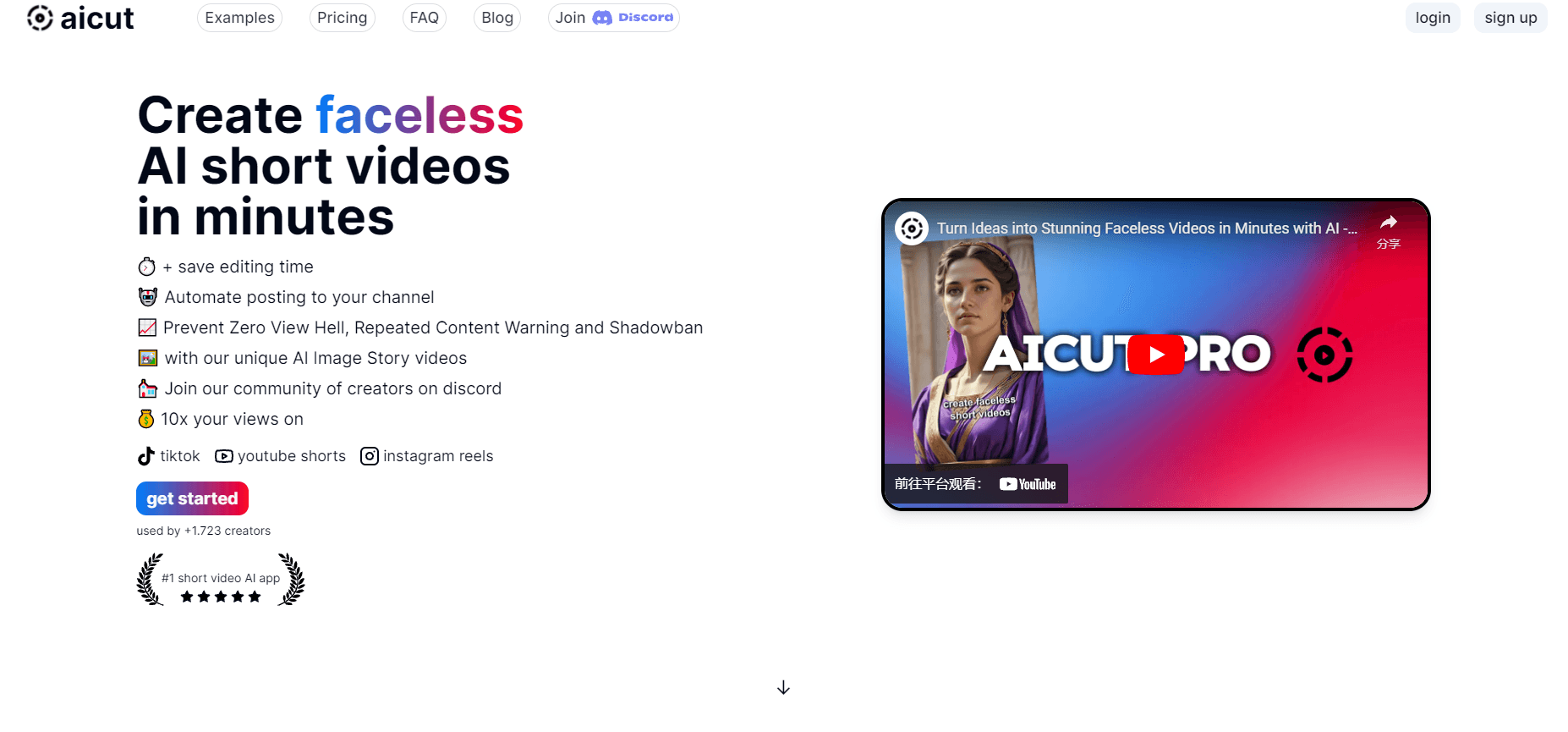
AICut is a browser-based AI video generator for faceless channels. It writes multi-scene story episodes, adds voice and subtitles, edits them on a timeline, then posts to TikTok, Shorts and Reels.
About AICut
What Is AICut
AICut is a web platform from Aicut GmbH in Bonn, Germany, aimed at people who publish vertical short video without appearing on camera. You describe an idea, the platform drafts a cast and a scene list, generates the visuals, adds narration and music, and renders a finished episode.
The product covers two halves of the job that usually live in different apps. One half makes footage from prompts: video, images, voiceover, music and sound effects. The other half finishes and ships it: a browser timeline for trimming and subtitles, a scheduler for TikTok, YouTube Shorts and Instagram Reels, and automation campaigns that keep a channel fed on a schedule you set once.
Cost works differently from a flat subscription. Every render, image and voice job is paid in tokens, and the price of each job depends on the model plus settings such as length and resolution. A plan comes with a monthly allowance, and extra tokens can be bought as one-time packs. The catch is that this model rewards planning. A creator who wants long, high-resolution clips has to watch the balance, because the same idea can cost a little or a lot depending on how it's set up.
The free plan exists, and it's a real one. Videos made on it carry a watermark, and AI-written captions sit behind the paid plans.
Getting Started
- Create an account at aicut.pro with an email address or a social login, then check the token balance on the account page.
- Open the creation hub and pick a route: an AI Video Story series, a single video or image prompt, a voiceover, or the timeline editor for footage you already have.
- Describe the episode or the shot. The tool shows the token price for the model and settings you chose before anything renders.
- Adjust the result in the browser editor, add subtitles, swap the voice or the music bed, then render the final vertical cut.
- Connect TikTok, YouTube and Instagram, let the platform write a caption for each one, and post now or pick a slot up to 30 days ahead.
Product Information
A quick look at AICut's pricing, supported platforms, and performance.
Best for
The users, tasks, and scenarios where this tool fits best.
Users
- Faceless channel owners
- Solo creators and social media marketers
- Small agencies and channel teams
Tasks
- Building a serialized story channel
- Turning a long recording into shorts
- Writing captions per platform
- Riding a format that's already working
Scenarios
- A daily upload schedule that has to run while the owner is at a day job.
- A product launch where the same 30 second clip needs three platform versions in one evening.
- Testing a niche before committing
Key features
AI Video Story Series
A series is a repeatable short-form format with a fixed style and structure, such as a creepy cartoon story or a stick figure explainer. You pick a series, describe one episode, and AICut writes the cast and the scene list, generates start frames and scene video, then renders a vertical episode. The catalog lists around 30 formats with sample episodes, which is the fastest way to see what the engine does well before buying tokens.
Prompt to Video and Image Generation
Single clips and stills run from a prompt, and the catalog lets you pick the model instead of locking you to one. The price for the current settings appears before you start, so a 5 second test and a 15 second hero shot don't cost the same. Failed generations on the platform's side are credited back automatically, which takes some of the sting out of experimenting.
Voice, Music and Sound Effects
Narration comes from a voice catalog that mixes stock voices with your own cloned ones, plus an additional provider for quick reads. Music beds and sound effects are generated the same way, from a prompt. For a faceless video maker this is the part that carries the episode, since there's no presenter to hold attention, and the tool treats it as a first-class step rather than an add-on.
Browser Timeline Editor
Generated scenes land in a timeline inside the browser, where you trim, reorder, and layer subtitles on top. It's a finishing tool rather than a full post-production suite, and that's the right scope: the heavy work was done by the generator, and the editor exists to fix the parts the model got wrong. Upscaling runs from the same place, at 2x or 4x for video.
One Form for Three Platforms
The social media scheduler puts TikTok, YouTube Shorts and Instagram Reels side by side, each with its own title, caption, privacy setting and tags. Post immediately or pick a slot from 10 minutes to 30 days ahead, and every platform goes out at the same moment in your own time zone. Uploading an MP4 or pasting a link works too, so clips made elsewhere aren't locked out.
Automation Campaigns
An automation campaign is set up once: name it, choose the video settings, connect the accounts, and set a posting schedule. After that the platform generates and publishes new episodes on that rhythm without a manual step. It's the feature that turns AICut from a generator into a channel operator, and it's why the free plan and the top plan feel like different products.
MCP and CLI Access
AICut exposes an MCP server and a CLI, so Claude, ChatGPT, Cursor, Codex or Grok can drive the same account. The connection covers 61 tools: listing models and prices, generating video, image or audio, running story episodes, upscaling, and preparing a post. Publishing still needs a confirmation in the chat, which keeps an assistant from posting something nobody approved.
Pros and cons
Pros
- One token balance covers video, images, voice, music and upscaling, so there's no second subscription for audio.
- Prices appear before a job starts, and failed renders are refunded, which makes the cost of an experiment knowable.
- Story series solve consistency, the hardest part of running a faceless channel, without manual character prompts.
- Publishing and scheduling are built in, and posting costs nothing on any plan.
- The MCP and CLI route means the same tools work from an AI assistant, not just the website.
Cons
- Token pricing is hard to budget. The platform's own example lists a 15 second 720p clip at 17 tokens, so a weekly series can add up faster than a flat subscription would.
- The free plan stamps a watermark on output and keeps AI captions behind the paywall, which limits it to testing.
- It's browser only. There's no mobile app, so a phone-only creator has to work through a mobile browser.
- Subscription tokens reset each month instead of rolling over, so a quiet month wastes part of what you paid for.
Frequently asked questions
Short vertical video: story episodes, narrated image stories, fake text and Reddit-style clips, dance and lip sync clips, and cut-downs of long recordings. The output is built for TikTok, YouTube Shorts and Instagram Reels, and everything can be finished and posted inside the same account.
Related content
Explore related tools, skills, and articles for AICut.
AICut Alternatives

ngram 2.0
ngram · Video · Marketingngram 2.0 is an AI video generator for teams. It turns a prompt, a screen recording, or a product URL into a narrated explainer, product demo, or AI avatar video, and every scene stays editable.

OpenScreen 2
OpenScreen (open-source project) · Video · ProductivityOpenScreen 2 is a free, open-source screen recorder and demo video editor for Windows, macOS, and Linux, with automatic zooms, styled frames, local captions, and agent edits.

Skreno
Skreno · Video · ProductivitySkreno is a browser screen recorder that captures a tab, a window or your whole display, then attaches AI transcripts, summaries and console logs to one share link.