

Aikido Security
Aikido Security BV · Coding
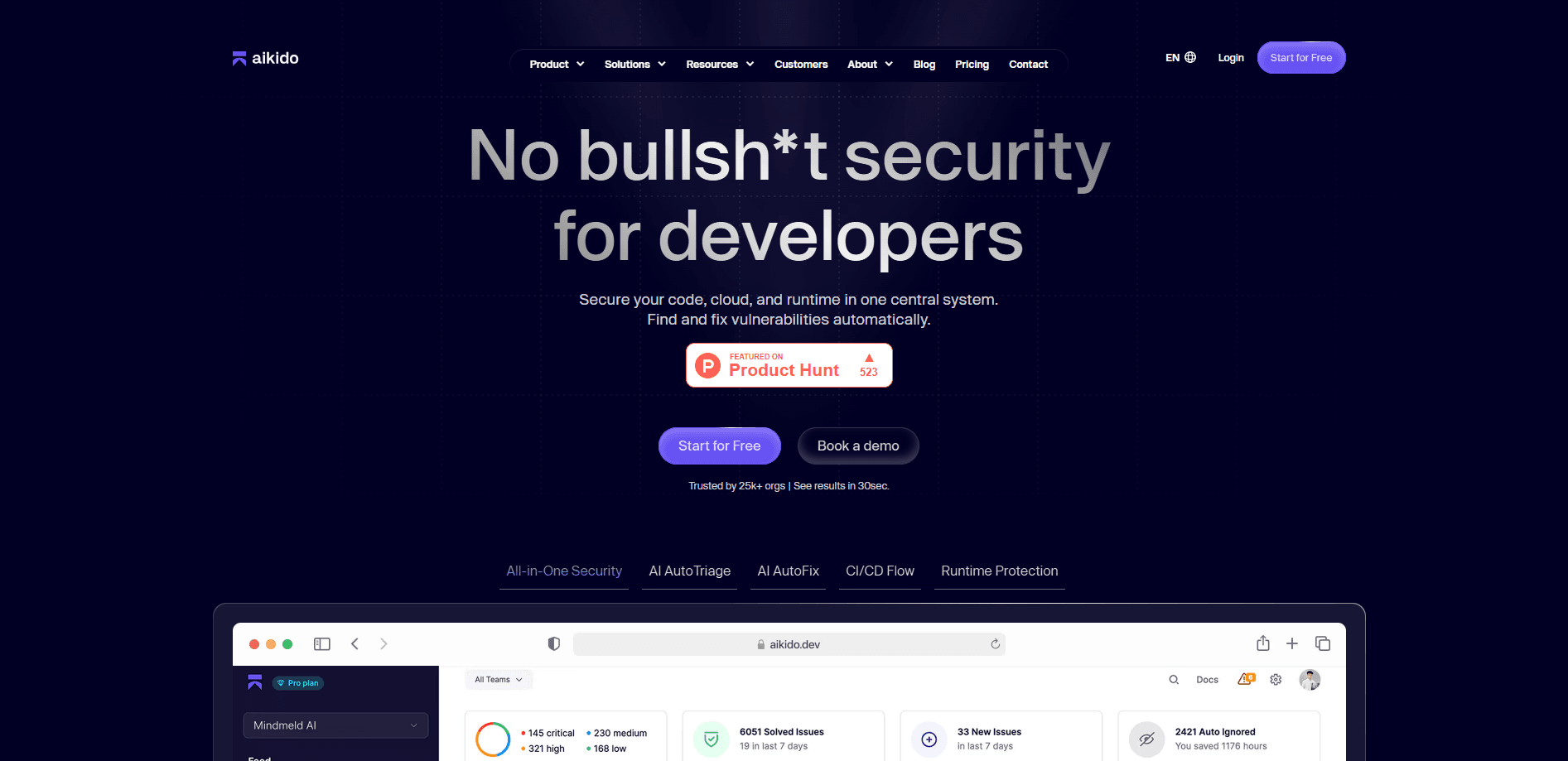
Aikido Security is an application security platform that scans your code, cloud and containers for vulnerabilities, then ships fixes as pull requests. A free plan covers small teams.
About Aikido Security
What Is Aikido Security
Aikido Security is a security platform for teams that build and ship software. Instead of stitching together a dependency scanner here, a static analysis tool there and a separate cloud checker, it puts code scanning, cloud scanning and attack testing inside one dashboard. The company launched in 2022 in Ghent, Belgium, and now protects more than 150,000 teams.
The problem it targets is noise. Most developer teams already own some security tooling, and it usually buries them in alerts that turn out to be false alarms. Aikido leans on a shared model of your application, so a finding on one scan can be judged against what the rest of your stack already knows. The company says that cuts false positives by a wide margin and moves real issues from detection to a fix in minutes rather than days.
Two limits matter before you commit. The AI-driven features, like deep code audits and AI pentesting, run on credits, so heavy use pushes you onto higher tiers or a custom quote. And the platform is built for teams with repositories and cloud accounts to connect. A single developer who only wants to check one project can start on the free plan, but the real value shows up once you have several services to watch.
Getting Started
- Create an account at app.aikido.dev and connect a Git repository, choosing GitHub, GitLab, Bitbucket or Azure DevOps
- Link the cloud accounts and container registries you want monitoring, and set which branches matter
- Run the first scan, then work through the findings queue, where reachability filtering hides issues that can't actually be reached
- Turn on AutoFix so Aikido opens pull requests for accepted vulnerabilities, and wire alerts into Slack, Jira or Linear
Product Information
A quick look at Aikido Security's pricing, supported platforms, and performance.
Best for
The users, tasks, and scenarios where this tool fits best.
Users
- Small dev teams and startups
- Security engineers at growing companies
- CISOs and security leaders
- AppSec and DevSecOps practitioners
Tasks
- Finding vulnerable dependencies
- Catching secrets before they ship
- Static code analysis
- Fixing vulnerabilities fast
- Testing your live attack surface
Scenarios
- A dependency gets a new CVE on a Friday
- A developer commits an API key by mistake
- A pull request lands with a SQL injection risk
- A growing team drowns in scanner alerts
- A security lead needs audit evidence
Key features
Dependency Scanning (SCA)
Aikido checks every open-source package your project pulls in against known vulnerability databases. It goes past a flat list by mapping which packages your code actually calls, so a CVE buried in an unused library gets deprioritized. License risk and breaking changes show up in the same view, which makes a routine upgrade decision quicker.
Static Code Analysis (SAST)
The SAST engine reads your source for injection flaws, insecure defaults and other common bugs, backed by a rule set Aikido maintains itself. You can add custom rules and tune them to your codebase instead of accepting a generic scan. AI-assisted fixes cut the false-positive rate that usually makes SAST results hard to trust.
AutoFix Remediation
When the scanner confirms a real issue, AutoFix writes the patch and opens a pull request for your team to review. It respects the repo's own conventions, so the change looks like something a teammate would submit. You review and merge as usual, which keeps the fix inside your normal workflow rather than a separate dashboard.
Secrets Detection
Aikido looks for exposed credentials across the whole software lifecycle, from your local IDE to the CI pipeline to Git history. It checks whether a leaked key is still live, so you know which ones need an urgent rotation. Pre-commit blocking stops a secret from ever landing in the repository in the first place.
Cloud and Container Security
Connect a cloud account or container registry and Aikido maps misconfigurations, exposed services and risky permissions across your live infrastructure. It draws attack paths between connected resources, so a low-severity gap that leads somewhere important gets ranked higher, which gives vulnerability management a real priority order. Infrastructure as Code files get checked before deployment.
AI Pentesting
Aikido's attack agents test running applications and APIs the way a human pentester would, probing for exploitable flaws such as cross-user data leaks and prompt injection. Findings come back with proof and reproduction steps rather than a theoretical warning. Continuous testing means every release triggers a fresh round instead of a once-a-year audit.
Pros and cons
Pros
- Consolidates code, cloud, runtime and pentesting into one platform, which removes the cost and context-switching of separate tools
- Reachability analysis filters out vulnerabilities your code never touches, cutting the false positives that make scanners easy to ignore
- AutoFix opens review-ready pull requests, so fixes move at the speed your team already ships
- A genuine free plan covers dependency scanning, SAST, secrets and basic cloud checks for small projects
- Integrations reach into GitHub, GitLab, Slack, Jira and Linear, so findings land where developers already work
Cons
- AI features run on monthly credits, so teams that lean on deep reviews and pentesting need the Pro tier or a higher quote
- The paid tiers are billed as flat monthly fees that start well above what a solo developer would pay
- Value depends on connecting your repos, cloud accounts and registries, so a locked-down environment takes real setup time
- The pentest module prices per assessment rather than inside the flat subscription, which adds a separate cost line
Frequently asked questions
Aikido Security is used to find and fix security problems across the software you build. It scans dependencies, source code, secrets, cloud configurations and running apps, then helps your team patch what matters. It's aimed at developer teams that want security handled inside their normal workflow.
Related content
Explore related tools, skills, and articles for Aikido Security.
Aikido Security Alternatives
Forefront
Forefront · CodingForefront is a web platform for building with open-source AI. It lets you fine-tune leading open-source language models on your own data, evaluate how they perform, and run them through an API or export them to host yourself. Developers who want the convenience of a closed-source platform but insist on owning their models and data are the target audience here.

Startkit
StartKit.AI · CodingStartkit is a boilerplate for building AI SaaS and AI wrapper products. Think of it as an AI startup boilerplate with the boring parts already wired up: authentication, Stripe and Lemon Squeezy payments, usage limits, transactional email, and an AI API starter that talks to OpenAI, Anthropic, Groq, or Llama. You clone the repo, set your price, and start on the part of your product that people actually pay for. It's Next.js under React and Tailwind, so most of the boilerplate code already feels familiar.
Testim
Tricentis · CodingTestim is an AI-powered test automation platform for building and running end-to-end tests across web, mobile, and Salesforce applications. It leans on machine learning to keep tests stable when an interface changes, so teams spend less time fixing broken selectors. Not bad for an automated testing tool you can start using today. You create tests by recording actions in a browser, then optionally add JavaScript when you need more control. It's a solid pick for busy QA teams.