

Aimage AI
Aimage AI · Image
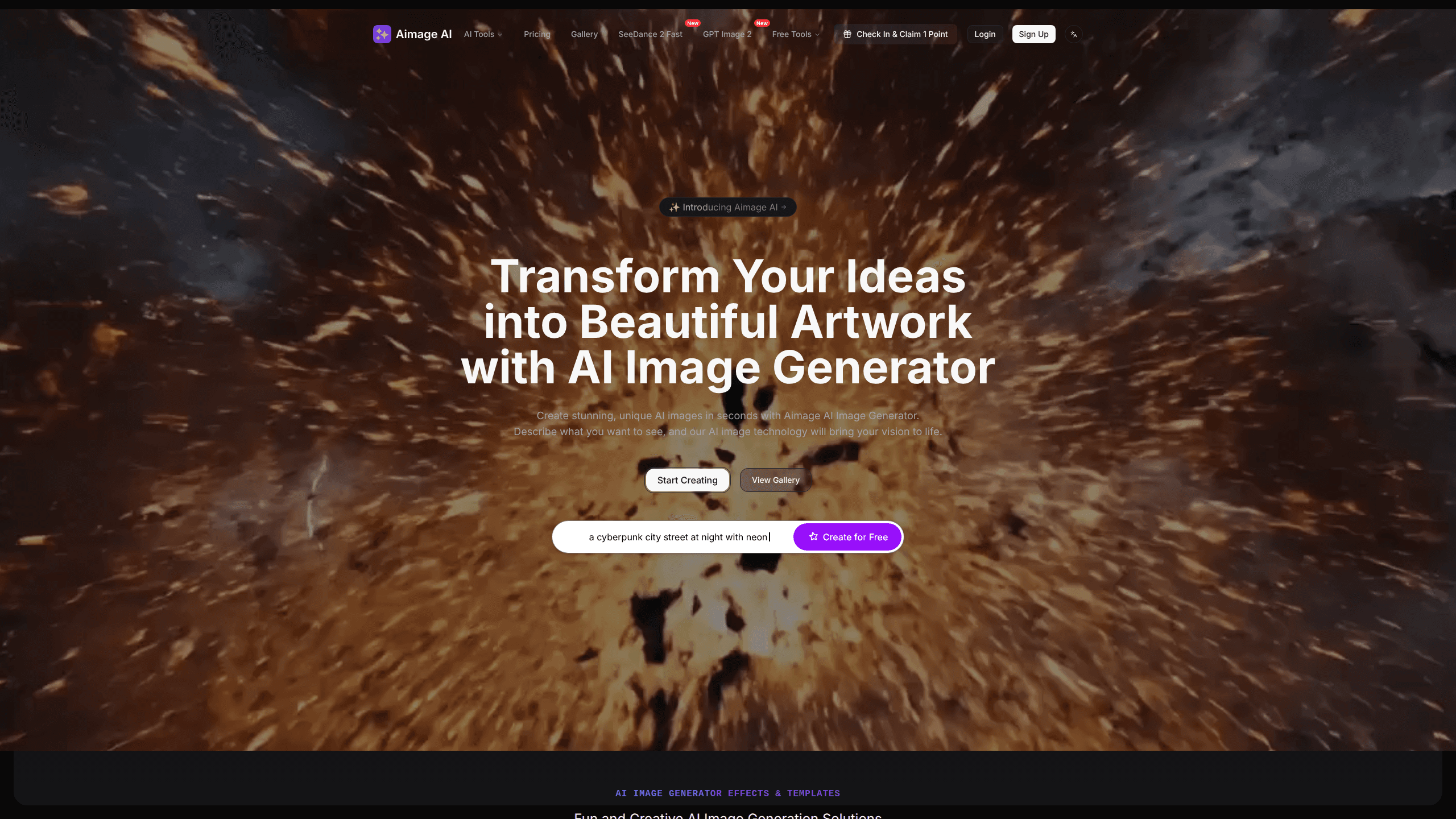
Aimage AI is a browser-based AI image generator that turns written prompts or uploaded photos into finished artwork in seconds. It works as an AI art generator and a text to image generator in one place, and also packages photo style transformation, video clips, and prompt extraction into the same tool. You don't install anything, and a free tier lets you test the results before paying.
About Aimage AI
What Is Aimage AI
Aimage AI is an online AI image generation tool for making pictures with AI. You type what you want to see, and the generator turns those words into a picture. It also works the other way around: upload a photo and it either restyles the shot or reads it back into a prompt you can reuse.
The appeal is breadth without a download. Everything runs in the browser, so a laptop, tablet, or phone all behave the same way as long as you have a connection. That matters for people who jump between devices and don't want to manage installs or file transfers. No installs. No sync headaches.
The catch is credits. The free tier caps you at 5 generations a month, and even the paid plans meter usage, so heavy users will feel the ceiling. It's a real limit. Some styles and higher resolutions sit behind the paid tiers too, which means the images you see advertised in the gallery aren't always the ones your current plan can produce. If you only need a handful of images a month, the free plan is genuinely usable. If you're producing daily, you'll end up paying.
Getting Started
- Open aimage.ai in any browser and sign in to claim your starting credits.
- Pick a mode: text-to-image, photo style transformation, or video.
- Write a prompt describing the subject, style, and mood, or upload a photo to restyle.
- Choose an art style and output resolution, then hit generate.
- Download the result, or reuse a generated image as a reference for the next round.
Product Information
A quick look at Aimage AI's pricing, supported platforms, and performance.
Best for
The users, tasks, and scenarios where this tool fits best.
Users
- Hobbyist creators
- Content and social media creators
- Photographers and illustrators
Tasks
- Text to image generation
- Photo style transformation
- Image to prompt
Scenarios
- Brainstorming visuals for a project before briefing a designer.
- Making quick art for a blog post, deck, or social feed on short notice.
- Testing style ideas on a phone during a commute, then finishing on a laptop.
Key features
Text to Image Generation
You describe the scene in plain language, and Aimage AI builds an image from it. It handles everything from illustrations to concept art, so you can explore an idea without sketching anything yourself, and prompts that name a style, mood, and subject tend to come back closer to what you pictured in your head.
AI Photo Style Transformation
Upload a photo and the tool reworks it into a different aesthetic, such as anime, Studio Ghibli, pixel art, or a pencil sketch. It keeps the subject recognizable while changing how the whole image reads, which is exactly why people use it for a striking profile picture or a themed take on a personal shot.
AI Video Generation
The video mode works as an AI video generator that takes text or an existing image and turns it into a short clip, drawing on models like Sora, Kling, and Veo. You get moving results without editing software or a timeline. It's a light entry point into AI video rather than a full production suite, which suits quick social clips.
Multiple Art Styles and Models
A range of styles sits in one interface, from realistic renders to cartoon and painterly looks. You don't juggle separate tools or accounts for each aesthetic. All art styles open up on the Creator plan, while the free and Basic tiers keep a smaller set. That's the trade you make for the lower price.
Image to Prompt
Upload any image and the generator reads it back as a detailed prompt. Useful when you spot a style you like but can't put it into words. Copy the prompt, tweak it, and run it again to build on someone else's look.
Generation Speed and Iteration
Images come back in seconds, which makes trial and error cheap. You can adjust a prompt and regenerate a few times without a long wait between attempts. Ever waited two minutes for a single render? That drags a whole project to a halt. Aimage AI keeps the loop short, and that pace is what makes the free tier workable even with a low credit count.
Pros and cons
Pros
- Runs entirely in the browser, so no install and the same experience on desktop or mobile.
- Combines image generation, photo restyling, and video in one tool instead of three subscriptions.
- Free plan gives a real taste of the output before you commit to paying.
- Prompt extraction makes it easy to recreate a style you found elsewhere.
- Output is fast enough to iterate on an idea several times in one sitting.
Cons
- The free plan allows only 5 generations a month, which runs out quickly for regular use.
- Higher resolution output and the full style set require the Creator plan at $19.9/mo.
- Video generation leans on third-party models, so quality and availability depend on those providers.
- No public API means you can't wire it into your own workflow or app.
Frequently asked questions
It's an AI image generator for turning text prompts or photos into artwork. You can make images from scratch, restyle an existing photo, or generate short videos, all in the browser. No install, no setup.
Related content
Explore related tools, skills, and articles for Aimage AI.
Aimage AI Alternatives

Tractionwave
TractionWave · Image · MarketingTractionWave is an AI attention heatmap tool for static ads. Upload a PNG or JPG and it returns predicted attention, ranked hotspots, and fixes before you spend budget.

Imejis.io
Imejis.io · Image · MarketingImejis.io is an AI design studio for agents and marketing teams. Describe an image in plain words, and it writes the copy, builds the layout, reflows it to every size, then exports a finished file.

Layoutr
Van Dijk Ontwikkeling · Image · China AILayoutr is a browser floor plan tool that scales your own plan, places furniture at true size, shows the room in 3D and renders it with AI.