
AiPPT
AiPPT.com (1090 Creativity Pte. Ltd.) · Productivity · China AI
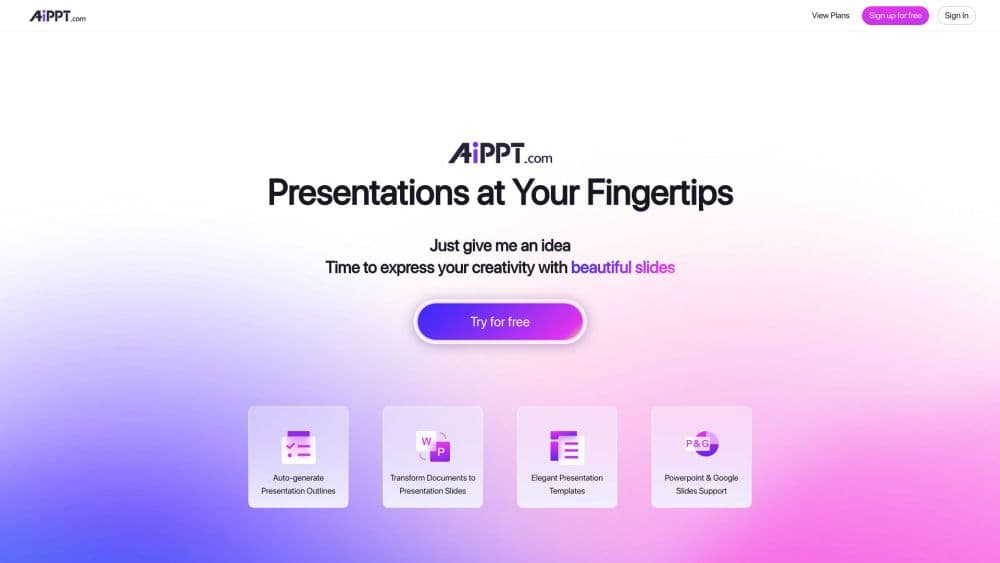
AiPPT is an AI PPT generator and AI presentation maker that turns a topic, document, mind map or link into an editable slide deck. It is aimed at people who need presentable slides fast.
About AiPPT
What Is AiPPT
AiPPT is a web based PowerPoint maker built around a single promise: give it something to read, and it hands back slides you can open and edit in PowerPoint or Google Slides. The input can be a sentence about your topic, a PDF or Word file, an Excel sheet, a mind map, a web link, or pasted Markdown. The output is a finished deck with a title slide, section breaks, body pages and matching visuals.
What separates it from a plain template library is the agent layer. AiPPT Agent runs a longer conversation before it builds anything, asking what the deck is for and who reads it, then plans the storyline and picks a visual style. Below that sit three speeds of generation, labeled Lite, Standard and Ultra, so you can trade waiting time for polish depending on how important the meeting is.
The catch is the ceiling built into the cheaper plans. Credits, slide counts and model access all move with the subscription, and the free account runs on a basic model with a short cap on deck length. For a one-off school deck that is fine. For weekly reporting with heavy imagery, expect to pay.
Getting Started
- Open aippt.com and sign up with an email address or a Google account. A Free plan is available immediately, with a small one time credit allowance.
- Pick how you want to start from the creation page. Type a topic, paste text or Markdown, or upload the source file. AiPPT Agent accepts Word, PDF, PowerPoint, Excel, CSV and images, up to five files at a time.
- Review the outline the tool produces. Ask for changes in the chat panel, or switch on an Expert if you want a fixed method such as SWOT or the 4P framework to shape the structure.
- Choose a template, or set the palette and typography before generation so the deck matches your brand. Then run the generation in Lite, Standard or Ultra mode.
- Edit what came out. Adjust text in the visual editor or describe the change in chat, then export to PPTX, PDF, PNG, JPEG or HTML, or share a link.
Product Information
A quick look at AiPPT's pricing, supported platforms, and performance.
Best for
The users, tasks, and scenarios where this tool fits best.
Users
- Students and graduate researchers
- Consultants and analysts
- Teachers and trainers
Tasks
- Turning a long PDF or report into a summary deck
- Building a pitch deck from a business brief
- Converting slides between formats
- Fixing the look of an existing deck
Scenarios
- A Monday morning update that lands in your inbox at 4pm on Sunday
- A conference talk that needs real depth
- A recurring client report with the same layout
- A multilingual handout for an international team
Key features
AiPPT Agent With Research and an AI Pitch Deck Flow
AiPPT Agent works like a junior consultant rather than an AI slides generator that fills frames with text. It studies the brief, asks clarifying questions, looks up sector context and lays out a storyline before a single slide is drawn. The same flow works as an AI pitch deck builder. The company says a full marketing proposal takes under 30 minutes. Treat that as a target, not a guarantee, and budget time to verify any figure it cites.
Lite, Standard and Ultra Modes
Three quality settings sit behind every generation. Lite returns a quick first draft for a rough run through. Standard balances speed and detail for everyday decks. Ultra puts the most effort into structure and wording for presentations that carry real weight. The picker is one control, so you can start fast and rerun the same brief at a higher setting once the outline is right. On AiPPT pricing, the advanced and state of the art models only unlock on Plus and Pro.
Smart Document Parsing
The tool reads PDFs, Word documents, PowerPoint files, Excel sheets, CSV data and images, then pulls out the arguments and figures instead of dumping raw text onto pages. Up to five files can go in at once, each up to 20MB. For research papers and internal reports, that removes the least rewarding part of the job: deciding what belongs on which page.
Expert and Template Galleries
Templates decide how a deck looks, colors, layout and type. Experts decide what it says and how it argues. You can use one without the other or combine them, picking an expert such as SWOT or 4P and then applying your own theme on top. That separation is the practical difference between a nice looking file and a persuasive one.
Conversational Editing
Instead of hunting for the right text box, you describe the change. Ask for a section to be rewritten, a page to be redesigned, a chart to be added or the palette swapped, and the agent finds the slides concerned and edits them in place. An advanced manual editor is still there for the parts you want to control yourself.
Visual and Video Generation
Images come from Flux, Imagen, Seedream, GPT Image and the Nano Banana models, matched to each slide's topic and palette. Motion and short video clips are generated through Kling and Vidu. Which models you can reach depends on the plan, with the most expensive ones gated behind Pro.
Export, Sharing and Free Converter Tools
Finished decks export to PPTX, PDF, PNG, JPEG or HTML, and they stay fully editable in PowerPoint and Google Slides. A share link plays the deck in any browser, so a projector is optional. Around the editor sits a set of free tools: PDF to PPT, Word to slides, Excel to charts, image to deck, plus mind map to slides. None of them needs a subscription, and doc to presentation conversions run without an account at all.
Pros and cons
Pros
- Input is flexible: a topic, a PDF, a mind map, a URL or pasted text all lead to a usable draft, and the same pipeline covers document to presentation work end to end.
- Exports stay editable in PowerPoint and Google Slides, so nothing locks you into the platform.
- Expert methods such as SWOT and the 4P framework give the outline a recognized backbone.
- The free converter tools handle one-off file swaps without an account or a credit.
- Conversational editing makes late changes realistic, which is where most deck work actually piles up.
Cons
- The free plan caps you at 140 one time credits, 15 slides per deck in the Flow tool and 20 in Visual mode, with the basic model only.
- Prices and plan cards load on the site, but the billing pages are thin on detail, so check the checkout total before subscribing.
- Generated copy is fluent and generic by default. Reports and analyses need your own numbers or the deck reads like it was written by someone who never saw the data.
- Higher model tiers and longer decks sit behind Pro, so the $10 entry plan is a trial in all but name.
Frequently asked questions
AiPPT turns written material into a slide deck. You give it a topic, a document, a mind map or a link, and it returns an editable presentation with structure, layout and visuals applied. The slides remain editable in PowerPoint and Google Slides after export.
Related content
Explore related tools, skills, and articles for AiPPT.
AiPPT Alternatives

WikiFix for Confluence
WikiFix · Productivity · BusinessWikiFix for Confluence reads every page in your Confluence knowledge base and Notion workspace, finds the ones that contradict each other or lost their owner, and drafts fixes for you to approve.

CoreSpeed
CoreSpeed · Coding · ProductivityCoreSpeed is an MCP server that gives AI agents connected apps, shared memory and thousands of built-in tools behind one sign-in, with credits and spend caps on every call.

bmux
Tonisives · Coding · Productivitybmux is a desktop browser built around tmux-style panes, named sessions, and a CLI that lets AI agents browse in isolated profiles while you keep working.