

Air MCP
AirMCP · Coding
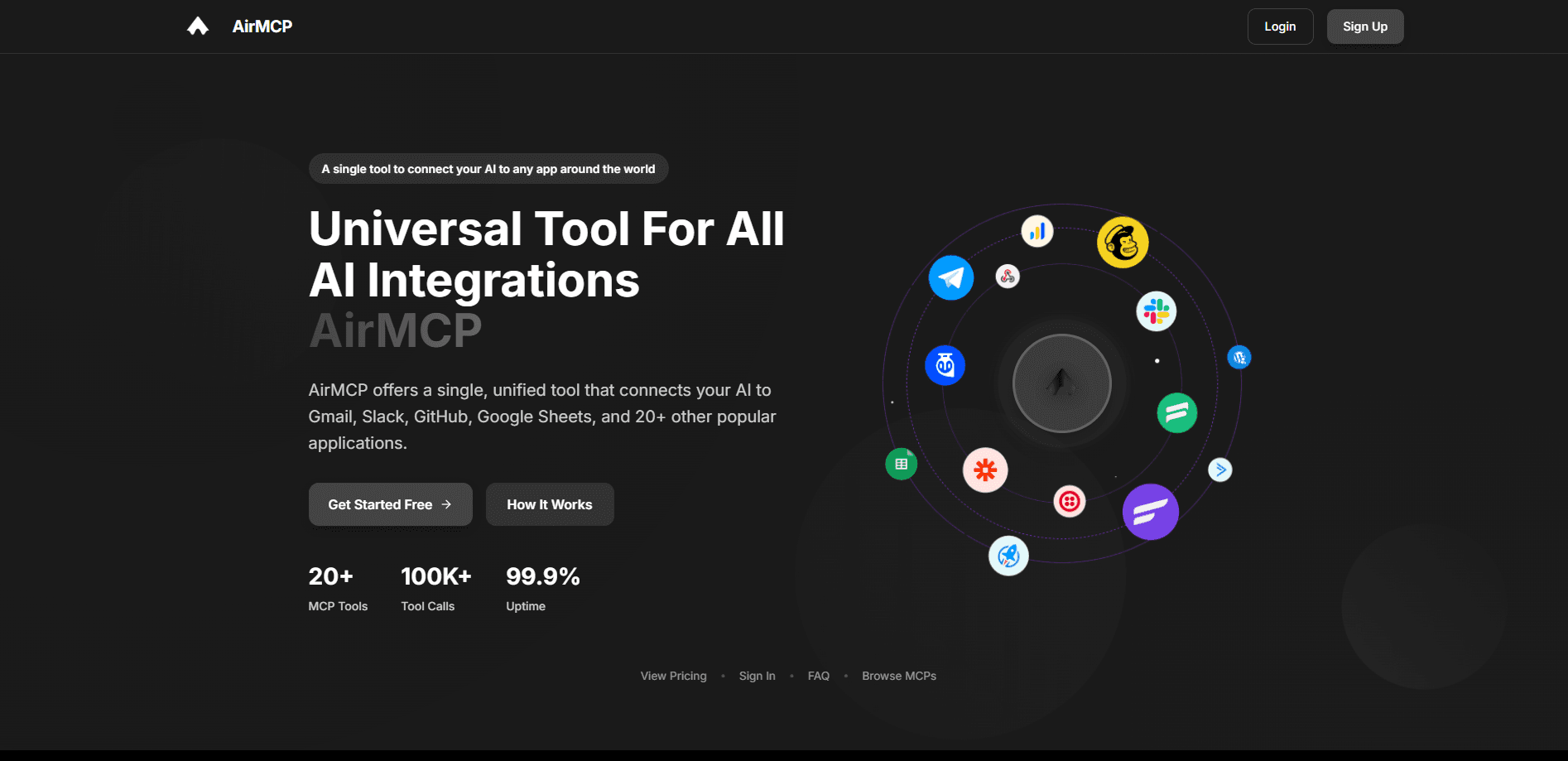
AirMCP is a unified tool that connects your AI to Gmail, Slack, GitHub, Google Sheets, and 20+ other apps through a single API. Start free, then pay $10/mo.
About Air MCP
What Is AirMCP
AirMCP is a Model Context Protocol (MCP) platform that gives an AI assistant a single doorway into the apps you already use. Instead of wiring up each service by hand, you connect AirMCP to your LLM once, and it handles the tool calls behind one unified API. The official site lists Gmail, Slack, GitHub, Google Sheets, Google Drive, Google Calendar, Notion, and Discord among more than 20 supported apps.
The problem it targets is integration sprawl. Every new tool an AI needs usually means another auth flow, another rate limit to respect, and another set of error cases to handle. AirMCP centralizes all of that: credentials are stored encrypted, requests are rate-limited and monitored, and the model just calls tools by name.
The catch is maturity. AirMCP is an early product, the vendor's own site still carries placeholder testimonials, and several integrations are flagged as inactive while the catalog grows. Teams that need a battle-tested gateway with deep enterprise controls should weigh that against the simplicity it offers today.
Getting Started
- Create a free account at air-mcp.com with an email address. No card is required for the free tier.
- Connect a provider from the integrations list, then approve access through its OAuth flow so AirMCP can reach your account.
- Copy your AirMCP API key from the dashboard and add it to your LLM client or app.
- Point your model at the unified endpoint and call a tool by name. Usage shows up in the monitoring dashboard.
Product Information
A quick look at Air MCP's pricing, supported platforms, and performance.
Best for
The users, tasks, and scenarios where this tool fits best.
Users
- Developers building AI assistants
- Small teams without an integration budget
- Makers prototyping agent workflows
Tasks
- Pulling and writing spreadsheet data
- Managing code work in GitHub
- Keeping a knowledge base current
Scenarios
- A solo developer shipping a chatbot that needs calendar and email access
- A support bot that posts updates
- A research workflow that gathers and stores findings
Key features
Easy MCP Integration
Connecting a tool takes a few clicks from the integrations page rather than writing a client from scratch. Listed options include Gmail, Slack, GitHub, Google Sheets, Google Drive, Google Calendar, Notion, and Discord, with the catalog spread across communication, productivity, storage, and development. That spread means most everyday assistant tasks already have a matching connector.
A Single Unified API
Every connected tool answers to one endpoint, so your code talks to AirMCP instead of a different API per service. This removes the chore of tracking separate SDKs, tokens, and response formats across tools. It's the core of the pitch: add a provider on the dashboard, and the model reaches it through the same call pattern it already uses.
Secure Credential Handling
AirMCP stores your API keys and OAuth tokens encrypted, and it says requests are protected in transit as well. Access to each provider runs through that provider's own OAuth flow, so you approve exactly what AirMCP can touch. For teams that worried about handing a model broad account access, this keeps the grant visible and revocable.
Usage Monitoring Dashboard
A built-in dashboard tracks your API usage and performance metrics across the tools you've connected. You can see how many tool calls have run and where the traffic goes, which matters most when you're working against a monthly cap. The free tier includes basic monitoring, and the Pro tier adds more detail.
Real-Time Chat Interface
An in-app chat lets you try connected tools with plain-language prompts before you wire anything into code. It's a quick way to confirm a provider is reachable and behaving the way you expect. For anyone testing an integration, this shortens the loop between setup and a first working call.
Model-Agnostic Design
AirMCP works with any LLM that supports function calling or tool use, including OpenAI's GPT models, Anthropic's Claude, and open-source options like Llama. You aren't locked to one vendor's stack, so switching models doesn't force you to rebuild the connection layer. That flexibility is worth having if you're still deciding which model fits your product.
Pros and cons
Pros
- One unified API and a single key replace a separate integration for every app.
- The free tier covers all MCP tools and 100 tool calls a month, enough to evaluate the service.
- Credentials are encrypted and each provider connects through its own OAuth approval.
- The Pro plan is cheap at $10/mo for 3,000 tool calls, which fits small teams.
Cons
- Several listed integrations are marked inactive, so the real usable count is below the headline "20+".
- The free tier's 100 calls a month runs out fast once you test a few workflows.
- Being an early product, some pages still show placeholder content and the catalog is still filling out.
- Deep enterprise controls like SSO and audit logs sit behind the custom Enterprise plan, so you can't self-serve them.
Frequently asked questions
AirMCP is a Model Context Protocol tool that connects an AI assistant to apps like Gmail, Slack, GitHub, and Google Sheets through one unified API. You connect each provider once, then the model calls those tools by name.
Related content
Explore related tools, skills, and articles for Air MCP.
Air MCP Alternatives
Forefront
Forefront · CodingForefront is a web platform for building with open-source AI. It lets you fine-tune leading open-source language models on your own data, evaluate how they perform, and run them through an API or export them to host yourself. Developers who want the convenience of a closed-source platform but insist on owning their models and data are the target audience here.

Startkit
StartKit.AI · CodingStartkit is a boilerplate for building AI SaaS and AI wrapper products. Think of it as an AI startup boilerplate with the boring parts already wired up: authentication, Stripe and Lemon Squeezy payments, usage limits, transactional email, and an AI API starter that talks to OpenAI, Anthropic, Groq, or Llama. You clone the repo, set your price, and start on the part of your product that people actually pay for. It's Next.js under React and Tailwind, so most of the boilerplate code already feels familiar.
Testim
Tricentis · CodingTestim is an AI-powered test automation platform for building and running end-to-end tests across web, mobile, and Salesforce applications. It leans on machine learning to keep tests stable when an interface changes, so teams spend less time fixing broken selectors. Not bad for an automated testing tool you can start using today. You create tests by recording actions in a browser, then optionally add JavaScript when you need more control. It's a solid pick for busy QA teams.