

AirVid-AI Quality Enhancer Pro
Pixocial Technology (Singapore) Pte. Ltd. · Video
AirVid is a mobile AI video enhancer from the AirBrush team that upscales soft clips to HD or 4K, cleans up noise, and retouches faces and bodies in a few taps.
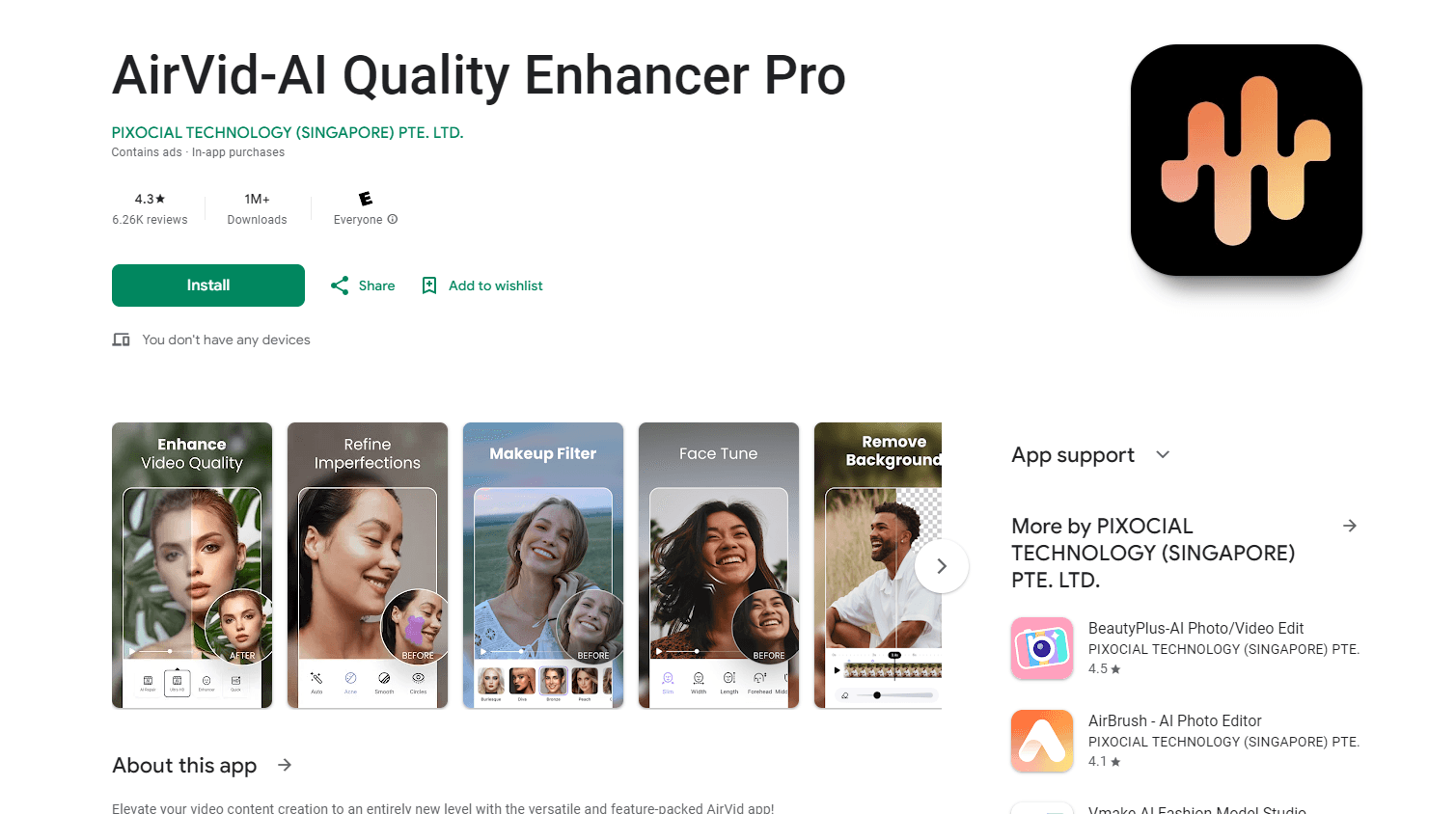
About AirVid-AI Quality Enhancer Pro
What Is AirVid
AirVid is a phone-first AI video editor built around one promise: take footage that looks soft, grainy, or badly lit and make it postable without opening a desktop timeline. It ships from the team behind AirBrush, and every step runs from the app. You import a clip, choose a tool, and the processing happens in the cloud.
The app leans toward short-form work. A dance clip shot on a front camera at night, a compressed repost, or an old family video all come out cleaner after one pass through the 4K upscaling engine. Faces keep their texture instead of turning waxy, which is the usual failure mode for beauty filters applied to video.
Two limits matter before you download it. Most of the useful output sits behind a subscription, so free users get watermarked or lower-resolution exports. And nothing works offline, which means a long clip can mean a long wait on a weak connection.
Getting Started
- Install AirVid from Google Play or the App Store and allow access to your photo library.
- Pick a tool on the home screen: Enhance, Retouch, Face Reshape, Body Reshape, AI Repair, or Fast Clips.
- Load a clip from your gallery, then set the strength of the effect. The preview runs side by side with your source footage.
- Export to your camera roll or push the result straight to Instagram, TikTok, or WhatsApp.
Product Information
A quick look at AirVid-AI Quality Enhancer Pro's pricing, supported platforms, and performance.
Best for
The users, tasks, and scenarios where this tool fits best.
Users
- Short-form creators
- Fitness and dance posters
- People digitizing old clips
Tasks
- Rescuing dark or noisy phone footage
- Cleaning a talking-head clip
- Removing a burned-in subtitle or logo
- Cutting highlights from a long recording
Scenarios
- Editing on the phone between shoots
- Reviving a client draft before a preview
- Preparing a clip that has been reposted too many times
Key features
AI Video Upscaling to HD and 4K
The core tool, and the reason most people install this video upscaler app. AirVid analyzes a low-resolution clip and rebuilds it at 720p, 1080p, or 4K, sharpening edges and recovering detail that compression flattened. Results are strongest on footage that is merely soft or downscaled, and weakest on clips where the information was never captured.
AI Portrait Mode
The app detects faces in a frame and treats them separately from the background. Eyes get brighter, skin texture is restored, and features are sharpened without the plastic look that a global sharpen filter creates. It handles more than one face per shot, which matters for group clips.
Pro Retouch and Body Reshape
Flawless Face smooths skin, clears blemishes, and applies light makeup, all with a slider. The body reshape tools slim a waist, widen or narrow shoulders, adjust height, and resize a head, and every change is previewed against the original frame so you can back off before exporting.
AI Repair for Noise, Grain and Low Light
This mode targets the damage that comes from small sensors and heavy compression. It reduces visual noise, lifts dark scenes, balances color, and calms the blocky artifacts that show up in shadows. Night footage improves the most, and daylight clips usually need a lighter setting.
Fast Clips and Auto Editing
Feed it a long recording and the app picks the moments with motion and sound, then cuts them into short vertical clips with music-ready pacing. It is a rough cut, not a finished edit, but it removes the scrub-through-every-minute part of the job.
Object, Subtitle and Watermark Removal
Brush over a burned-in caption, a stray sign, or a logo and the tool fills the gap with the surrounding background. Simple backgrounds come out clean. Busy ones, like a crowd or moving foliage, leave visible smearing, so plan a second take when the shot is important.
AI Video Generation
Text and photo prompts turn into short generated clips inside the same app, which keeps a single project from bouncing between tools. Output is best treated as b-roll or a hook, not as a replacement for filmed footage.
Pros and cons
Pros
- The 4K upscaling is genuinely good on soft, compressed footage, and it holds up next to clips cleaned in desktop tools.
- Face and body tools are precise enough for full-body shots, with sliders that let you dial the effect back instead of committing to one strength.
- The workflow stays on the phone from import to export, so a fix takes minutes rather than a laptop session.
- Text, photo, and retouch tools share one app, which cuts down on app switching for short-form work.
Cons
- A subscription gates the useful exports, and the free tier leaves a watermark and a lower resolution ceiling, so the trial tells you little about final quality.
- Cloud processing means a queue, and long or 4K clips can stall or fail on a weak connection. Failed runs have been reported to eat into the daily limit.
- There is no API and no desktop app, so teams that need batch jobs or an automated pipeline have to look elsewhere.
- Body reshape can bend backgrounds around a subject if you push the slider far, and the effect is hard to hide in footage with straight lines.
Frequently asked questions
It downloads for free and a handful of tools work without paying. High-resolution exports, most of the enhancement strength, and several retouch options need a subscription, and free exports carry a watermark.
Related content
Explore related tools, skills, and articles for AirVid-AI Quality Enhancer Pro.
AirVid-AI Quality Enhancer Pro Alternatives

ngram 2.0
ngram · Video · Marketingngram 2.0 is an AI video generator for teams. It turns a prompt, a screen recording, or a product URL into a narrated explainer, product demo, or AI avatar video, and every scene stays editable.

OpenScreen 2
OpenScreen (open-source project) · Video · ProductivityOpenScreen 2 is a free, open-source screen recorder and demo video editor for Windows, macOS, and Linux, with automatic zooms, styled frames, local captions, and agent edits.

Skreno
Skreno · Video · ProductivitySkreno is a browser screen recorder that captures a tab, a window or your whole display, then attaches AI transcripts, summaries and console logs to one share link.