

Alexaudiobutler Com
Unimule · Video
End Boost is a stand-alone desktop app from Alex Audio Butler that mixes the audio in your videos automatically, balancing voice, music and sound effects so you don't have to touch EQ curves or loudness meters yourself. It runs the same AI algorithms and preset library as the original Alex Audio Butler plug-in, but ships as separate Windows and macOS software that imports and exports WAV files from any editor. If you cut video but dread the audio pass, this is the tool aimed at you.
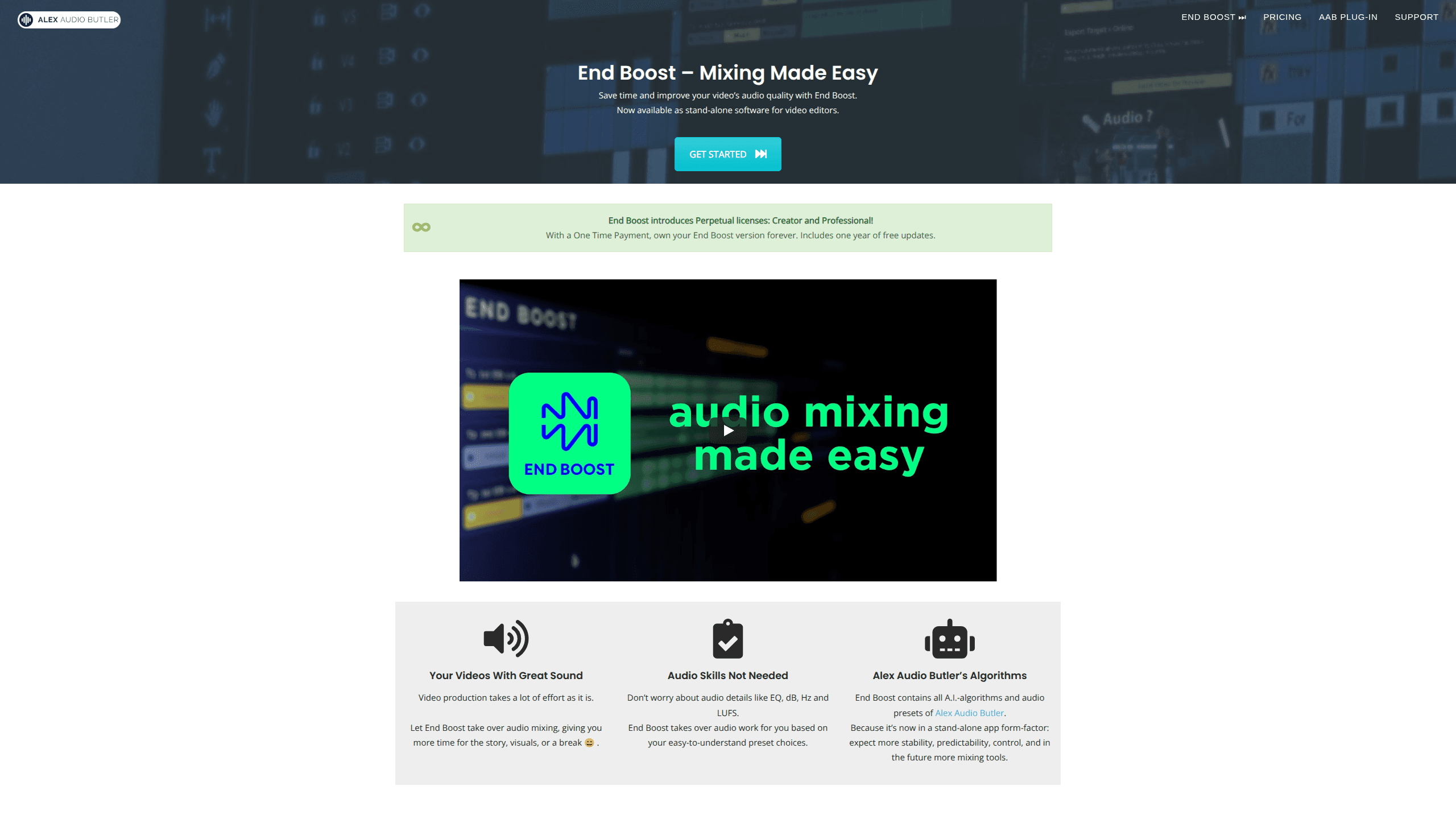
About Alexaudiobutler Com
What Is End Boost
End Boost is automatic audio mixing software for video creators. You drop in your voice, music and sound-effect tracks, pick a preset, and the app applies volume curves, compression, level control and audio ducking on its own. Think of it as an automatic audio mixer that never asks you to touch a fader. No audio engineering background needed. The whole promise: your video sounds clean without you learning what LUFS or dB actually mean.
But who is it really for? Anyone who cuts video and hates the audio pass.
It grew out of Alex Audio Butler, a mixing plug-in for video editors. End Boost packs the same AI engine and preset set into a stand-alone app, which the developer says makes it more stable and predictable to run. It also adds a few things the plug-in didn't have, like voice de-noising, automatic background analysis and EBU R128 loudness mastering, a broadcast standard that streaming and TV platforms actually enforce. That last one matters if you publish to broadcast or streaming platforms that enforce loudness targets. That's the upgrade.
The catch is scope. End Boost isn't a full video editor or a DAW. It handles audio only. It works by importing and exporting WAV files rather than plugging directly into your timeline. So you'll do a round trip: export audio from your editor, mix it here, bring it back. One more thing: pricing details shift, so check the official site before you buy.
Getting Started
- Download the app from alexaudiobutler.com and install it on Windows or macOS.
- Export your audio tracks as WAV files from your video editor. Keep voice, music and effects separate.
- Import those tracks into End Boost and let it analyze the background.
- Choose a preset combo that matches your video style, then let the AI apply its mix.
- Preview the result, tweak if needed, and export the mixed WAV back into your editing project.
Product Information
A quick look at Alexaudiobutler Com's pricing, supported platforms, and performance.
Best for
The users, tasks, and scenarios where this tool fits best.
Users
- Solo video creators
- YouTubers and podcast editors
- Small production teams
Tasks
- Balancing dialogue against background music
- Cleaning noisy recordings
- Hitting loudness targets
Scenarios
- Finishing a talking-head video the night before upload
- Repurposing one recording for several platforms
- Freelance gigs with tight deadlines
Key features
25+ Smart Preset Combos
Presets cover common combinations of voice, music and sound effects, so you pick the style you want and skip the manual setup. Each combo applies a different mixing character suited to a type of content. It's the main reason non-audio people can get a listenable result fast.
Alex Audio Butler's AI Mixing Engine
Under the hood, End Boost runs the same mixing code as the Alex Audio Butler plug-in. The AI listens to your tracks, then applies custom volume curves, compression, level control and ducking. The developer says the stand-alone form makes it behave more predictably than the plug-in version.
AI De-noising and Mastering
Voice de-noising cleans up recordings without you reaching for a noise gate. The AI mastering software stage targets EBU R128 loudness, so your mix lands in a range platforms expect. Both steps run automatically as part of the mixing pass. No extra plugins required.
Automatic Background Analysis
Before mixing, the app analyzes your audio to understand what it's working with. That analysis feeds the volume and ducking decisions, which is why results adapt to the material instead of applying one fixed setting everywhere.
WAV Import and Export for Any Editor
End Boost plays nice with every NLE that handles WAV files. That includes Premiere Pro, DaVinci Resolve, Final Cut Pro X and Magix Vegas. You aren't locked into one editor, and you aren't locked out of your own workflow.
Stand-alone Desktop App
Because it isn't tied to a host editor, End Boost runs as its own Windows and macOS program. The developer frames this as a stability and control upgrade over the plug-in, with more mixing tools planned down the line.
Pros and cons
Pros
- Gets a clean mix without any audio engineering knowledge, which is the whole point for video-first creators.
- Preset combos cover the usual voice-plus-music-plus-effects situations, so setup is quick.
- Works with any editor that reads and writes WAV files, so you keep your own toolset.
- Includes de-noising and EBU R128 mastering, features the original plug-in didn't offer.
- One-time payment buys perpetual access to your version plus a year of free updates.
Cons
- Not a real-time plug-in, so you export audio, mix it, and re-import it, which adds steps to every project.
- No free plan, so you'll want to weigh the cost before committing.
- Desktop only. There's no mobile or browser option if you edit on the go.
Frequently asked questions
It automatically mixes the audio in your videos. You give it separate voice, music and effects tracks, and it applies volume curves, compression, level control and ducking to produce a balanced result based on your preset choice.
Related content
Explore related tools, skills, and articles for Alexaudiobutler Com.
Alexaudiobutler Com Alternatives

Vadu AI
Vadu AI · Image · VideoVadu AI is a web-based AI video generator that turns written prompts or still images into short clips, and it can also generate images on its own. You type what you want, pick a model and style, and the platform renders the result in minutes. A free plan covers light testing, while paid tiers run from $9 to $77.40 per month based on how many credits you burn.

Mykaraoke Video
MyKaraoke Video · VideoMykaraoke Video is an online karaoke video maker and lyric video maker that turns any song into a finished, lyrics-synced video right in your browser. It handles the slow part for you. The AI pulls vocals out of the mix and locks the lyrics to the beat, then lets you customize background, fonts, and colors before exporting in 1080p MP4. If you make lyric videos for social media, party nights, or music promotion, it skips the software installs and manual timing work entirely. Want a karaoke video generator that doesn't eat your whole evening? That's the pitch here.

Finalframe
Finalframe · VideoFinalframe is a set of free, browser-based tools for grabbing exact frames out of a video clip. Its best-known feature, the Final Frame Extractor, lets you extract the last frame of any video so you can use it as the starting image for AI video tools like Luma Dream Machine, Runway, or Kling. Want to keep a clip going? That last frame is your starting point. The tool runs locally in your browser, needs no sign-up, and costs nothing. A separate paid AI video-generation app from the same team is currently offline while it's rebuilt.