
ALTAR
Alter Computer Inc · Image · Leaning
ALTAR is an AI workspace from Alter Computer Inc that combines memory, planning, and execution, turning your notes, photos, and bookmarks into organized spaces and finished drafts.
About ALTAR
What Is ALTAR
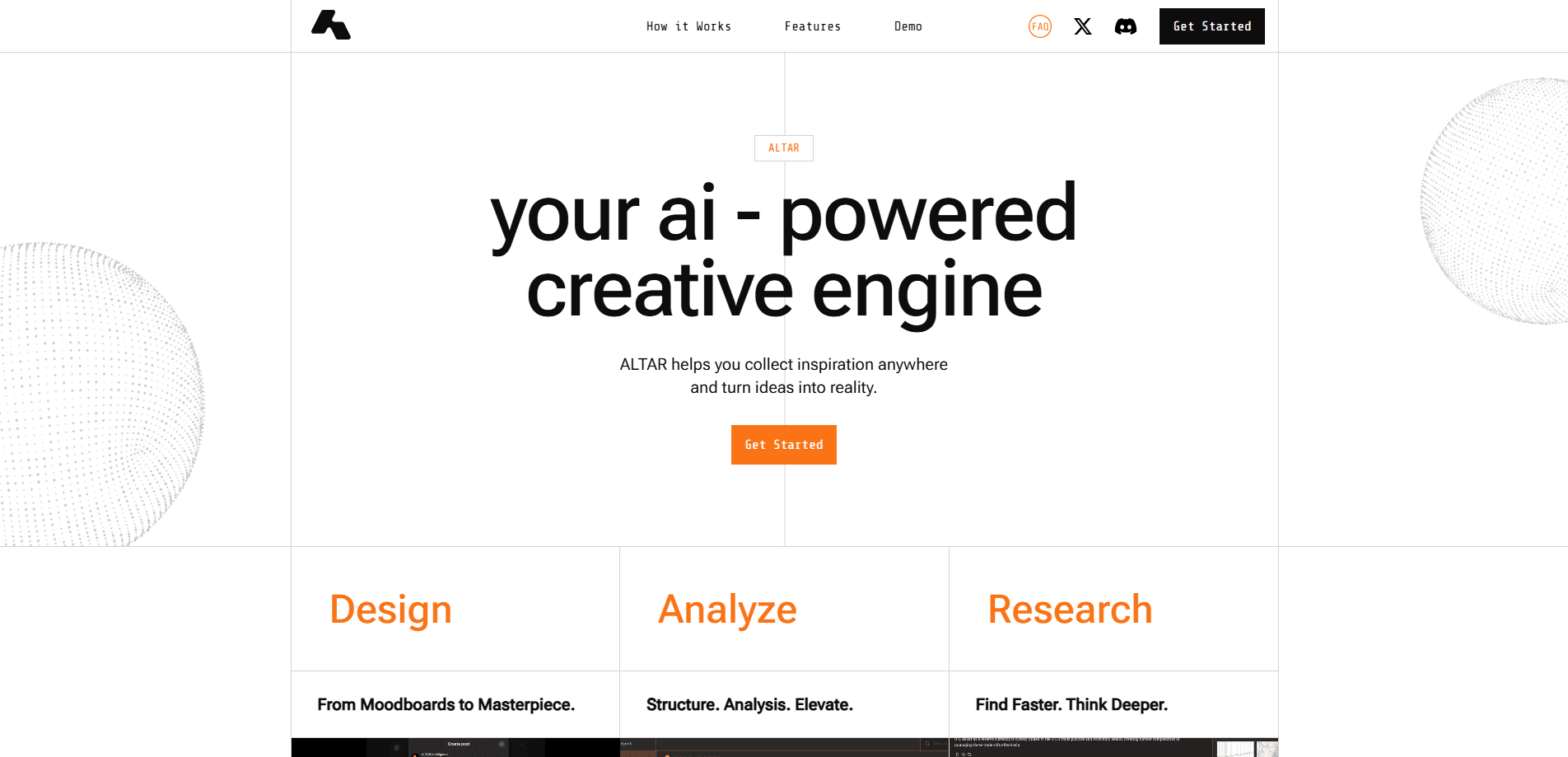
ALTAR is an AI-powered productivity workspace built around memory. Instead of starting every chat from scratch, it keeps what you save, understands why you saved it, and pulls the right material back when a task comes up. Users often describe it as a second brain, but it aims to do more than store: the company behind it, Alter Computer Inc, says the goal is to build a personal AI workforce that thinks the way you do.
The core idea is that scattered tabs, half-finished notes, and screenshots you can't find again are the real problem, not a lack of AI models. ALTAR connects a browser extension for capturing content with a workspace where AI models summarize, organize, and generate. Save a research paper, and it lands in a space next to the related links you already had.
The trade-off is scope. ALTAR tries to do memory, research, and creation in one place, so it asks for a real commitment to its way of working. If you only need quick answers from a single chatbot, the extra structure gets in the way more than it helps.
Getting Started
- Create an account at app.altar.inc and sign in to open the workspace.
- Install the ALTAR browser extension so you can clip articles, images, videos, and links from any page.
- Save a few items and let ALTAR sort them into spaces and collections automatically.
- Ask the workspace to summarize a saved page, generate a visual, or draft from your collected notes.
- Refine the output and keep saving, since every item you add makes later results more specific to you.
Product Information
A quick look at ALTAR's pricing, supported platforms, and performance.
Best for
The users, tasks, and scenarios where this tool fits best.
Users
- Designers
- Researchers and analysts
- Writers and marketers
Tasks
- Building a moodboard from scattered inspiration
- Summarizing long documents
- Turning notes into a first draft
- Generating visuals
Scenarios
- Early project research
- A recurring report you write every month
- Managing information overload
Key features
Agentic memory that keeps context
ALTAR is built so the workspace remembers what you save and why. Instead of re-explaining your project in every chat, the saved material stays available, and the AI reaches for it when you ask for something related. Over time the results get more specific to your work because the archive grows with you.
Browser extension for one-click capture
The ALTAR Chrome extension lets you save articles, images, videos, links, notes, and files as you browse. You don't stop to file things into folders; you capture freely and let ALTAR bring structure later. The extension has a strong track record on the Chrome Web Store, with a 5.0 rating from 28 reviewers and regular updates.
Automatic organization into spaces and collections
Saved items don't pile up in a flat list. ALTAR groups them into spaces, unified moodboards, and collections, and it suggests how to organize new material as it arrives. The point is to let patterns surface on their own instead of forcing you to maintain a rigid folder system.
Summaries and insight extraction
When you save a long article, PDF, or webpage, ALTAR can summarize it and pull out the key insights. That's useful when you're scanning many sources and only need to know which ones are worth a closer read.
Image generation in the same workspace
ALTAR includes text-to-image generation, so you can turn a description into a visual without leaving for another tool. Reviewers call this feature fast and consistent with the style they've established, which matters when visuals need to match a project's existing look.
Multi-agent workspace for planning and execution
The current version of ALTAR is pitched as a personal multi-agent workspace. Beyond memory and search, it runs agents that help plan and execute tasks, moving a request from a saved idea toward a finished output like a report or a draft.
Privacy-first handling of your data
ALTAR states that it won't read your email, calendar, or documents without your permission. The extension is developer-published and listed with a clean record on the Chrome Web Store, which matters when the whole product's value depends on how much you trust it with your material.
Pros and cons
Pros
- Memory-first design keeps saved material useful instead of letting it decay in a bookmark graveyard.
- The browser extension makes capture fast enough that you don't have to break your flow to save something.
- Automatic organization reduces the upkeep that sinks most note-taking systems.
- Combines capture, summary, image generation, and agents in one workspace instead of across four subscriptions.
- A public privacy commitment that puts you in control of what ALTAR can read.
Cons
- Pricing isn't published up front, so you have to create an account to see what paid tiers cost.
- The all-in-one approach means a learning curve; you get more out of it only if you commit to saving and organizing consistently.
- Image generation and research depend on the AI models ALTAR connects to, so output quality tracks those models rather than a fixed ceiling.
- It's a newer product from a young company, so long-term roadmap and support are harder to judge than with an established tool.
Frequently asked questions
ALTAR is an AI workspace that remembers what you save and helps you turn it into work. You clip articles, images, and files through a browser extension, and the workspace organizes them, summarizes them, and uses them to generate drafts and visuals.
Related content
Explore related tools, skills, and articles for ALTAR.
ALTAR Alternatives

Tractionwave
TractionWave · Image · MarketingTractionWave is an AI attention heatmap tool for static ads. Upload a PNG or JPG and it returns predicted attention, ranked hotspots, and fixes before you spend budget.

Imejis.io
Imejis.io · Image · MarketingImejis.io is an AI design studio for agents and marketing teams. Describe an image in plain words, and it writes the copy, builds the layout, reflows it to every size, then exports a finished file.

Layoutr
Van Dijk Ontwikkeling · Image · China AILayoutr is a browser floor plan tool that scales your own plan, places furniture at true size, shows the room in 3D and renders it with AI.