

Amazon Rufus
Amazon · Marketing
Amazon Rufus is a free AI shopping assistant built into the Amazon app and website. It answers product questions, compares items, and sums up reviews.
About Amazon Rufus
What Is Amazon Rufus
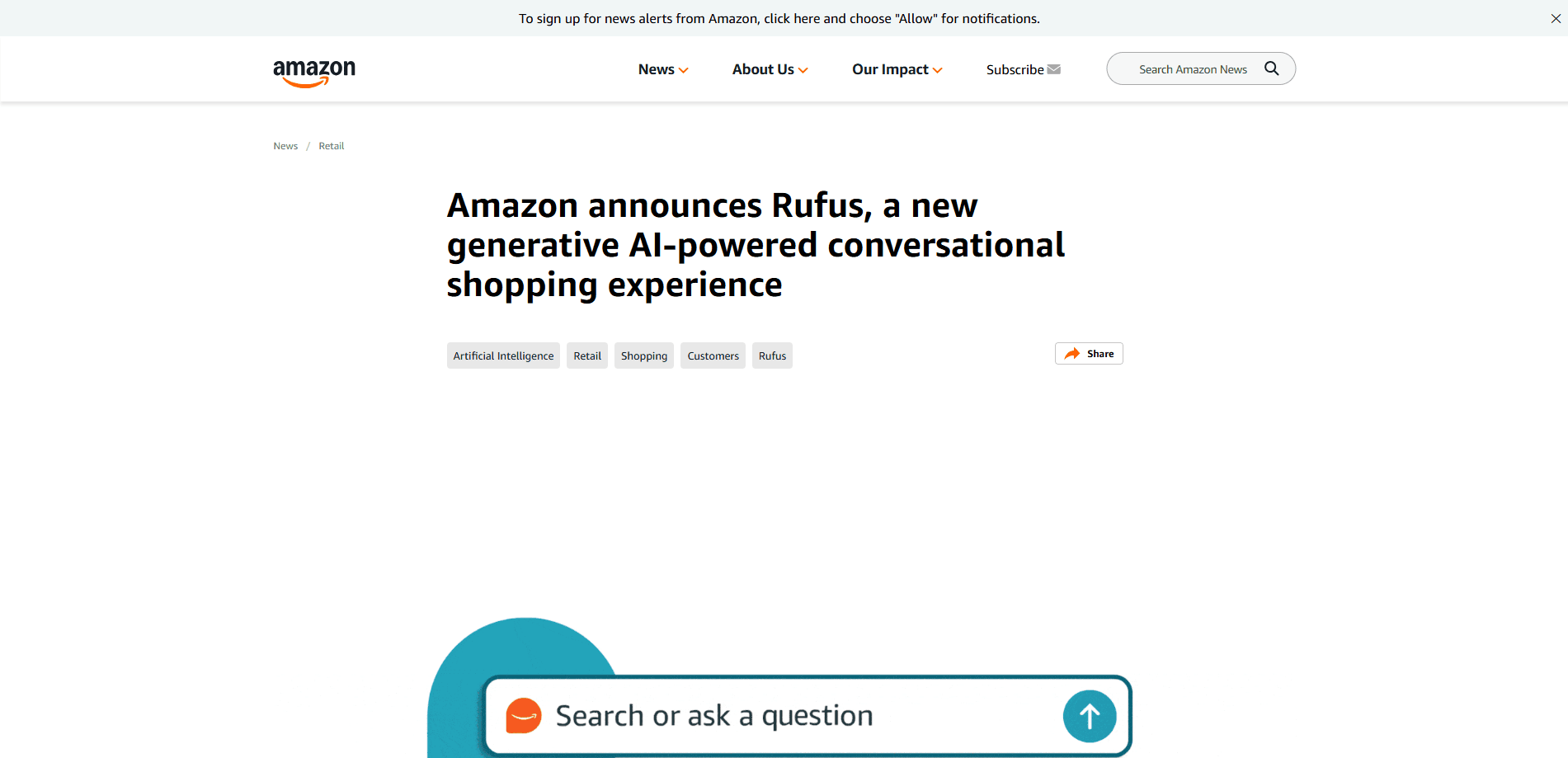
Amazon Rufus is Amazon's generative AI shopping assistant. It lives inside the Amazon Shopping app and on amazon.com, and it talks to shoppers in plain language. Ask it what a product is, how two items differ, or what other buyers think, and it answers in a chat window instead of sending you back to a search results page.
The assistant runs on Amazon's own large language models plus a retrieval system. Instead of guessing from its training alone, it pulls facts from the live product catalog, customer reviews, community Q&A, and public web pages. That design keeps answers tied to current listings rather than to stale data.
Rufus started as a beta for a small group of US customers in February 2024. Amazon opened it to all US users in the app that summer and later brought it to the desktop site. By 2025 Amazon said more than 300 million customers had used it. In May 2026 Amazon folded Rufus into a broader "Alexa for Shopping" assistant, so the Rufus name now points to an integrated experience rather than a standalone chatbot.
Getting Started
- Open the Amazon Shopping app or visit amazon.com and sign in to your account.
- Tap the Rufus icon in the bottom navigation bar of the app, or use the entry point on the website.
- Type or speak a question, such as "which running shoes are best for flat feet" or "does this stroller fit in a car trunk."
- Read the answer, then tap any product cards Rufus suggests to jump straight to the listing.
- Keep the conversation going with follow-up questions to narrow down your options before you buy.
Product Information
A quick look at Amazon Rufus's pricing, supported platforms, and performance.
Best for
The users, tasks, and scenarios where this tool fits best.
Users
- Online shoppers
- Gift buyers
- Review skimmers
Tasks
- Comparing two products
- Understanding a spec
- Tracking an order
Scenarios
- Choosing between similar models
- Shopping on a phone with a short attention span
- Starting research for a big purchase
Key features
Conversational Product Q&A
Rufus answers questions about items in the Amazon catalog in natural language. You can ask what a product does, who it suits, or how it compares to a rival, and get an answer without opening a separate search tab. It keeps context across a conversation, so follow-up questions build on what you already asked.
Review Summaries
The assistant reads through customer reviews and pulls out the points buyers mention most, both good and bad. It builds an Amazon review summary you can scan in seconds. This gives you a quick read on common praise like easy setup or common gripes like weak battery life. It works best when a product has plenty of reviews to draw from.
Product Comparison
When you're stuck between two or more items, Rufus can line them up on the specs and themes that matter. This product comparison works on price, features, and the themes buyers talk about. It highlights where they differ, which helps when listings look nearly the same at a glance. The result is a faster shortlist, not a final verdict, so check the details yourself.
Order and Delivery Help
Rufus answers basic questions about orders, shipping, and returns inside the same chat window. Instead of navigating to your account, you can ask where a package is or how a return works. This keeps routine tasks in one place during a shopping session.
Retrieval-Based Answers
Rufus combines a large language model with a retrieval layer that fetches evidence from the catalog, reviews, Q&A, and the web. Amazon published research describing this retrieval planning approach, called REAPER, which lets the assistant decide which sources to query. In practice it means answers point back to real listings and buyer feedback.
Built Into the Amazon Experience
Rufus sits inside the app and website rather than in a separate product, which makes conversational shopping feel like part of the normal flow. On the app it has its own tab, and on the web it appears near the search and product pages. Product Support content that sellers upload also feeds into its answers, so the assistant can address installation and troubleshooting questions.
Pros and cons
Pros
- Free to use for anyone with an Amazon account, with no added subscription.
- Pulls answers from live listings, reviews, and Q&A rather than relying only on training data.
- Speeds up product research by summarizing long review sets in seconds.
- Works inside the shopping app and site, so you don't switch between tools.
Cons
- Answers depend on what Amazon's catalog and reviews already say, so thin listings give thin results.
- Summaries can smooth over rare but serious complaints that a careful reader would catch.
- It isn't a neutral review site, since it lives inside Amazon and serves Amazon's shopping flow.
- The Rufus name was folded into Alexa for Shopping in 2026, so the standalone experience has changed.
Frequently asked questions
Yes. Rufus comes with a regular Amazon account at no extra cost. You don't need a Prime membership to use it, and Amazon has never charged a separate fee for the assistant.
Related content
Explore related tools, skills, and articles for Amazon Rufus.
Amazon Rufus Alternatives

Tractionwave
TractionWave · Image · MarketingTractionWave is an AI attention heatmap tool for static ads. Upload a PNG or JPG and it returns predicted attention, ranked hotspots, and fixes before you spend budget.

OpenSEO - AI Visibility
EveryApp · Coding · Marketing · BusinessOpenSEO is an open source SEO platform for keyword research, backlinks, rank tracking, site audits, and AI visibility, with usage-based pricing and MCP access for AI agents.

Plugins Radar
Plugins Radar · Marketing · BusinessPlugins Radar tracks where your ChatGPT plugin ranks in directory and in-chat search, which competitors outrank it and what changed, with hourly checks on 9,885 listings.